TitanHQ DNS Filtering vs. Trend Micro PortalProtect

Overview
ProductRatingMost Used ByProduct SummaryStarting Price
TitanHQ DNS Filtering
Score 8.5 out of 10
N/A
WebTitan is the web security gateway and content filtering solution offered by TitanHQ.
$38
per month per 25 users (Starting Price)
Trend Micro PortalProtect
Score 7.0 out of 10
N/A
Trend Micro PortalProtect secures collaborations with a dedicated layer of protection that guards against malware, malicious links, and other threats that SharePoint administrators are often unaware of. Its web reputation technology blocks malicious links from entering web portals, while its content filtering scans both files and web components of SharePoint.N/A
Pricing
TitanHQ DNS FilteringTrend Micro PortalProtect
Editions & Modules
WebTitan Gateway
$38
per month per 25 users (Starting Price)
No answers on this topic
Offerings
Pricing Offerings
TitanHQ DNS FilteringTrend Micro PortalProtect
Free Trial
YesNo
Free/Freemium Version
NoNo
Premium Consulting/Integration Services
NoNo
Entry-level Setup FeeOptionalNo setup fee
Additional Details
More Pricing Information
Community Pulse
TitanHQ DNS FilteringTrend Micro PortalProtect
User Ratings
TitanHQ DNS FilteringTrend Micro PortalProtect
Likelihood to Recommend
8.2
(5 ratings)
7.0
(2 ratings)
User Testimonials
TitanHQ DNS FilteringTrend Micro PortalProtect
Likelihood to Recommend
TitanHQ
It is well suited for any org with the need to control the web access of their users. It has succeeded in all of our deployment scenarios such as in a school, or many non profit organizations. We do not have a need for it on our own machines.
Read full review
Trend Micro
Trend Micro PortalProtect for Microsoft SharePoint protected our organization important and confidential data from corruption and theft. File sharing functionality provided by Trend Micro PortalProtect for Microsoft SharePoint was helpful for communication between employees. And main thing a costing of Trend Micro PortalProtect for Microsoft SharePoint is low compared to others.
Read full review
Pros
TitanHQ
  • Activity monitoring.
  • In terms of cost it is affordable.
  • Direct synchronization with Boundless Automation, this integration helps improve the management of networks at scale to increase efficiency, speed up operations and more.
  • It can be accessed from anywhere with an Internet connection.
  • It is intuitive and easy to use.
Read full review
Trend Micro
  • Storing Files
  • File sharing
  • And manage history of any spec changes
  • Easily available
Read full review
Cons
TitanHQ
  • A mobile roaming client would be good
  • Reports for clients are sometimes fairly basic, some users prefer more in depth reports
Read full review
Trend Micro
  • Uninstallation process is somewhat tricky for us
  • Complexity in user interface
  • Not preventing all kind of threats
Read full review
Alternatives Considered
TitanHQ
Cost and umbrella had an issue with us as we had a hard time trying to make it work and never did figure out why it would not work. The reporting was lacking from what we could tell but again we could not get the trial working. So it was more cursory
Read full review
Trend Micro
Very wide in terms of features given in Trend Micro PortalProtect for Microsoft SharePoint. Very well crafted application for file sharing and keeping the files with updates and metadata associated with them. This app is a gem when it comes to file sharing which at the end very useful for meeting the time given for project.
Read full review
Return on Investment
TitanHQ
  • WebTitan DNS Filter helps keep our employees focused on the job at hand.
  • The cloud service eliminates having to trade in/up obsolete hardware every 3-5 years.
  • Initial setup and configuration is straight forward and not terribly complicated.
Read full review
Trend Micro
  • Saves organization time
  • preventing data loss and data corruption
Read full review
ScreenShots

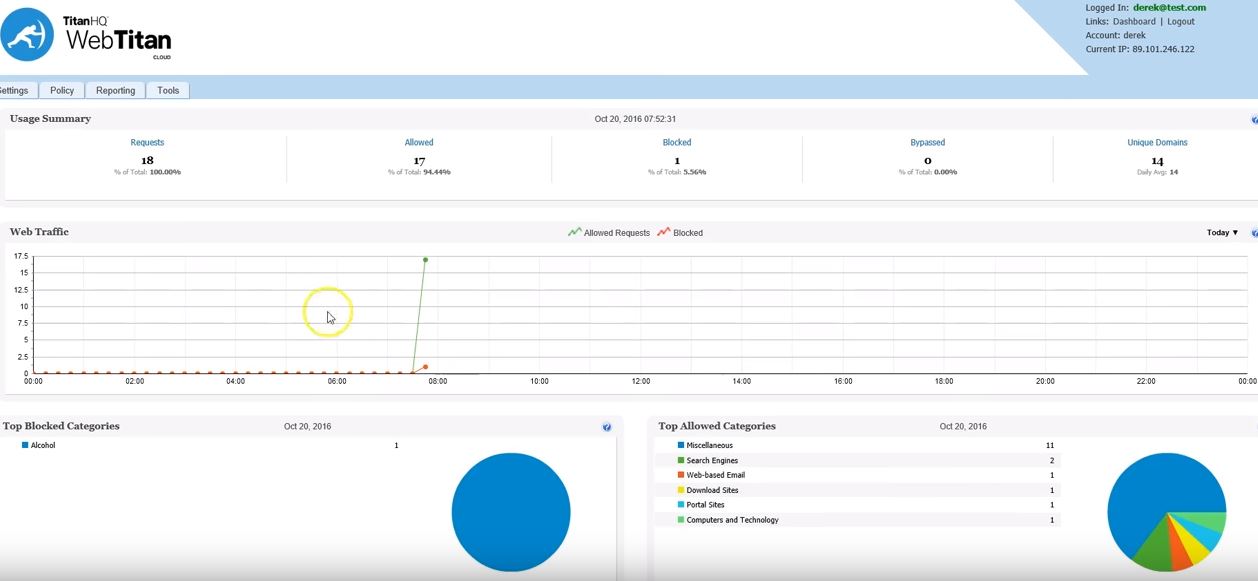
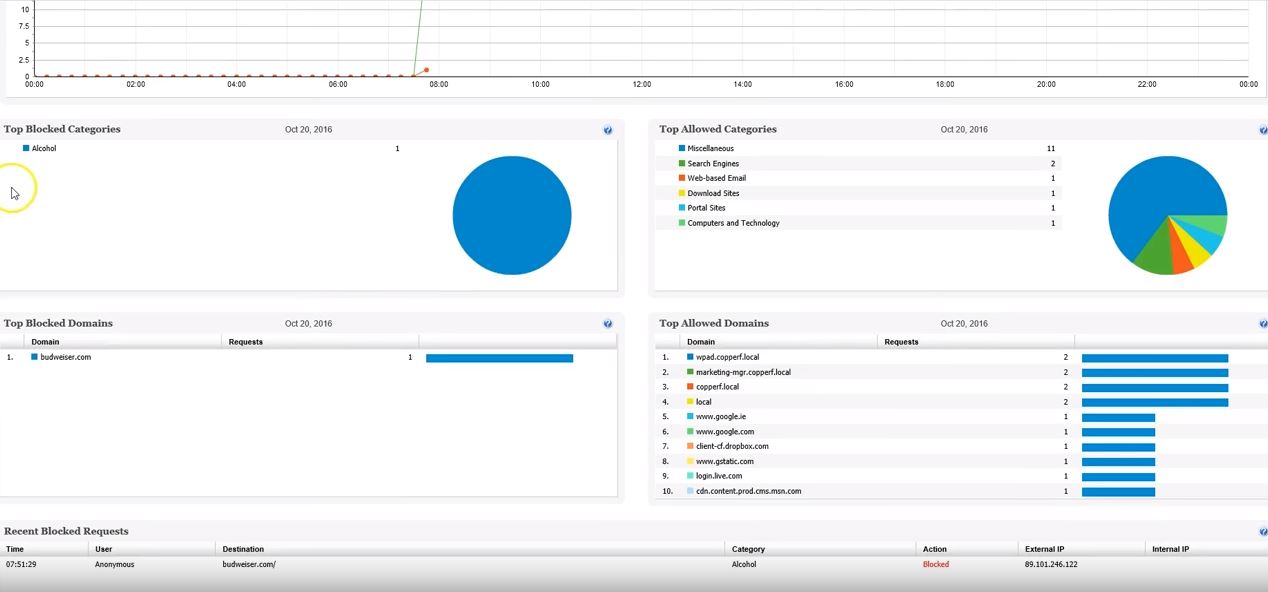
TitanHQ DNS Filtering Screenshots

Screenshot of Screenshot of Screenshot of Screenshot of Screenshot of Screenshot of