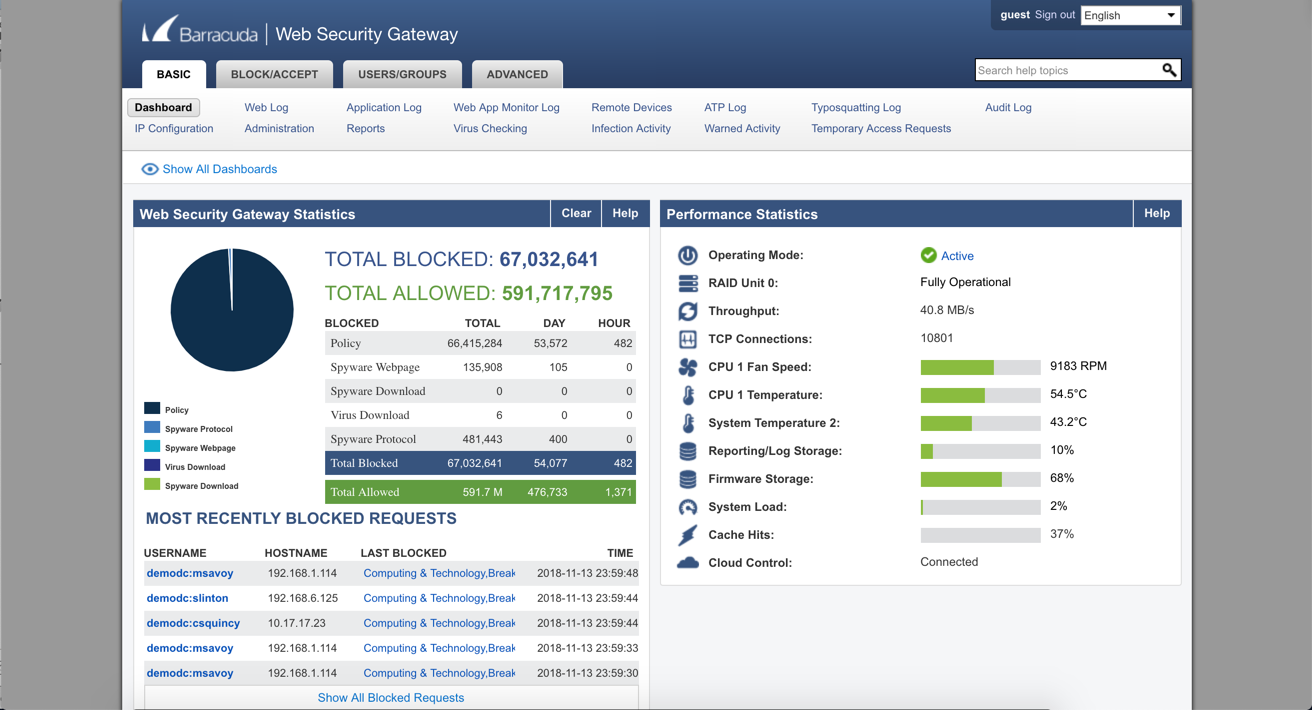
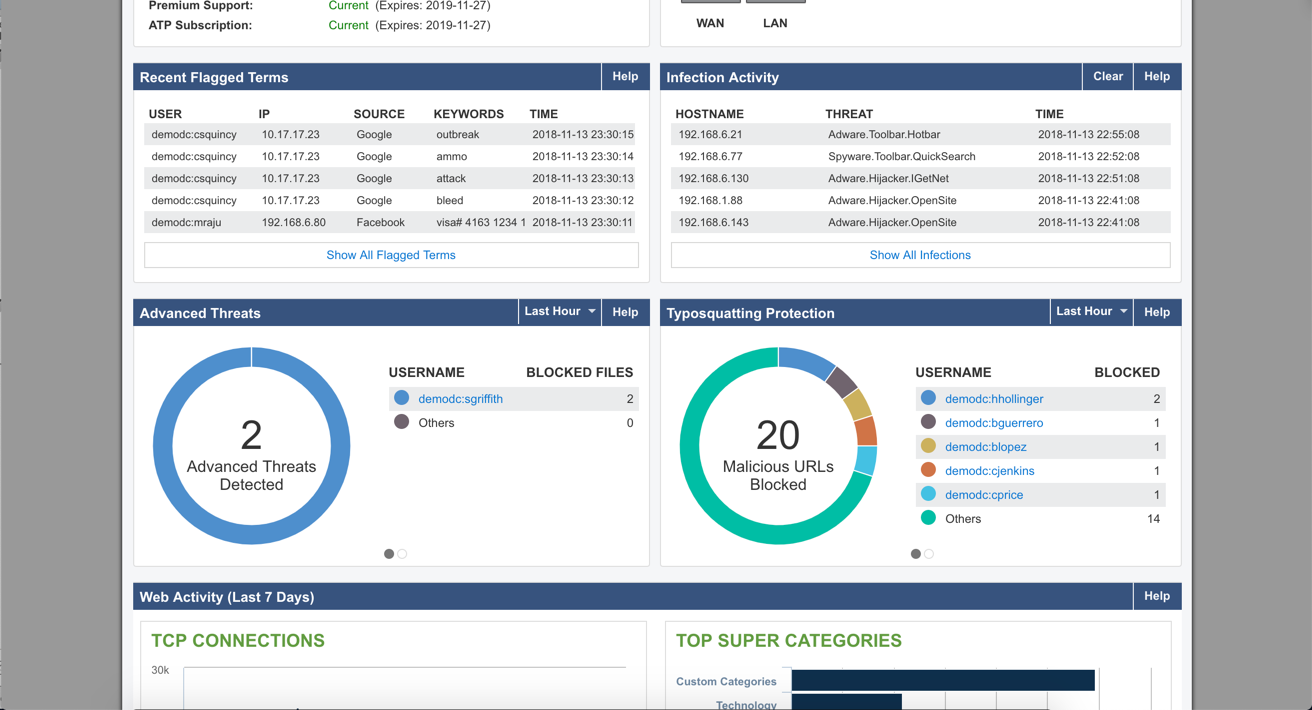
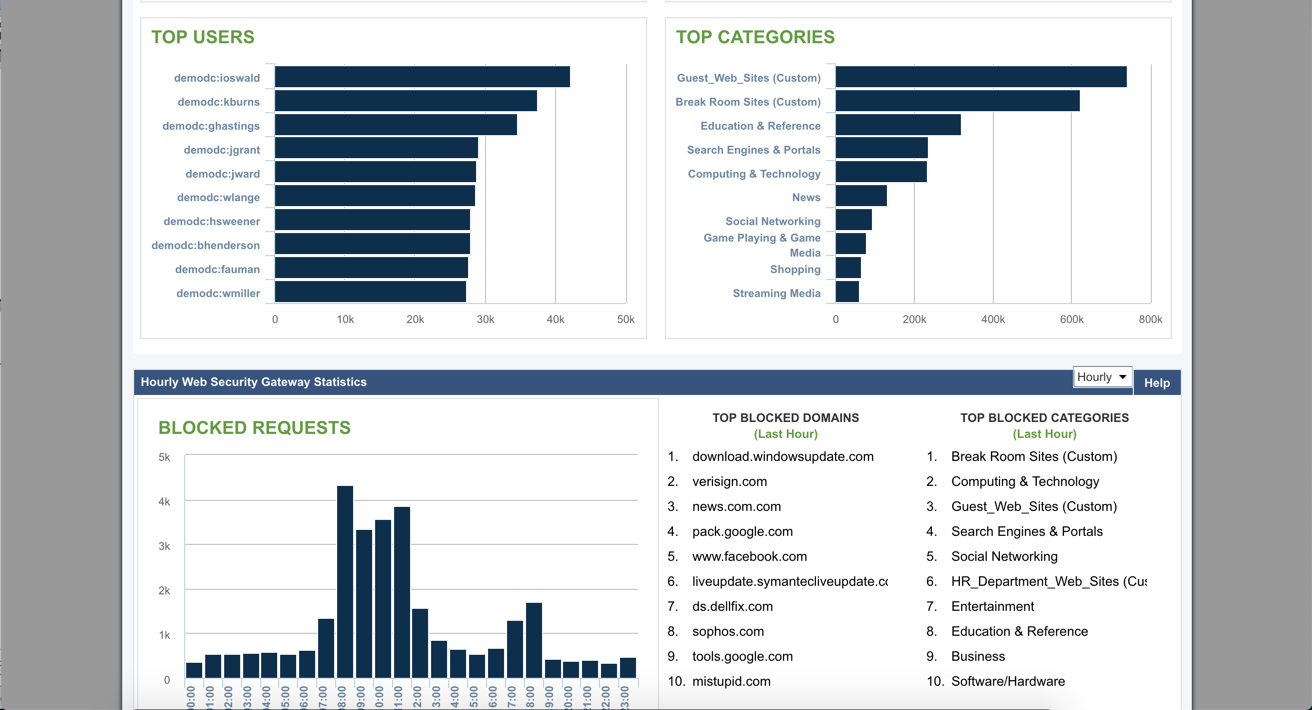
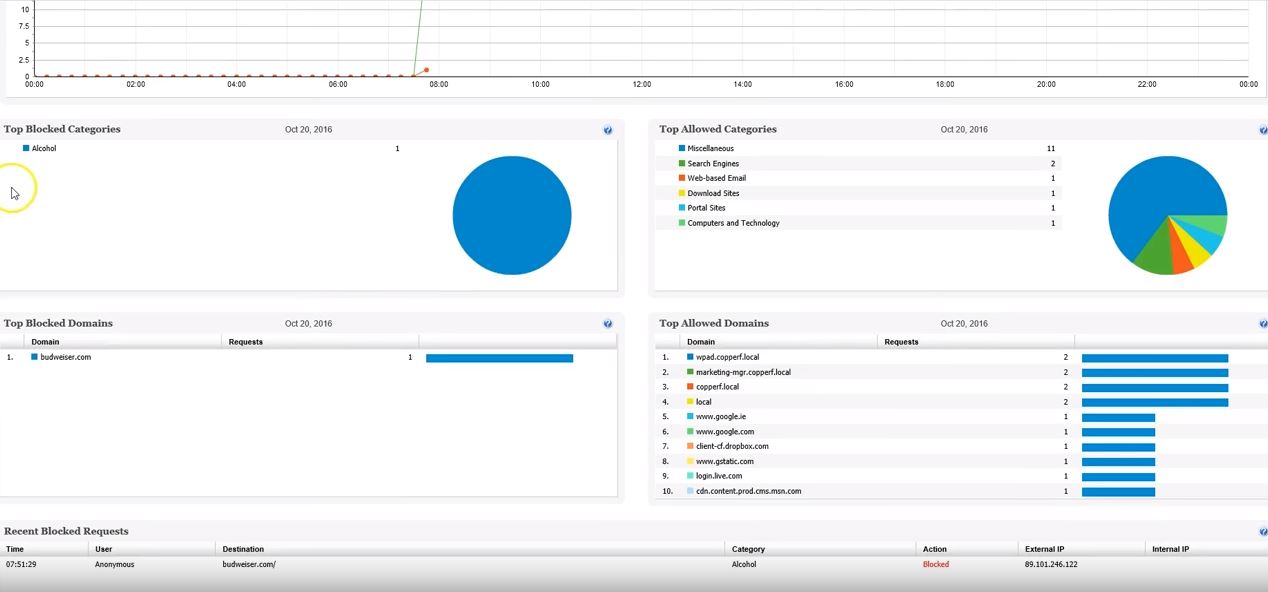
Barracuda Web Security Gateways now available in the 200 through 1000 series provide web content filtering as well as access and advanced threat protection, and are available as physical appliances, virtual appliances, or as a SaaS.
N/A
TitanHQ DNS Filtering
Score8.5 out of 10
N/A
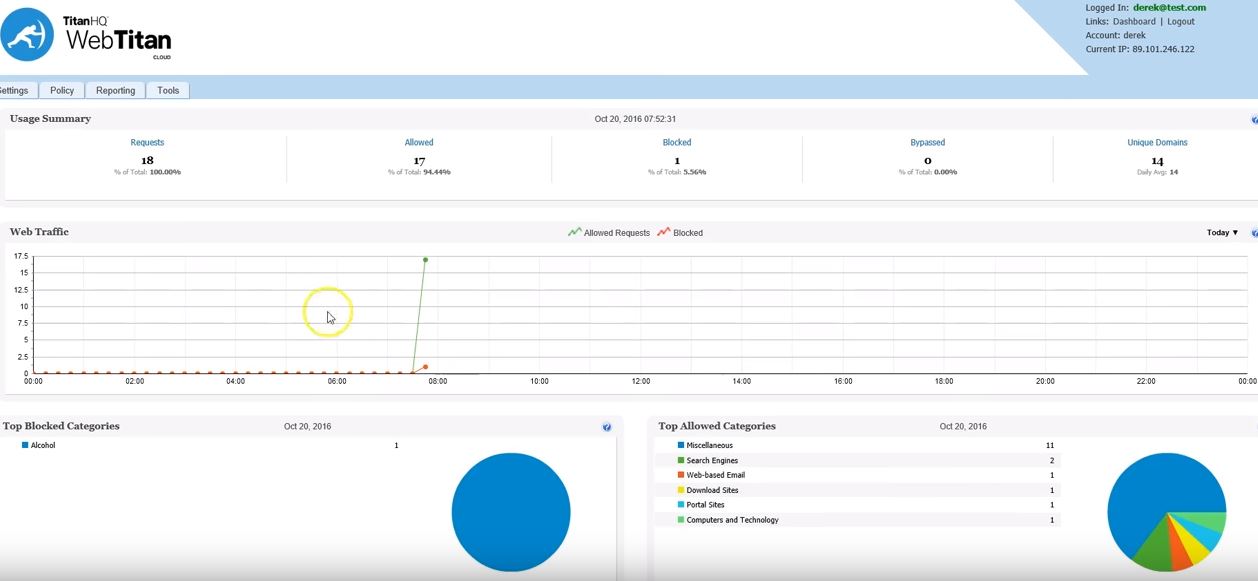
WebTitan is the web security gateway and content filtering solution offered by TitanHQ.
Director of Information Technology in Information Technology at Stuart-Lippman and Associates (Financial Services, 51-200 employees)
Chose TitanHQ DNS Filtering
The setup, configuration, look and feel are very similar to the Barracuda interface. This was a no brainer change when our last piece of Barracuda hardware went EOL. We were up and running in production in an hour and final configuration and deployment of various policies tied …
A de minimis incentive was given to thank the reviewer for their time. The incentive was not used to bias or drive a particular response, nor was the incentive contingent on a positive endorsement. More Info
For a larger organization, this is a must. It provides insight into what the users are doing online and most malicious sites will no longer be accessible if access is denied. This can also give access to non-work related sites, but in a limited capacity, based on user or time of day. Though a smaller company would benefit from the features, it may be cost prohibitive.
It is well suited for any org with the need to control the web access of their users. It has succeeded in all of our deployment scenarios such as in a school, or many non profit organizations. We do not have a need for it on our own machines.
A de minimis incentive was given to thank the reviewer for their time. The incentive was not used to bias or drive a particular response, nor was the incentive contingent on a positive endorsement. More Info
A de minimis incentive was given to thank the reviewer for their time. The incentive was not used to bias or drive a particular response, nor was the incentive contingent on a positive endorsement. More Info
Direct synchronization with Boundless Automation, this integration helps improve the management of networks at scale to increase efficiency, speed up operations and more.
It can be accessed from anywhere with an Internet connection.
A de minimis incentive was given to thank the reviewer for their time. The incentive was not used to bias or drive a particular response, nor was the incentive contingent on a positive endorsement. More Info
A de minimis incentive was given to thank the reviewer for their time. The incentive was not used to bias or drive a particular response, nor was the incentive contingent on a positive endorsement. More Info
There are a lot of settings you can adjust. The web log is easy to use. If a user is having issues accessing a website, you can go in and see what's being blocked and why. After that, you can make adjustments fairly easy. The GUI is easy to navigate and updating the software is a simple click of a button.
A de minimis incentive was given to thank the reviewer for their time. The incentive was not used to bias or drive a particular response, nor was the incentive contingent on a positive endorsement. More Info
Barracuda support have also been excellent when we have had to contact them. The only time we had a hardware issue on a device (and that device was about 8 years old) it was replaced within about 24 hours of reporting it. Generally there has not been much need to contact their support, as once the device is in and set up, it just works.
A de minimis incentive was given to thank the reviewer for their time. The incentive was not used to bias or drive a particular response, nor was the incentive contingent on a positive endorsement. More Info
SonicWall, Barracuda NG Firewall, and WatchGuard provides Content Filtering, but are primarily firewalls with Content Filtering features. The Web Filter is a dedicated appliance with more storage space and better reporting of users.
A de minimis incentive was given to thank the reviewer for their time. The incentive was not used to bias or drive a particular response, nor was the incentive contingent on a positive endorsement. More Info
Cost and umbrella had an issue with us as we had a hard time trying to make it work and never did figure out why it would not work. The reporting was lacking from what we could tell but again we could not get the trial working. So it was more cursory
A de minimis incentive was given to thank the reviewer for their time. The incentive was not used to bias or drive a particular response, nor was the incentive contingent on a positive endorsement. More Info
A de minimis incentive was given to thank the reviewer for their time. The incentive was not used to bias or drive a particular response, nor was the incentive contingent on a positive endorsement. More Info
A de minimis incentive was given to thank the reviewer for their time. The incentive was not used to bias or drive a particular response, nor was the incentive contingent on a positive endorsement. More Info