Guavus-IQ vs. Wireshark

Overview
ProductRatingMost Used ByProduct SummaryStarting Price
Guavus-IQ
Score 0.0 out of 10
Mid-Size Companies (51-1,000 employees)
Guavus-IQ, a Thales solution since late 2017, delivers highly instrumented analytics to , that provide actionable insights in real time. As a result, operators can identify behavioral usage patterns and better understand their network operations. Guavus helps Communications Service Providers (CSPs), Mobile Network Operators (MNOs), Multiple System Operators (MSOs), Mobile Virtual Network Operators (MVNOs), Fixed Telco and VoIP Service Providers to succeed in their big data AI and analytics…
$29
Per User per Month. Up to 25 users
Wireshark
Score 9.5 out of 10
N/A
Wireshark is a free and open source network troubleshooting tool.N/A
Pricing
Guavus-IQWireshark
Editions & Modules
CloudEntr Starter
$29
Per User per Month. Up to 25 users
CloudEntr Business
$179
Per User per Month. Up to 75 Users.
CloudEntr Business
$499
Per User per Month. Up to 250 Users.
CloudEntr Enterprise
$0
250+ Users. Call for pricing.
Wireshark
Free
Offerings
Pricing Offerings
Guavus-IQWireshark
Free Trial
YesNo
Free/Freemium Version
NoYes
Premium Consulting/Integration Services
NoNo
Entry-level Setup FeeNo setup feeNo setup fee
Additional Details
More Pricing Information
Community Pulse
Guavus-IQWireshark
Best Alternatives
Guavus-IQWireshark
Small Businesses

No answers on this topic

No answers on this topic

Medium-sized Companies

No answers on this topic

PRTG
PRTG
Score 8.9 out of 10
Enterprises

No answers on this topic

PRTG
PRTG
Score 8.9 out of 10
All AlternativesView all alternativesView all alternatives
User Ratings
Guavus-IQWireshark
Likelihood to Recommend
-
(0 ratings)
9.6
(0 ratings)
Likelihood to Renew
-
(0 ratings)
10.0
(0 ratings)
Usability
-
(0 ratings)
10.0
(0 ratings)
Support Rating
-
(0 ratings)
10.0
(0 ratings)
Implementation Rating
-
(0 ratings)
10.0
(0 ratings)
User Testimonials
Guavus-IQWireshark
Likelihood to Recommend
No answers on this topic
Wireshark is great for enterprise networks with large amounts of data traversing the network that need a way to filter and inspect specific traffic by specific parameters (i.e. destination / source IP address, host, or type). There are use-cases for smaller environments, but the amount of time needed to learn how to effectively use the tool may not be beneficial for home / small office users.
Read full review
Pros
No answers on this topic
  • Capture Network Traffic - This really is the essential functionality of Wireshark as without consistent data capture there is nothing to analyze
  • Filtering - We need to often filter for specific data that we are looking for.
  • Live Capture as well as offline analysis - This gives us the flexibility to do what we need to do when we need to do it.
Read full review
Cons
No answers on this topic
  • It is beginner-friendly as far as installation, but it could use a tutorial.
  • Perhaps there is a way to do this already, but I haven't yet seen it. It would be nice if it could be integrated with a network package that could detect network anomalies, fire up an automated packet analysis, and send a report to an administrator.
Read full review
Usability
No answers on this topic
It's very simple and easy to use, although individuals not used to managing and administering networks would take some time to get familiar with it. Once they have mastered use of the application, it's easy to stay knowledgeable about it, iteration after iteration. It is well supported online through an open-source community network of professionals who are helpful in imparting knowledge and in providing assistance.
Read full review
Support Rating
No answers on this topic
I don't believe Wireshark has "true" support as the software is open source. However, there is an active & friendly community around Wireshark that are more than happy to help answer questions. From a comprehensive Wiki and FAQ section on the site to the Ask a Question forum and bug tracker section, there's plenty of support options to make sure your questions and issues are addressed.
Read full review
Implementation Rating
No answers on this topic
Simple and easy setup.
Read full review
Alternatives Considered
No answers on this topic
[Wireshark] is just the go-to application. It's the tool that is taught with in school and at trade conferences. We have not had a need to even look at other tools. It's free, it had a ton of functionality, and it just works without complaint.
Read full review
Return on Investment
No answers on this topic
  • If your systems are not working, then of course it is one of the biggest impact on the business
  • Imagine you are not able to send an email because of a network issue. This will definitely become a huge hindrance in your business
  • Wireshark helps you with these types of problems and lets your business run smoothly
Read full review
ScreenShots

Guavus-IQ Screenshots

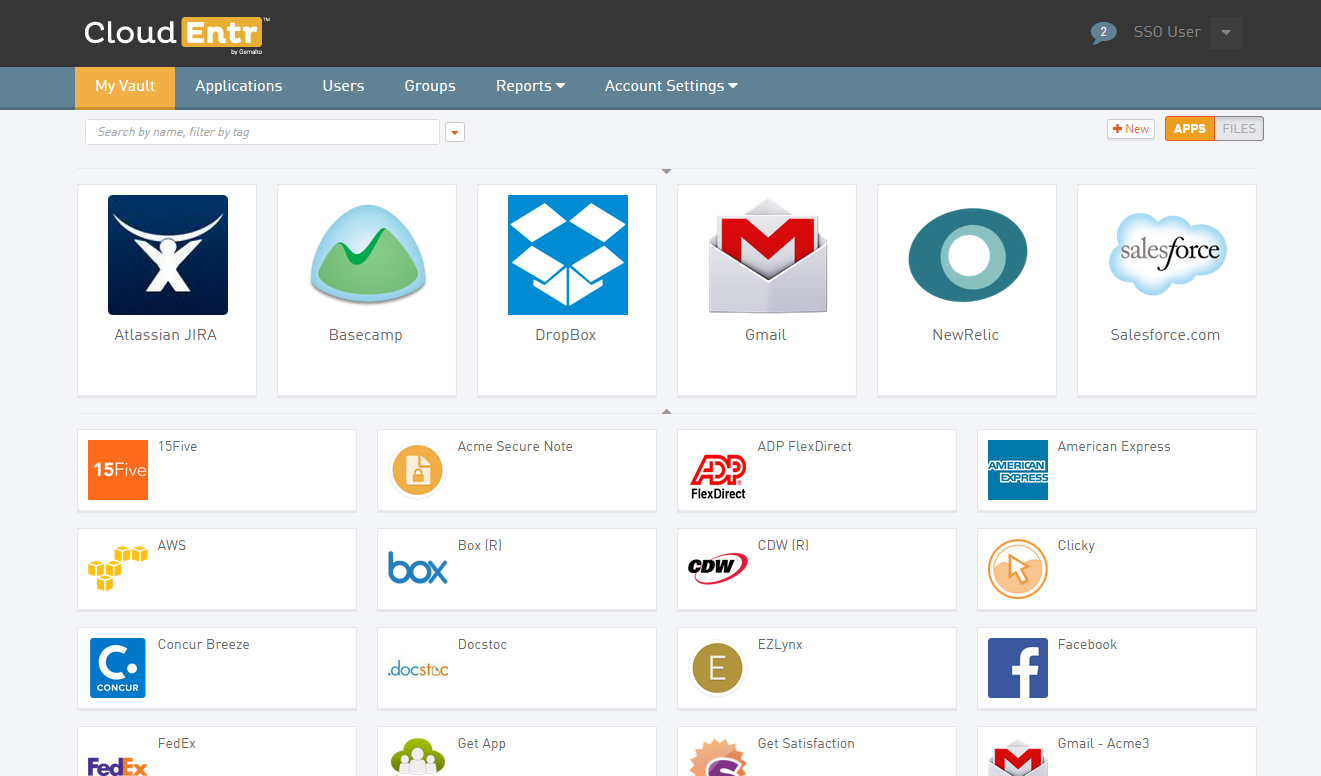
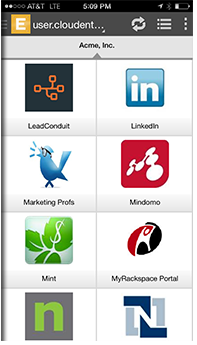
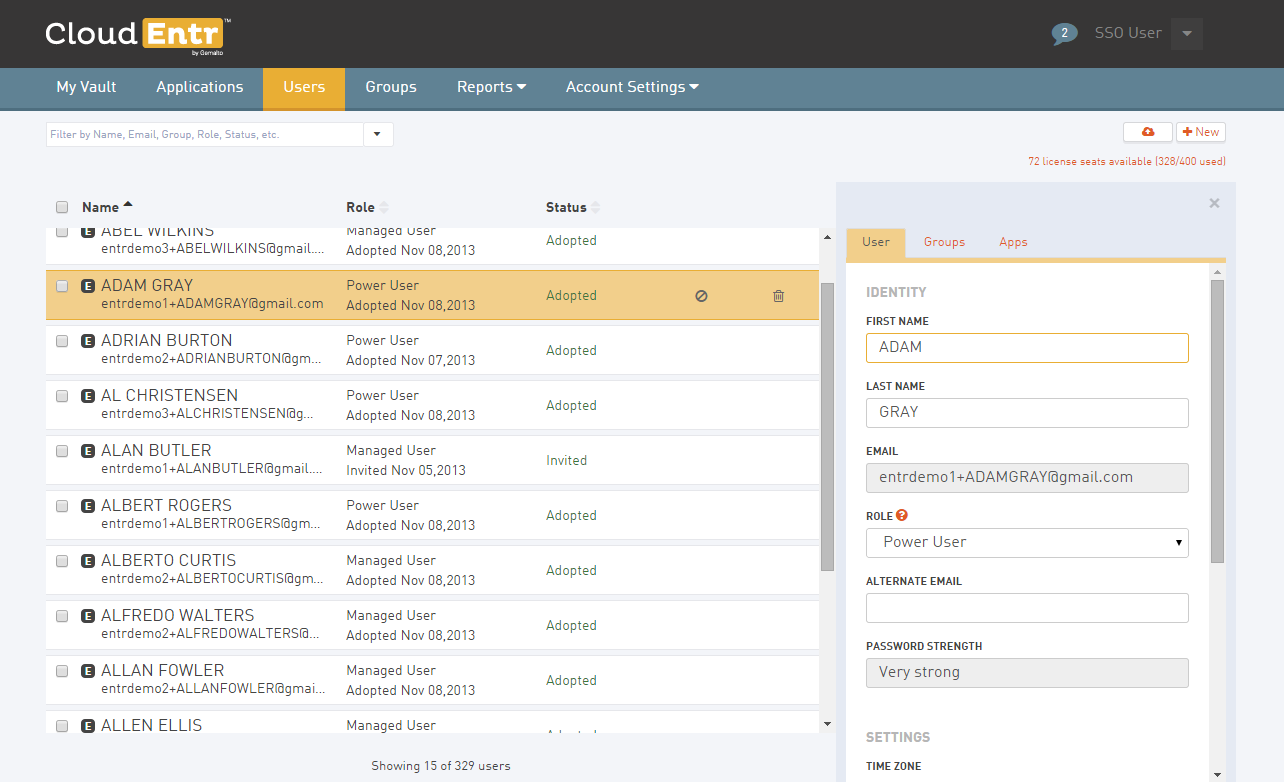
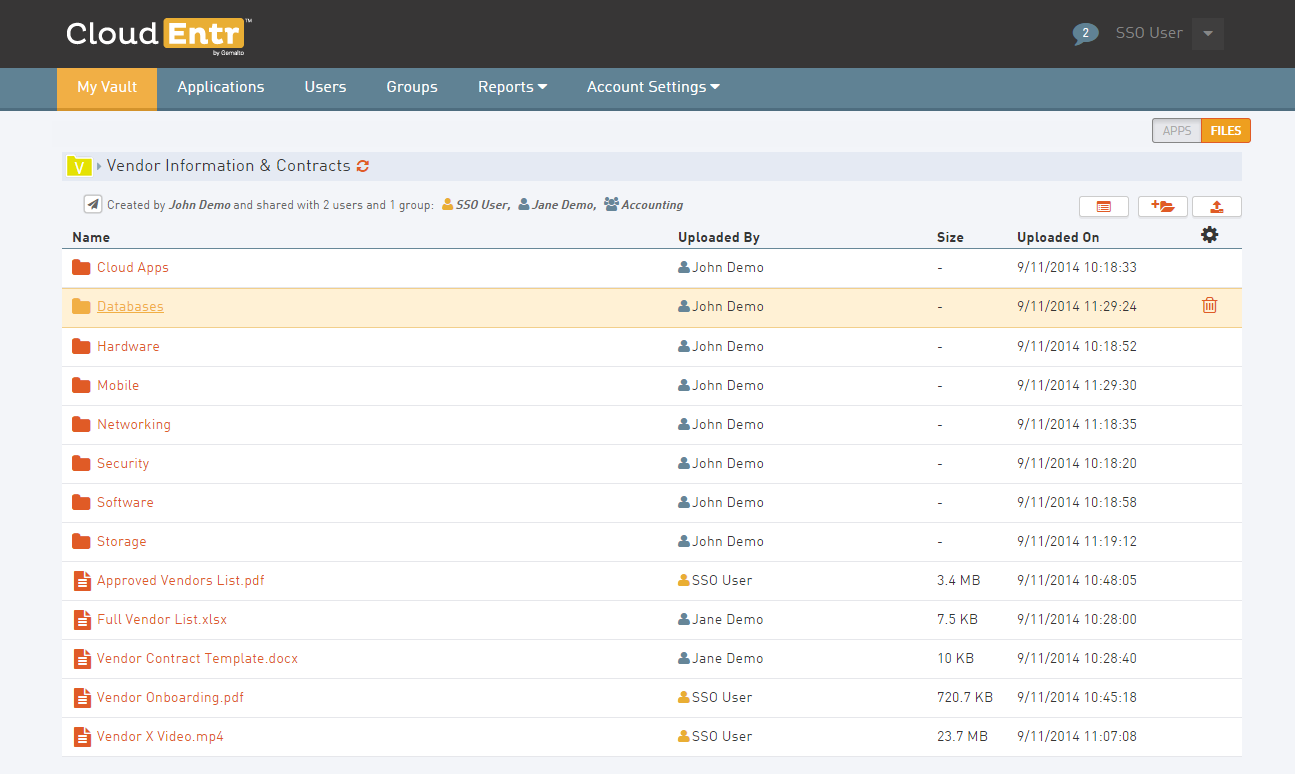
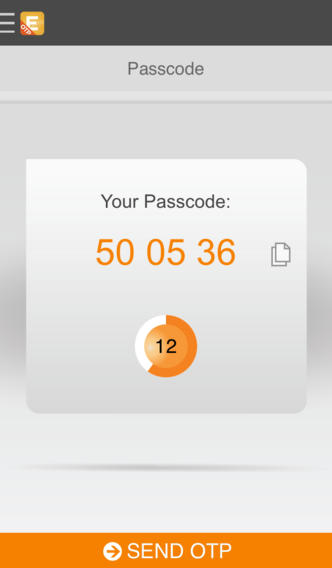
Screenshot of Application Vault. Access all your applications in one placeScreenshot of Mobile SSO. Access your applications on your mobile device.Screenshot of Manage UsersScreenshot of Event Log ReportingScreenshot of Secure File Sharing. Encrypt and share files.Screenshot of Two Factor Authentication. Add another form of authentication with mobile one-time password (OTP)