
Progress Telerik vs. Webix UI
| Product | Rating | Most Used By | Product Summary | Starting Price |
|---|---|---|---|---|
 Progress Telerik | Score10 out of 10 | N/A | With Telerik UI libraries, Progress aims to equip .NET ninjas with a full arsenal of weapons, helping to create beautiful, modern and future-proof applications quickly and intuitively. The vendor states that with its over 1,250 UI components for all .NET platforms, as well as various themes, skins and customization options, Telerik users report cutting development time by up to 50 percent. Web | $999 per developer, royalty-free |
 Webix UI | Score8.7 out of 10 | N/A | Webix is a multi-widget JavaScript UI library for developing HTML5 and CSS3 compatible mobile and desktop web apps. It provides over 90 feature rich UI widgets for data management, visualization, uploading, building layouts and editing. The components enable users to build web apps that will run properly not only on personal computers but also on iOS, Android and Windows touch devices. Webix offers simple JQuery, Angular and Vue.js integration and can work with any server-side platform,… | $848 |
| Progress Telerik | Webix UI | |||||||||||||||
|---|---|---|---|---|---|---|---|---|---|---|---|---|---|---|---|---|
| Editions & Modules |
|
| ||||||||||||||
| Offerings |
| |||||||||||||||
| Entry-level Setup Fee | No setup fee | No setup fee | ||||||||||||||
| Additional Details | — | — | ||||||||||||||
| More Pricing Information | ||||||||||||||||
| Progress Telerik | Webix UI | |
|---|---|---|
| Considered Both Products | No answer on this topic | No answer on this topic |
| Key User Insights | ||
| Would buy again | ||
96% Would buy again 25 Answers | No answers on this topic | |
| Delivers good value for the price | ||
91% Delivers good value for the price 21 Answers | No answers on this topic | |
| Happy with the feature set | ||
96% Happy with the feature set 25 Answers | No answers on this topic | |
| Lived up to sales and marketing promises | ||
95% Lived up to sales and marketing promises 20 Answers | No answers on this topic | |
| Implementation went as expected | ||
96% Implementation went as expected 23 Answers | No answers on this topic | |
| Progress Telerik | Webix UI | |
|---|---|---|
| Small Businesses |  Syncfusion® Essential Studio® Score6.1 out of 10 | Syncfusion® Essential Studio® Score6.1 out of 10 |
| Medium-sized Companies |  D3.js Score8.9 out of 10 | Progress Telerik Score10 out of 10 |
| Enterprises |  Progress Kendo UI Score8 out of 10 | Progress Telerik Score10 out of 10 |
| All Alternatives | View all alternatives | View all alternatives |
| Progress Telerik | Webix UI | |
|---|---|---|
| Likelihood to Recommend | 10.0 | 9.0 |
| Likelihood to Renew | 10.0 | - |
| Usability | 9.5 | - |
| Support Rating | 9.3 | 8.0 |
| Implementation Rating | 9.0 | - |
| Progress Telerik | Webix UI | |
|---|---|---|
| Likelihood to Recommend |
|
|
| Pros |
|
|
| Cons |
|
|
| Likelihood to Renew |
| No answers on this topic |
| Usability |
| No answers on this topic |
| Support Rating |
|
|
| Implementation Rating |
| No answers on this topic |
| Alternatives Considered |
|
|
| Return on Investment |
|
|
| ScreenShots | Progress Telerik Screenshots     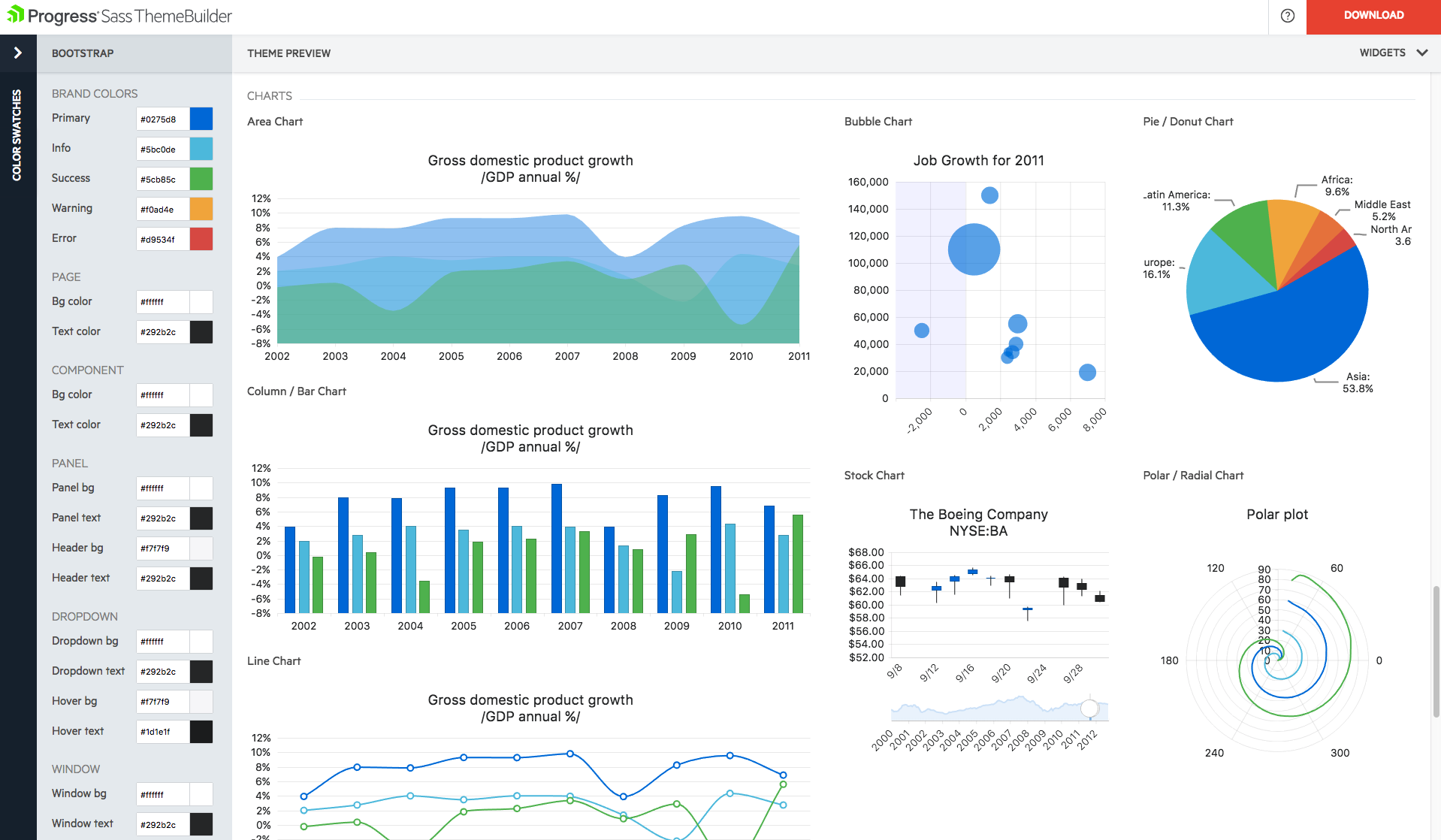 | Webix UI Screenshots 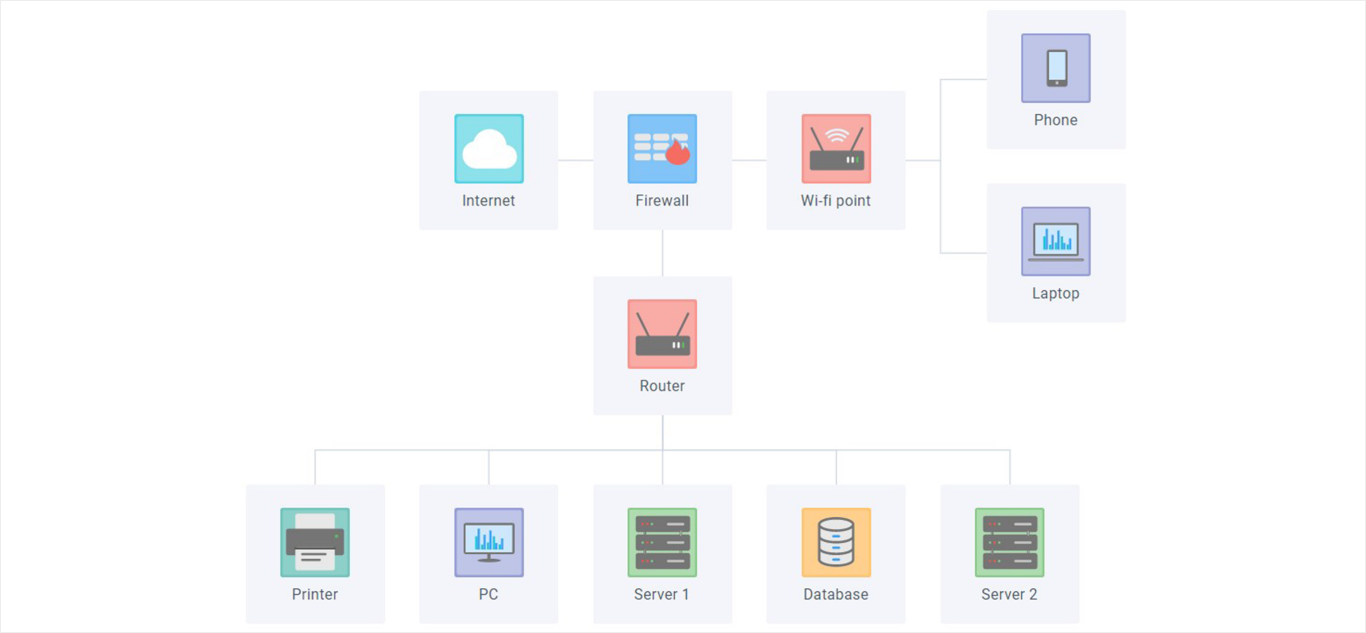     |



