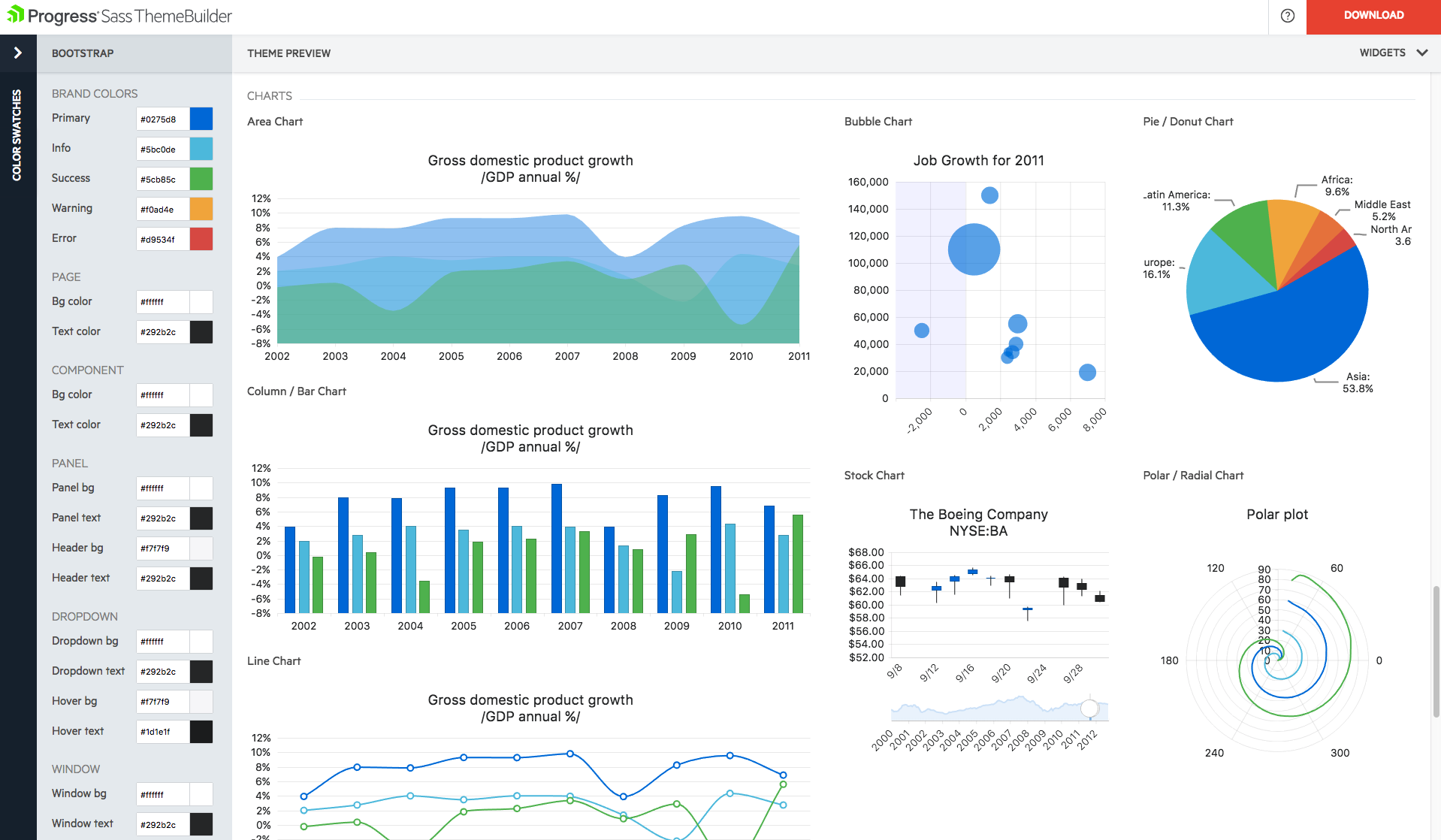
With Telerik UI libraries, Progress aims to equip .NET ninjas with a full arsenal of weapons, helping to create beautiful, modern and future-proof applications quickly and intuitively. The vendor states that with its over 1,250 UI components for all .NET platforms, as well as various themes, skins and customization options, Telerik users report cutting development time by up to 50 percent. Web
$999
per developer, royalty-free
Visual Studio
Score9.1 out of 10
N/A
Visual Studio (now in the 2022 edition) is a 64-bit IDE that makes it easier to work with bigger projects and complex workloads, boasting a fluid and responsive experience for users. The IDE features IntelliCode, its automatic code completion tools that understand code context and that can complete up to a whole line at once to drive accurate and confident coding.
Senior Developer in Information Technology at CeriQ (Information Technology & Services, 1-10 employees)
Chose Progress Telerik
While the more expensive to use for a small shop(for example syncfusion is free to start), the quality paid for itself in no time flat. Other options are either half baked, have lock in and will become quite expensive once you hit a treshhold, or plain simply didn't mesh with …
A de minimis incentive was given to thank the reviewer for their time. The incentive was not used to bias or drive a particular response, nor was the incentive contingent on a positive endorsement. More Info
Lead Software Engineer in Information Technology at AGR LLC (Computer Software, 51-200 employees)
Chose Progress Telerik
Progress Telerik UI provides a large amount of language support, demos, and documentation. While the competition is still great in their own right, Progress Telerik UI has provided enough resources to cover a number of current and future projects without having to expand to …
A de minimis incentive was given to thank the reviewer for their time. The incentive was not used to bias or drive a particular response, nor was the incentive contingent on a positive endorsement. More Info
Full Stack Senior Developer in Information Technology at Confidential (In Stealth Mode) (Telecommunications, 201-500 employees)
Chose Progress Telerik
Telerik Support (pre-progress) is awesome, way better than Infragistics or Syncfusion. Syncfusion is a little cheaper. They all have Grid components (like Excel) then there are a few edge cases of having different controls to another to show off. Once you know what UI tech you …
A de minimis incentive was given to thank the reviewer for their time. The incentive was not used to bias or drive a particular response, nor was the incentive contingent on a positive endorsement. TR verified that a representative sample of customers was invited. More Info
Senior Software Engineer in Engineering at Diagraph (Logistics & Supply Chain, 51-200 employees)
Chose Progress Telerik
[Progress Telerik UI] had a specific set of controls that were suited directly to our application space. Telerik also provided a Xamarin solution for very similar pricing, which should allow us to speed up our app development.
A de minimis incentive was given to thank the reviewer for their time. The incentive was not used to bias or drive a particular response, nor was the incentive contingent on a positive endorsement. More Info
Sr Developer in Information Technology at The Norman Group (Information Technology & Services, 11-50 employees)
Chose Progress Telerik
Using Progress Telerik UI on the front end and Spring on the back end, you can focus on your business logic in the middle. There is no need to reinvent the wheel. This allows you to focus on what's under the hood. These have both been a pleasure to work with.
A de minimis incentive was given to thank the reviewer for their time. The incentive was not used to bias or drive a particular response, nor was the incentive contingent on a positive endorsement. More Info
Verified User
Chose Progress Telerik
We have been implementing our own custom code using the ASP.NET framework, and it has taken us a lot longer to implement functionality. When we transitioned to using Progress Telerik UI components, it exponentially sped up our development time and improved the look of our …
A de minimis incentive was given to thank the reviewer for their time. The incentive was not used to bias or drive a particular response, nor was the incentive contingent on a positive endorsement. More Info
Verified User
Chose Progress Telerik
With Progress Telerik UI, didn't really look for alternatives.
A de minimis incentive was given to thank the reviewer for their time. The incentive was not used to bias or drive a particular response, nor was the incentive contingent on a positive endorsement. More Info
Software Engineer 2 in Information Technology at Bentley Systems (Computer Software, 5001-10,000 employees)
Chose Progress Telerik
Super easy to use and integrate into Visual Studio. The MVC helpers greatly simplify development. The controls are easy to implement and the online examples are excellent.
A de minimis incentive was given to thank the reviewer for their time. The incentive was not used to bias or drive a particular response, nor was the incentive contingent on a positive endorsement. More Info
Senior Software Engineer in Information Technology at Logibec (Information Technology & Services, 201-500 employees)
Chose Progress Telerik
Superior to Dijit, jQuery UI and devart studio. Other tools were evaluated in 2006 prior to the selection of Telerik for our software. Support has been quite good and issues have generally been well handled. Custom coding has been needed for some scenarios like schedule …
A de minimis incentive was given to thank the reviewer for their time. The incentive was not used to bias or drive a particular response, nor was the incentive contingent on a positive endorsement. More Info
Verified User
Chose Progress Telerik
We didn't use SyncFusion for long. We found that if you did anything custom, the controls simply didn't behave the way you would expect. Very annoying for us.
A de minimis incentive was given to thank the reviewer for their time. The incentive was not used to bias or drive a particular response, nor was the incentive contingent on a positive endorsement. More Info
Verified User
Chose Progress Telerik
I found Progress Telerik components easier to use than others.
A de minimis incentive was given to thank the reviewer for their time. The incentive was not used to bias or drive a particular response, nor was the incentive contingent on a positive endorsement. More Info
A de minimis incentive was given to thank the reviewer for their time. The incentive was not used to bias or drive a particular response, nor was the incentive contingent on a positive endorsement. More Info
A de minimis incentive was given to thank the reviewer for their time. The incentive was not used to bias or drive a particular response, nor was the incentive contingent on a positive endorsement. More Info
We have used the Telerik UI controls for our Admin user experience. We found that this lead to consistent user experience, with feature rich functions already provided. Effectively this meant that hour for hour, using the Telerik UI improved productivity in creating screens with more functions than using the default controls in ASP.NET. At this point most of our focus with the Telerik controls is User Interface oriented.
It's useful for app development, debugging, and testing. I've been using it for two years and have seen it grow into a fantastic tool. All of the features, NuGet packages, and settings that enable different types of projects are fantastic. It also has a connection to Azure DevOps and Git. It's a fantastic product that's simple to use.
A de minimis incentive was given to thank the reviewer for their time. The incentive was not used to bias or drive a particular response, nor was the incentive contingent on a positive endorsement. More Info
Since Microsoft offers a free Community Edition of the IDE many of our new developers have used it at home or school and are very familiar with the user interface, requiring little training to move up to the paid, enterprise-friendly editions we use.
The online community support for Visual Studio is outstanding, as solid or better than any other commercial or open-source project software.
Microsoft continuously keeps the product up to date and has maintained a history of doing so. They use it internally for their own development so there is little chance it will ever fall out of favor and become unsupported.
A de minimis incentive was given to thank the reviewer for their time. The incentive was not used to bias or drive a particular response, nor was the incentive contingent on a positive endorsement. More Info
A de minimis incentive was given to thank the reviewer for their time. The incentive was not used to bias or drive a particular response, nor was the incentive contingent on a positive endorsement. More Info
Certain settings and features can sometimes be challenging to locate. The interface isn't always intuitive.
Sometimes there are too many ways to do the same thing. For example, users can quickly add a new workspace in Source Control Explorer when a local path shows as "Not Mapped," but it doesn't indicate that the user might want to check the dropdown list of workspaces. The shortcut of creating a new workspace by clicking on the "Not Mapped" link can lead to developers creating too many workspaces and causing workspace management to become unwieldy. If the shortcut link were removed, the user would be forced to use the Workspace dropdown. While it can add an extra step to the process, workspaces would be managed more easily, and this would enforce consistency. At the very least, there should be a high-level administrative setting to hide the shortcut link.
A de minimis incentive was given to thank the reviewer for their time. The incentive was not used to bias or drive a particular response, nor was the incentive contingent on a positive endorsement. More Info
The Telerik UI has become part of our staple development tools. We can not be as productive without the feature set available to us in the Telerik UI ASP.NET AJAX control package.
VS is the best and is required for building Microsoft applications. The quality and usefulness of the product far out-weight the licensing costs associated with it.
A de minimis incentive was given to thank the reviewer for their time. The incentive was not used to bias or drive a particular response, nor was the incentive contingent on a positive endorsement. More Info
Progress Telerik UI is very usable and one of the best tools to use by the front-end development engineers in our team. It has helped us to improve the overall design of our existing and new applications. Also, the time to build applications has also been reduced effectively and we are able to focus on other areas of improvement to deliver a better user experience for our customers.
A de minimis incentive was given to thank the reviewer for their time. The incentive was not used to bias or drive a particular response, nor was the incentive contingent on a positive endorsement. More Info
The thing I like the most is Visual Studio doesn't suffer from Microsoft's over eager marketing department who feel they need to redesign the UI (think Office and windows) which forces users to loose large amounts of productivity having to learn software that they had previously known.
A de minimis incentive was given to thank the reviewer for their time. The incentive was not used to bias or drive a particular response, nor was the incentive contingent on a positive endorsement. More Info
Telerik UI support is what you are paying for. If something does not work you ask them for an example of how to solve your use case. The SEO on their sites is awesome and so well bedded into Google. The videos are good, [they're] not used much but their examples and DoJo examples make all the difference.
Between online forums like StackOverflow, online documentation, MSDN forums, and the customer support options, I find it very easy to get support for Visual Studio IDE when I need it. If desired, one can also download the MSDN documentation about the IDE and have it readily available for any support needs.
A de minimis incentive was given to thank the reviewer for their time. The incentive was not used to bias or drive a particular response, nor was the incentive contingent on a positive endorsement. More Info
A de minimis incentive was given to thank the reviewer for their time. The incentive was not used to bias or drive a particular response, nor was the incentive contingent on a positive endorsement. More Info
Progress Telerik UI provides a large amount of language support, demos, and documentation. While the competition is still great in their own right, Progress Telerik UI has provided enough resources to cover a number of current and future projects without having to expand to other libraries.
A de minimis incentive was given to thank the reviewer for their time. The incentive was not used to bias or drive a particular response, nor was the incentive contingent on a positive endorsement. More Info
I personally feel Visual Studio IDE has [a] better interface and [is more] user friendly than other IDEs. It has better code maintainability and intellisense. Its inbuilt team foundation server help coders to check on their code then and go. Better nugget package management, quality testing and gives features to extract TRX file as result of testing which includes all the summary of each test case.
A de minimis incentive was given to thank the reviewer for their time. The incentive was not used to bias or drive a particular response, nor was the incentive contingent on a positive endorsement. More Info
We've had hundreds of hours saved by the rapid development that Visual Studio provides.
We've lost some time in the Xamarin updates. However, being cross platform, we ultimately saved tons of time not having to create separate apps for iOS and Android.
A de minimis incentive was given to thank the reviewer for their time. The incentive was not used to bias or drive a particular response, nor was the incentive contingent on a positive endorsement. More Info