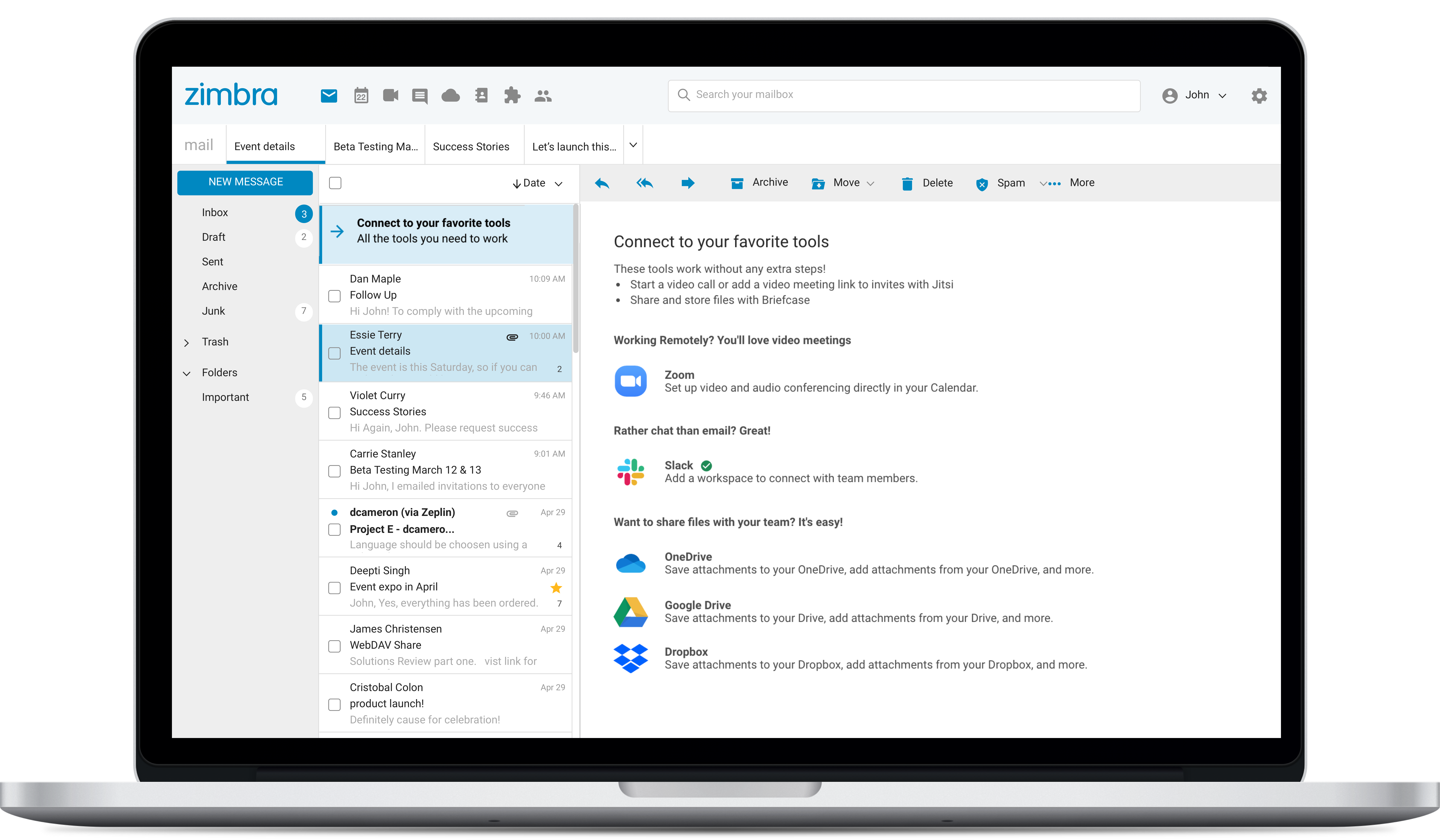
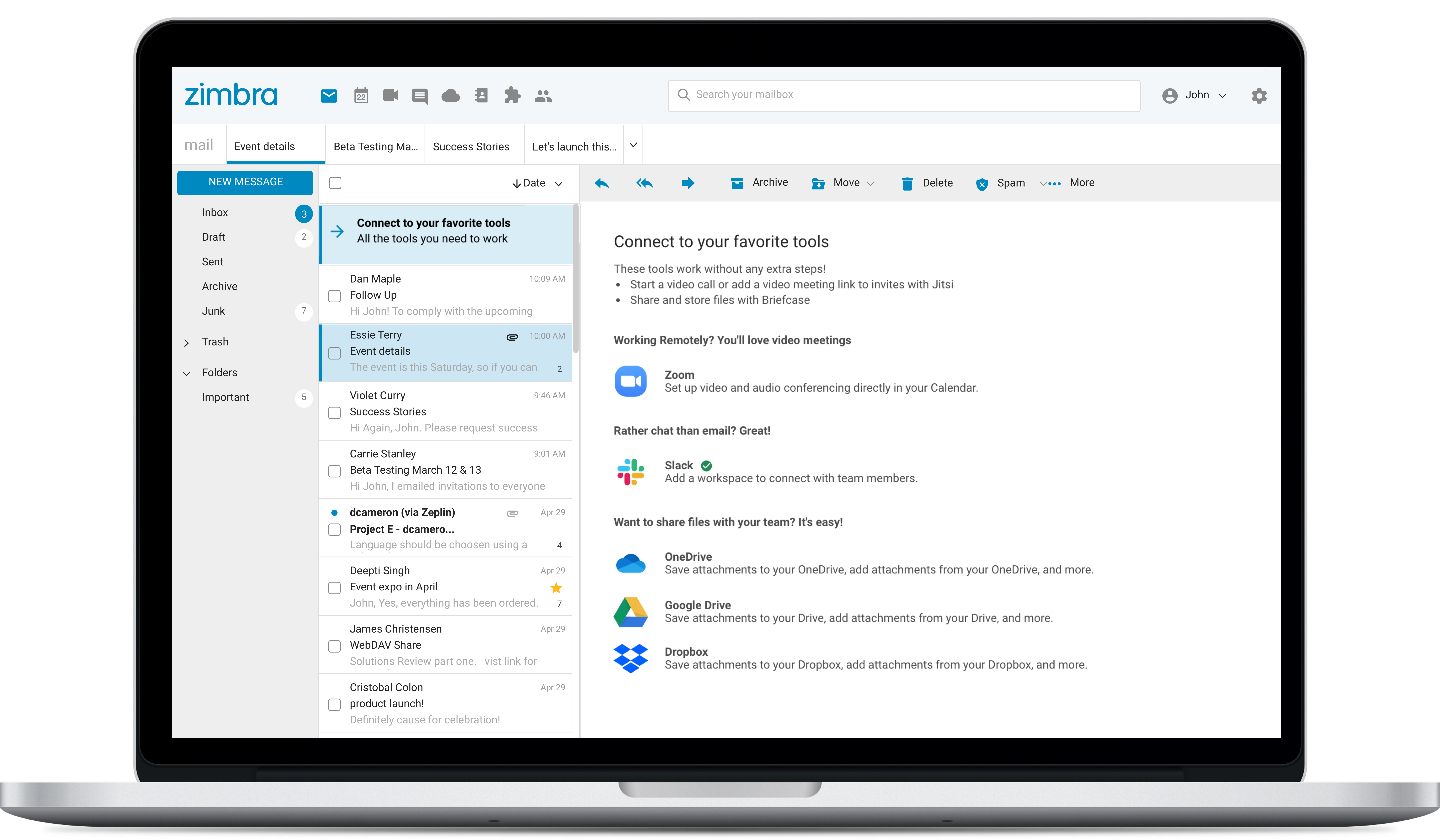
Zimbra is an email and collaboration platform and productivity suite that includes contacts, calendar, tasks, chat and file sharing, plus videoconferencing, document editing, and file storage.
N/A
Thunderbird
Score 7.8 out of 10
N/A
Thunderbird is an open-source email management application from MZLA Technologies Corporation, a subsidiary of Mozilla.
N/A
Pricing
Zimbra by Synacor
Thunderbird
Editions & Modules
No answers on this topic
No answers on this topic
Offerings
Pricing Offerings
Zimbra
Thunderbird
Free Trial
Yes
No
Free/Freemium Version
No
Yes
Premium Consulting/Integration Services
No
No
Entry-level Setup Fee
No setup fee
No setup fee
Additional Details
—
—
More Pricing Information
Community Pulse
Zimbra by Synacor
Thunderbird
Features
Zimbra by Synacor
Thunderbird
Project Management
Comparison of Project Management features of Product A and Product B
Zimbra by Synacor
9.0
Ratings
16% above category average
Thunderbird
-
Ratings
Task Management
9.80 Ratings
00 Ratings
Gantt Charts
8.10 Ratings
00 Ratings
Scheduling
9.80 Ratings
00 Ratings
Workflow Automation
7.20 Ratings
00 Ratings
Mobile Access
9.70 Ratings
00 Ratings
Search
9.80 Ratings
00 Ratings
Visual planning tools
8.50 Ratings
00 Ratings
Communication
Comparison of Communication features of Product A and Product B
Zimbra by Synacor
6.6
Ratings
18% below category average
Thunderbird
-
Ratings
Chat
7.00 Ratings
00 Ratings
Notifications
5.10 Ratings
00 Ratings
Discussions
2.00 Ratings
00 Ratings
Surveys
7.70 Ratings
00 Ratings
Internal knowledgebase
7.70 Ratings
00 Ratings
Integrates with GoToMeeting
7.60 Ratings
00 Ratings
Integrates with Gmail and Google Hangouts
8.00 Ratings
00 Ratings
Integrates with Outlook
7.50 Ratings
00 Ratings
File Sharing & Management
Comparison of File Sharing & Management features of Product A and Product B
I consider Zimbra Email & Collaboration a viable alternative to the major American cloud email platforms. In a scenario where data protection and privacy are critical, especially in an on-premise environment, Zimbra is a very suitable solution. It is also capable of offering a comprehensive set of tools and additional features (tasks, calendars, contacts, briefcase) in an integrated manner.
Thunderbird is a great solution if you primarily work on the desktop. I like knowing that Google isn't snooping around my emails to sell me things I don't want or need. It's relatively easy to use, but can be tricky to install and sync with other email services like Gmail. If I didn't have a technical wiz for a partner I'm not sure I would have started using it in the first place. You do need some kind of technical ability to install, troubleshoot, and backup.
User web interface could be more friendly, but it is enough for daily use. It could be renewed and has to consider some usability concerns. Improving usability would significantly improve users' satisfaction.
Message backup recovery is not a simple activity.
As an administrator, some of the features work better using the command-line interface.
The webclient uses ajax requests in almost every event. Because of that you may need a fast internet connection to have a good experience. You can switch to HTML version but it will limit what you can do.
The web usability of the solution is adequate, with all functions integrated into a single interface. However, it is important to note that in the desktop environment, it lacks its own application and relies on ActiveSync synchronization with reference solutions like Outlook or Thunderbird. Some features, such as the briefcase, will be excluded. The same happens on smartphones.It is also common for competing solutions to include integrated chat or video call tools, which Zimbra lacks. These shortcomings are among the most frequently requested by users.
Overall, we were satisfied with the implementation. We perhaps should have spent more time consulting with Zimbra or others regarding best practices but as we got to know the system better we were able to make changes relatively easily after the fact.
We were originally a Groupwise shop before changing to Zimbra in 2008. Zimbra, from an end-user standpoint, pricing, system administration, and management is a far better system.
We use Google Apps for our students. We did not find it to be suitable for faculty and staff due to its lack of shared accounts.
We are moving from Zimbra to Office 365. Office 365 offers just about all that Zimbra had, though its web interface is inferior to that of Zimbra. It does offer us greatly reduced costs though, and high availability. If Zimbra were to have a fully HA environment, we may have stayed with them.