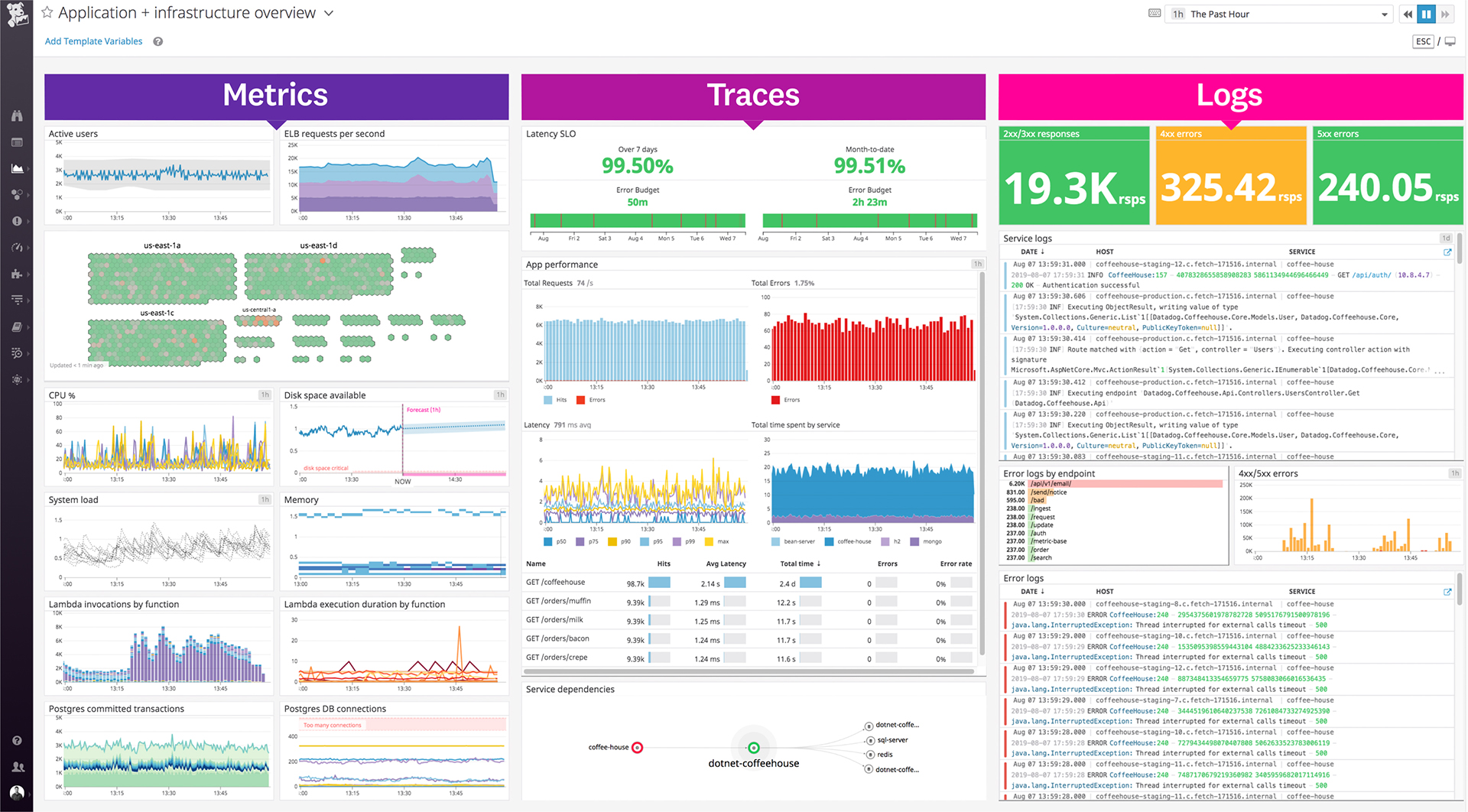
Datadog is a monitoring service for IT, Dev and Ops teams who write and run applications at scale, and want to turn the massive amounts of data produced by their apps, tools and services into actionable insight.
$18
per month per host
Retrace
Score8 out of 10
N/A
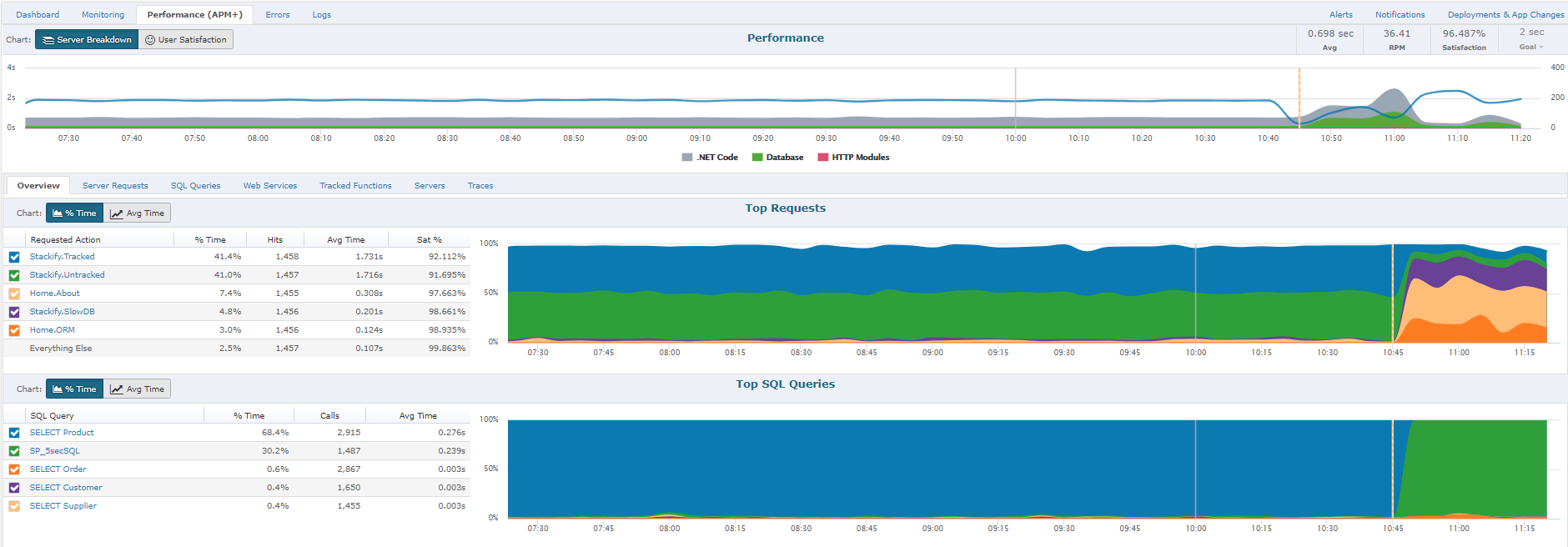
Retrace (formerly APM+) is a lightweight Application Performance Management solution. Retrace gives developers continuous, real-time analysis through a combination of code-level visibility with in-line log and error data. Retrace helps identify top performance offenders by analyzing top page requests, top SQL queries, and top external web services.
$99
up to 3 servers, 500,000 traces, and 1,000,000 logs
Pricing
Datadog
Retrace
Editions & Modules
Log Management
$1.27
per month (billed annually) per host
Infrastructure
$15.00
per month (billed annually) per host
Standard
$18
per month per host
Enterprise
$27
per month per host
DevSecOps Pro
$27
per month per host
APM
$31.00
per month (billed annually) per host
DevSecOps Enterprise
$41
per month per host
Essentials
$99
up to 3 servers, 500,000 traces, and 1,000,000 logs
Standard
249+
2,000,000+ traces and 5,000,000+ logs
Enterprise
Custom
Customer number of traces and logs
Offerings
Pricing Offerings
Datadog
Retrace
Free Trial
Yes
Yes
Free/Freemium Version
Yes
No
Premium Consulting/Integration Services
No
No
Entry-level Setup Fee
Optional
No setup fee
Additional Details
Discount available for annual pricing. Multi-Year/Volume discounts available (500+ hosts/mo).
Datadog works really well with complex microservices architecture like any E-commerce platform which will be having multiple services but they all are interdependent to others so in this scenario Datadog will be best to monitor these as it will show the transactions also between those microservices. If you are using multiple services in your architecture whether it will be cloud services or on prem services Datadog will be the best choice to monitor all those service with in Datadog so that you can see everything in a single place. But if you are having small architecture and few services in that then in that scenario you can use Datadog but it will be little costly as compared to other but obviously the features are very well.
A de minimis incentive was given to thank the reviewer for their time. The incentive was not used to bias or drive a particular response, nor was the incentive contingent on a positive endorsement. TR verified that a representative sample of customers was invited. More Info
If I need to change a logo design on the invoice, the new logo is slightly larger or smaller so the type below the logo is in a different area than before. In this case, you would need to load the new version of the document into APM Plus and redo the mapping of the field areas to properly grab the information needed to process the document. Without doing this, the document could fail or go to the wrong archive based on the fields.
A de minimis incentive was given to thank the reviewer for their time. The incentive was not used to bias or drive a particular response, nor was the incentive contingent on a positive endorsement. More Info
A de minimis incentive was given to thank the reviewer for their time. The incentive was not used to bias or drive a particular response, nor was the incentive contingent on a positive endorsement. More Info
Alert windows cause lag in notifications (e.g. if the alert window is X errors in 1 hour, we won't get alerted until the end of the 1 hour range)
I would appreciate more supportive examples for how to filter and view metrics in the explorer
I would like a more clear interface for metrics that are missing in a time frame, rather than only showing tags/etc. for metrics that were collected within the currently viewed time frame
A de minimis incentive was given to thank the reviewer for their time. The incentive was not used to bias or drive a particular response, nor was the incentive contingent on a positive endorsement. More Info
To set up the fields that APM Plus monitors, you need to map each field area on each document.
APM Plus could use a way to link the documents back into the finance or business software so you can find the document under the PO, Sales Order, Invoice, etc.
APM Plus setup is only for the professionals. There are many areas that need tweaking on setup, having a better default setup would lessen the learning curve to set it up for use.
A de minimis incentive was given to thank the reviewer for their time. The incentive was not used to bias or drive a particular response, nor was the incentive contingent on a positive endorsement. More Info
There is some room for improvement, but the Datadog team sends out updates frequently, and the UI is user-friendly for engineers, with no significant loading issues or region-specific problems. That was one of the key reasons we preferred Datadog; our company has employees worldwide, and it wasn't difficult to transition to the tool.
A de minimis incentive was given to thank the reviewer for their time. The incentive was not used to bias or drive a particular response, nor was the incentive contingent on a positive endorsement. More Info
The support team usually gets it right. We did have a rather complicate issue setting up monitoring on a domain controller. However, they are usually responsive and helpful over chat. The downside would be I don’t think they have any phone support. If that is important to you this might not be a good fit.
A de minimis incentive was given to thank the reviewer for their time. The incentive was not used to bias or drive a particular response, nor was the incentive contingent on a positive endorsement. More Info
We are still trying other products, but people still like Datadog. After setting up a dashboard, it's great for monitoring instances on Datadog. Also, the DevOps team had a good time setting up Datadog. It means Datadog was way easier to set up compared to those others.
A de minimis incentive was given to thank the reviewer for their time. The incentive was not used to bias or drive a particular response, nor was the incentive contingent on a positive endorsement. More Info
It is a very impressive tool which doesn't overwhelm you with unnecessary data. They have combination of tools that haven't seen by any other company which makes it a very powerful tool
A de minimis incentive was given to thank the reviewer for their time. The incentive was not used to bias or drive a particular response, nor was the incentive contingent on a positive endorsement. More Info
APM Plus has freed up users from having to manually attach documents to each place they are sending it. APM Plus will do it automatically.
APM Plus provides a searchable archive to re-visit sent documents with customers and vendors. Having to reprint a document you risk the potential that something has changed since it was last printed.
APM Plus does need IT staff for adjustments and to review sending problems. Not for an average user.
A de minimis incentive was given to thank the reviewer for their time. The incentive was not used to bias or drive a particular response, nor was the incentive contingent on a positive endorsement. More Info