SQL Server Integration Services vs. Windsor.ai

Overview
ProductRatingMost Used ByProduct SummaryStarting Price
SSIS
Score 6.6 out of 10
N/A
Microsoft's SQL Server Integration Services (SSIS) is a data integration solution.N/A
Windsor.ai
Score 0.0 out of 10
Small Businesses (1-50 employees)
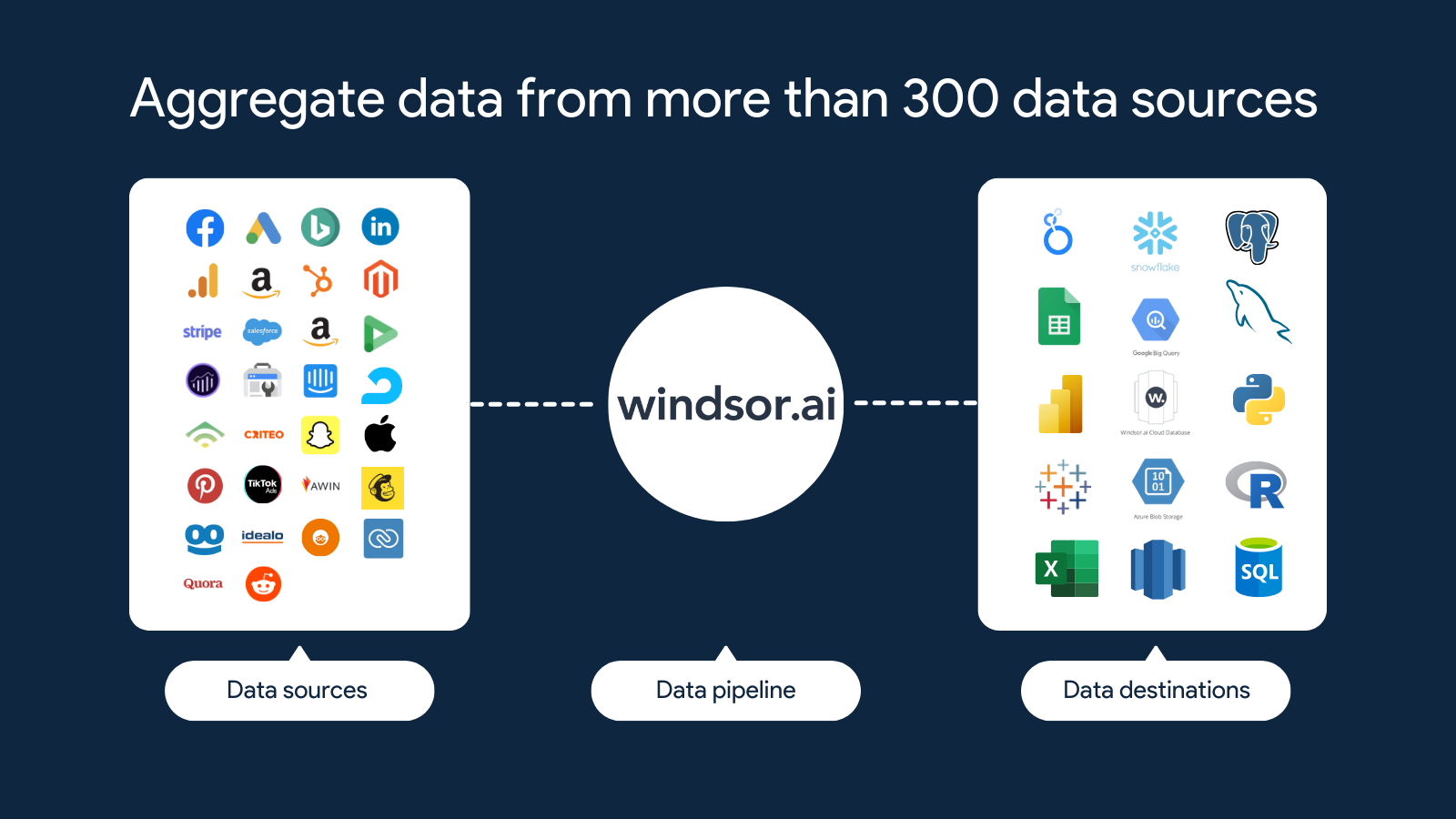
Windsor.ai is an ELT/connector platform purpose-built for marketing, commerce, and sales data. Windsor.ai can be used to move data from 320+ sources (ads, analytics, CRM, ecommerce) into data warehouse or BI tools without writing pipelines. What it does Prebuilt connectors for Google Ads, Meta Ads, LinkedIn Ads, TikTok Ads, GA4, YouTube, Search Console, Facebook/Instagram Organic, Salesforce, HubSpot, Shopify, WooCommerce, Amazon (Ads & Seller), Stripe, and…
$23
per month
Pricing
SQL Server Integration ServicesWindsor.ai
Editions & Modules
No answers on this topic
Basic
$23
per month
Standard
$118
per month
Plus
$299
per month
Professional
$598
per month
Professional
Quote
per month
Offerings
Pricing Offerings
SSISWindsor.ai
Free Trial
NoYes
Free/Freemium Version
NoYes
Premium Consulting/Integration Services
NoYes
Entry-level Setup FeeNo setup feeNo setup fee
Additional DetailsDiscount available for annual pricing.
More Pricing Information
Community Pulse
SQL Server Integration ServicesWindsor.ai
Features
SQL Server Integration ServicesWindsor.ai
Data Source Connection
Comparison of Data Source Connection features of Product A and Product B
SQL Server Integration Services
7.5
53 Ratings
11% below category average
Windsor.ai
-
Ratings
Connect to traditional data sources8.853 Ratings00 Ratings
Connecto to Big Data and NoSQL6.240 Ratings00 Ratings
Data Transformations
Comparison of Data Transformations features of Product A and Product B
SQL Server Integration Services
8.1
53 Ratings
1% below category average
Windsor.ai
-
Ratings
Simple transformations8.553 Ratings00 Ratings
Complex transformations7.752 Ratings00 Ratings
Data Modeling
Comparison of Data Modeling features of Product A and Product B
SQL Server Integration Services
7.4
51 Ratings
7% below category average
Windsor.ai
-
Ratings
Data model creation8.627 Ratings00 Ratings
Metadata management7.133 Ratings00 Ratings
Business rules and workflow8.242 Ratings00 Ratings
Collaboration7.338 Ratings00 Ratings
Testing and debugging6.148 Ratings00 Ratings
Data Governance
Comparison of Data Governance features of Product A and Product B
SQL Server Integration Services
6.9
41 Ratings
16% below category average
Windsor.ai
-
Ratings
Integration with data quality tools7.436 Ratings00 Ratings
Integration with MDM tools6.436 Ratings00 Ratings
Best Alternatives
SQL Server Integration ServicesWindsor.ai
Small Businesses
Skyvia
Skyvia
Score 9.9 out of 10
Skyvia
Skyvia
Score 9.9 out of 10
Medium-sized Companies
IBM InfoSphere Information Server
Score 8.0 out of 10
IBM InfoSphere Information Server
Score 8.0 out of 10
Enterprises
IBM InfoSphere Information Server
Score 8.0 out of 10
IBM InfoSphere Information Server
Score 8.0 out of 10
All AlternativesView all alternativesView all alternatives
User Ratings
SQL Server Integration ServicesWindsor.ai
Likelihood to Recommend
8.0
(53 ratings)
-
(0 ratings)
Likelihood to Renew
10.0
(3 ratings)
-
(0 ratings)
Usability
9.3
(8 ratings)
-
(0 ratings)
Performance
8.8
(6 ratings)
-
(0 ratings)
Support Rating
8.2
(7 ratings)
-
(0 ratings)
Implementation Rating
10.0
(1 ratings)
-
(0 ratings)
User Testimonials
SQL Server Integration ServicesWindsor.ai
Likelihood to Recommend
Microsoft
Ideal if the company is already a Microsoft shop, so chances are that it is free with SQL Server. Also, good for moving data between on premise systems. Not ideal for moving data to the cloud. No functionality out of the box to work with REST APIs. Stable product but definitely not the future
Read full review
Windsorai
No answers on this topic
Pros
Microsoft
  • Standard ETL use cases for daily loads
  • Loading incoming data from Vendors which is placed on FTP and adding them to the SQL Warehouse
  • Creating outgoing data files and writing them to Vendor FTPs
  • Easy Active Directory integration for seamless connections to SQL Server
  • CI/CD by hosting the code on visualstudio.com
Read full review
Windsorai
No answers on this topic
Cons
Microsoft
  • Connection managers for online data sources can be tricky to configure.
  • Performance tuning is an art form and trialing different data flow task options can be cumbersome. SSIS can do a better job of providing performance data including historical for monitoring.
  • Mapping destination using OLE DB command is difficult as destination columns are unnamed.
  • Excel or flat file connections are limited by version and type.
Read full review
Windsorai
No answers on this topic
Likelihood to Renew
Microsoft
Some features should be revised or improved, some tools (using it with Visual Studio) of the toolbox should be less schematic and somewhat more flexible. Using for example, the CSV data import is still very old-fashioned and if the data format changes it requires a bit of manual labor to accept the new data structure
Read full review
Windsorai
No answers on this topic
Usability
Microsoft
SSIS is a great tool for most ETL needs. It has the 90% (or more) use cases covered and even in many of the use cases where it is not ideal SSIS can be extended via a .NET language to do the job well in a supportable way for almost any performance workload.
Read full review
Windsorai
No answers on this topic
Performance
Microsoft
SQL Server Integration Services performance is dependent directly upon the resources provided to the system. In our environment, we allocated 6 nodes of 4 CPUs, 64GB each, running in parallel. Unfortunately, we had to ramp-up to such a robust environment to get the performance to where we needed it. Most of the reports are completed in a reasonable timeframe. However, in the case of slow running reports, it is often difficult if not impossible to cancel the report without killing the report instance or stopping the service.
Read full review
Windsorai
No answers on this topic
Support Rating
Microsoft
The support, when necessary, is excellent. But beyond that, it is very rarely necessary because the user community is so large, vibrant and knowledgable, a simple Google query or forum question can answer almost everything you want to know. You can also get prewritten script tasks with a variety of functionality that saves a lot of time.
Read full review
Windsorai
No answers on this topic
Implementation Rating
Microsoft
The implementation may be different in each case, it is important to properly analyze all the existing infrastructure to understand the kind of work needed, the type of software used and the compatibility between these, the features that you want to exploit, to understand what is possible and which ones require integration with third-party tools
Read full review
Windsorai
No answers on this topic
Alternatives Considered
Microsoft
I had nothing to do with the choice or install. I assume it was made because it's easy to integrate with our SQL Server environment and free. I'm not sure of any other enterprise level solution that would solve this problem, but I would likely have approached it with traditional scripting. Comparably free, but my own familiarity with trad scripts would be my final deciding factor. Perhaps with some further training on SSIS I would have a different answer.
Read full review
Windsorai
No answers on this topic
Return on Investment
Microsoft
  • Data integrity across various products allows unify certain processes inside the organization and save funds by reducing human labour factor.
  • Automated data unification allows us plan our inputs better and reduce over-warehousing by overbuying
  • The employee number, responsible for data management was reduced from 4 to 1 person
Read full review
Windsorai
No answers on this topic
ScreenShots

Windsor.ai Screenshots

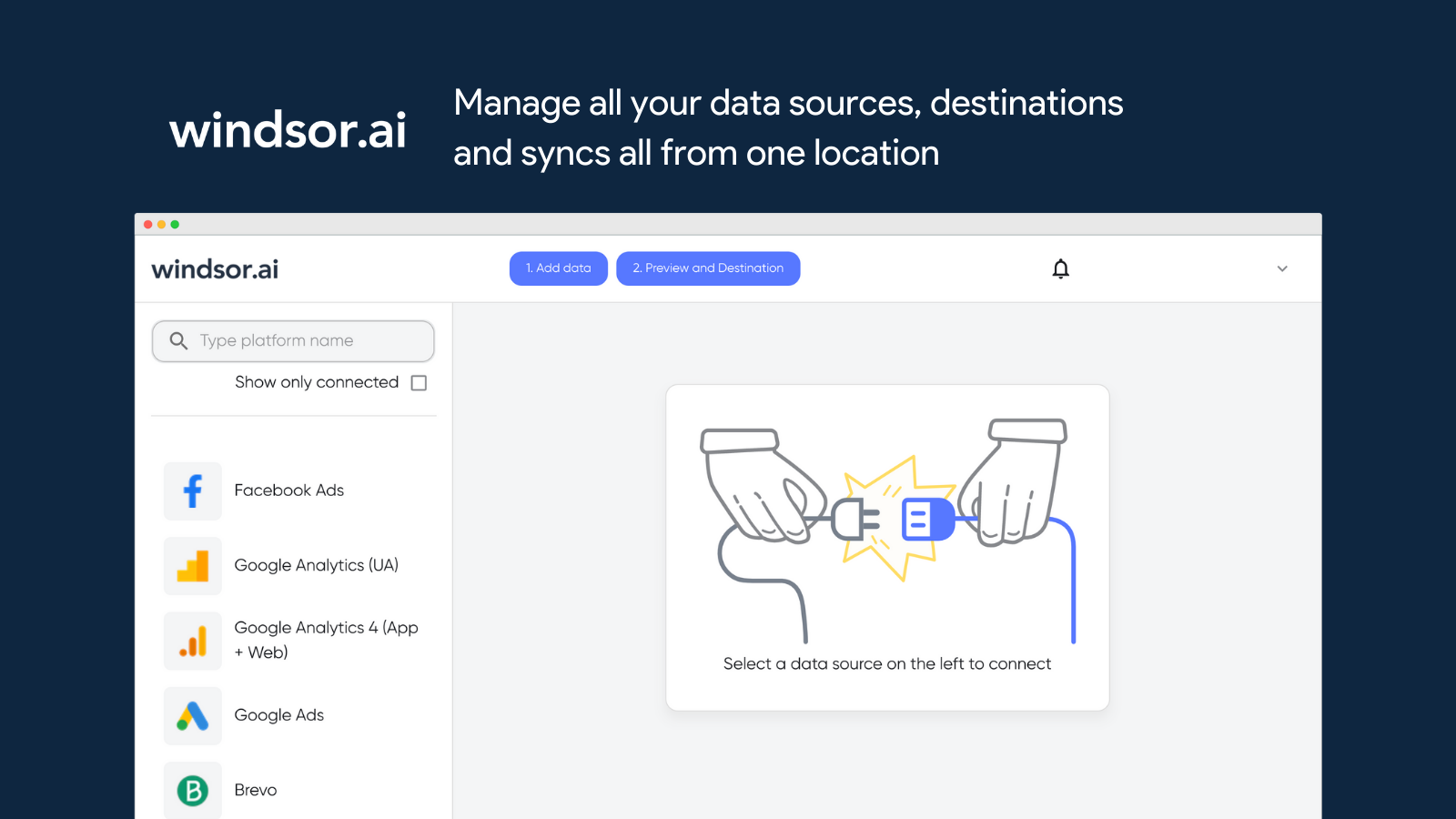
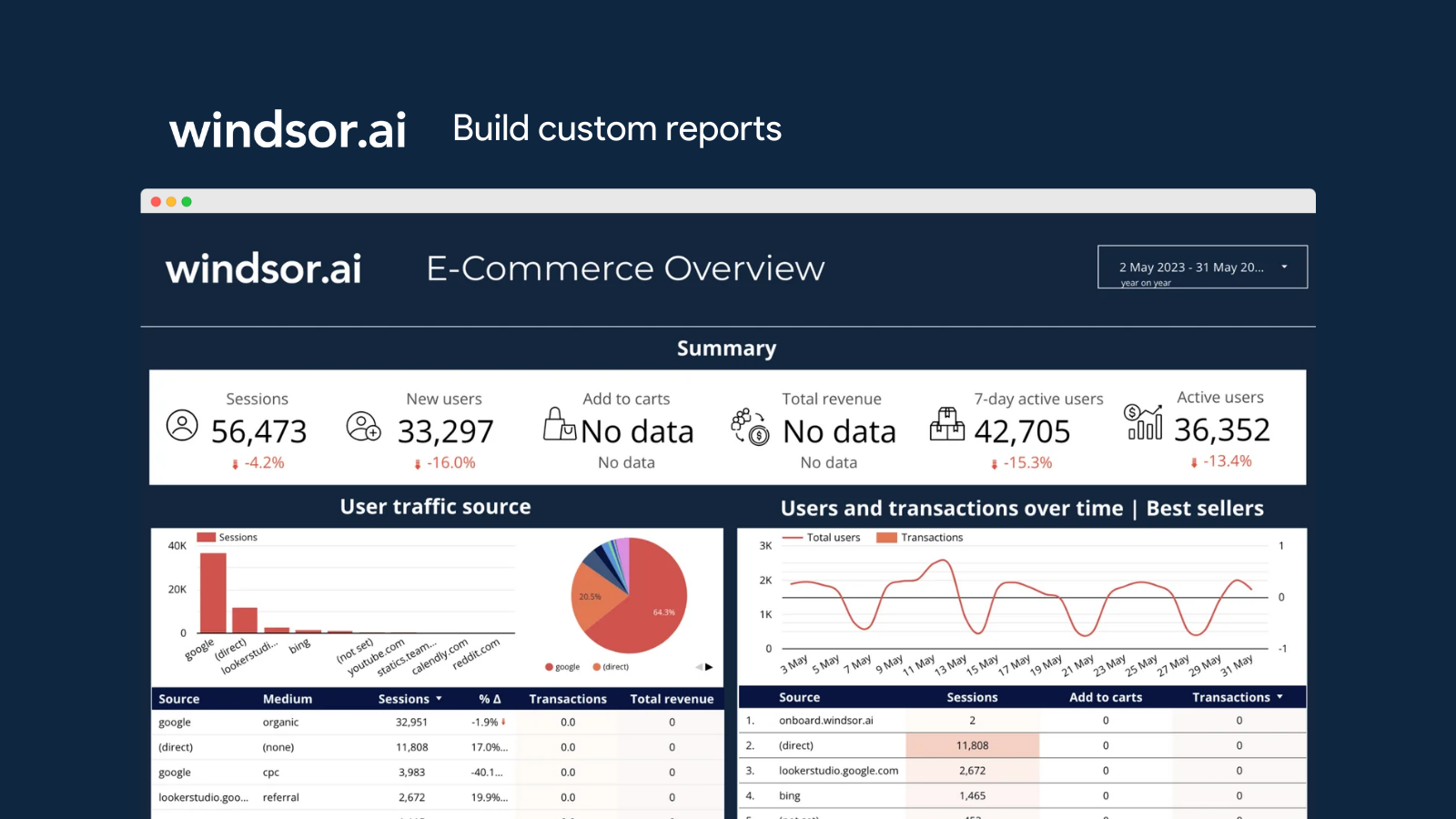
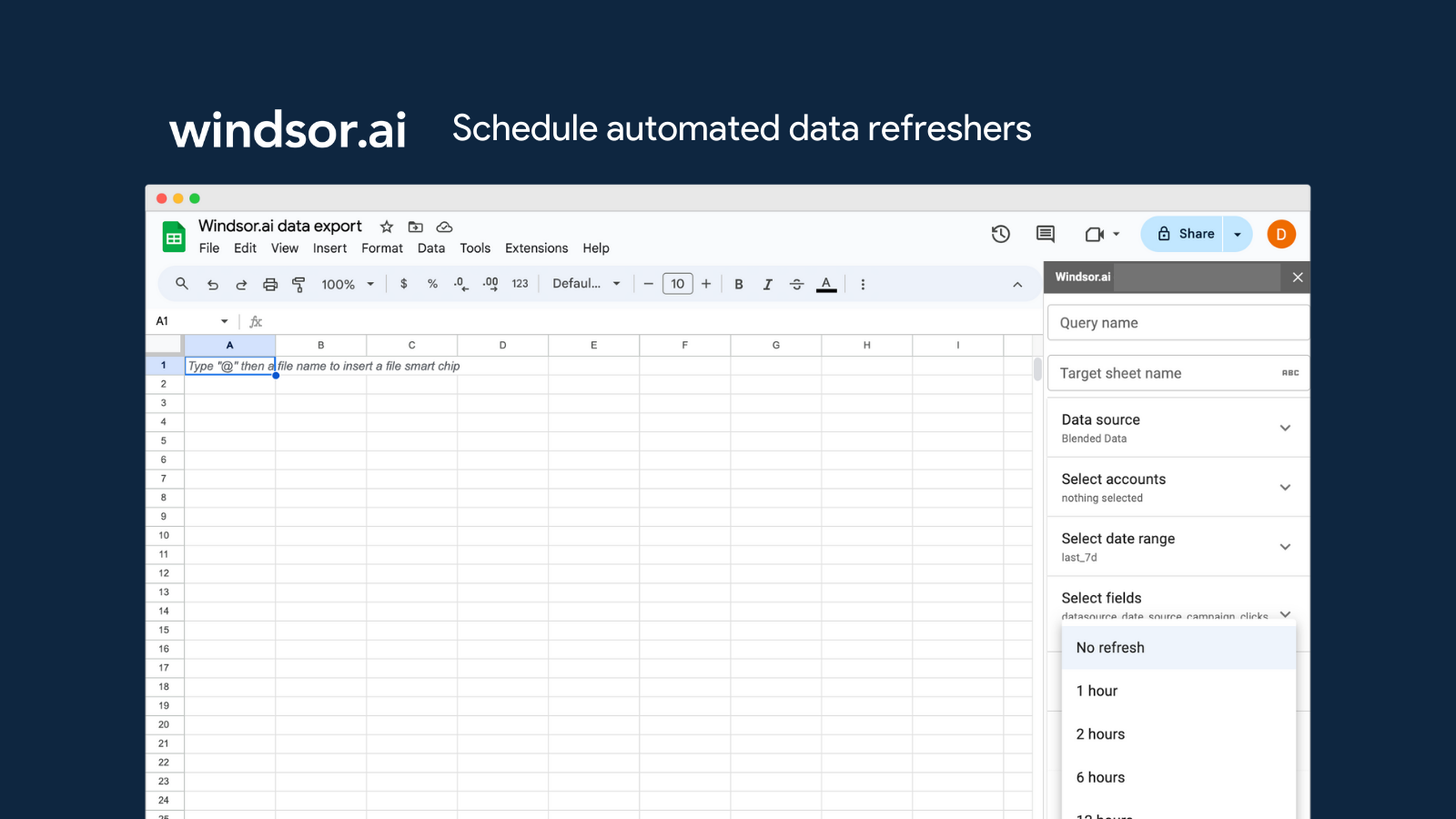
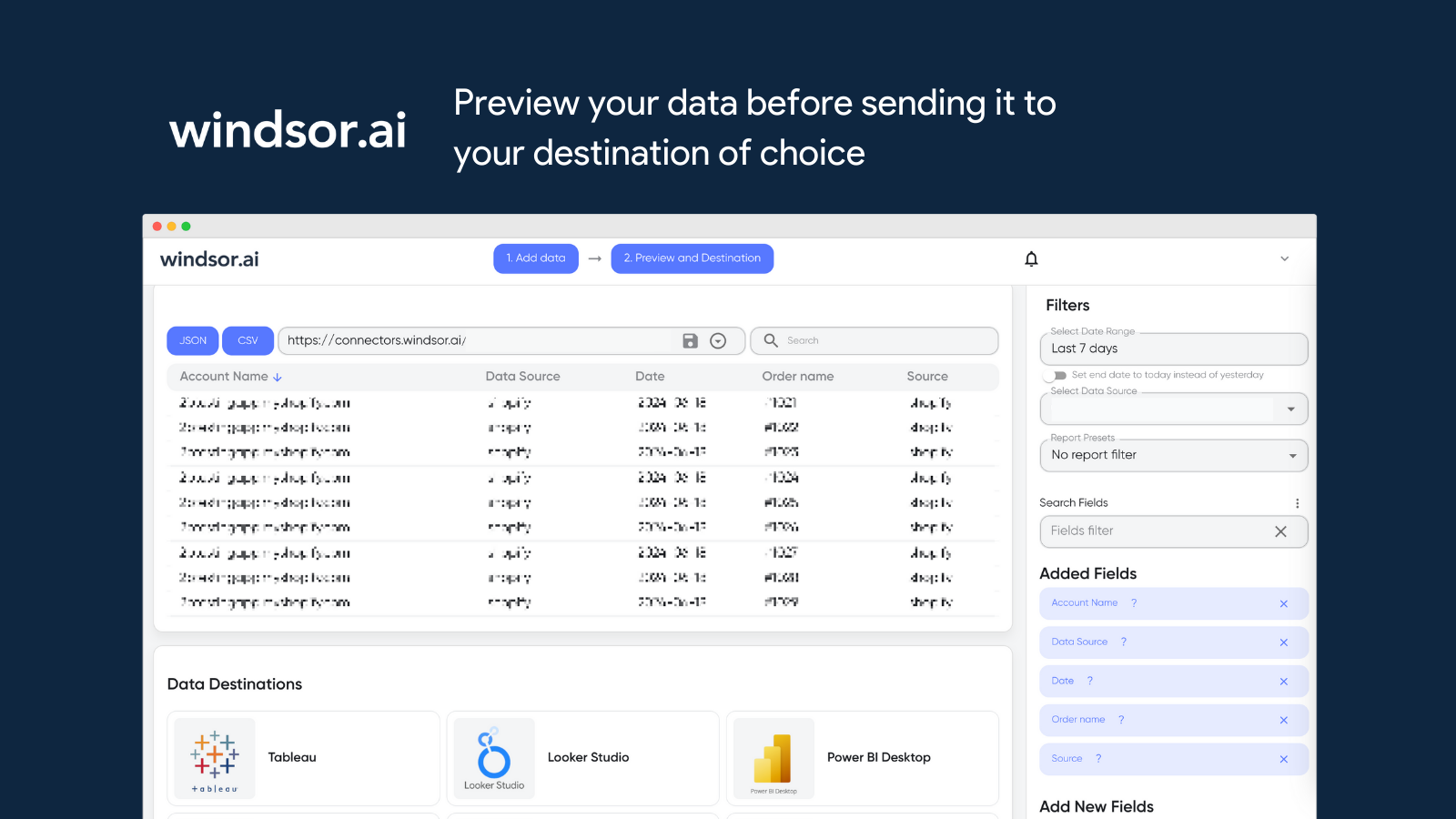
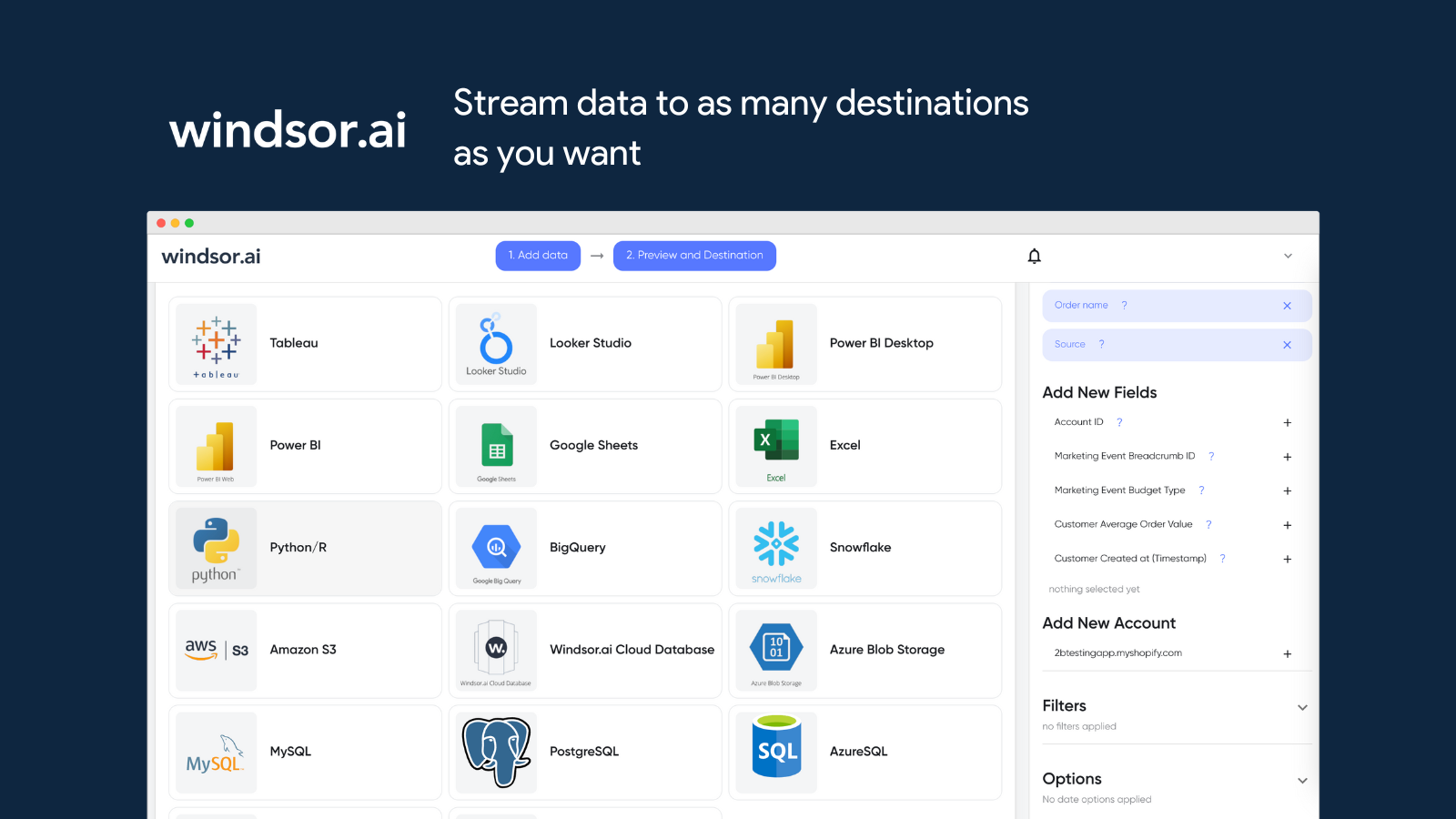
Screenshot of some of the available 300 data sources and 20 destinationsScreenshot of the data connection workflowScreenshot of a custom reportScreenshot of the data exporterScreenshot of where data can be previewed before being sent to a destinationScreenshot of where data can be streamed to as many destinations as desired