Spoom vs. Vena

Overview
ProductRatingMost Used ByProduct SummaryStarting Price
Spoom
Score 6.0 out of 10
Mid-Size Companies (51-1,000 employees)
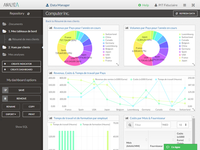
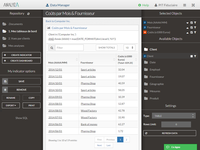
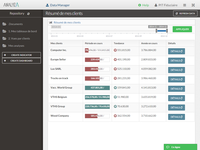
Spoom (formerly Analyza) is a business intelligence solution that is provided by Spoom Software (formerly PIT Business). The vendor provides support services in Luxembourg, Belgium, France, and other parts of Europe. Spoom allows users to: Build several indicators and dashboards Build ad-hoc analysis without IT knowledge Navigate through data via drill-down and filtering Schedule reports and send results by mail or to external…N/A
Vena
Score 8.7 out of 10
Mid-Size Companies (51-1,000 employees)
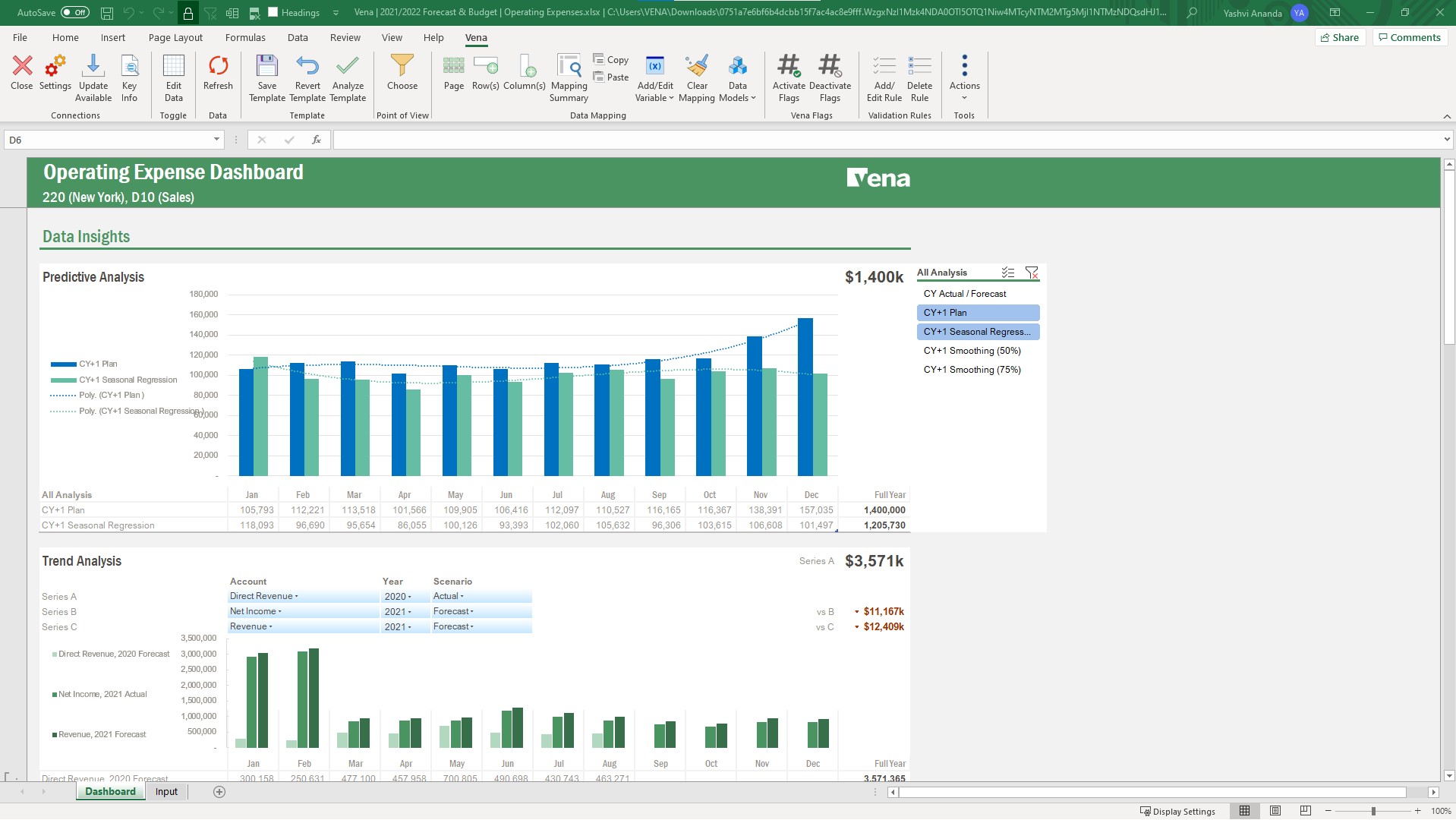
Vena Solutions provides a financial process automation solution to automate Corporate Performance Management, accounting and budgeting, Regulatory & Compliance, and other finance-related processes. It is scaled for medium to large-sized organizations.N/A
Pricing
SpoomVena
Editions & Modules
Grow
Contact Sales
per installation (including licences and maintenance for 3 years)
Premium
Contact Sales
per installation (including licences and maintenance for 3 years)
Professional
N/A
Complete
N/A
Offerings
Pricing Offerings
SpoomVena
Free Trial
YesNo
Free/Freemium Version
NoNo
Premium Consulting/Integration Services
NoNo
Entry-level Setup Fee$15,000 per installation (including licences and maintenance for 3 years)Optional
Additional DetailsThe On-Premise or SaaS solutions are the same price; we provide a dedicated machine or virtual machine for both. For 10 users, the budget is from $15,000 to $90,000 for a full Business Intelligence solution (including licenses and maintenance for 3 years). The installation and configuration cost depends on customer's data architecture, volume and number of sources. It also depends on customizations required (i.e.: exporting pixel to pixel PDF files to a SharePoint platform).The Professional Plan is the most flexible way to get started quickly and can be added onto as a company grows. The plan includes: Vena Platform, Customer Success Manager, Standard Support and Customer Portal. Complete Plan includes everything in Professional, plus: Vena Insights, Premium Support, Sandbox Environment, and Expert Managed Services. For a limited time, new customers who use Microsoft Dynamics 365 Business Central (Online) as their primary ERP can get a free year of Vena and 40% off implementation costs. Vena also offers special pricing for not for profit organizations. To learn more, speak to an expert.
More Pricing Information
Community Pulse
SpoomVena
Features
SpoomVena
BI Standard Reporting
Comparison of BI Standard Reporting features of Product A and Product B
Spoom
7.6
Ratings
0% below category average
Vena
7.0
Ratings
9% below category average
Pixel Perfect reports7.30 Ratings6.30 Ratings
Customizable dashboards8.20 Ratings7.40 Ratings
Report Formatting Templates7.30 Ratings7.40 Ratings
Ad-hoc Reporting
Comparison of Ad-hoc Reporting features of Product A and Product B
Spoom
8.4
Ratings
3% above category average
Vena
7.5
Ratings
8% below category average
Drill-down analysis9.10 Ratings8.30 Ratings
Formatting capabilities8.20 Ratings8.40 Ratings
Integration with R or other statistical packages8.20 Ratings5.10 Ratings
Report sharing and collaboration8.20 Ratings8.40 Ratings
Report Output and Scheduling
Comparison of Report Output and Scheduling features of Product A and Product B
Spoom
8.9
Ratings
8% above category average
Vena
8.3
Ratings
1% above category average
Publish to Web8.20 Ratings7.70 Ratings
Publish to PDF9.10 Ratings9.10 Ratings
Report Versioning9.10 Ratings8.10 Ratings
Report Delivery Scheduling9.10 Ratings8.50 Ratings
Data Discovery and Visualization
Comparison of Data Discovery and Visualization features of Product A and Product B
Spoom
7.3
Ratings
4% below category average
Vena
7.7
Ratings
1% above category average
Pre-built visualization formats (heatmaps, scatter plots etc.)7.30 Ratings8.00 Ratings
Predictive Analytics7.30 Ratings7.20 Ratings
Location Analytics / Geographic Visualization00 Ratings7.30 Ratings
Pattern Recognition and Data Mining00 Ratings8.10 Ratings
Access Control and Security
Comparison of Access Control and Security features of Product A and Product B
Spoom
7.7
Ratings
12% below category average
Vena
8.3
Ratings
5% below category average
Multi-User Support (named login)7.30 Ratings9.20 Ratings
Multiple Access Permission Levels (Create, Read, Delete)8.20 Ratings8.20 Ratings
Role-Based Security Model00 Ratings7.90 Ratings
Report-Level Access Control00 Ratings8.50 Ratings
Single Sign-On (SSO)00 Ratings7.90 Ratings
Mobile Capabilities
Comparison of Mobile Capabilities features of Product A and Product B
Spoom
8.2
Ratings
4% above category average
Vena
7.3
Ratings
7% below category average
Responsive Design for Web Access9.10 Ratings7.60 Ratings
Dashboard / Report / Visualization Interactivity on Mobile7.30 Ratings6.90 Ratings
Budgeting, Planning, and Forecasting
Comparison of Budgeting, Planning, and Forecasting features of Product A and Product B
Spoom
-
Ratings
Vena
8.1
Ratings
2% below category average
Long-term financial planning00 Ratings8.10 Ratings
Financial budgeting00 Ratings8.30 Ratings
Forecasting00 Ratings7.10 Ratings
Scenario modeling00 Ratings7.60 Ratings
Management reporting00 Ratings9.20 Ratings
Consolidation and Close
Comparison of Consolidation and Close features of Product A and Product B
Spoom
-
Ratings
Vena
7.5
Ratings
6% below category average
Financial data consolidation00 Ratings9.10 Ratings
Journal entries and reports00 Ratings7.30 Ratings
Multi-currency management00 Ratings6.00 Ratings
Intercompany Eliminations00 Ratings7.80 Ratings
Minority Ownership00 Ratings6.40 Ratings
Local and consolidated reporting00 Ratings7.90 Ratings
Detailed Audit Trails00 Ratings8.20 Ratings
Financial Reporting and Compliance
Comparison of Financial Reporting and Compliance features of Product A and Product B
Spoom
-
Ratings
Vena
8.0
Ratings
1% below category average
Financial Statement Reporting00 Ratings8.50 Ratings
Management Reporting00 Ratings8.40 Ratings
Excel-based Reporting00 Ratings9.20 Ratings
Automated board and financial reporting00 Ratings7.50 Ratings
XBRL support for regulatory filing00 Ratings6.30 Ratings
Analytics and Reporting
Comparison of Analytics and Reporting features of Product A and Product B
Spoom
-
Ratings
Vena
7.4
Ratings
8% below category average
Personalized dashboards00 Ratings8.40 Ratings
Color-coded scorecards00 Ratings8.70 Ratings
KPIs00 Ratings6.00 Ratings
Cost and profitability analysis00 Ratings7.60 Ratings
Key Performance Indicator setting00 Ratings7.00 Ratings
Benchmarking with external data00 Ratings6.60 Ratings
Integration
Comparison of Integration features of Product A and Product B
Spoom
-
Ratings
Vena
8.8
Ratings
5% above category average
Flat file integration00 Ratings8.40 Ratings
Excel data integration00 Ratings9.20 Ratings
Direct links to 3rd-party data sources00 Ratings8.80 Ratings
User Ratings
SpoomVena
Likelihood to Recommend
8.2
(0 ratings)
8.3
(0 ratings)
Likelihood to Renew
-
(0 ratings)
8.4
(0 ratings)
Usability
-
(0 ratings)
8.4
(0 ratings)
Availability
-
(0 ratings)
7.3
(0 ratings)
Performance
-
(0 ratings)
8.2
(0 ratings)
Support Rating
-
(0 ratings)
8.6
(0 ratings)
In-Person Training
-
(0 ratings)
9.1
(0 ratings)
Online Training
-
(0 ratings)
7.7
(0 ratings)
Implementation Rating
-
(0 ratings)
8.5
(0 ratings)
Configurability
-
(0 ratings)
7.3
(0 ratings)
Ease of integration
-
(0 ratings)
9.1
(0 ratings)
Product Scalability
-
(0 ratings)
9.0
(0 ratings)
Vendor post-sale
-
(0 ratings)
9.0
(0 ratings)
Vendor pre-sale
-
(0 ratings)
8.2
(0 ratings)
User Testimonials
SpoomVena
Likelihood to Recommend
It is well suited when you have several sources of data.
Read full review
Whether you have processes you are looking to make more efficient or starting from scratch, Vena is a great tool to handle both. When we started with Vena all of reporting was either very manual or frankly nonexistent. Vena was pivotal in bringing us from zero to 10 in a short time. it helped us streamline the process of gathering data to the end reporting
Read full review
Pros
  • Easy to use
  • Focus on analyzing and not on finding and loading data
  • "One version of the truth"
Read full review
  • What i like best about Vena is that it is very seamless Excel integration.
  • Vena fosters collabs across teams, helping multiple members to work together on financial planning in real-time enhancing overall efficiency.
  • We now also can automate manual processes like budgeting, consolidation of data and reporting saves my valuable time and also reducing the risk of errors.
Read full review
Cons
  • I would like to have more modules. Eg. : supply chain tool.
Read full review
  • It could improve the ease of implementation; it could take a long for an inexperienced IT team.
  • From the ERP system perspective, it can be linked easily, but it has room for improvement when you make core changes and require a Vena specialist again.
  • Some administrators can get confused while working on Excel implementation; it has complicated technical requirements.
Read full review
Likelihood to Renew
No answers on this topic
It saves me so much time - to go back I would have to hire multiple people to achieve the same results. It is a cost effective tool for our uses and continues to pay for itself in time savings.
Read full review
Usability
No answers on this topic
This is split between usability from an end-user perspective and administrative. Administrative - The tool is lacking in a cohesive way to administer the tool, both from more of a back-end perspective (ETL/Integrations, scripting, etc.) as well as from a business administrative (Processes, Models, etc.). On the more back-end IT related aspects, the tool is a mishmash of modules that were clearly developed in stovepipe fashion. Basic feature/functionality aspects such as version control, auto vs manual save, etc. differ between the code preparation components. It is also lacking in any sort of coherent version control. Not all pages display the context information, so extreme caution must be used. There is also no coherent migration strategy. The process and model navigation has been somewhat challenging for our business administrators, often requiring assistance from Vena when creating or altering templates. 2 of 10 End User - This is better. The Excel add-in generally functions well. Creating basic templates is straightforward, and there is a large degree of flexibility when creating reporting templates. Being part of Excel puts many users into a comfort zone. The toggle switch between template and data mode is not well conceived, and the add-in pop-ups occasionally have issues on multi-monitor displays. 6 of 10
Read full review
Reliability and Availability
No answers on this topic
Vena has been available and running. There are notifications well ahead of scheduled maintenance and so far, scheduled maintenance has been occurring during off hours and fortunately has not occurred during a time that is crucial for us to be actively using.
Read full review
Performance
No answers on this topic
Vena Solutions pages load quickly and only a few times does it get a bit slow, only when there are many integrations and the reports are long. But in general it is always fast and honestly I am very satisfied with the speed in the generation of statistical reports and the pages
Read full review
Support Rating
No answers on this topic
From initiate setup to going live, Vena's customer representatives and technicians have proven to be responsive and enthusiastic in getting our company up and running. They have been patient with our questions and frustrations and worked to troubleshoot issues that have come up.
Read full review
In-Person Training
No answers on this topic
Our initial in person training was a little rough b/c I felt like our trainer wanted to focus on maximizing Vena rather than understanding what we were needing for our organization. He was very responsive and added insights, but could have worked to understand our needs a little better.
Read full review
Online Training
No answers on this topic
The training was structured as a group training to learn the basics of creating a data model and mapping a template. While we had nearly 10 participants, I was the only actual implementer so we probably didn't actually need the training and could have just learned the initial skills from the implementation consultant. Two years later, when we hired a new team member, they completed several modules in Vena Academy (a self paced learning course) which allowed them to get up to speed on the basics with just a bit of supplemental guidance from me as our existing admin.
Read full review
Implementation Rating
No answers on this topic
The Vena consultant had great knowledge of both the Vena solution and Excel and Excel functions. He was able to help suggest ways to build our templates that met our requirements using Excel functions we had not previously considered using. And we have been able to use the Excel information he provided in other ways outside of Vena. He was very patient and flexible as we learned the Vena tool and created templates
Read full review
Alternatives Considered
Cognos is very expensive and needs heavy IT-team to implement it.
Read full review
Vena Solutions stands out due to its familiar Excel-based interface, making it easy for our team to adopt without extensive training. Compared to alternatives like Anaplan and Oracle Hyperion, Vena's strong customer support and efficient automation have significantly reduced our budgeting cycle time. We chose Vena for its seamless integration with our existing systems and substantial time-saving benefits, ultimately enhancing our decision-making process.
Read full review
Scalability
No answers on this topic
Vena solutios is a software that provides robust tools that help different departments in their statistics and we can visualize a lot of promising and visually attractive data. Vena Solutions' level of scalability is high and sustainable over time thanks to the fabulous technical support that is ready to help us at all times
Read full review
Return on Investment
No answers on this topic
  • Eliminated the necessity to manually combine multiple Excel budget worksheets into one file in order to compile an org-wide budget
  • Allows end-users to be self-sufficient by having the ability to drill into transaction-level detail and conduct ad-hoc analyses
  • Created more bandwidth in the FP&A team to spend more time on more meaningful analysis
Read full review
ScreenShots

Spoom Screenshots

Screenshot of Dashboard in AnalyzaScreenshot of Table in AnalyzaScreenshot of Vertical chart in AnalyzaScreenshot of Customized table in AnalyzaScreenshot of Data raw export in AnalyzaScreenshot of Authentification in Analyza

Vena Screenshots

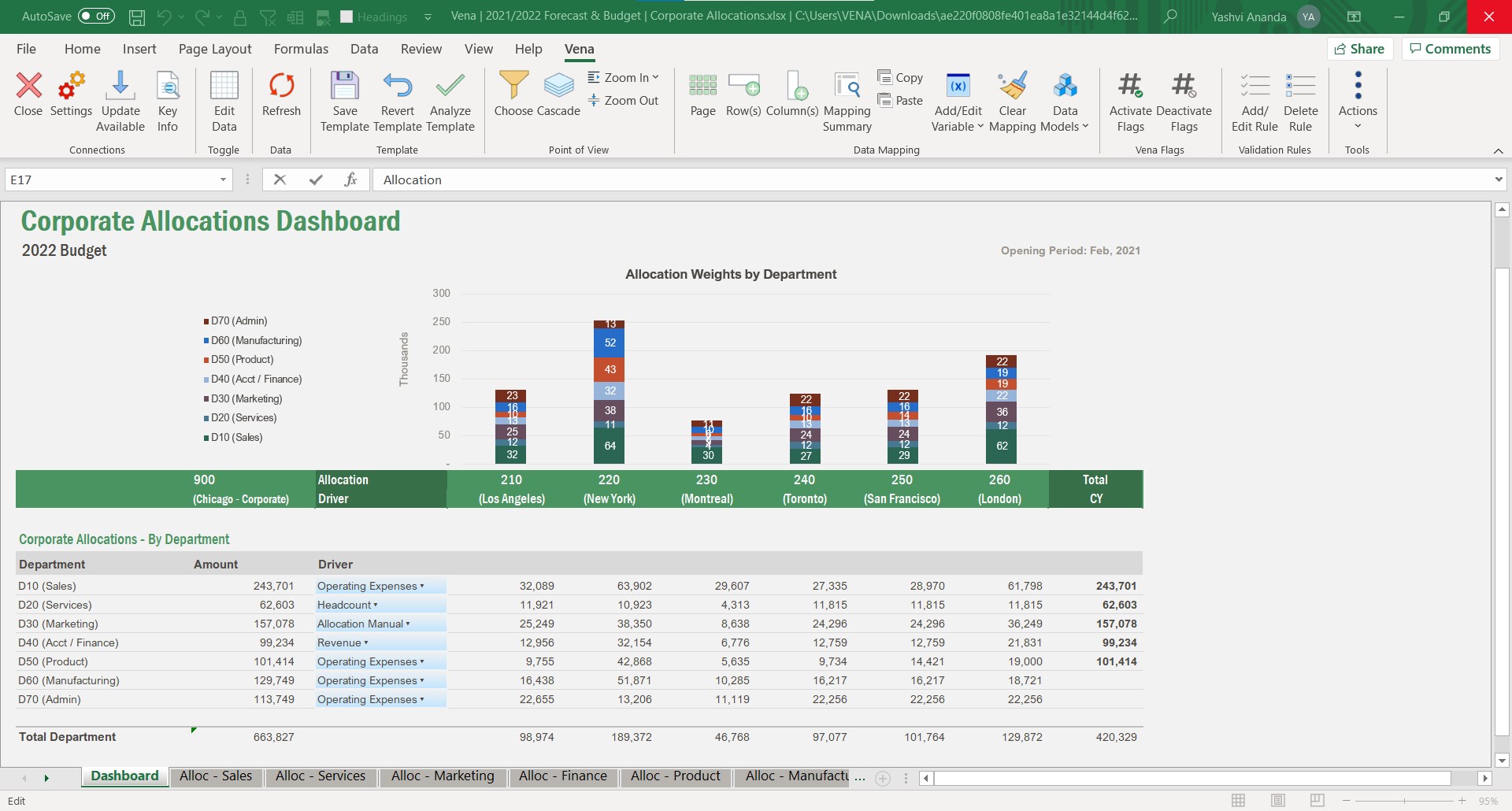
Screenshot of Operation Expenses - Predictive AnalysisScreenshot of Allocations DashboardScreenshot of Vena Add InScreenshot of Power BI DashboardScreenshot of Operational Expenses - Drill through analysisScreenshot of Process Status Dashboard