SAP Crystal vs. Spoom

Overview
ProductRatingMost Used ByProduct SummaryStarting Price
SAP Crystal
Score 7.5 out of 10
N/A
SAP Crystal is an analytics and reporting software solution for SMBs. SAP Crystal comprises Crystal Reports for pixel-perfect reporting, and SAP Crystal Server for automated distribution and self-service access to reports, dashboards and data exploration.
$295
per single user license
Spoom
Score 6.0 out of 10
Mid-Size Companies (51-1,000 employees)
Spoom (formerly Analyza) is a business intelligence solution that is provided by Spoom Software (formerly PIT Business). The vendor provides support services in Luxembourg, Belgium, France, and other parts of Europe. Spoom allows users to: Build several indicators and dashboards Build ad-hoc analysis without IT knowledge Navigate through data via drill-down and filtering Schedule reports and send results by mail or to external…N/A
Pricing
SAP CrystalSpoom
Editions & Modules
Upgrade Version to SAP Crystal Reports 2020
$295
per single user license
SAP Crystal Reports 2020 64-Bit
$495
per single user license
SAP Crystal Reports 2016 32-Bit
$495
per single user license
SAP Crystal Server 2020 1 NUL
$869
per user license + first year maintenance to be added
SAP Crystal Server 2020 5 CAL
$8,744
5 concurrent users + first year maintenance to be added
Grow
Contact Sales
per installation (including licences and maintenance for 3 years)
Premium
Contact Sales
per installation (including licences and maintenance for 3 years)
Offerings
Pricing Offerings
SAP CrystalSpoom
Free Trial
YesYes
Free/Freemium Version
YesNo
Premium Consulting/Integration Services
NoNo
Entry-level Setup FeeOptional$15,000 per installation (including licences and maintenance for 3 years)
Additional Details* SAP Crystal Reports 2020 Viewer allows you to view static data within a SAP Crystal Reports file. * SAP Crystal Reports 2020 - Full version allows you to create powerful, richly formatted, and dynamic reports from virtually any data source, delivered in dozens of formats, in up to 28 languages. If you already have an older version of Crystal Reports, buy a license for SAP Crystal Reports 2020 - Upgrade at a discounted, upgrade price. * SAP Crystal Server 2020, 1 NUL includes 1 license of: SAP Crystal Reports 2020 - SAP Crystal Server 2020. * As an add-on to SAP Crystal Server 2020 1 NUL, SAP Crystal Server 2020 5 CAL allows you to support a wider, intermittent audience of end users, up to five logged on at the same time.The On-Premise or SaaS solutions are the same price; we provide a dedicated machine or virtual machine for both. For 10 users, the budget is from $15,000 to $90,000 for a full Business Intelligence solution (including licenses and maintenance for 3 years). The installation and configuration cost depends on customer's data architecture, volume and number of sources. It also depends on customizations required (i.e.: exporting pixel to pixel PDF files to a SharePoint platform).
More Pricing Information
Community Pulse
SAP CrystalSpoom
Features
SAP CrystalSpoom
BI Standard Reporting
Comparison of BI Standard Reporting features of Product A and Product B
SAP Crystal
9.3
Ratings
13% above category average
Spoom
7.6
Ratings
0% below category average
Pixel Perfect reports8.00 Ratings7.30 Ratings
Customizable dashboards10.00 Ratings8.20 Ratings
Report Formatting Templates10.00 Ratings7.30 Ratings
Ad-hoc Reporting
Comparison of Ad-hoc Reporting features of Product A and Product B
SAP Crystal
9.6
Ratings
18% above category average
Spoom
8.4
Ratings
3% above category average
Drill-down analysis10.00 Ratings9.10 Ratings
Formatting capabilities10.00 Ratings8.20 Ratings
Integration with R or other statistical packages8.60 Ratings8.20 Ratings
Report sharing and collaboration10.00 Ratings8.20 Ratings
Report Output and Scheduling
Comparison of Report Output and Scheduling features of Product A and Product B
SAP Crystal
9.4
Ratings
12% above category average
Spoom
8.9
Ratings
8% above category average
Publish to Web9.20 Ratings8.20 Ratings
Publish to PDF10.00 Ratings9.10 Ratings
Report Versioning9.00 Ratings9.10 Ratings
Report Delivery Scheduling9.00 Ratings9.10 Ratings
Delivery to Remote Servers10.00 Ratings00 Ratings
Data Discovery and Visualization
Comparison of Data Discovery and Visualization features of Product A and Product B
SAP Crystal
8.0
Ratings
0% above category average
Spoom
7.3
Ratings
4% below category average
Pre-built visualization formats (heatmaps, scatter plots etc.)7.60 Ratings7.30 Ratings
Location Analytics / Geographic Visualization8.50 Ratings00 Ratings
Predictive Analytics7.80 Ratings7.30 Ratings
Access Control and Security
Comparison of Access Control and Security features of Product A and Product B
SAP Crystal
8.6
Ratings
1% above category average
Spoom
7.7
Ratings
12% below category average
Multi-User Support (named login)7.80 Ratings7.30 Ratings
Role-Based Security Model7.70 Ratings00 Ratings
Multiple Access Permission Levels (Create, Read, Delete)8.40 Ratings8.20 Ratings
Report-Level Access Control10.00 Ratings00 Ratings
Single Sign-On (SSO)9.00 Ratings00 Ratings
Mobile Capabilities
Comparison of Mobile Capabilities features of Product A and Product B
SAP Crystal
8.4
Ratings
6% above category average
Spoom
8.2
Ratings
4% above category average
Responsive Design for Web Access8.70 Ratings9.10 Ratings
Mobile Application7.60 Ratings00 Ratings
Dashboard / Report / Visualization Interactivity on Mobile9.00 Ratings7.30 Ratings
Application Program Interfaces (APIs) / Embedding
Comparison of Application Program Interfaces (APIs) / Embedding features of Product A and Product B
SAP Crystal
6.9
Ratings
12% below category average
Spoom
-
Ratings
REST API7.40 Ratings00 Ratings
Javascript API6.00 Ratings00 Ratings
iFrames7.10 Ratings00 Ratings
Java API6.00 Ratings00 Ratings
Themeable User Interface (UI)8.30 Ratings00 Ratings
Customizable Platform (Open Source)7.00 Ratings00 Ratings
User Ratings
SAP CrystalSpoom
Likelihood to Recommend
10.0
(0 ratings)
8.2
(0 ratings)
Likelihood to Renew
10.0
(0 ratings)
-
(0 ratings)
Usability
9.5
(0 ratings)
-
(0 ratings)
Availability
8.0
(0 ratings)
-
(0 ratings)
Performance
8.0
(0 ratings)
-
(0 ratings)
Support Rating
8.6
(0 ratings)
-
(0 ratings)
In-Person Training
10.0
(0 ratings)
-
(0 ratings)
Implementation Rating
8.8
(0 ratings)
-
(0 ratings)
Configurability
8.0
(0 ratings)
-
(0 ratings)
Ease of integration
7.0
(0 ratings)
-
(0 ratings)
Product Scalability
7.0
(0 ratings)
-
(0 ratings)
Vendor post-sale
8.0
(0 ratings)
-
(0 ratings)
Vendor pre-sale
7.0
(0 ratings)
-
(0 ratings)
User Testimonials
SAP CrystalSpoom
Likelihood to Recommend
Generation of templated reports is the strong suit of SAP Crystal. Allows users to change formats in templates bases on requirement with minimal effort. Automated report delivery requires the user to be aware of sql which cannot be expected from all users. Should support more document export formats and improve the UI for SAP B1 Users
Read full review
It is well suited when you have several sources of data.
Read full review
Pros
  • Great visualization for static format & precise tasks: For presentation to senior management /ex-co/vendors where concise decisions need to be made, Crystal is a nice choice to slide data into presentable views.
  • Diverse data source connect: We have used it to write reports using data from DB2, SQL, Progress, Excel spreadsheets, XML data, Access, and Lotus Notes databases. It can also be used to join different database types together in one report.
  • It uses the "recurring bands" structure for page layout which is efficient and fungible for generating different types of reports. Crystal doesn't require that we set up a metadata layer before creating reports and provides direct access to tables and dimensions.
Read full review
  • Easy to use
  • Focus on analyzing and not on finding and loading data
  • "One version of the truth"
Read full review
Cons
  • Crystal Reports charting engine is ok but compared to some other visualization products available it is behind the times.
  • Crystal Reports uses a proprietary format for its data storage, using an open format (like XML) would be much better
  • You cannot add add a structured table object to the page layout, you can only use lines and boxes
Read full review
  • I would like to have more modules. Eg. : supply chain tool.
Read full review
Likelihood to Renew
We have been using this product for so many years and it has truly become a cornerstone to our business processes when it comes to developing and distributing information via reports. We currently have over 500 reports developed to date over about 30 systems and that will continue to grow as user needs change.
Read full review
No answers on this topic
Usability
Being able to get up and running quickly is a key asset. There's plenty of advanced features to master that are surprisingly difficult in others tools (or just missing from other tools altogether). The UI can feel a bit dated at times but its usability isn't affected. Any issue you have can usually be resolved by searching in the user community
Read full review
No answers on this topic
Support Rating
SAP Crystal report is very supportive in daily need of reports or any organization. Basic functionality of operational reports detailing the Sales Order details or PO in a manner which can be used very easily. A readily available solution for delivering any customized need in terms of pixelated reporting can be met easily with the tool
Read full review
No answers on this topic
In-Person Training
Trainer was patient and thorough in going through the basics and willing to answer questions by email after the initial training
Read full review
No answers on this topic
Implementation Rating
Just like any other implementation: When designing the differing reports, get end users' input, make sure to design the reports so that they display the information that the company requires, in the best and clearest way possible.
Test, test, test, revise when needed, and, particularly, do sufficient training so users are comfortable using Crystal Reports!
Read full review
No answers on this topic
Alternatives Considered
For standard pixel perfect reporting, our company still uses Crystal Reports. It allows us to continually provide standard reporting to our clients. For dashboards, we are moving towards Microsoft Power BI. Power BI allows similar collaboration, but generally has better features for dashboards. Power BI also allows us to publish multiple reports and dashboards into a single app for our end users.
Read full review
Cognos is very expensive and needs heavy IT-team to implement it.
Read full review
Return on Investment
  • Time and cost savings achieved by automation of report creating across many data sources we maintain.
  • The ability to drill down into granular details of the data leads to a better understanding of the business procedures.
  • Well-presented reports are invaluable for getting new clients on board.
Read full review
No answers on this topic
ScreenShots

SAP Crystal Screenshots

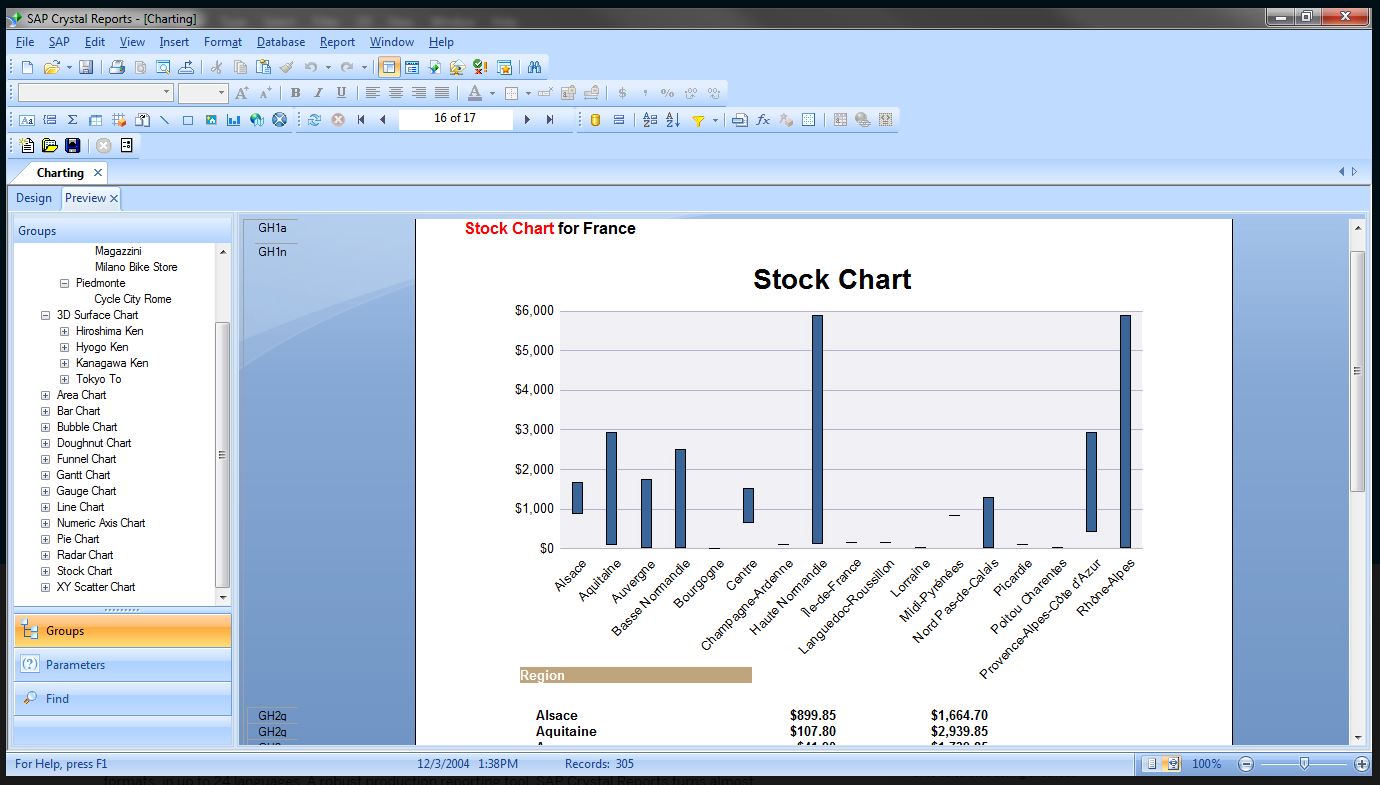
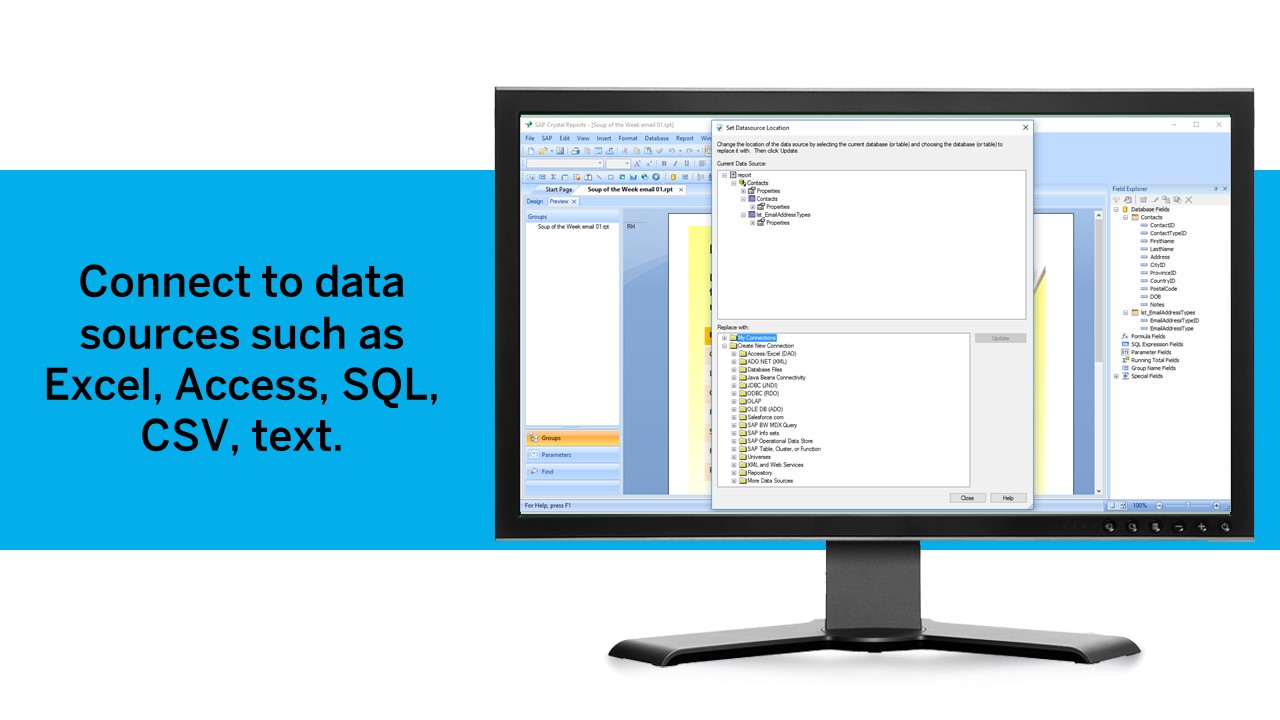
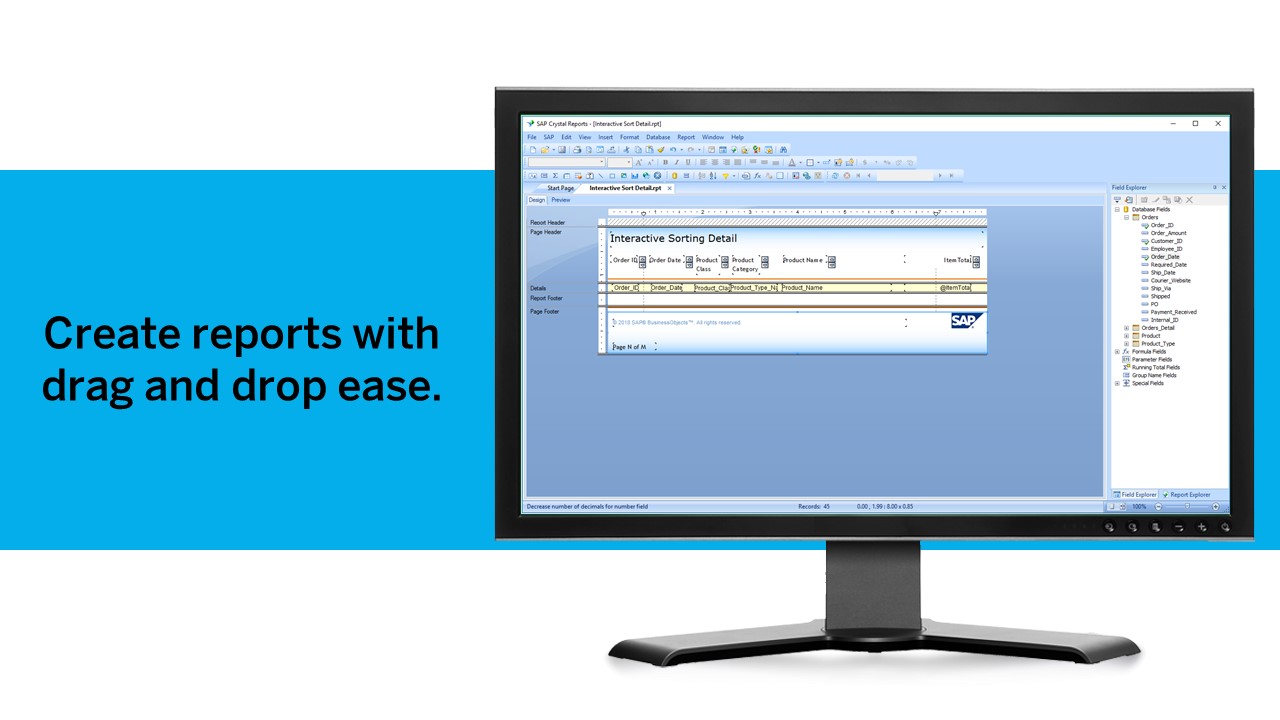
Screenshot of Pixel-perfect reporting solutionScreenshot of Refresh with a clickScreenshot of Build pixel-perfect documentsScreenshot of Connect to all data sourcesScreenshot of Use drag and dropScreenshot of Build interactive reports

Spoom Screenshots

Screenshot of Dashboard in AnalyzaScreenshot of Table in AnalyzaScreenshot of Vertical chart in AnalyzaScreenshot of Customized table in AnalyzaScreenshot of Data raw export in AnalyzaScreenshot of Authentification in Analyza