
Splunk Observability Cloud vs. Statseeker
| Product | Rating | Most Used By | Product Summary | Starting Price |
|---|---|---|---|---|
 Splunk Observability Cloud | Score9 out of 10 | N/A | Splunk Observability Cloud aims to enable operational agility and better customer experience through real-time AI-driven streaming analytics allowing accurate alerts in seconds. It is designed to shorten MTTD and MTTR by providing real-time visibility into cloud infrastructure and services. | $180 per year per host |
 Statseeker | Score7 out of 10 | N/A | Statseeker, a Techniche product, is a network performance monitoring solution used by private, Fortune 500 and S&P companies, and G20 governments around the world. The solution is designed to deliver instant, granular-level visibility of an entire network and history. | N/A |
| Splunk Observability Cloud | Statseeker | |||||||||||||||
|---|---|---|---|---|---|---|---|---|---|---|---|---|---|---|---|---|
| Editions & Modules |
| No answers on this topic | ||||||||||||||
| Offerings |
| |||||||||||||||
| Entry-level Setup Fee | No setup fee | No setup fee | ||||||||||||||
| Additional Details | — | — | ||||||||||||||
| More Pricing Information | ||||||||||||||||
| Splunk Observability Cloud | Statseeker | |
|---|---|---|
| Considered Both Products | No answer on this topic | No answer on this topic |
| Key User Insights | ||
| Would buy again | ||
96% Would buy again 50 Answers | No answers on this topic | |
| Delivers good value for the price | ||
96% Delivers good value for the price 43 Answers | No answers on this topic | |
| Happy with the feature set | ||
100% Happy with the feature set 52 Answers | No answers on this topic | |
| Lived up to sales and marketing promises | ||
100% Lived up to sales and marketing promises 26 Answers | No answers on this topic | |
| Implementation went as expected | ||
100% Implementation went as expected 40 Answers | No answers on this topic | |
| Splunk Observability Cloud | Statseeker | |||||||||||||||||||||||||
|---|---|---|---|---|---|---|---|---|---|---|---|---|---|---|---|---|---|---|---|---|---|---|---|---|---|---|
| Network Performance Monitoring |
| |||||||||||||||||||||||||
| Splunk Observability Cloud | Statseeker | |
|---|---|---|
| Small Businesses |  Amazon CloudWatch Score8.2 out of 10 |  Auvik Score9.9 out of 10 |
| Medium-sized Companies |  Datadog Score8.4 out of 10 |  PingPlotter Score9.3 out of 10 |
| Enterprises |  NetBrain Technologies Score9.2 out of 10 |  Nmap Score10 out of 10 |
| All Alternatives | View all alternatives | View all alternatives |
| Splunk Observability Cloud | Statseeker | |
|---|---|---|
| Likelihood to Recommend | 8.6 | 8.0 |
| Likelihood to Renew | 6.4 | - |
| Usability | 7.3 | - |
| Support Rating | - | 8.0 |
| Splunk Observability Cloud | Statseeker | |
|---|---|---|
| Likelihood to Recommend |
|
|
| Pros |
|
|
| Cons |
|
|
| Likelihood to Renew |
| No answers on this topic |
| Usability |
| No answers on this topic |
| Support Rating |
|
|
| Implementation Rating |
| No answers on this topic |
| Alternatives Considered |
|
|
| Return on Investment |
|
|
| ScreenShots | Splunk Observability Cloud Screenshots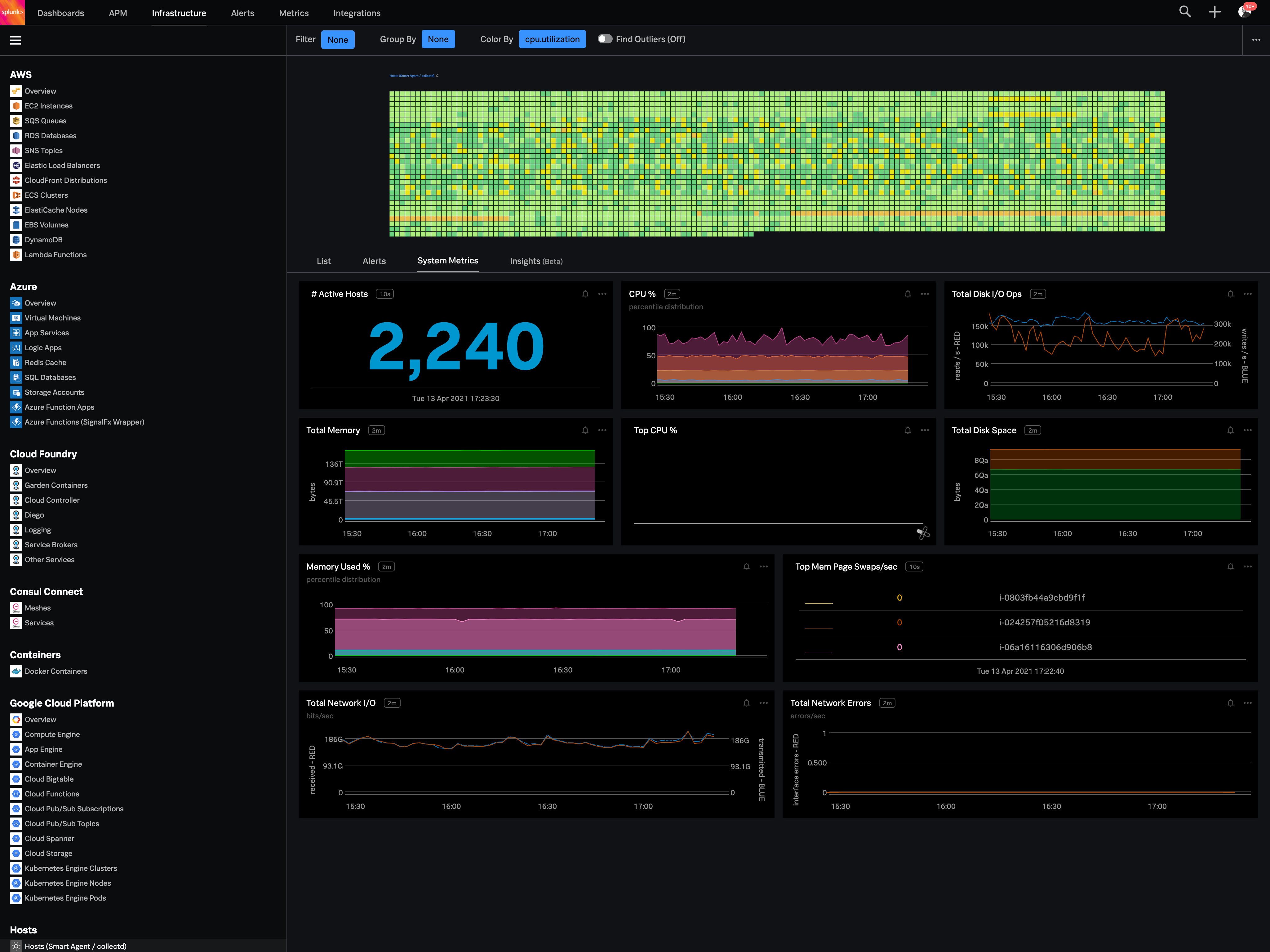 |

