SonicWall Web Content Filtering Client (CFC) vs. TitanHQ DNS Filtering

Overview
ProductRatingMost Used ByProduct SummaryStarting Price
SonicWall Web Content Filtering Client (CFC)
Score 9.0 out of 10
N/A
The SonicWall Web Content Client (CFC) compares requested sites against its database of web sites to provide configurable content filtering.N/A
TitanHQ DNS Filtering
Score 8.5 out of 10
N/A
WebTitan is the web security gateway and content filtering solution offered by TitanHQ.
$38
per month per 25 users (Starting Price)
Pricing
SonicWall Web Content Filtering Client (CFC)TitanHQ DNS Filtering
Editions & Modules
No answers on this topic
WebTitan Gateway
$38
per month per 25 users (Starting Price)
Offerings
Pricing Offerings
SonicWall Web Content Filtering Client (CFC)TitanHQ DNS Filtering
Free Trial
NoYes
Free/Freemium Version
NoNo
Premium Consulting/Integration Services
NoNo
Entry-level Setup FeeNo setup feeOptional
Additional Details
More Pricing Information
Community Pulse
SonicWall Web Content Filtering Client (CFC)TitanHQ DNS Filtering
User Ratings
SonicWall Web Content Filtering Client (CFC)TitanHQ DNS Filtering
Likelihood to Recommend
9.0
(0 ratings)
8.2
(0 ratings)
User Testimonials
SonicWall Web Content Filtering Client (CFC)TitanHQ DNS Filtering
Likelihood to Recommend
When the user is connecting to the internet and should not access some social media website or malware sites or unauthorized websites which may distract users and affect the productivity so to avoid any problems. It is a very simple setup. It is very easy to deploy, configure, and implement.
Read full review
WebTitan DNS Filer is a great content filtering solution, this tool is recommended to use to prevent misuse of the network. WebTitan DNS Filer allows your users to automatically block the content they want at the time they want. It's very easy to use, it works very well, it's really good and affordable, plus it offers great cloud security features that are highly flexible to help protect data or meet the needs of the company you work for.
Read full review
Pros
  • In built customized policies
  • Control access to unsecure web content
  • Application traffic analytics
  • IP-based HTTPS content filtering
Read full review
  • Protection
  • Filter non business content
  • Seemless usage
Read full review
Cons
  • Malware scanning
  • Content Filtering Client for roaming devices
  • Cost
Read full review
  • The upgrade/update process is essentially a rip and replace with the newer components.
  • Reporting could be more robust.
  • Support is responsive but many timezones away.
Read full review
Alternatives Considered
Easy to setup and more stable solution. User friendly interface. Scalable and also in terms of cost it seems to be affordable solution with the best in-class protection benefits and other on demand features like dynamically updated
rating architecture and high-performance web caching and
rating architecture
Read full review
I prefer WebTitan to Webroot. The configuration was much easier and support was more responsive with WebTitan.
Read full review
Return on Investment
  • Improves Productivity
  • Ensures safe environment by allowing genuine traffic
  • Continued productivity helps to regain ROI in more figures
Read full review
  • The client networks it is installed on are now free of viruses
  • We are now able to offer our clients and enhanced level of security on the web
  • End users can sometimes complain that sites they use are now blocked, IE. Streaming sites etc. but this is the plan
Read full review
ScreenShots

TitanHQ DNS Filtering Screenshots

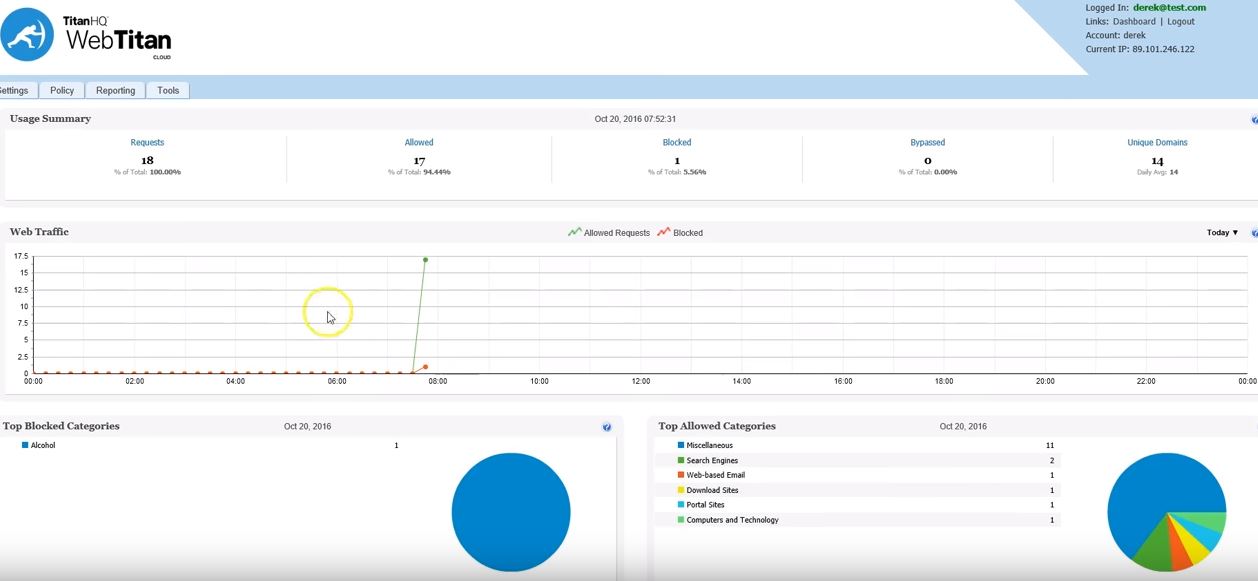
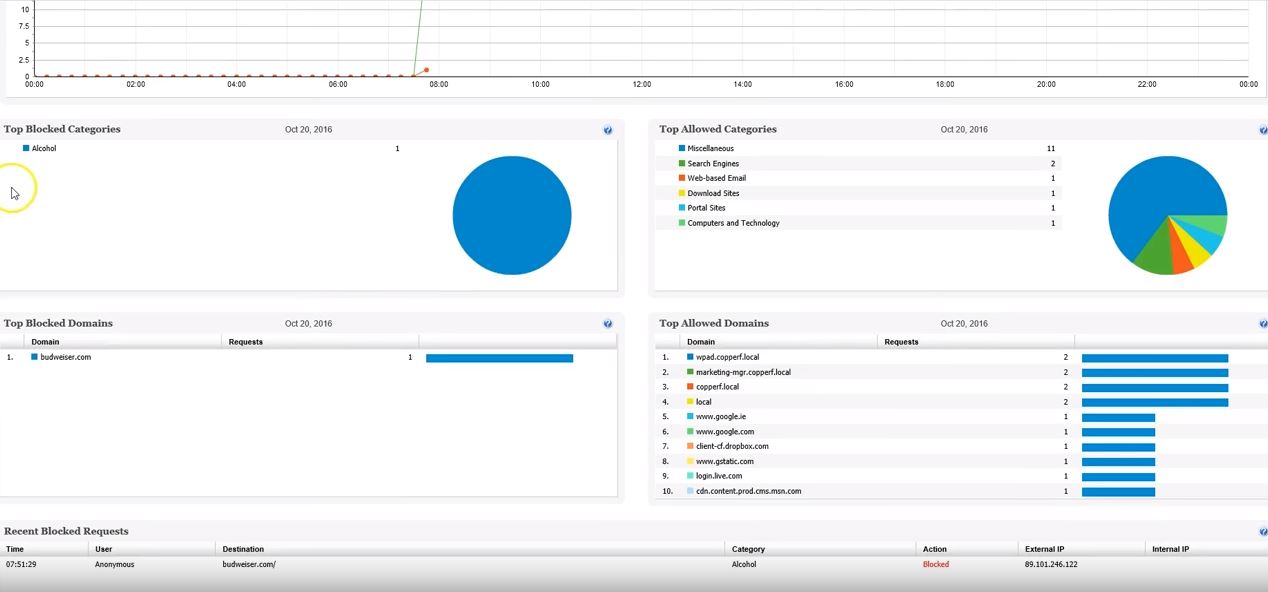
Screenshot of Screenshot of Screenshot of Screenshot of Screenshot of Screenshot of