
Aikido Security vs. SonarQube Server
| Product | Rating | Most Used By | Product Summary | Starting Price |
|---|---|---|---|---|
 Aikido Security | Score8.1 out of 10 | Small Businesses (1-50 employees) | Aikido's security platform supports developers and security teams alike with full security visibility, insights, and automatic vulnerability fixes. Aikido helps security teams with: - False-positive reduction - AI Autotriage & AI Autofix - Deep integration into the dev workflow (from IDEs and task managers to CI/CD gating) - Automated Compliance Aikido's covers the entire Software Development Lifecycle (SDLC), including: static application security testing… | $350 per month |
 SonarQube Server | Score9.5 out of 10 | N/A | SonarQube is a code quality and vulnerability solution for development teams that integrates with CI/CD pipelines to ensure the software you produce is secure, reliable, and maintainable. | $0 per year per installation |
| Aikido Security | SonarQube Server | |||||||||||||||
|---|---|---|---|---|---|---|---|---|---|---|---|---|---|---|---|---|
| Editions & Modules |
|
| ||||||||||||||
| Offerings |
| |||||||||||||||
| Entry-level Setup Fee | No setup fee | No setup fee | ||||||||||||||
| Additional Details | Discount available for annual pricing. Additional seats / users can be added to each service tier. | — | ||||||||||||||
| More Pricing Information | ||||||||||||||||
| Aikido Security | SonarQube Server | |
|---|---|---|
| Considered Both Products | No answer on this topic | No answer on this topic |
| Key User Insights | ||
| Would buy again | ||
No answers on this topic | 100% Would buy again 32 Answers | |
| Delivers good value for the price | ||
No answers on this topic | 100% Delivers good value for the price 29 Answers | |
| Happy with the feature set | ||
No answers on this topic | 100% Happy with the feature set 32 Answers | |
| Lived up to sales and marketing promises | ||
No answers on this topic | 95% Lived up to sales and marketing promises 18 Answers | |
| Implementation went as expected | ||
No answers on this topic | 100% Implementation went as expected 27 Answers | |
| Aikido Security | SonarQube Server | |||||||||||||||||||
|---|---|---|---|---|---|---|---|---|---|---|---|---|---|---|---|---|---|---|---|---|
| Threat Intelligence |
| |||||||||||||||||||
| Vulnerability Management Tools |
| |||||||||||||||||||
| Aikido Security | SonarQube Server | |
|---|---|---|
| Likelihood to Recommend | 8.2 | 8.9 |
| Usability | 8.2 | 9.1 |
| Support Rating | - | 9.0 |
| Aikido Security | SonarQube Server | |
|---|---|---|
| Likelihood to Recommend | No answers on this topic | No answers on this topic |
| Pros | No answers on this topic | No answers on this topic |
| Cons | No answers on this topic |
|
| Usability | No answers on this topic |
|
| Support Rating | No answers on this topic | No answers on this topic |
| Alternatives Considered | No answers on this topic |
|
| Return on Investment | No answers on this topic | No answers on this topic |
| ScreenShots | Aikido Security Screenshots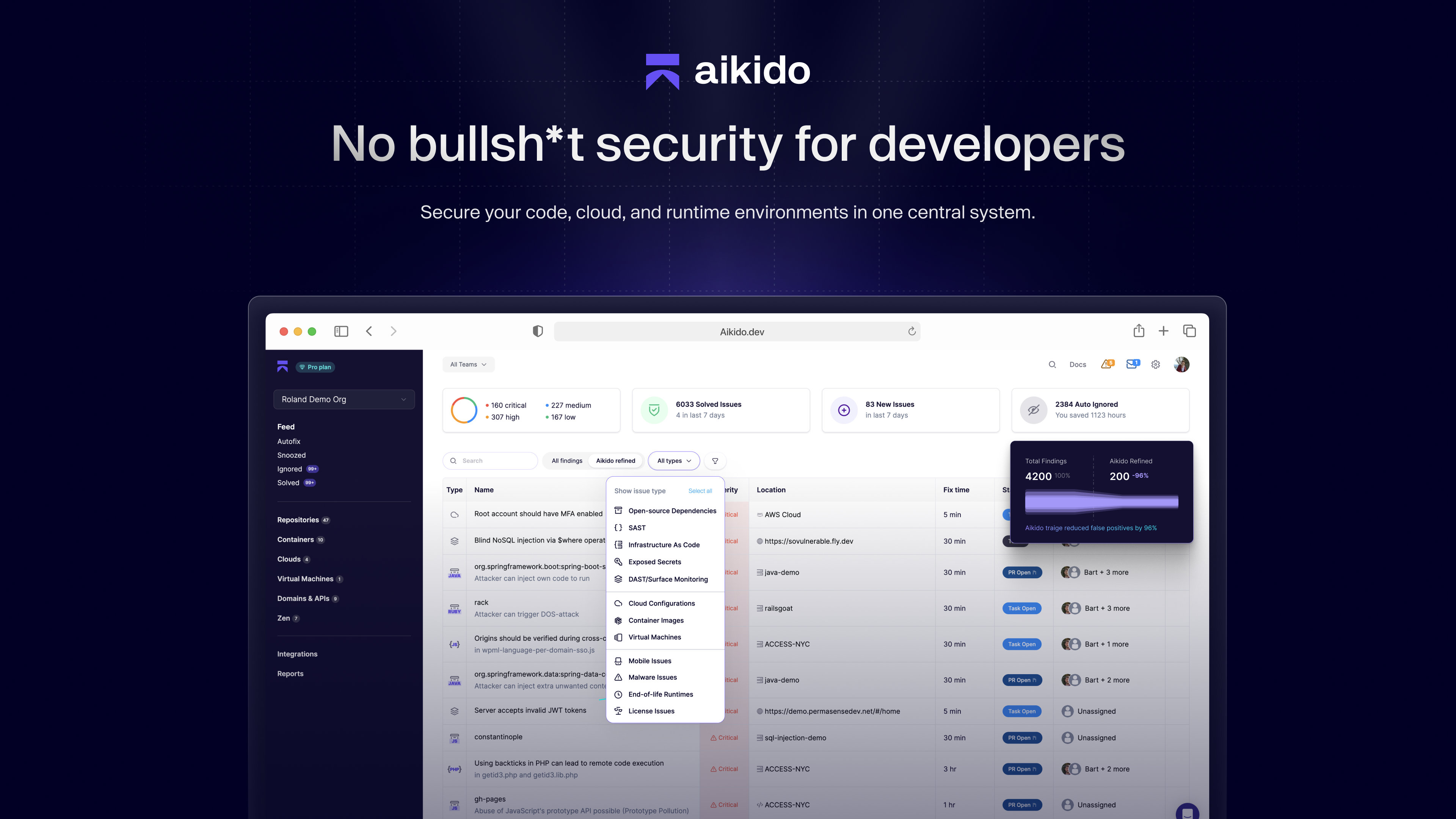 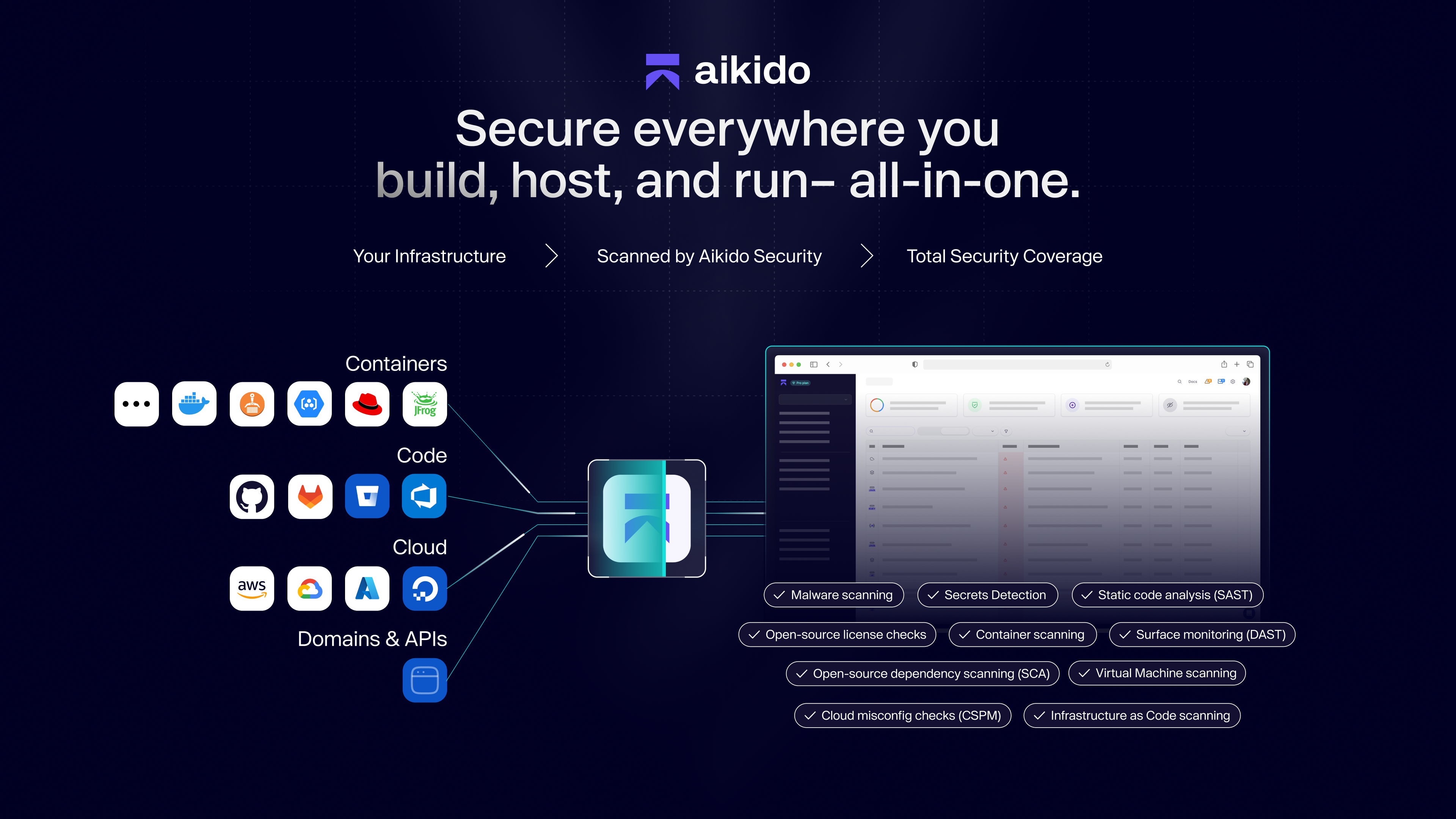 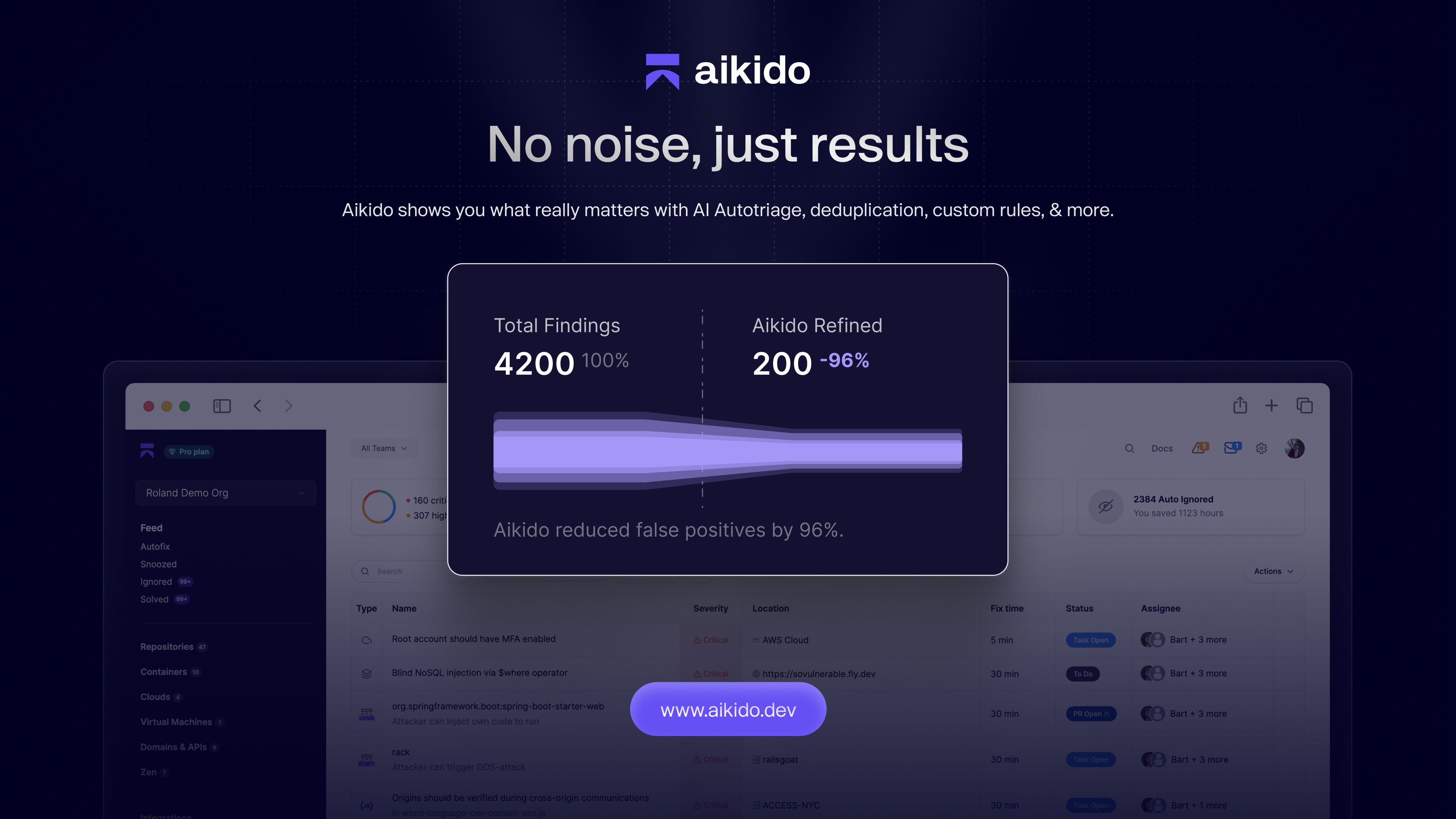 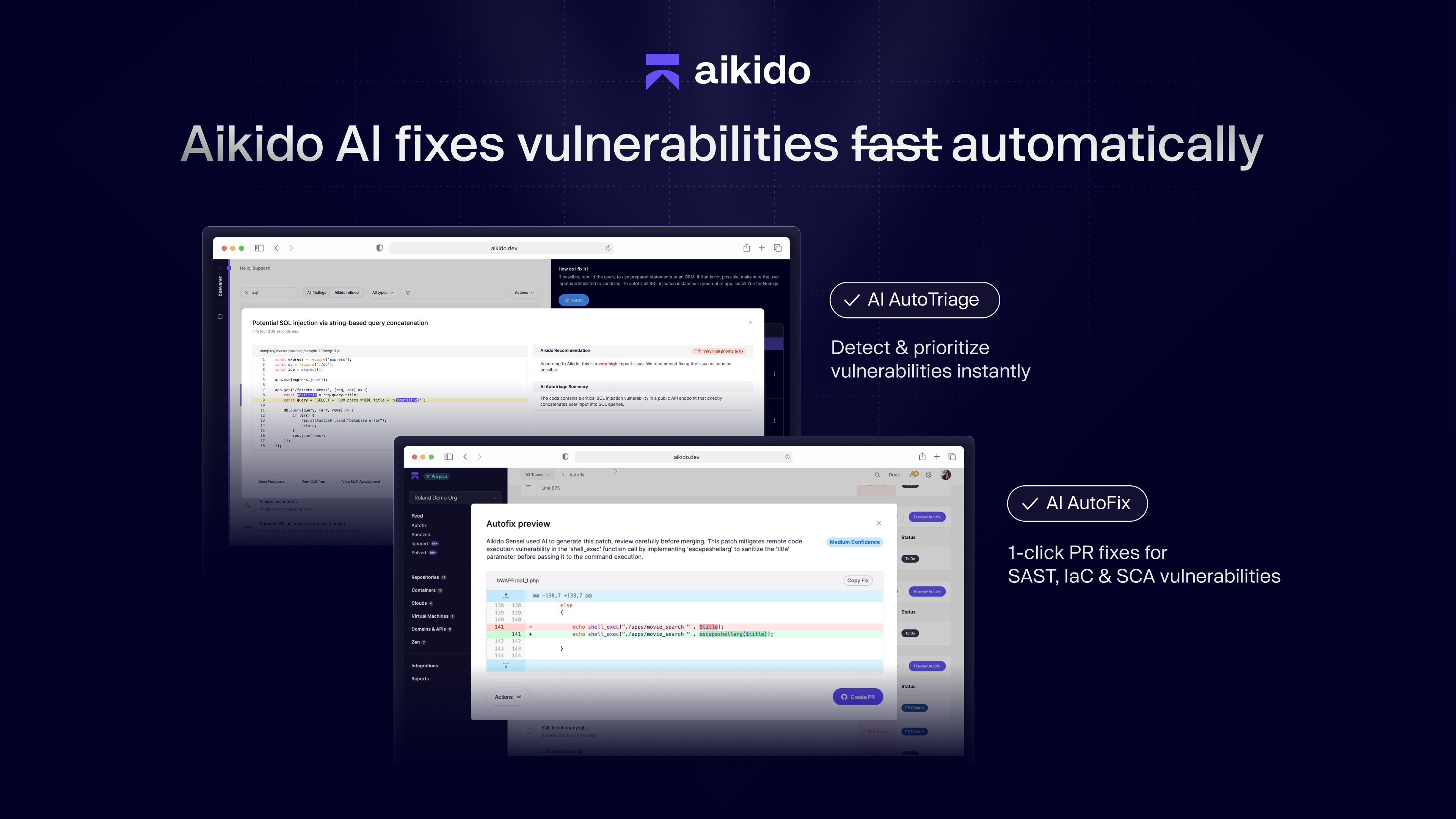  | SonarQube Server Screenshots   |


