SOLIDWORKS vs. Vectorworks Spotlight

Overview
ProductRatingMost Used ByProduct SummaryStarting Price
SOLIDWORKS
Score 8.5 out of 10
N/A
Dassault Systemes offers SOLIDWORKS, a computer-aided design (CAD) system for education and manufacturing supporting 2D or 3D design, electrical design, simulations, and product development with collaboration tools.
$1,295
per year
Vectorworks Spotlight
Score 10.0 out of 10
N/A
Vectorworks Spotlight is a solution used to design, document, previsualize, and produce shows and events. With an extensive suite of drawing, modeling, database, documentation, and collaboration tools, Spotlight helps users go from concept to fully created model within a single workflow. Evolved to meet the needs of entertainment industry professionals, Vectorworks Spotlight 2025 opens a new world of visual understanding and communication, delivering features implemented to address the most-used…
$153
per month per user
Pricing
SOLIDWORKSVectorworks Spotlight
Editions & Modules
Solidworks Annual Subscription
1,295
per year
Solidworks Standard
3,996
per standalone license
Annual Subscription
$127.50
per month per user
Monthly Subscription
$153
per month per user
Offerings
Pricing Offerings
SOLIDWORKSVectorworks Spotlight
Free Trial
NoYes
Free/Freemium Version
NoNo
Premium Consulting/Integration Services
NoNo
Entry-level Setup FeeNo setup feeOptional
Additional Details$153/M: Monthly, 2 GB of cloud storage, Basic tech support, Immediate access to new versions $128/M: $1530 billed annually | Saves $306 over monthly billing, 2 GB of cloud storage, Basic tech support, Immediate access to new versions
More Pricing Information
Community Pulse
SOLIDWORKSVectorworks Spotlight
Features
SOLIDWORKSVectorworks Spotlight
Computer-Aided Design Software
Comparison of Computer-Aided Design Software features of Product A and Product B
SOLIDWORKS
7.7
2 Ratings
8% above category average
Vectorworks Spotlight
-
Ratings
3D Modeling9.32 Ratings00 Ratings
2D Drafting8.02 Ratings00 Ratings
Rendering and Visualization7.62 Ratings00 Ratings
Parametric Design6.01 Ratings00 Ratings
Collaboration and Sharing8.01 Ratings00 Ratings
Compatibility with other software and formats9.32 Ratings00 Ratings
Assembly Design7.32 Ratings00 Ratings
Simulation and Analysis7.01 Ratings00 Ratings
Documentation and Annotation7.01 Ratings00 Ratings
Customization and Extensions8.02 Ratings00 Ratings
Best Alternatives
SOLIDWORKSVectorworks Spotlight
Small Businesses
Onshape
Onshape
Score 9.9 out of 10
Onshape
Onshape
Score 9.9 out of 10
Medium-sized Companies
Onshape
Onshape
Score 9.9 out of 10
Onshape
Onshape
Score 9.9 out of 10
Enterprises
Rhino
Rhino
Score 8.9 out of 10
Rhino
Rhino
Score 8.9 out of 10
All AlternativesView all alternativesView all alternatives
User Ratings
SOLIDWORKSVectorworks Spotlight
Likelihood to Recommend
9.3
(57 ratings)
-
(0 ratings)
Likelihood to Renew
10.0
(2 ratings)
-
(0 ratings)
Usability
8.6
(4 ratings)
-
(0 ratings)
Support Rating
5.2
(16 ratings)
-
(0 ratings)
In-Person Training
9.0
(1 ratings)
-
(0 ratings)
Online Training
9.0
(1 ratings)
-
(0 ratings)
User Testimonials
SOLIDWORKSVectorworks Spotlight
Likelihood to Recommend
Dassault Systemes
As a mechanical engineer, it is one of the best tools to just start modeling and engineering with. The UI tools are intuitive and engineering analysis such Mold Analysis, FEA, are great! Other 3D CAD modeling tools have a longer learning curve to master. All in all, if you're not planning to design an entire airplane with large assembly files, then Solidworks is your tool!
Read full review
Vectorworks, Inc.
No answers on this topic
Pros
Dassault Systemes
  • The collaborative work environment is a cool and useful feature where groups of people can work on the same model at the same time, and SOLIDWORKS ensures that you don't overwrite each other's work.
  • The ease and amount of customization options are very useful for creating a personalized and intuitive user interface, whether SOLIDWORKS is your native CAD package or not.
  • It is very easy to quickly edit a model you have already created. The software allows sketch and feature editing without having to take the time to actually enter the sketch/feature environment.
  • The use of configurations and configurations-specific dimensions in the same sketch is very useful for creating different forms of the same part
Read full review
Vectorworks, Inc.
No answers on this topic
Cons
Dassault Systemes
  • Save DWG 2D files in inches or metric easily, defaults to metric and has to be manually converted to inches
  • When using the sketch feature, the ability to disable ALL references. If I don't know the exact shape and I want to draw/adapt my design, it harshly interprets the references which have no value to me. The easiest exact is to think about when you have a Microsoft Word document that has a lot of formatting, photos, tabs, etc. If you accidentally hit the "enter" key, you can explode the formatting and everything goes crazy. SW does this to me, I just want to "doodle" my sketches, edit/delete/etc and not be bound by arbitrary references.
  • For the sketch feature, ability to use a DraftSight plugin of some sort. I'm super fast in DS, if I could draw using the commands in SW then I would probably never open DS again and convert to SW full time. Currently, I only use SW as a way to convert 3D files so I can build everything in DraftSight.
Read full review
Vectorworks, Inc.
No answers on this topic
Likelihood to Renew
Dassault Systemes
We have absolutely no reasons to not keep with SolidWorks for the foreseeable future.
Read full review
Vectorworks, Inc.
No answers on this topic
Usability
Dassault Systemes
I have been using SOLIDWORKS for around 12 years as of writing this review, so have learned where most things are and how they work. When first starting out it was quite daunting, but the interface is well laid out with like functions near each other which made finding new functions relatively easy.
Read full review
Vectorworks, Inc.
No answers on this topic
Support Rating
Dassault Systemes
We have an unusual arrangement. We don’t pay for support, but we’re partnered with a VAR for second-tier support.
I work with other users if I have questions but when we’ve had to ask the VAR, they always have answers. It appears that all of the VARs have access to a support platform from DS SOLIDWORKS that helps them answer most questions.
Read full review
Vectorworks, Inc.
No answers on this topic
Alternatives Considered
Dassault Systemes
Onshape is a direct competitor. It has great entry level pricing and it is easy to access with no installation required. Being a web based app there is sometime some lag being based in NZ. Management also have concerns over where the data is stored on the cloud. With SW we can control where it is stored
Read full review
Vectorworks, Inc.
No answers on this topic
Return on Investment
Dassault Systemes
  • Creation of small 3D pieces to generate cash flow.
  • Not being able to create 3D sculptures with this tool, and not being able to fulfill the client's requirements.
  • To be able to sell high visual quality simulations for companies that hire the service.
Read full review
Vectorworks, Inc.
No answers on this topic
ScreenShots

Vectorworks Spotlight Screenshots

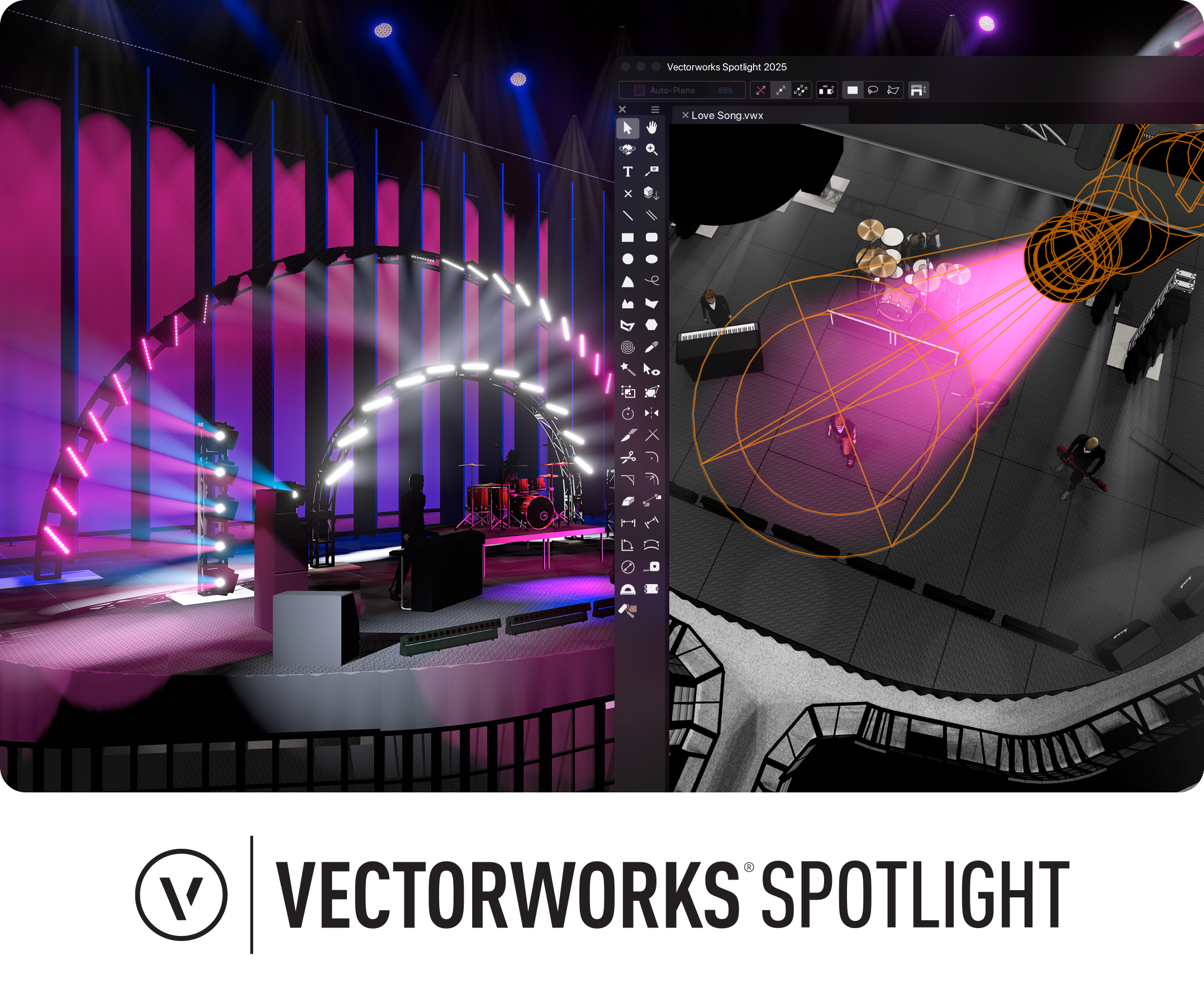
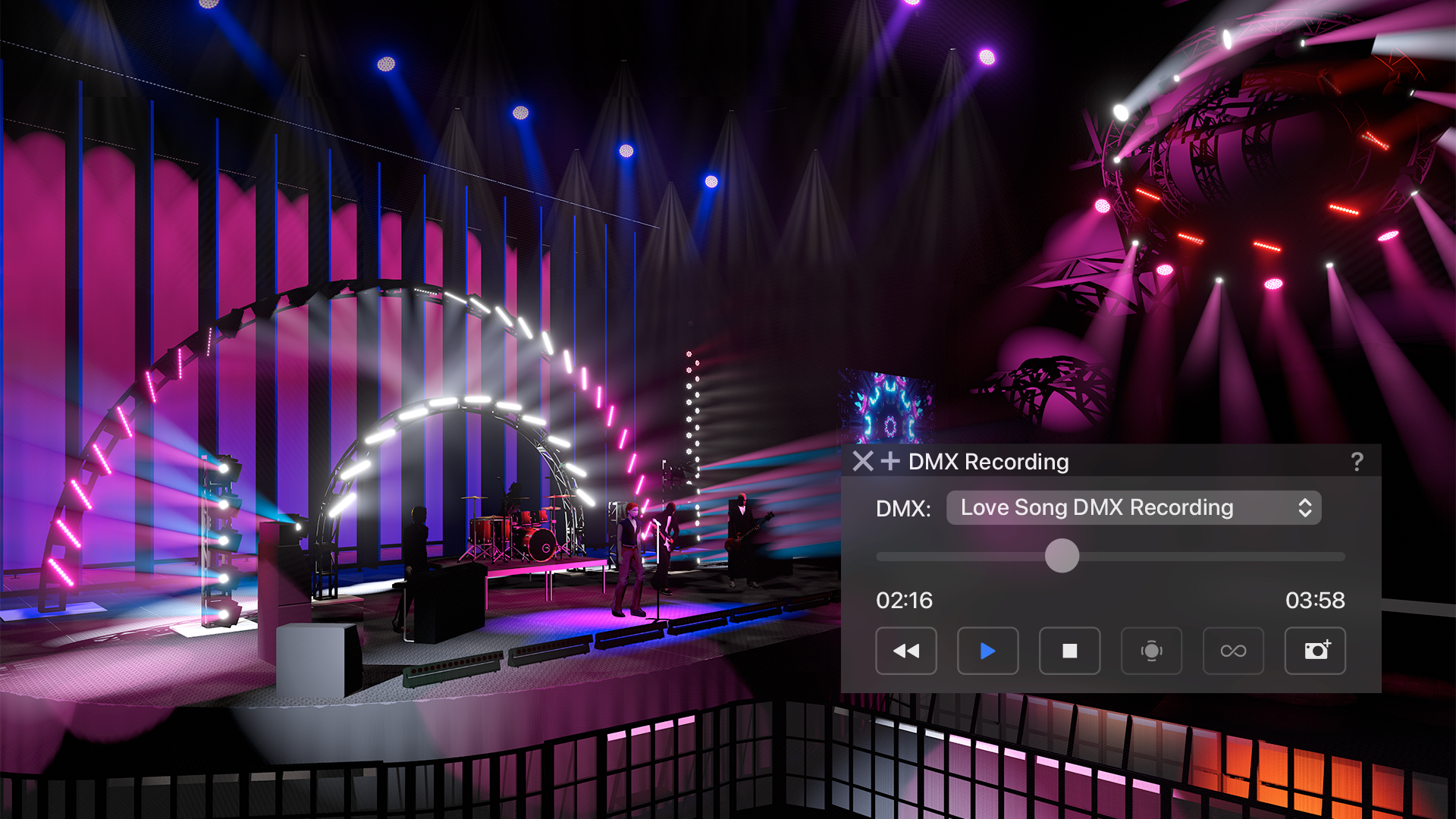
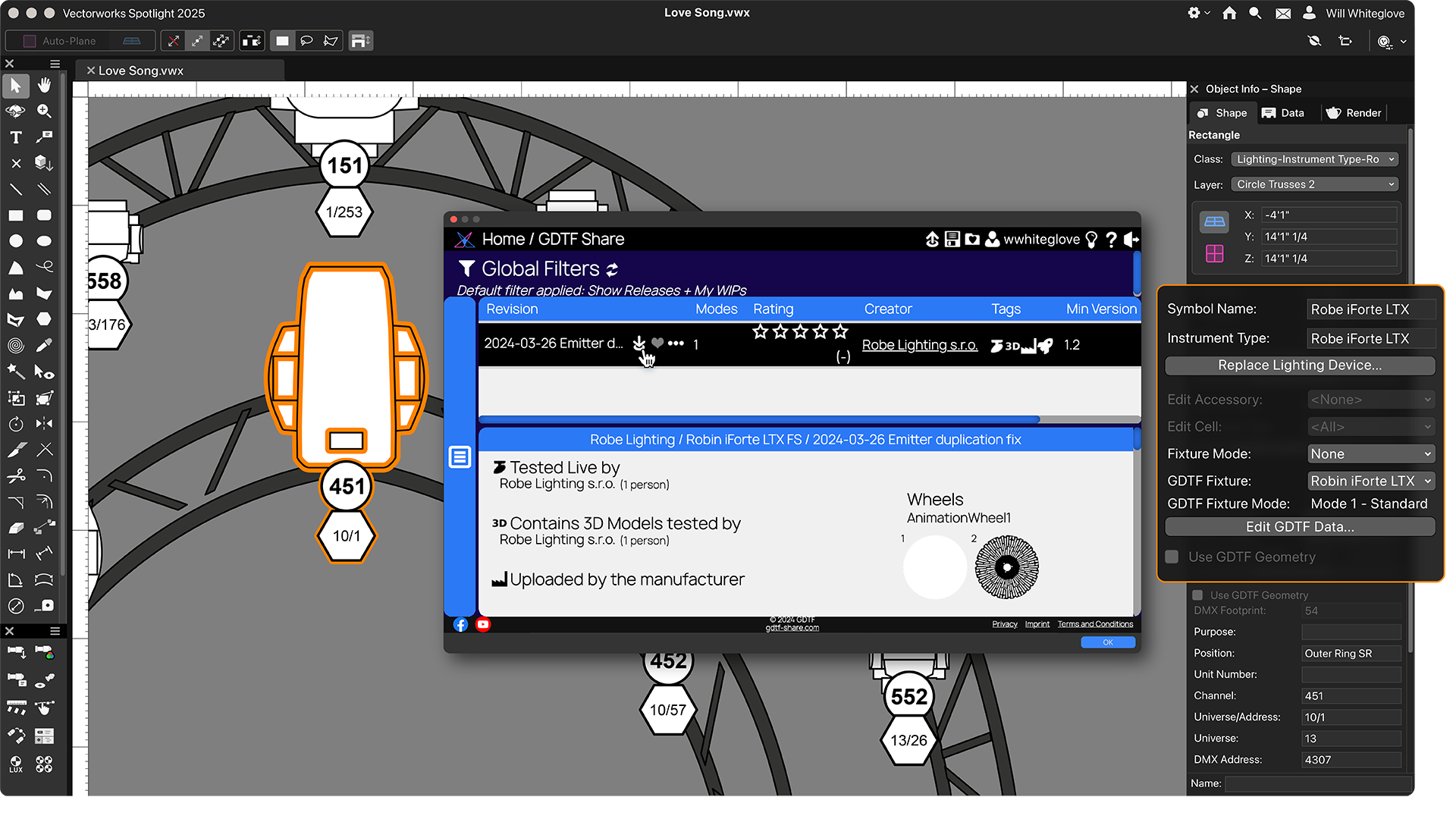
Screenshot of Vectorworks Spotlight 2025Screenshot of a real-time previsualization, available directly inside Vectorworks to bring live control of lighting fixtures and the ability to test run a show without leaving the model. Users can explore countless lighting and scenic possibilities and then experiment, edit, and adjust to based on any previsualization.Screenshot of GDTF Mapping, which gives users accurate fixture information to avoid errors. Map GDTF files to fixtures with direct access to GDTF-Share to download and import the files in one action from within Vectorworks. Automatically update all GDTF profiles with one command and store assigned GDTFs within their lighting devices