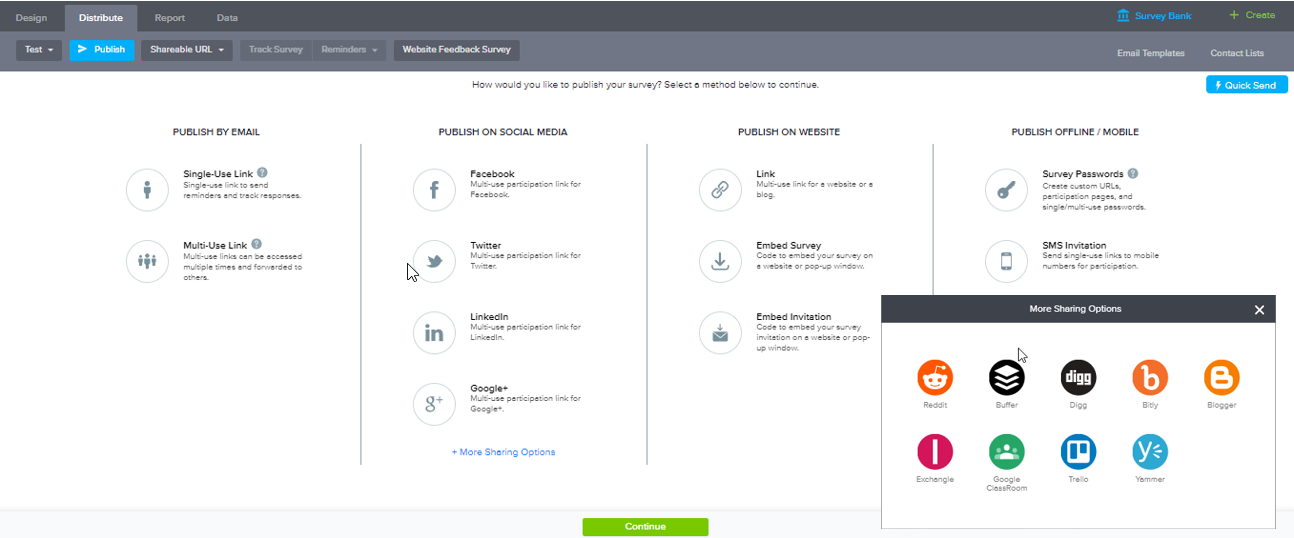
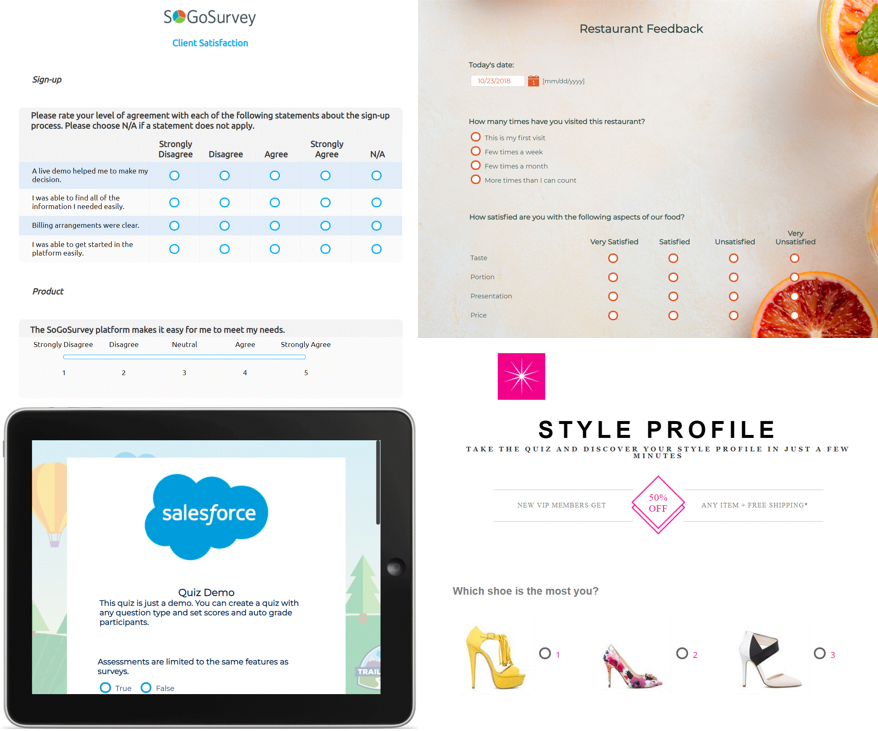
Sogolytics (formerly SoGoSurvey) is an online survey software solution that helps users create surveys quickly. The free package includes basic features for building surveys and the paid package includes advanced features.
N/A
Zoho Forms
Score 7.9 out of 10
N/A
Zoho Forms is an online form builder that lets users create mobile-ready online forms. Forms can be shared with select users via email, or via a public link. This solution includes a drag-and-drop form builder that is responsive on all mobile devices. Zoho Forms also offers native mobile applications for iOS and Android devices.
According to the vendor, key benefits include: A web and mobile form builder. Drag and drop fields to add them to…
$0
per month
Pricing
Sogolytics
Zoho Forms
Editions & Modules
No answers on this topic
Free
$0
per month
Basic
$10
per month
Standard
$25
per month
Professional
$50`
per month
Premium
$100
per month
Offerings
Pricing Offerings
Sogolytics
Zoho Forms
Free Trial
Yes
Yes
Free/Freemium Version
Yes
Yes
Premium Consulting/Integration Services
No
No
Entry-level Setup Fee
No setup fee
$10 per month
Additional Details
—
Contact support@zohoforms.com to try out our paid plans.
More Pricing Information
Community Pulse
Sogolytics
Zoho Forms
Features
Sogolytics
Zoho Forms
Survey Content
Comparison of Survey Content features of Product A and Product B
Sogolytics
-
Ratings
Zoho Forms
7.0
Ratings
19% below category average
Changes to live survey
00 Ratings
6.00 Ratings
Multiple question types
00 Ratings
8.00 Ratings
Survey Logic
Comparison of Survey Logic features of Product A and Product B
Sogolytics
-
Ratings
Zoho Forms
7.0
Ratings
16% below category average
Survey logic flexibility
00 Ratings
7.00 Ratings
Survey Reporting & Analytics
Comparison of Survey Reporting & Analytics features of Product A and Product B
Sogolytics
-
Ratings
Zoho Forms
6.9
Ratings
17% below category average
Response tracking
00 Ratings
7.00 Ratings
Data export
00 Ratings
9.40 Ratings
Standard reports
00 Ratings
7.50 Ratings
Custom reports
00 Ratings
4.00 Ratings
Analytics
00 Ratings
6.50 Ratings
Survey Administration & Security
Comparison of Survey Administration & Security features of Product A and Product B
Sogolytics
-
Ratings
Zoho Forms
6.0
Ratings
37% below category average
Access controls
00 Ratings
6.00 Ratings
Survey Distribution
Comparison of Survey Distribution features of Product A and Product B
We use Sogosurvey to obtain feedback from course candidates after they have attended a course. This is invaluable to us as the candidates can complete the feedback in their own time after the course is completed rather than them having to do it while attending the course. We also use SoGoSurvey to get feedback from our volunteer instructors who work for other organizations and at different hours so the ability for them to complete the surveys in their own time is invaluable.
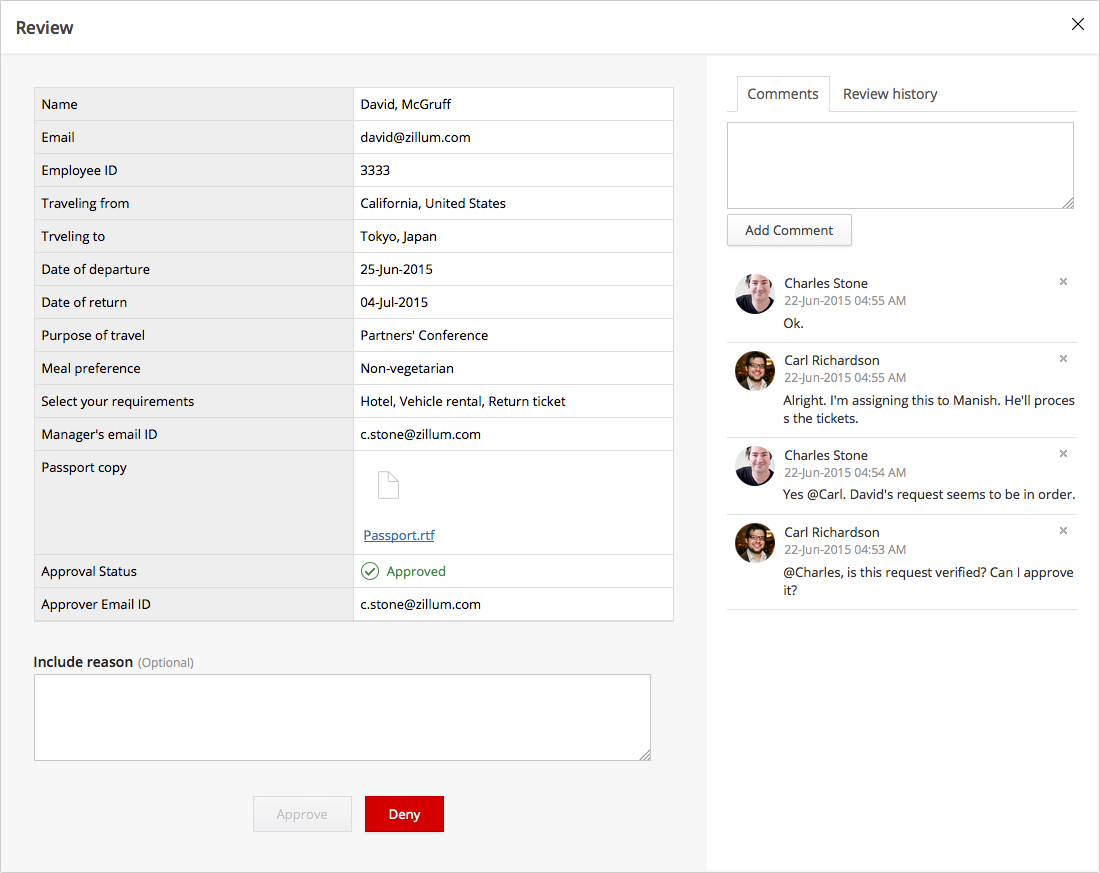
Zoho Forms is well suited for anyone wanting to track items from a specific event or feedback at the conclusion of an event. It is also well suited to track responses. Zoho Forms is less suited for the scenarios where official approval is required because the forms are meant for a single user, and not to be filled out by one person, and then forwarded to another to document the approval. It would also not be good to replace an excel or word document to submit to another department requesting a part number for a new product because again once the form is submitted there is not a way for the second party to 'Update' the existing form and add the part number assigned by the second party.
SoGoSurvey makes it easy to create a survey even for the novice. I recently gave a spare license to a peer and they were able to easily develop a survey. I offered my help if she had any questions but she said that she'd definitely ask but "... I already love that I can change the answer format with the drop down. It's the best. "
Customer support. I 'chat' with support personnel when I need to use a feature I haven't used. They are always quick to respond and answer my questions thoroughly. I can get the complete chat via email for future reference as well.
Keeping clients up-to-date. SoGoSurvey regularly hosts free training and best practices webinars that keeps the basics at the forefront and shares best practices.
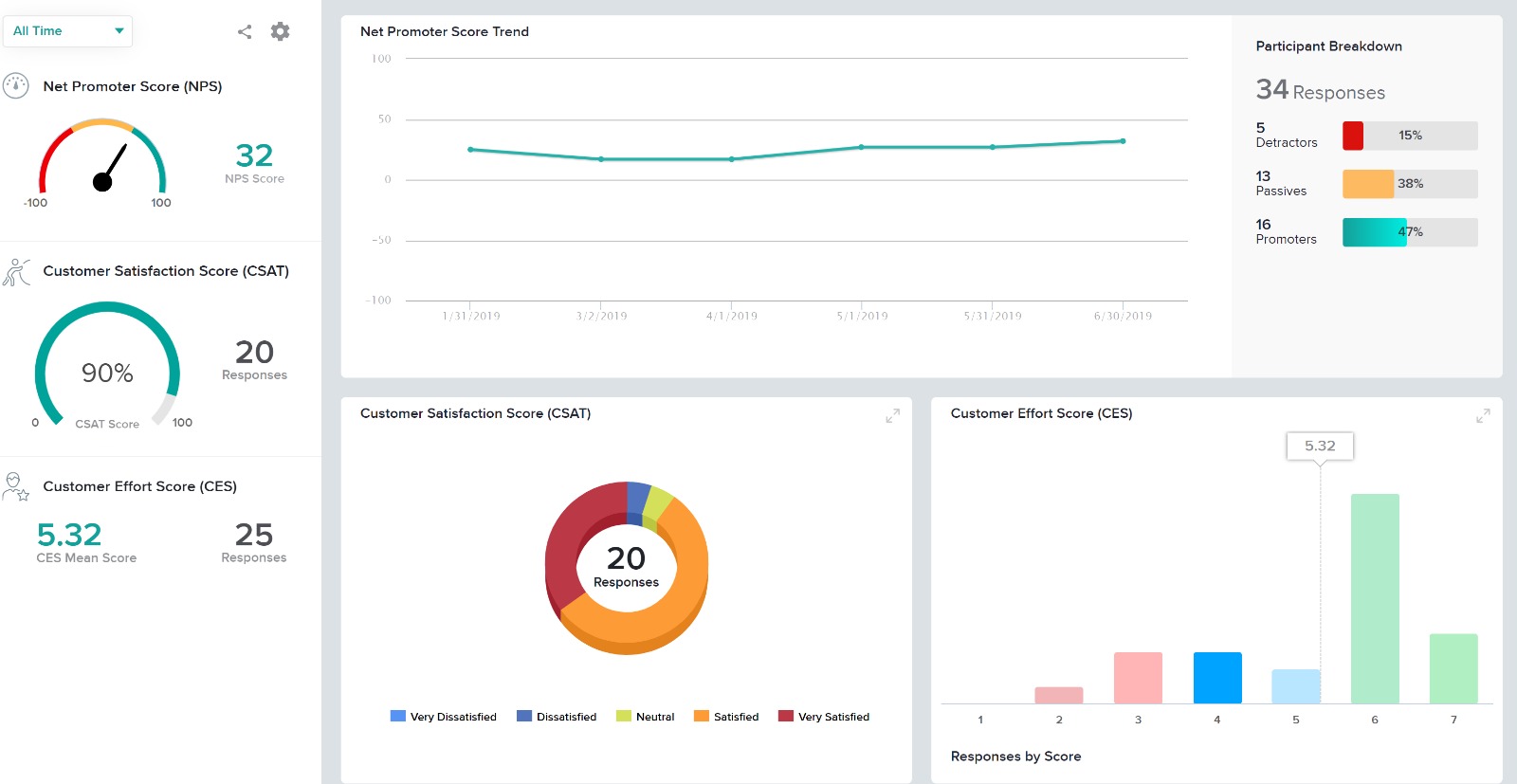
The canvas (survey metrics) is easy to create and very versatile in summarizing the survey results.
Its feature of sending alerts in real time is my favorite feature. Whenever someone fills an inquiry form, I get alert immediately.
It has a mobile app also which makes this software usable at anytime and anywhere.
It's a cloud based application so users don't need so save anything on their system and they don't need to be dependent on their system. They can access their forms from any system.
Providing users the ability to follow along a specific question example (eg. placeholder text in questions that users can see what the answer might look like)
Better media management and implementation (eg. placing images/videos/gifs/etc. as standalone assets in the survey)
Making the images added into a survey responsive to the screen they are being viewed on (eg. any images added to a survey do not adjust to the size of the screen, consequently showing up very small on mobile/tablet view)
Exporting the survey to Word looks horrible - we'd love if the survey could be exported the way it looks when live into a similar-looking Word document or template
Very easy to use. My only challenge was the features offered in their Plus package didn't offer everything I would have liked (e.g. branching). The other area for improvement would be to allow an easier transition between Tracking and Reports.
It is very easy to use & straight forward for a tech or non-tech user. It is very easy to distribute the form & collect data to evaluate. Lots of features to make the form unique or to collect data in many ways (sliders, wheels, more than just typed data entry). Works great on desktop or mobile devices as well.
I had an issue whereby I used a free trial that ended, locking me out of my account. I contacted their customer service to help with this issue, which they resolved in under half an hour. I was extremely impressed with their speed and quality of service, which led me to filling out this review!
So far we have not faced any issue while using the software but our customer journey has been breathtaking so far, which obviously i am expecting, should be the case of the support of Zoho Forms as well. However we have explored their support channels; you can easily find the contact us form in the profile slider and there are other resources available with a single click like Help Menu, What's New Menu, Blogs and Forums. However i could not find any live chat or support with the Free version.
In summary, Sogolytics has proven to be the perfect fit for our pre and post-test assessments. Its seamless integration, efficient data collection, and powerful reporting capabilities have significantly improved our ability to track and communicate the impact of our programs. We highly recommend Sogolytics to organizations looking for a reliable and user-friendly data management solution.
Zoho Forms I found to be more affordable (free tiers works for many businesses). They offered solutions that fit the need & didn't limit features like some of the other services trying to upsell. Jotform offers a lot more add-on features or widgets and has an interesting platform, but it is much more costly for small businesses.
The biggest pain point we had was getting notified in time of form submission which Zoho Forms has solved and now we do not miss any form submission from a potential lead.
Our existing customers (50+) were using conventional methods to inform us about issues being faced which was a major hassle for us in providing good customer services. But thanks to Zoho Forms, we now document each issue properly, respond to it in a timely manner and get it resolved with the SLAs.
We have also used Zoho Forms to have our live chat channel integrated with Zoho Forms to be able to get a form submission from them instantly while chatting with our CSRs.