Kissmetrics is a customer engagement automation platform. This solution includes behavioral analytics, segmentation, and email campaign automation.
$150
per month
Smartlook
Score 8.2 out of 10
Small Businesses (1-50 employees)
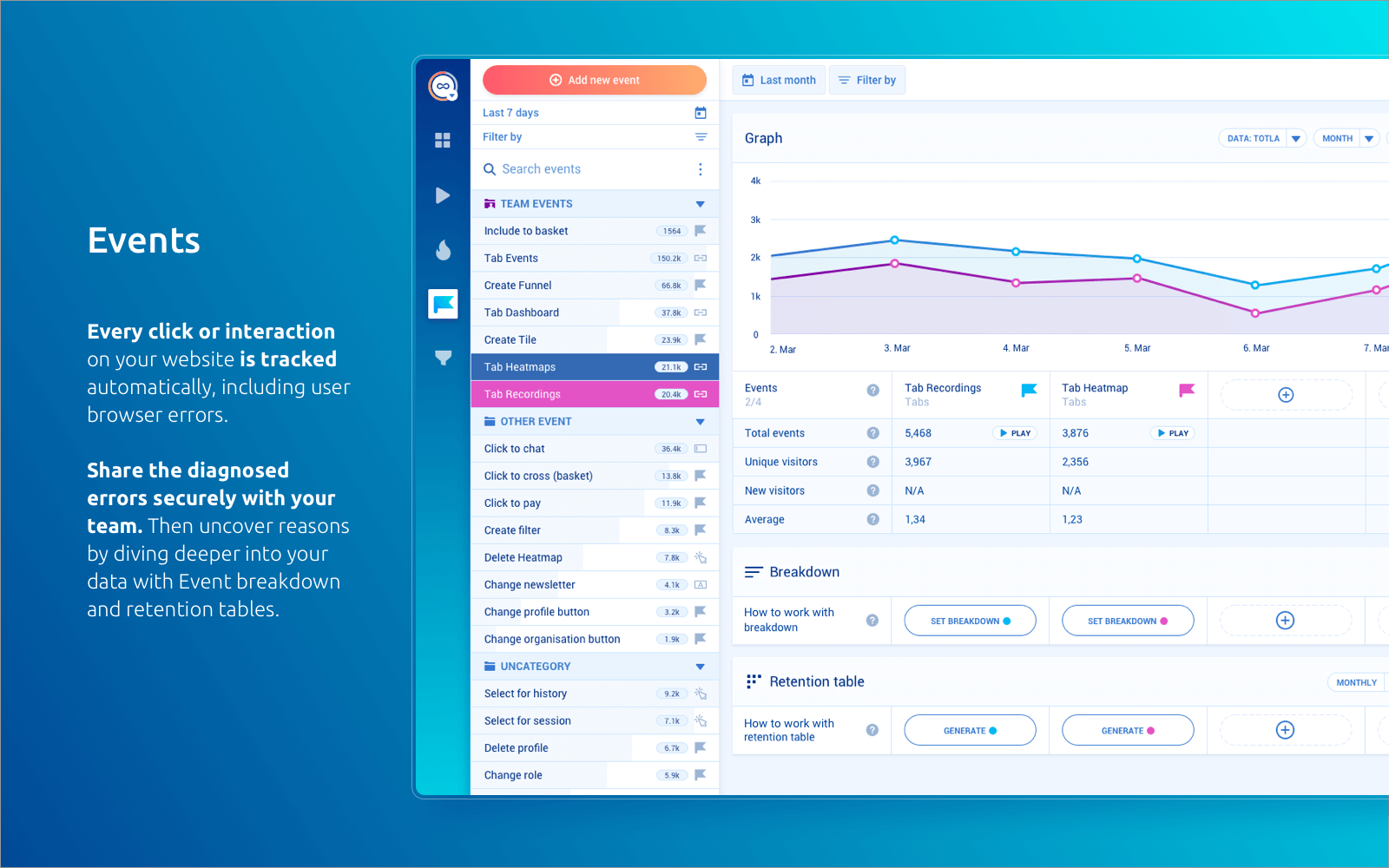
Smartlook is an analytics solution tool for websites, iOS/Android apps, and various app frameworks, that answers the "whys" behind users' actions. It helps users understand precisely how customers interact with website and app — watch recordings, create heatmaps, use automatic tracked events, and build conversion funnels. Data is seen on one central dashboard, which enables sharing and collaborating with colleagues. This is to support clear, data-driven decision-making for product managers,…
$55
per month 5000 sessions
Pricing
Kissmetrics
Smartlook
Editions & Modules
Growth
$500
Monthly Tracked People
Power
$850
Monthly Tracked People
Enterprise
Custom
Monthly Tracked People
Pro
$55
per month 5000 sessions
Free
Free forever
per month 3000 sessions
Enterprise
Custom pricing
Offerings
Pricing Offerings
Kissmetrics
Smartlook
Free Trial
Yes
Yes
Free/Freemium Version
No
Yes
Premium Consulting/Integration Services
No
Yes
Entry-level Setup Fee
$1,500 per installation
Optional
Additional Details
What are Monthly Tracked People?
Monthly Tracked People are unique visitors that engage in an Event on your website or with your product, that gets tracked by you in Kissmetrics.
Monthly Tracked People can be anonymous or identified.
All Smartlook packages support both web and mobile app platforms.
[Kissmetrics is well suited for the] abandon cart scenario to re-engage users on the purchase journey. Engaging users to personalized content using the visit metrics derived from the data captured at each digital touch points. [Implementing] website campaign and journey orchestration is easy. You get visitor profile to segment upon using different visit metrics and action.
Smartlook is best for screen recordings. Especially when you are running MVPs. However, its pricing is very high. If your daily visitors are too much then either you will have to lose many of your recordings or you will have to pay too much money.
The more events you track and properties you send along, the more you can see how specific users use your product/service. The user based timeline gives you a perfect start point to get in touch with users, because you can see where they get stuck.
Tracking your traffic sources and how they influence conversions is awesome. You can get a perfect view of how much a traffic source contributes to revenue.
Funnel reports give you more insights into micro and macro conversion steps and give you actionable data to work with.
Installing.... yes this is also a negative. While you can install and have the program running in minutes, if you use Unbounce, the form tracking process is quite complicated!
Updates... I feel like the product updates have slowed a lot lately. Thankfully, the product functionality is so amazing that it hasn't impeded the use of it. However, it is still disappointing to see less frequent software updates.
Occasionally clunky UI... there are a few reports that are really easy to mess up and leave you scratching your head on why it isn't showing you any data.
Price sensitivity and the different choices that now exist in the Analytics industry. I think it makes sense for us sometime this year to rethink our analytics strategy to see how we may leverage the best of GA (which has included lots of new features and updates the past years_, Kiss and other tools as need be
As my ratings show, I have been absolutely delighted with Smartlook in terms of usability, cost, support, and its benefit to our organization. I have given it such high ratings because I think it has really benefitted our organization and I think it could do the same for other companies too.
Right after login, you'll get to a dashboard which shows you a quick view on how your business is doing across the events you are tracking. There is no need to dig deeper than that unless you want to, in which case it's very easy to do so just by clicking on the metric on which you want more information. The interface is very intuitive.
Every page, the tool setup pages and dashboards are built very well, the site structure is perfectly designed and intuitive to use. All functions are well documented and the help sections are really everywhere, you don't have to search for answers, as they are just popped up or max. a click away for your service.
The application was very rarely down; during the period we used the application, I can think of only two or three occasions in which the site was down. Notably, at no time was the the performance of our own site compromised as a result.
Speed improved dramatically as the service matured. Early iterations of the publicly-released application would occasionally provide slow processing of results, but those delays became much rarer occurrences during the last year that we used KISSmetrics. One of the more impressive views (which started out feeling more like a toy) is the live view of visits. Knowing that you could see, in real time, what events a user triggered, was gratifying and instructive.
Our front-line product support person (Mika) is great. She is responsive and great to work with.
However, the data accuracy issue described earlier is the reason for the low score here. This issue was escalated from front-line to support to level 2 technical support and then it disappeared into a black hole. Escalations, in general, do not go well. We get no response for days, or I have to chase things down. This is not acceptable. Marketing metrics are critically important to me and I need answers quickly. I cannot afford to wait around for days / weeks for a response.
Just to be clear, these comments only apply to escalated support issues.
Sofia P. is being our point of contact with the issues we faced. I was unsure about how to explain to her what was going on with the recording numbers (the recording has stopped before we were expecting to), but she readily understood and came with a solution for us in the same day. The problem was blocking our developer to test the integration, so it was great to have support so fast that he could continue his work.
Again, we were fortunate to work with KISSmetrics as they built their application, but Hiten, their CEO and founder, was incredibly helpful to me personally, and to our metrics-driven business as a whole, as we adopted their tool.
I loved this aspect of the product. It wasn't just that the documentation and online tutorials are great - which they are - the on-boarding process though was really stellar. Once you have set everything up, you get a welcome message followed by a step-by-step guide to get you started that is built right into the product interface. For example, the UI asks you to first do X, and then copy this code snippet and send it to your developer who will know what to do with it. When you come back after the first interaction with the product, it continues the process by explaining right in the UI how to track events etc. This kind of step-by-step approach is incredibly efficient. Although there are various forms of supporting documentation (PDFs videos etc) to support every step, you don't really need them. This approach means that you are up and running very quickly with virtually no training time or documentation consultation. Highly efficient process.
In order to build trackability down to revenue, there was quite a lot of work to integrate Kissmetrics with our software and internal process. We had to build the hooks so that Kissmetrics could call back into our software and billing system, etc.. However, we didn't need additional expertise to do this. Once you understand the API, and you own systems, making it work is not too difficult. We did not require an outside consultant or anything like that
Kissmetrics is a next-level step up for people who are used to getting their tracking and reporting from Google Analytics or Shopify's CMS. While HubSpot arguably has a better user interface, Kissmetrics certainly has the power and usability necessary to track important conversion data and help you make better marketing decisions.
It has been a year between the time when I last used Hotjar and first started using Smartlook. I would say both tools are more or less equal when it comes to features, the only 2 differences I can think of are - price and customer support. Smartlook is cheaper and has superior customer services. You have the feeling when interacting with them that they genuinely care.
Unfortunately for this client (small business) the cost of Kissmetrics was just too prohibitive. But it's obvious that for a larger company that can afford it, the data would be invaluable to gain more insight in how to gain more active users and orders for a funnel.
The data provided really increases an understanding of how best to provide the right experience for the users...happy users equals increase in ROI.
Smartlook is used by different individuals from different organizations to have insights into different parts of products. It is used as the sole developer of our website as well as marketing campaigns.
Smartlook has an amazing feature which is tracking the activities of return users.