All in One Accessibility vs. UserWay Accessibility Widget

Overview
ProductRatingMost Used ByProduct SummaryStarting Price
All in One Accessibility
Score 0.0 out of 10
N/A
All in One Accessibility is a solution designed to make websites accessible for people with various disabilities, including those with hearing or vision impairments, motor impairments, color blindness, dyslexia, cognitive and learning difficulties, seizure disorders, and ADHD. The platform allows users to choose accessibility features that suit their individual needs, enabling them to navigate content more easily. It is available via a 10-day free trial, along with…N/A
UserWay Accessibility Widget
Score 10.0 out of 10
N/A
UserWay ensures that websites, apps, and digital documents more readily comply with accessibility regulations, such as WCAG 2.1 AA, WCAG 2.2, EN 301-549, EAA, ADA, and Section 508.N/A
Pricing
All in One AccessibilityUserWay Accessibility Widget
Editions & Modules
No answers on this topic
Offerings
Pricing Offerings
All in One AccessibilityUserWay Accessibility Widget
Free Trial
YesYes
Free/Freemium Version
YesNo
Premium Consulting/Integration Services
NoNo
Entry-level Setup FeeRequiredOptional
Additional Details
More Pricing Information
Community Pulse
All in One AccessibilityUserWay Accessibility Widget
User Ratings
All in One AccessibilityUserWay Accessibility Widget
Likelihood to Recommend
-
(0 ratings)
9.2
(0 ratings)
User Testimonials
All in One AccessibilityUserWay Accessibility Widget
Likelihood to Recommend
It helps us meet ADA, WCAG, and other accessibility standards effortlessly, reducing the risk of legal issues. Visitors with visual impairments, motor disabilities, or cognitive challenges benefit from features like screen readers, contrast adjustments, and keyboard navigation. The widget’s simple installation allowed us to make our website more accessible without extensive development work.
Read full review
UserWay is well suited for companies both small and large. Small businesses can protect themselves from scummy lawsuits for non compliant websites or e-commerce stores. Medium and large companies are able to keep compliance costs low and allows their IT or Dev teams to focus on the quality of the site architecture without having to create custom code or cobble together multiple widgets that usually slow down page load times
Read full review
Pros
No answers on this topic
  • Ease of accessibility compliance
  • Straightforward for end users
  • Simple sell to clients
Read full review
Cons
No answers on this topic
  • Nothing to improve really.
  • Great product.
  • Easy to use - nothing noted.
Read full review
Usability
I would rate All in One Accessibility's overall usability as a 9 out of 10. At Vico, we found the installation process to be quick, making it easy to configure accessibility features without needing extensive technical expertise. The tool's simplicity allowed us to quickly improve our website's accessibility compliance, enhancing the user experience for a broader audience. The only slight drawback is that for custom accessibility and full remediation needs, additional manual tweaks may occasionally be required, which prevented a perfect score. Overall, its efficiency and ease-of-use significantly contribute to our digital strategy.
Read full review
No answers on this topic
Alternatives Considered
No answers on this topic
There are no other competitors that would compare to Userway and I feel like I've been around long enough to have tried every single one of them.
Read full review
Return on Investment
No answers on this topic
  • ROI is hard to measure but we have heard positive feedback from people who have visited our site and needed to adjust the font/curser size.
Read full review
ScreenShots

All in One Accessibility Screenshots
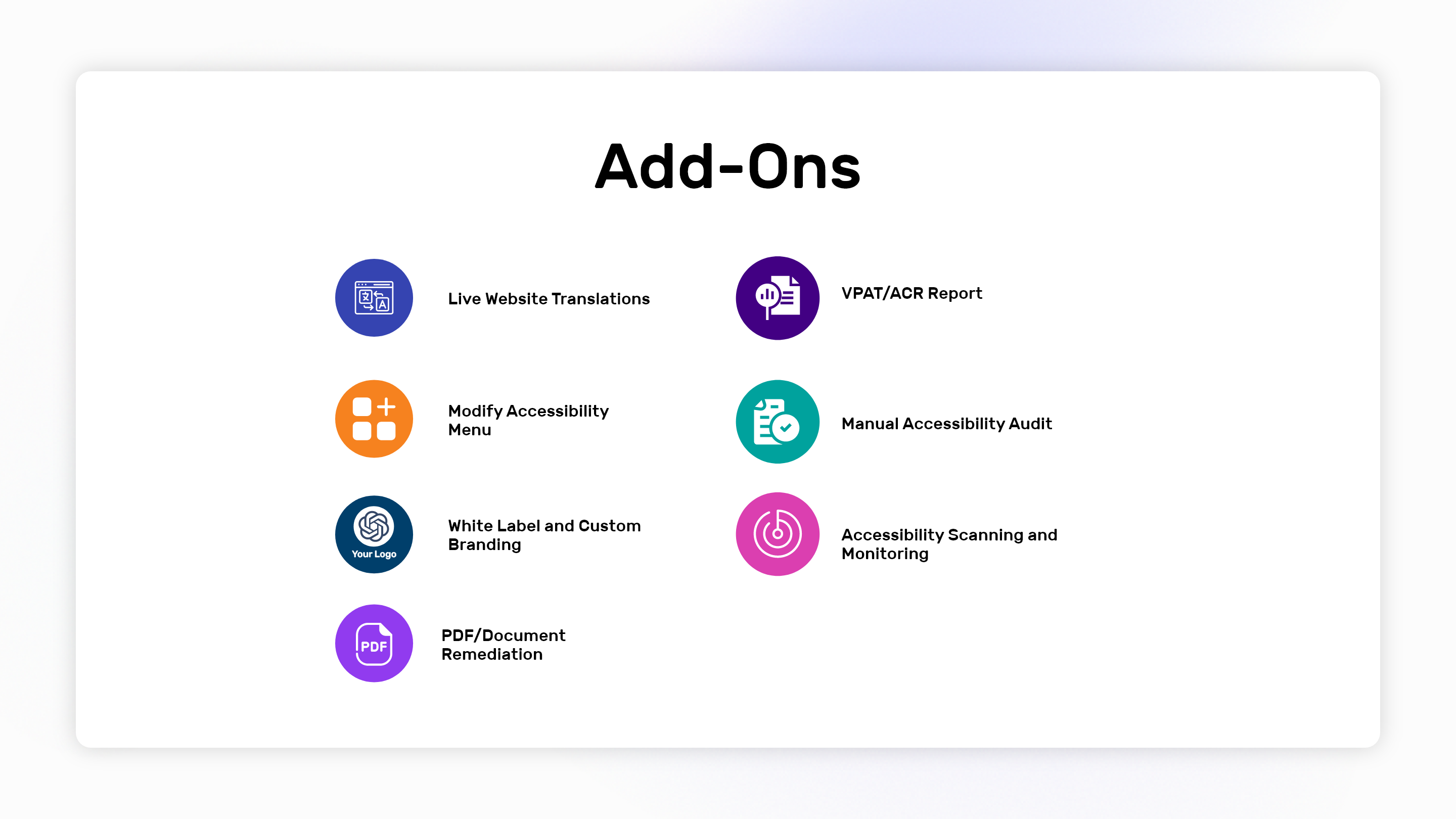
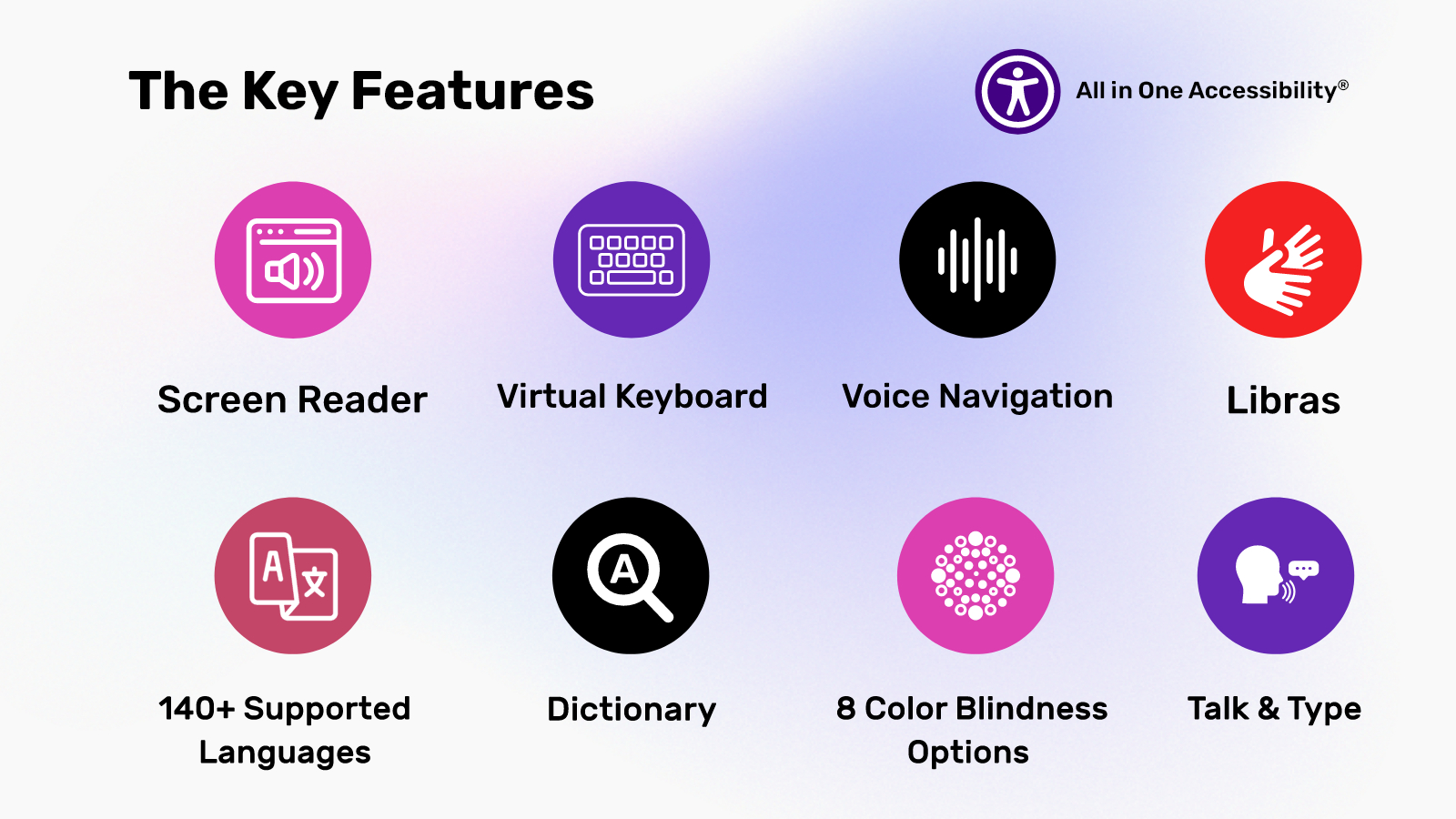
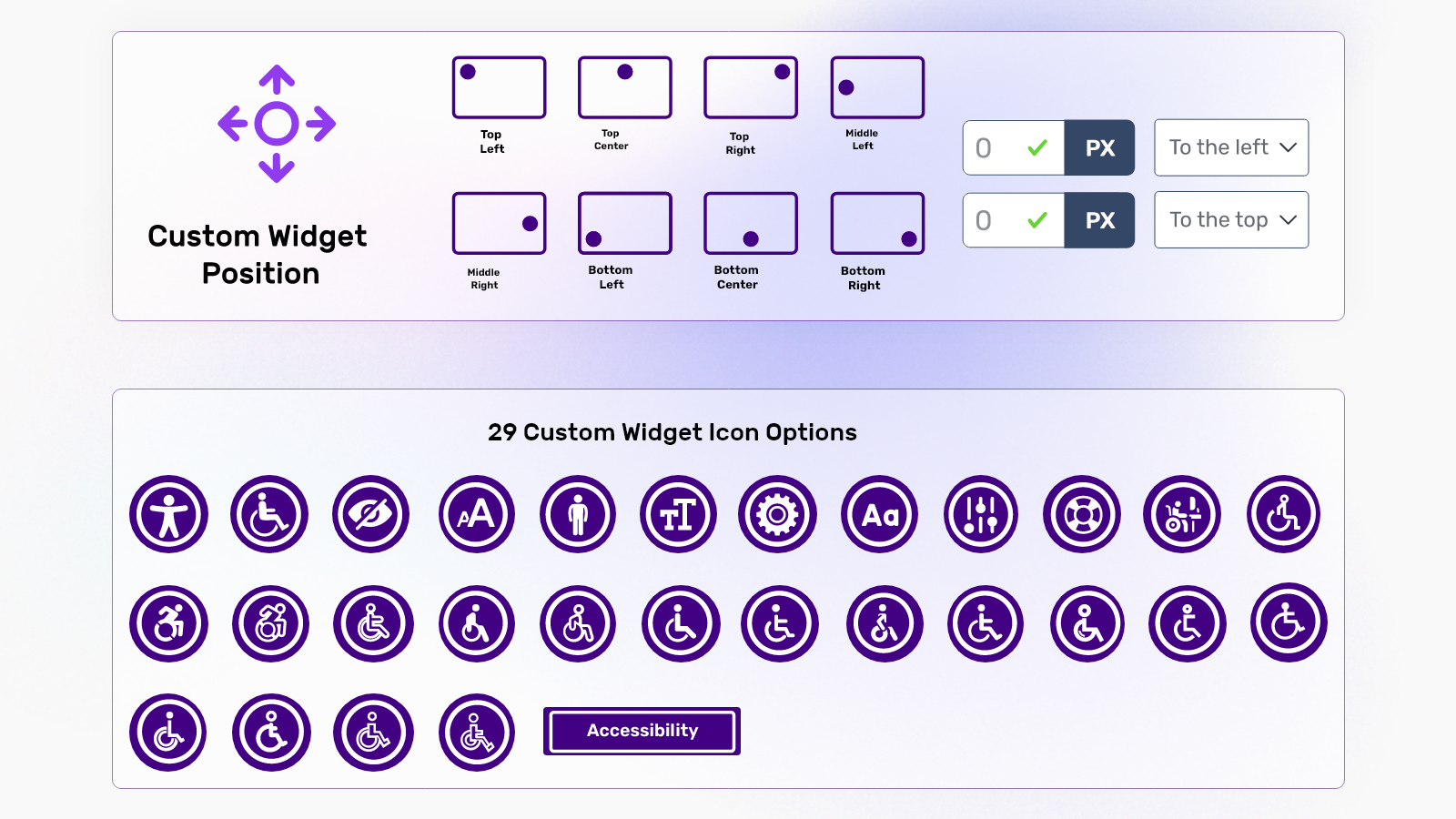
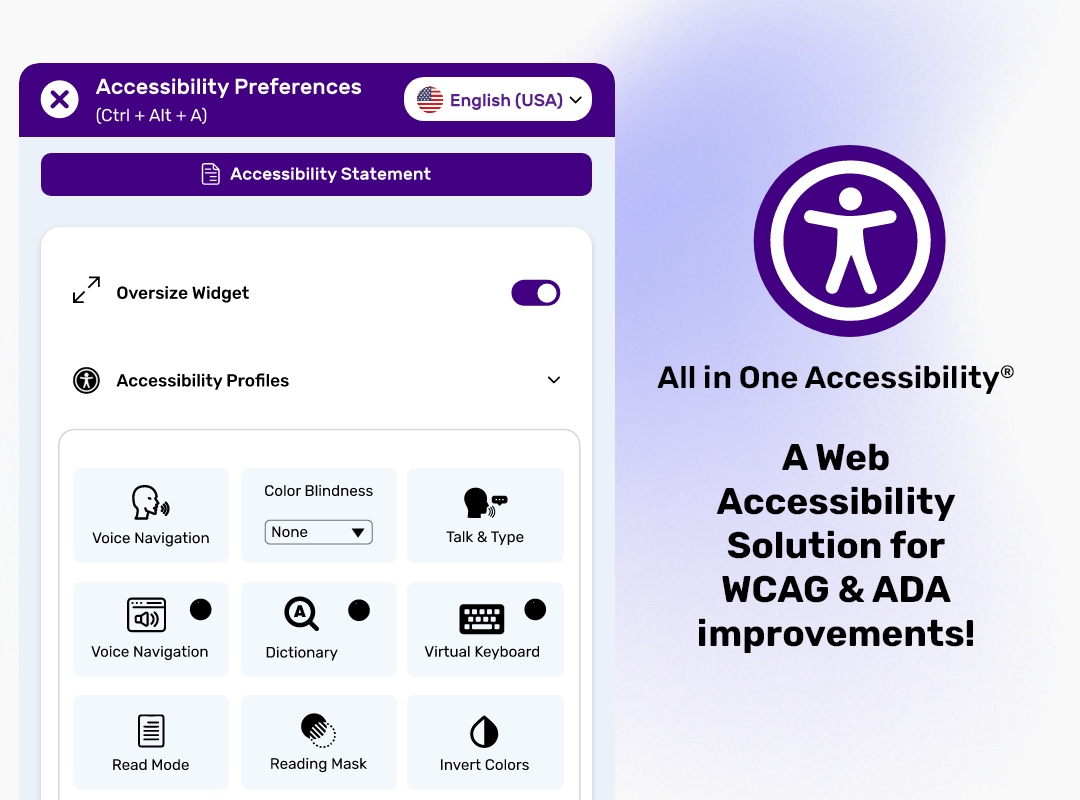
Screenshot of the key features of All in One AccessibilityScreenshot of the app's compatibilities, which include CMS, LMS, CRM, and E-commerce PlatformsScreenshot of custom widget, position, and icon sizeScreenshot of add-onsScreenshot of A Web Accessibility Solution for WCAG & ADA improvement

UserWay Accessibility Widget Screenshots

Screenshot of UserWay's AI-Powered Remediations address and resolve accessibility violationsScreenshot of Remediations initiated by the userScreenshot of One feature of UserWay's AI-Powered Accessibility Widget: Voice NavigationScreenshot of The capabilities of UserWay's WidgetScreenshot of UserWay's Accessibility Scanner, used to gain code-leve insights. It displays reports both with and without UserWay's AI-Powered Accessibility Widget.