AudioEye vs. All in One Accessibility

Overview
ProductRatingMost Used ByProduct SummaryStarting Price
AudioEye
Score 9.9 out of 10
N/A
AudioEye, headquartered in Tucson, creates technology to make digital content more consumable, and more accessible, for more people.N/A
All in One Accessibility
Score 0.0 out of 10
N/A
All in One Accessibility is a solution designed to make websites accessible for people with various disabilities, including those with hearing or vision impairments, motor impairments, color blindness, dyslexia, cognitive and learning difficulties, seizure disorders, and ADHD. The platform allows users to choose accessibility features that suit their individual needs, enabling them to navigate content more easily. It is available via a 10-day free trial, along with…N/A
Pricing
AudioEyeAll in One Accessibility
Editions & Modules
No answers on this topic
Offerings
Pricing Offerings
AudioEyeAll in One Accessibility
Free Trial
NoYes
Free/Freemium Version
NoYes
Premium Consulting/Integration Services
NoNo
Entry-level Setup FeeNo setup feeRequired
Additional Details
More Pricing Information
Community Pulse
AudioEyeAll in One Accessibility
User Ratings
AudioEyeAll in One Accessibility
Likelihood to Recommend
9.2
(0 ratings)
-
(0 ratings)
User Testimonials
AudioEyeAll in One Accessibility
Likelihood to Recommend
It is near impossible to find all accessibility flaws on your own when designing a website. Having an AI keeping track brings firstly, peace of mind, but also more customers and engagement. It makes sure no customers lose interest because they can’t maneouver in the space properly. So this helps when you’ve come on the web, but want to make sure you have legal and accessibility compliance.
Read full review
It helps us meet ADA, WCAG, and other accessibility standards effortlessly, reducing the risk of legal issues. Visitors with visual impairments, motor disabilities, or cognitive challenges benefit from features like screen readers, contrast adjustments, and keyboard navigation. The widget’s simple installation allowed us to make our website more accessible without extensive development work.
Read full review
Pros
  • It’s automated. So it finds the flaws automatically, and what's more is that it fixes them too without needing human intervention. Saves time that way.
  • Websites keep getting updated, so there have been times we miss out on smaller details. AudioEye continuously keeps check, so whenever something is wrong, it is fixed for accessibility.
  • There’s always a looming threat of legal action. We never want to disappoint users with accessibility issues but in case something slips through, we are provided with legal backing.
Read full review
No answers on this topic
Cons
  • Customer service and support is weak.
Read full review
No answers on this topic
Usability
No answers on this topic
I would rate All in One Accessibility's overall usability as a 9 out of 10. At Vico, we found the installation process to be quick, making it easy to configure accessibility features without needing extensive technical expertise. The tool's simplicity allowed us to quickly improve our website's accessibility compliance, enhancing the user experience for a broader audience. The only slight drawback is that for custom accessibility and full remediation needs, additional manual tweaks may occasionally be required, which prevented a perfect score. Overall, its efficiency and ease-of-use significantly contribute to our digital strategy.
Read full review
Alternatives Considered
They are accessibility tools that help achieve ADA/WCAG compliance. They offer plugin with WordPress, Go Daddy, Wix, Shopify, etc. AudioEye can be installed without any problem. They also offer a 7-day free trial.
Read full review
No answers on this topic
Return on Investment
  • Protecting the website against lawsuits and prosecution is the best return. We just don't need to think about it, and in case we need, there are professionals to guide us on the routes to follow. It's just amazing. I'm glad I never needed though.
Read full review
No answers on this topic
ScreenShots

All in One Accessibility Screenshots
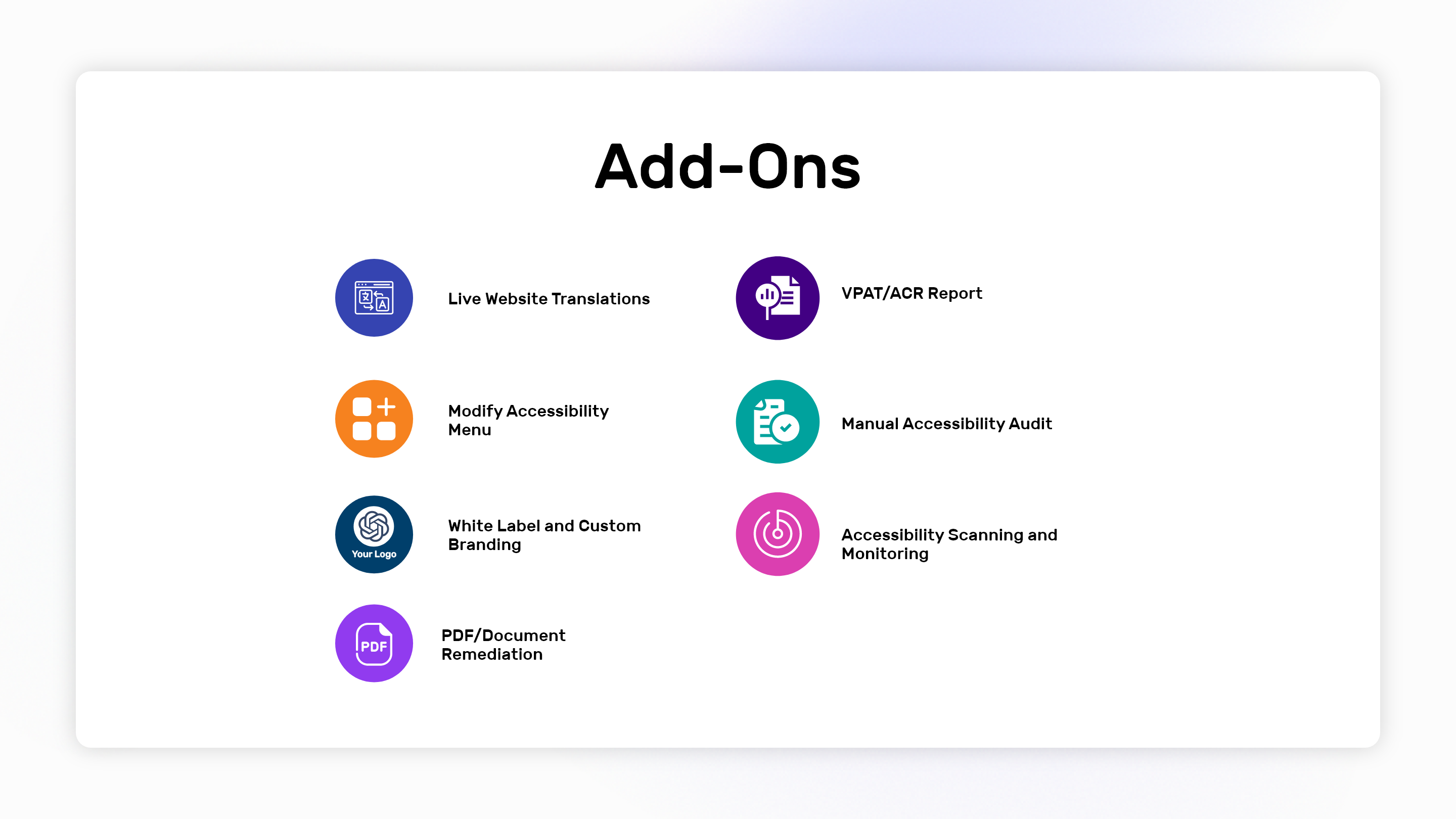
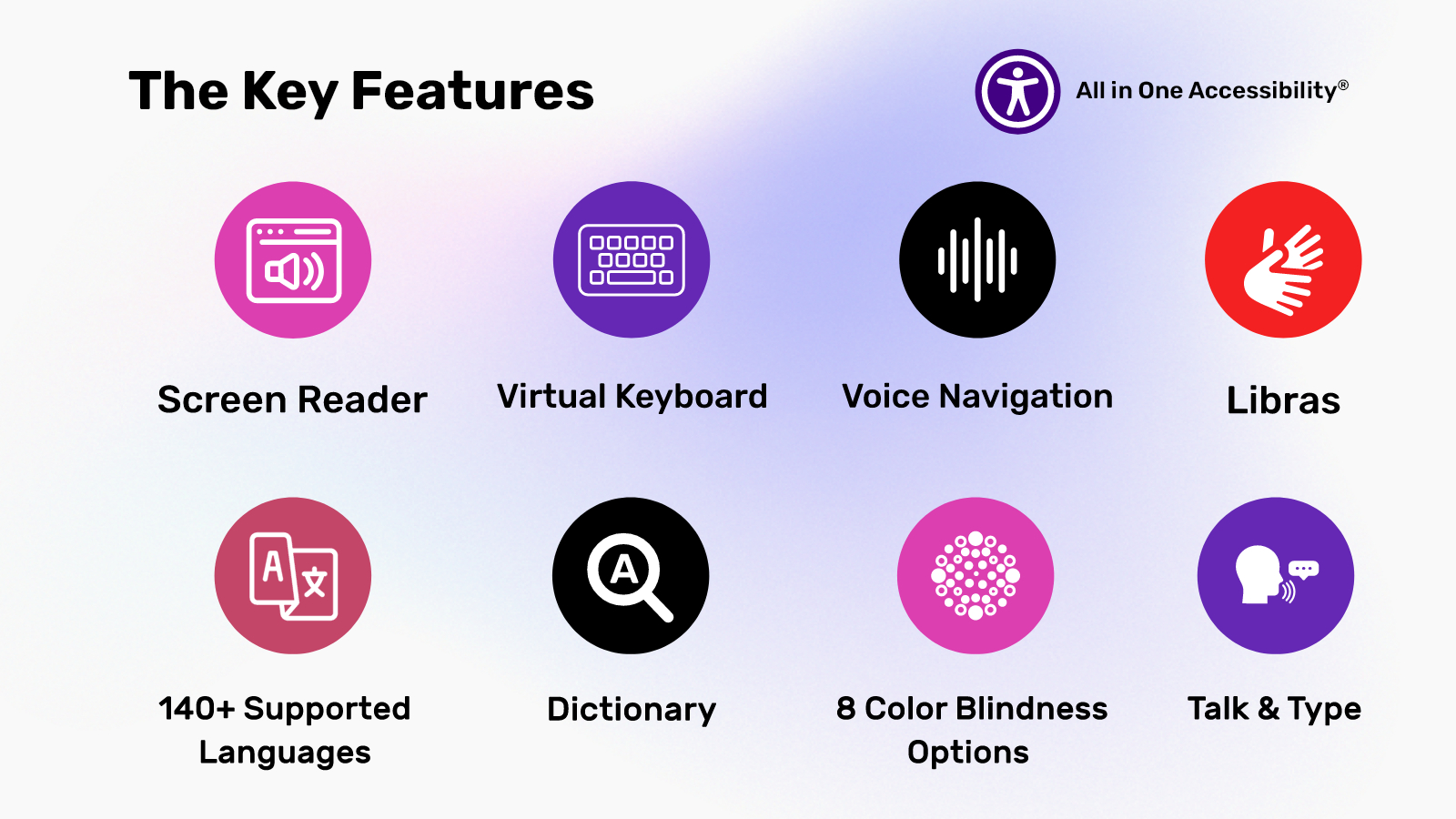
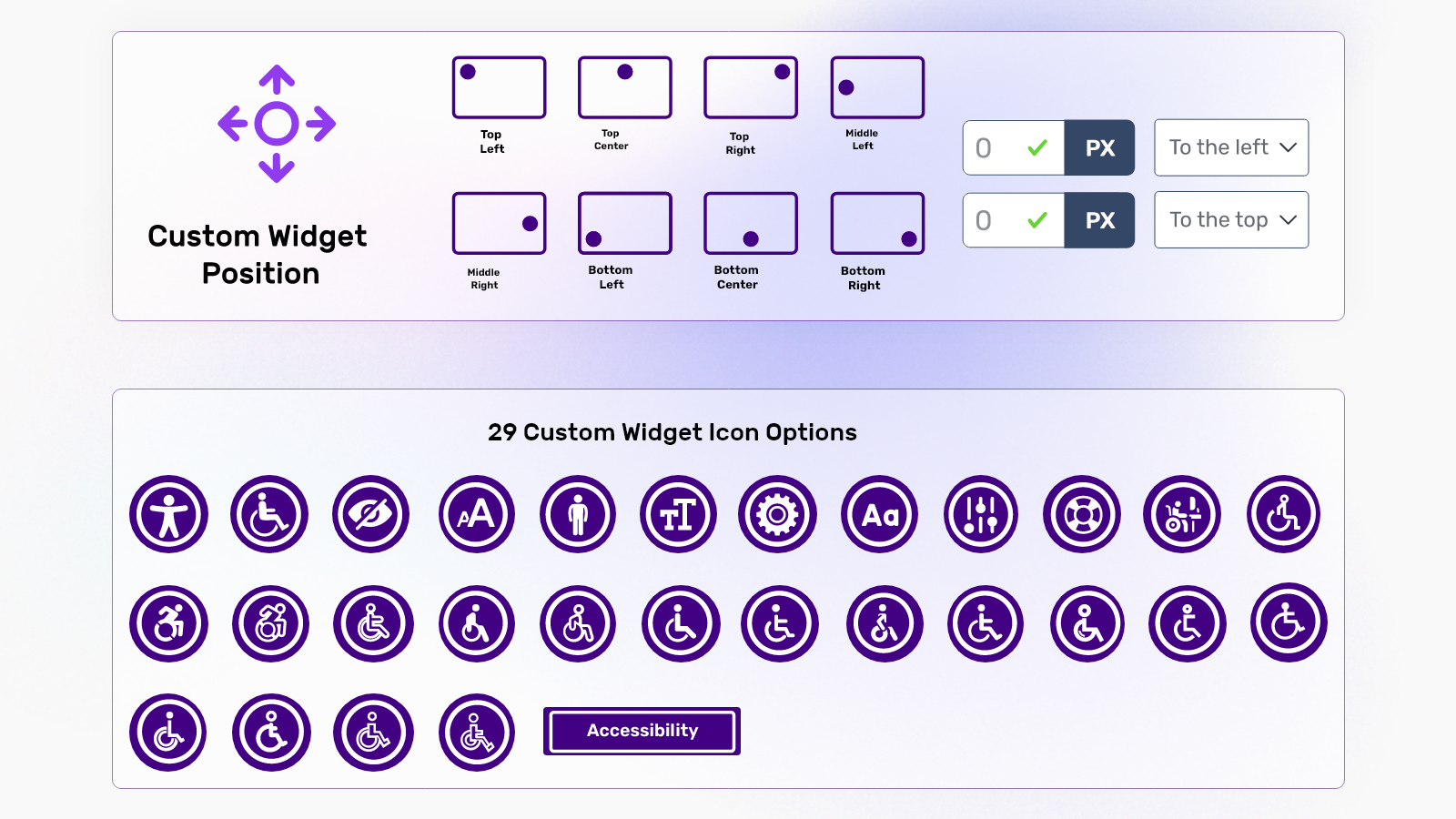
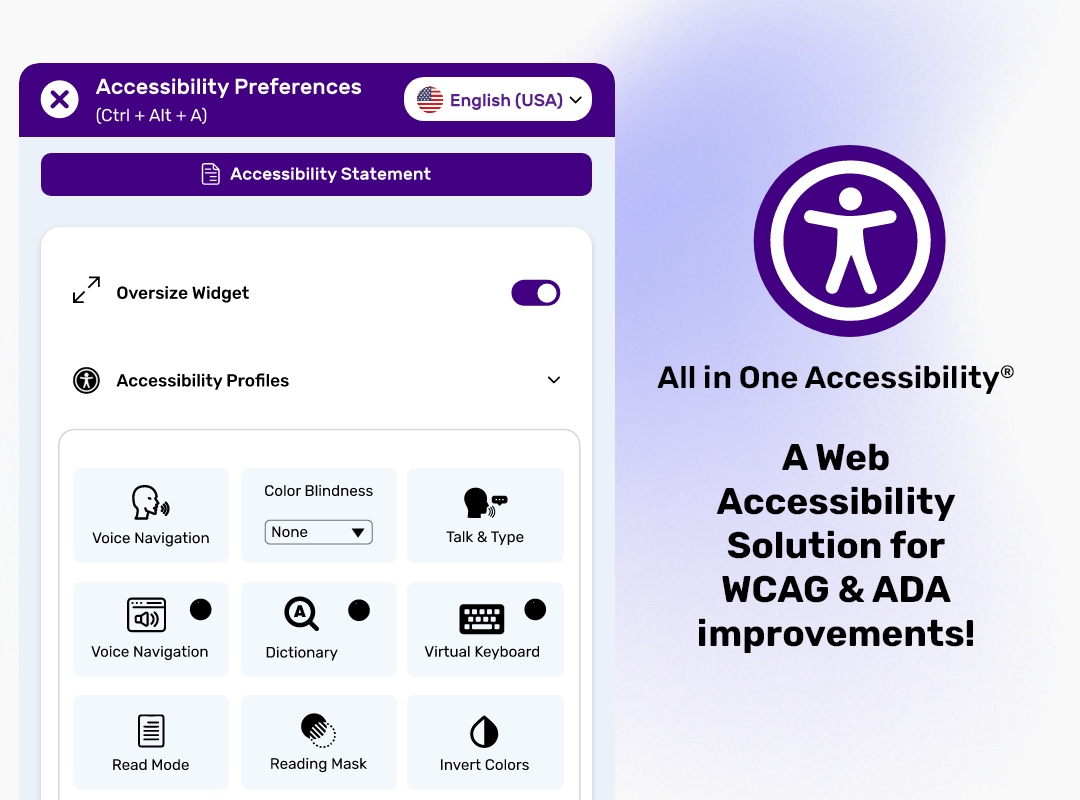
Screenshot of the key features of All in One AccessibilityScreenshot of the app's compatibilities, which include CMS, LMS, CRM, and E-commerce PlatformsScreenshot of custom widget, position, and icon sizeScreenshot of add-onsScreenshot of A Web Accessibility Solution for WCAG & ADA improvement