SigningHub vs. Zoho Sign

Overview
ProductRatingMost Used ByProduct SummaryStarting Price
SigningHub
Score 9.4 out of 10
N/A
SigningHub provides a secure way to sign documents. The vendor’s value proposition is that their solution provides long-term advanced electronic signatures that are legally compliant and independently verifiable. This solution caters to all levels of signature including EU qualified signatures. Focusing on signature security, SigningHub follows the gold standard “PAdES” definitions including Part 4 – long-term verification which is important for all organisations who require…N/A
Zoho Sign
Score 9.3 out of 10
Small Businesses (1-50 employees)
Zoho Sign is a digital signing service that lets you execute contracts quickly without the hassles of transporting paper documents while ensuring security and legality. It works completely on cloud and integrates readily with your everyday apps. According to the vendor, Zoho Sign is perfect for anyone who needs to sign business documents but widely used for HR, legal, finance, HR, and sales functions. Documents that can be signed include:…
$0
per user
Pricing
SigningHubZoho Sign
Editions & Modules
No answers on this topic
Free
$0.00
per user
Standard
$10.00
per user/ month
Professional
$15.00
per user/ month
Offerings
Pricing Offerings
SigningHubZoho Sign
Free Trial
YesNo
Free/Freemium Version
YesYes
Premium Consulting/Integration Services
NoNo
Entry-level Setup FeeOptional$10 per user
Additional DetailsCloud service plans are user-based or signature-based. SigningHub is also available for on-premise use or for private cloud hosting.
More Pricing Information
Community Pulse
SigningHubZoho Sign
Best Alternatives
SigningHubZoho Sign
Small Businesses
Foxit eSign
Foxit eSign
Score 9.8 out of 10
Foxit eSign
Foxit eSign
Score 9.8 out of 10
Medium-sized Companies
MSB Docs
MSB Docs
Score 9.4 out of 10
MSB Docs
MSB Docs
Score 9.4 out of 10
Enterprises
DocuSign
DocuSign
Score 8.3 out of 10
DocuSign
DocuSign
Score 8.3 out of 10
All AlternativesView all alternativesView all alternatives
User Ratings
SigningHubZoho Sign
Likelihood to Recommend
9.0
(0 ratings)
9.0
(0 ratings)
User Testimonials
SigningHubZoho Sign
Likelihood to Recommend
Based on my experience I would say that if the company manages a long list of clients, it requires a good suite to use with managing contracts and employment. It might be less appropriate if the company is small.
Read full review
If your business needs an electronic signing software, then I recommend Zoho Sign because it has all the great features. It ensures fast and secure document signing and, most importantly, it is legally binding.
Read full review
Pros
  • cloud management
  • contract management
  • signing forms
Read full review
  • Shared organizational templates encourage corporate uniformity and standards.
  • Centralized retention of the executed agreements.
  • Orchestrated signing workflow with internal and external users.
Read full review
Cons
  • I found setting up a workflow for each different document a little confusing.
  • I'd get errors from time to time when prepping a document. This usually happened when I was inserting a date field or a signature field (which are fairly important fields for contracts).
  • The one time I needed help and contacted the company, the representative made me feel like I was dumb.
Read full review
  • It integrates from sign to the CRM (in that order) poorly. To have the doc associated with the contact it can ONLY come from the CRM.
Read full review
Usability
No answers on this topic
The UI is easy and using Zoho Sign is easy too.
Read full review
Alternatives Considered
I've used DocuSign and Adobe Acrobat DC in the past. DocuSign is nice because it easily integrates into Word, but it's also a bit pricey for a small business who may not use it all that much. Acrobat is great for signatures, but documents signed are stored on your own hard drive. Whereas, they're stored on SigningHub's end
Read full review
Price is important but it has all the same features as some of the main brand names on the market which makes this package ideal for small businesses and larger ones looking at costs. The advantage we find is that we can edit forms with drop-down boxes and preset answers for the forms. Each entry field can be customized by data type and length or allow the client to enter their own answers.
Read full review
Return on Investment
  • It was very affordable for a small business. I could use it for unlimited documents for a very modest monthly fee.
  • It could handle an unlimited number of documents.
  • Document retrieval is easy.
Read full review
  • Allowed us to appear more more professional by sending out a fillable document instead of emailing a PDF.
  • Saved us time by sending automated reminders to recipients reminding them to sign the document.
Read full review
ScreenShots

SigningHub Screenshots

Screenshot of Dashboard - You can start a new document workflow, change personal or enterprise settings and quickly access pending, in-progress, declined and completed documents.Screenshot of Sending Documents - Upload documents, add recipients, choose a template and set permissions.Screenshot of Prepare document - Prepare document(s) by adding signature and other form fields.Screenshot of Signing Documents - Review and sign documents quickly, easily and securely.

Zoho Sign Screenshots

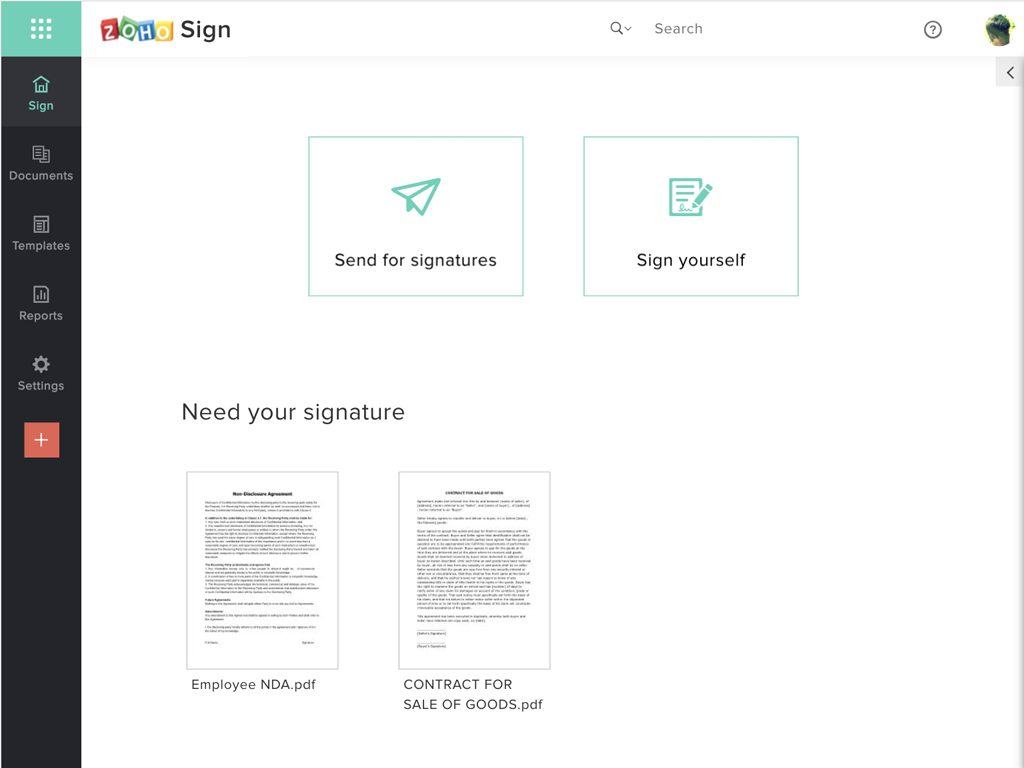
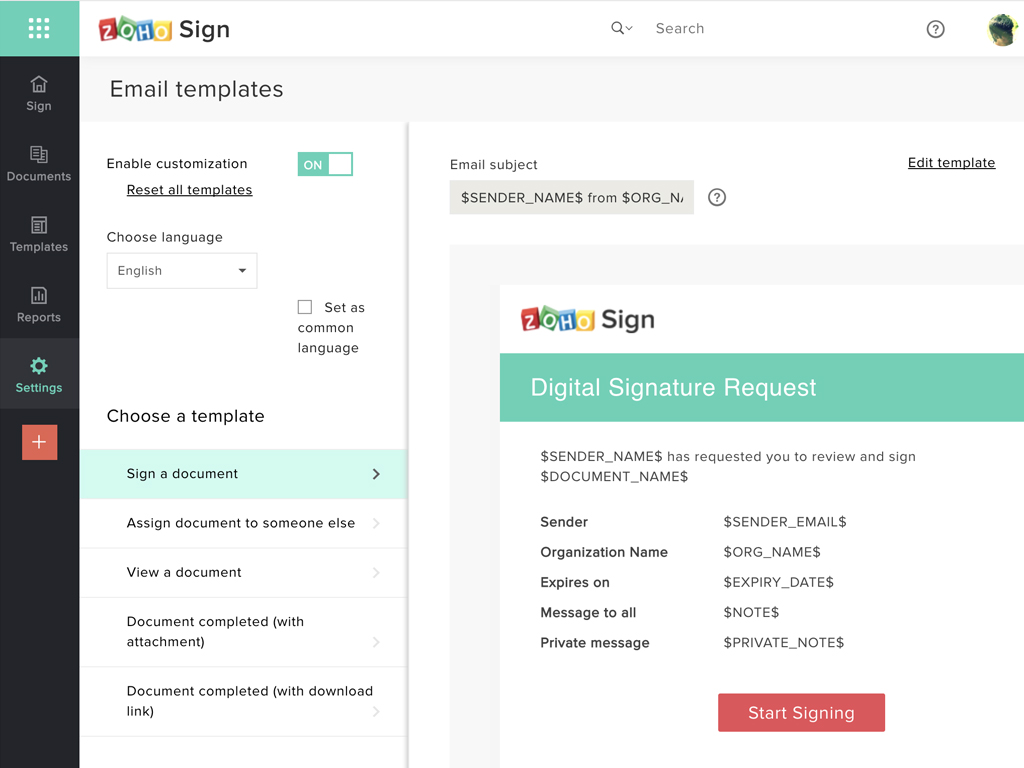
Screenshot of Zoho Sign DashboardScreenshot of Sending documents for signatures using templatesScreenshot of All document sent using Zoho SignScreenshot of Rebranding email templates sent from Zoho Sign