Mhelpdesk is a field service software solution that manages field technicians, work orders, employee scheduling, and client billing. By combining and integrating multiple business management tools, Mhelpdesk provides a solution that eliminates double-data entry while giving business owners visibility over their field technicians in real-time.
$169
per month
ServiceMax
Score 7.9 out of 10
N/A
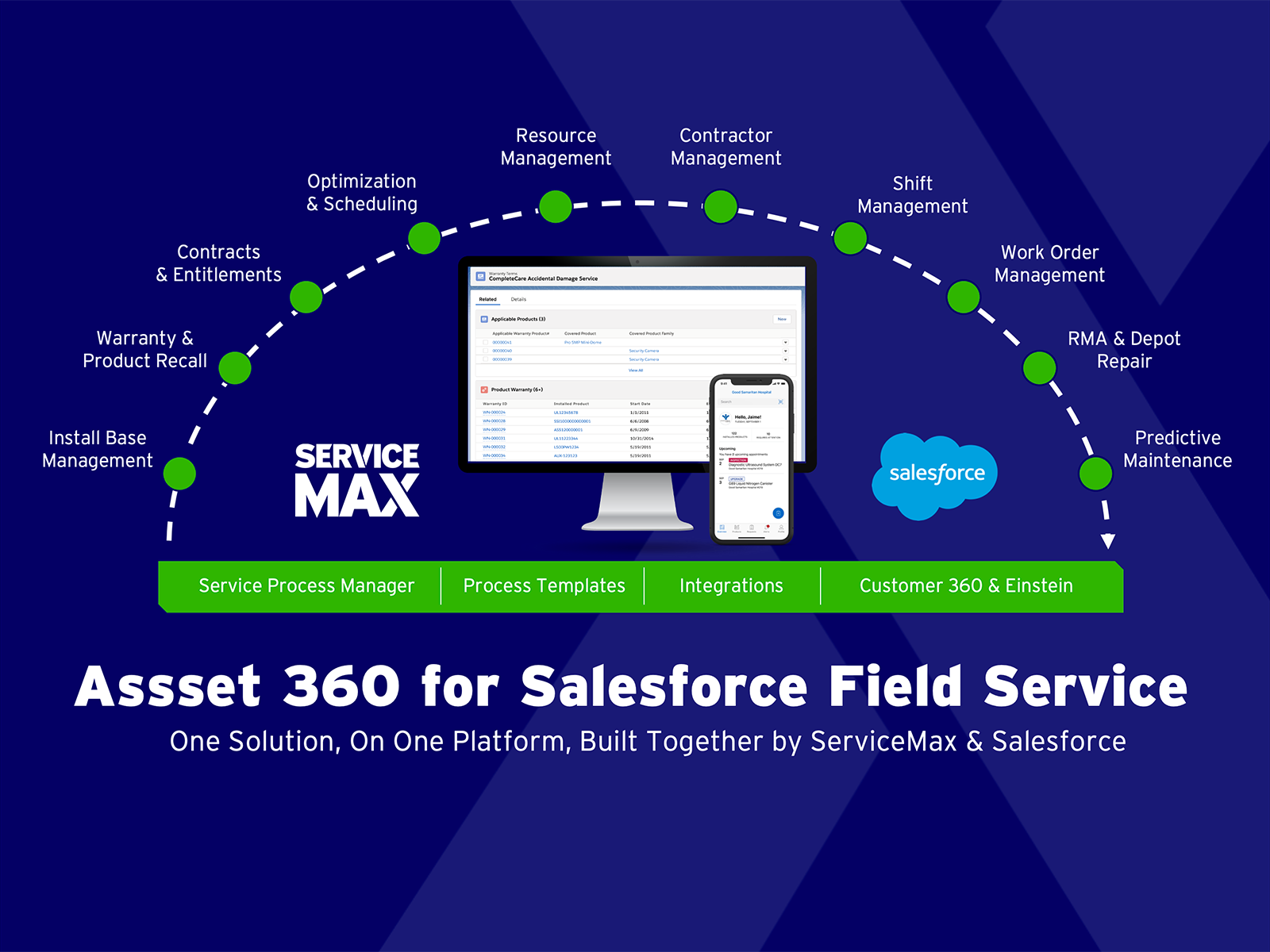
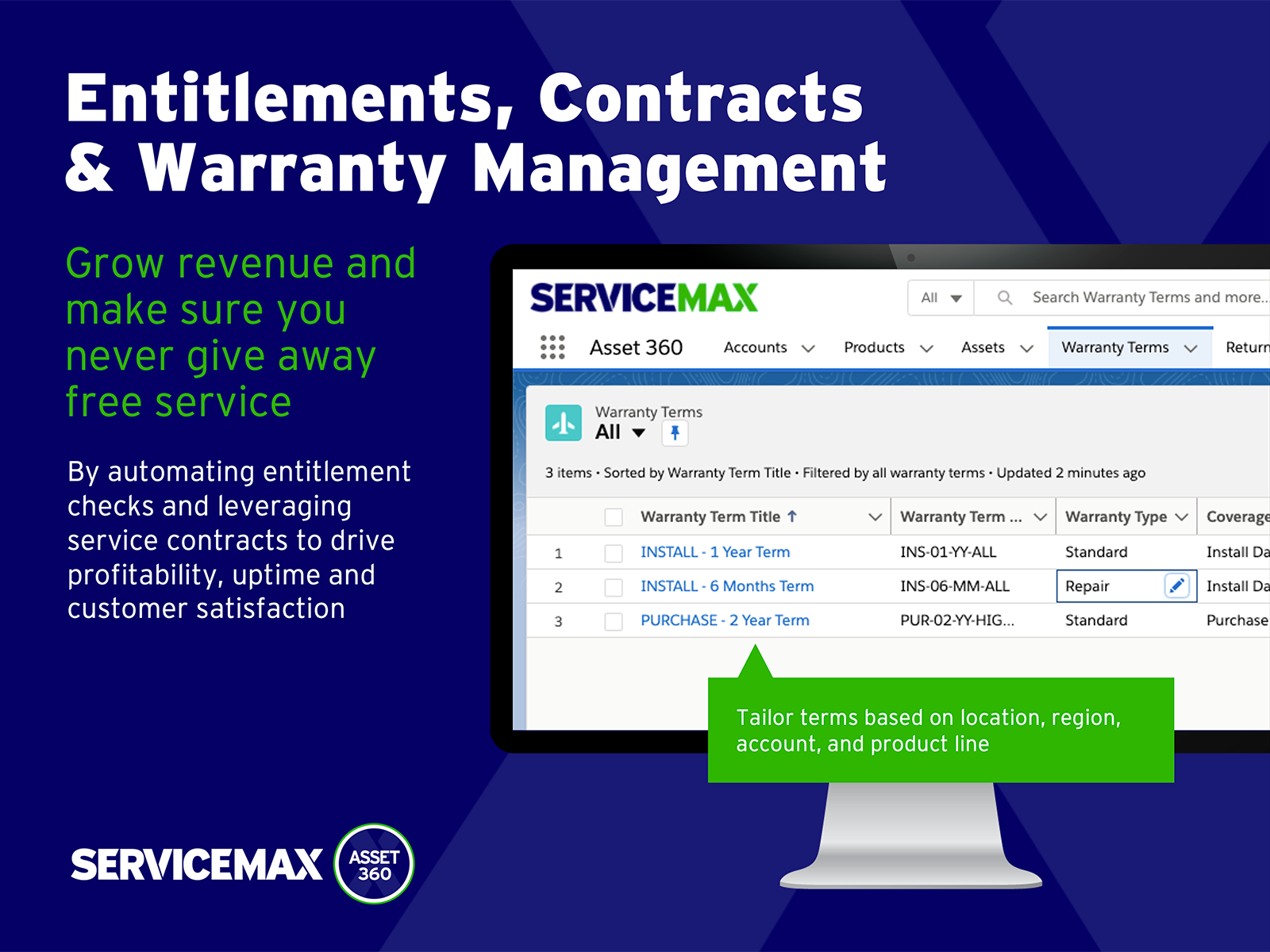
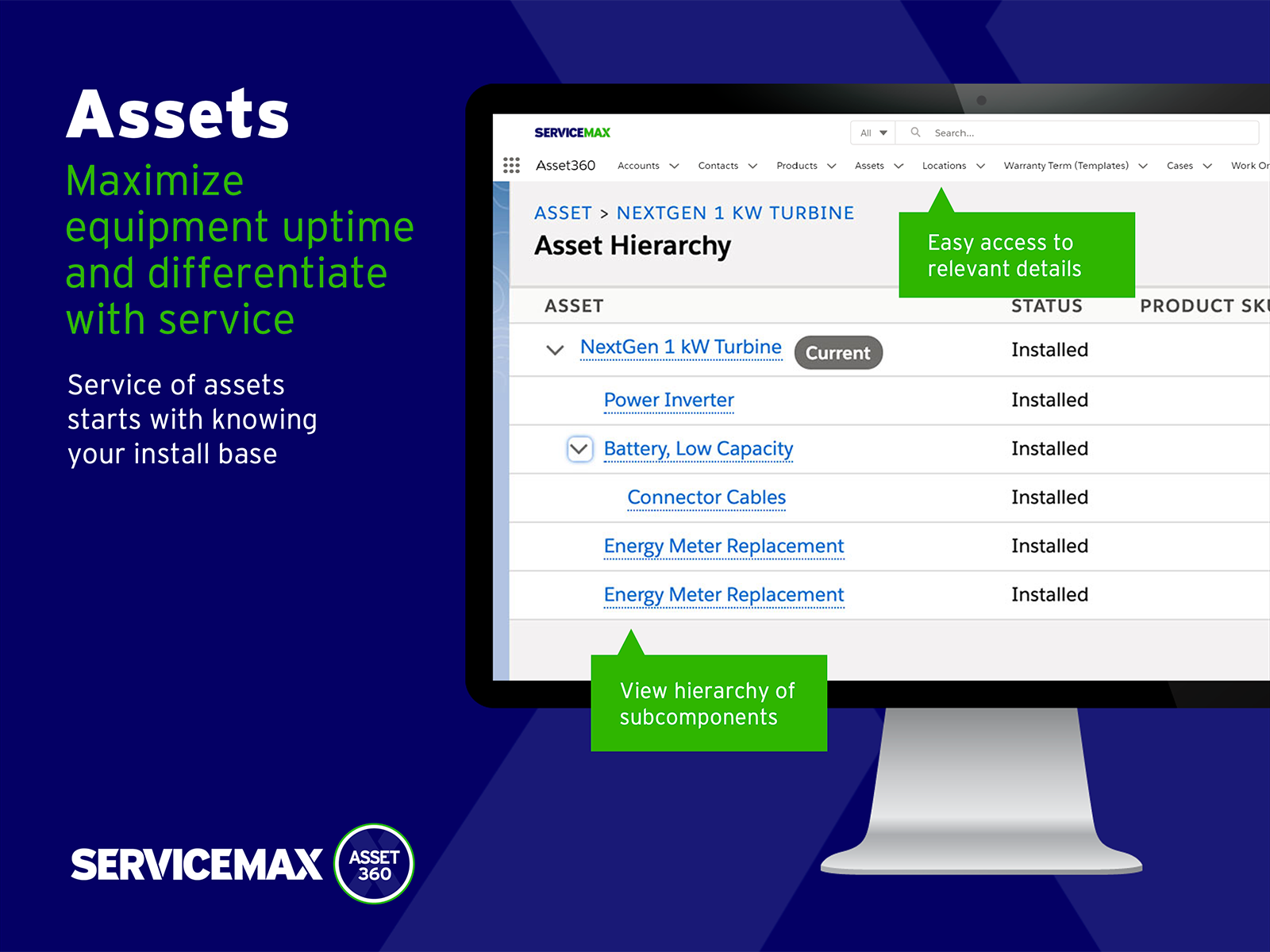
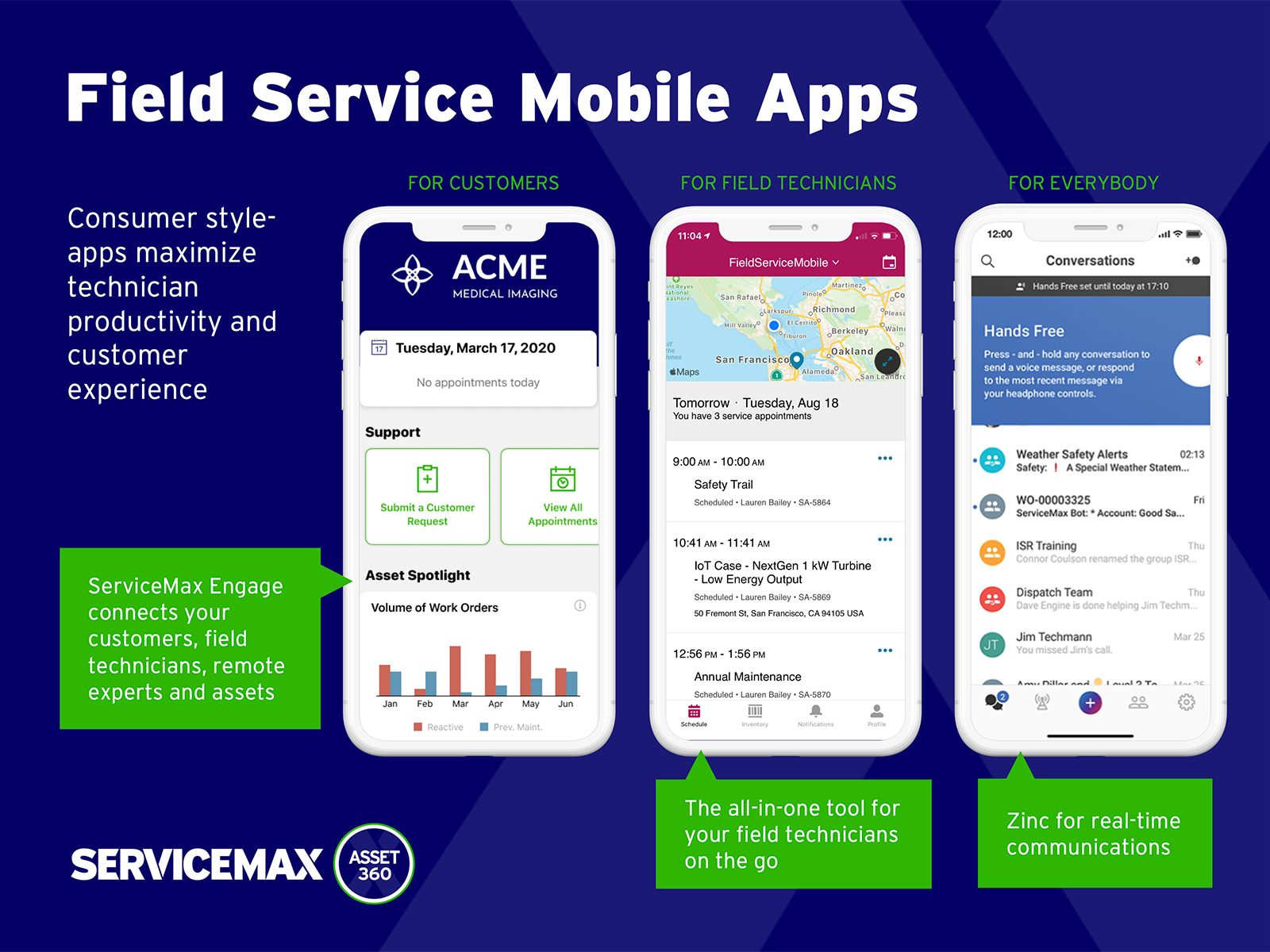
ServiceMax’s mission is to help customers with asset-centric field service management software. ServiceMax’s mobile apps and cloud-based software provide an overview of assets to field service teams. By optimizing field service operations, customers across all industries can better manage the complexities of service, support faster growth and run more profitable, outcome-centric businesses.
Mhelpdesk is perfect for smaller companies and mid-sized companies I would say. Larger companies may need something a little more advanced for lack of better words or able to handle thousands upon thousands of constant work orders, etc. Smaller companies or companies that are mid-size would benefit from this program the most as it provides the necessary programming to succeed along with its ease of use.
ServiceMax boasts that it runs natively on the SalesForce platform however, in reality, it functions less as a native component and more so as a confusing doppelganger that redirects your work at every turn from its intended output to something else entirely. Although it blends right into SalesForce on a surface level it is by no means seamless as it takes every frustrating or slow element of its host platform and amplifies them, seeming exponentially at times. This is of course until you'd like the ServiceMax components to differentiate themselves in some manner from elements that are actually native to SalesForce. For example, let's say you'd like to run a report of tickets pending review for invoicing but both SalesForce and ServiceMax's service platforms have the record types "Ticket" and "Invoice", what do you do? Well, you get to take part in what will soon become your new top housekeeping task, hours of trial and error until you stumble upon the magic combination of selections that might get you *most* of your data. In short, ServiceMax is...
Painfully slow - I wrote this review while waiting for it to update a single line in Price Book)
I spoke about reporting, perhaps they can make this system a little better by integrating new ways to report, perhaps even several options .
The mobile app sometimes lags which can cause a few issues, nothing too major however.
Although the customer support provided by Mhelpdesk is relatively great, there have been times when things go unsolved or not taken care of within the amount of time needed.
The offline sync is very buggy and has many limitations. Recovery of the sync if it fails because of technicalities is in many ways, unrecoverable and unexplainable by the user.
No integration with Salesforce knowledge articles.
Support is limited and usually not knowledgeable about their own products.
When we first started using Mhelpdesk, RepairShopr was just a blip on our radar and didn't have the feature-set that Mhelpdesk did. RepairShopr looked great, but the Mhelpdesk had a lot more features. Every 6 months or so, I'd check on RepairShopr and it was growing fast and adding new features all the time. After a few years - the difference was night and day so we switched to RepairShopr and it's been a much better fit for our business.
ServiceMax has an offline capability, and also integrates with our Salesforce side of business. At the time, Salesforce did not have a field service application so we could not consider it, but if we could now, we would probably go with that instead. ServiceMax is also expensive. But at the time, ServiceMax was the only offering out there that integrated with Salesforce, had mobile offline capability, and could operate at the scale we needed.
We are 6 months into it with a 50% rollout completed. We need more time to pass and full rollout to be completed before making a hard statement as to the ROI.
We have already seen greater efficiency in dispatching techs in regards to how many projects per day may be handled (we know of their downtime) and travel time mangement (by being able to map the locations and track them easier).
No negative impacts on ROI have yet to be seen nor are they projected.