Sertifi is an electronic signature software offering from Sertifi.
N/A
SignRequest, now part of Box
Score8 out of 10
Small Businesses (1-50 employees)
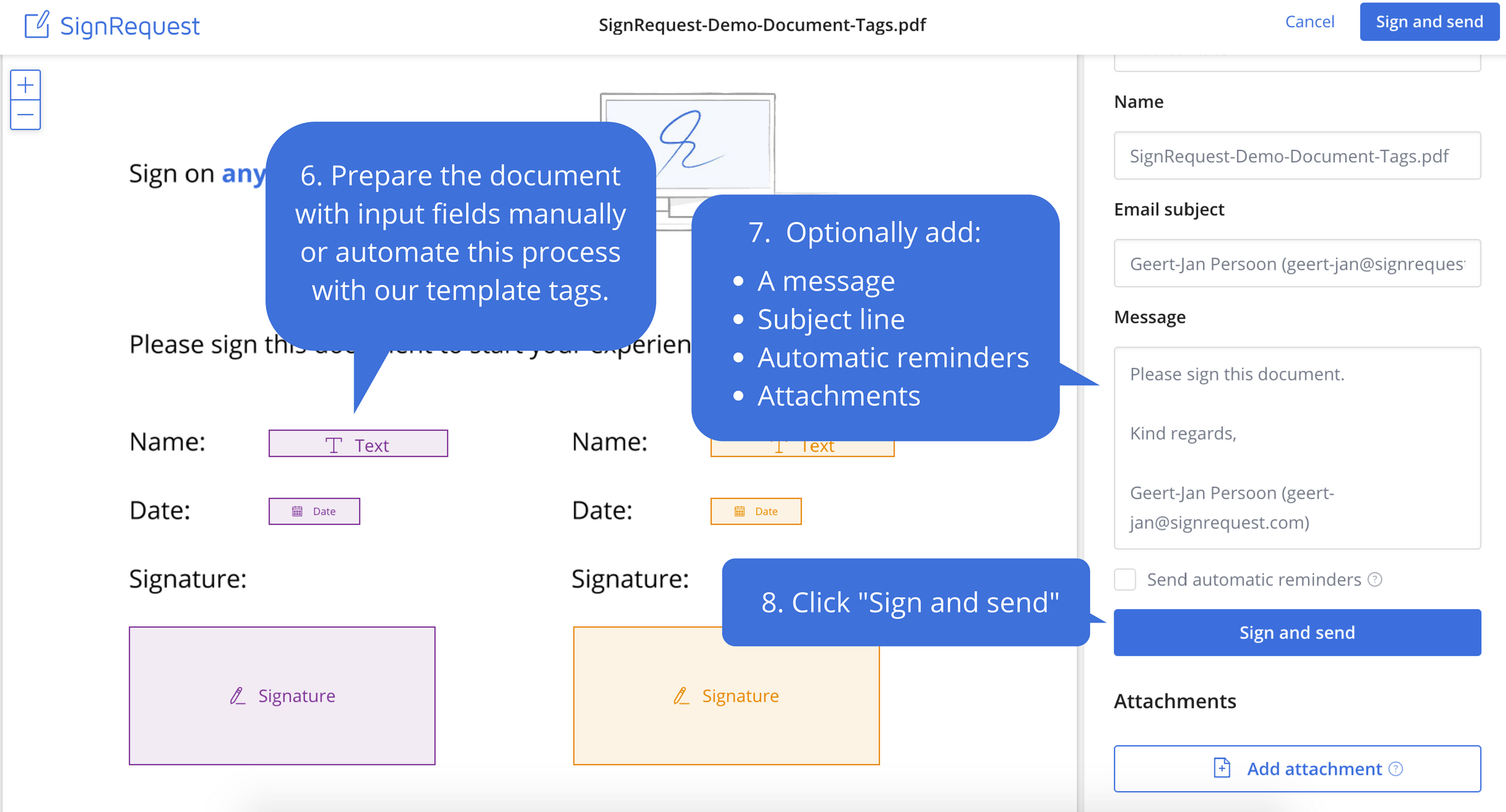
SignRequest was an e-signature platform acquired by Box in 2021. The eSignature tool is the basis for Box Sign, a feature now included in Box's core offering.
$0
per user
Pricing
Sertifi
SignRequest, now part of Box
Editions & Modules
No answers on this topic
Start
$0.00
per user
Professional
$8.00
per user
SME
minimal $16.00
$4.00 per user
Enterprise
Custom
per user
API
Custom
per installation
Offerings
Pricing Offerings
Sertifi
SignRequest, now part of Box
Free Trial
No
Yes
Free/Freemium Version
No
Yes
Premium Consulting/Integration Services
No
Yes
Entry-level Setup Fee
No setup fee
No setup fee
Additional Details
—
For text message verification and bank payment verification additional fees apply
I really love Sertifi. i have used other platforms in the past and Sertifi outdoes them all. I feel the contract aspect of the system is seamless and really makes it easy to send out agreements, revise them if needed and know when the customer signs
A de minimis incentive was given to thank the reviewer for their time. The incentive was not used to bias or drive a particular response, nor was the incentive contingent on a positive endorsement. More Info
It works great for us; we deal with contractors in different parts of the world and it has been perfect for securing e-signatures from them and having a signed contract that both parties have access to. I'm not sure where it would be less appropriate—perhaps when there are significant legal risks or something of that nature, but with the types of transactions we've been dealing with, it's been perfect.
A de minimis incentive was given to thank the reviewer for their time. The incentive was not used to bias or drive a particular response, nor was the incentive contingent on a positive endorsement. More Info
A de minimis incentive was given to thank the reviewer for their time. The incentive was not used to bias or drive a particular response, nor was the incentive contingent on a positive endorsement. More Info
e-Signatures- Businesses are all working online today. Paper contracts are becoming more and more obsolete, so you need a solution that provides online contracts.
Price- SignRequest has one of the more attractive price points for businesses.
Usability- Our team was able to figure out how to use SignRequest without too much hassle, although some competitors have more intuitive products.
A de minimis incentive was given to thank the reviewer for their time. The incentive was not used to bias or drive a particular response, nor was the incentive contingent on a positive endorsement. More Info
A de minimis incentive was given to thank the reviewer for their time. The incentive was not used to bias or drive a particular response, nor was the incentive contingent on a positive endorsement. More Info
A de minimis incentive was given to thank the reviewer for their time. The incentive was not used to bias or drive a particular response, nor was the incentive contingent on a positive endorsement. More Info
A de minimis incentive was given to thank the reviewer for their time. The incentive was not used to bias or drive a particular response, nor was the incentive contingent on a positive endorsement. More Info
Easy to understand supporting documents with a great search feature to easily find the information I need for legal purposes, API connections, how to connect Gmail or G Suite, along with the ability to send a message to them. They don't seem to have an online chat feature or a call option, but that's why it's so inexpensive. Since it's already easy to use, it takes less time to find out information.
A de minimis incentive was given to thank the reviewer for their time. The incentive was not used to bias or drive a particular response, nor was the incentive contingent on a positive endorsement. More Info
Sertifi is nicer to the budget with close to the same offerings as Adobe/DocuSign. Adobesign and DocuSign are a little easier in the configurations with Salesforce (if you don't have a Salesforce developer, you would probably lean toward something other than Sertifi), but if you aren't needing too much customization other than out-of-the-box functionality, Sertifi is perfect.
A de minimis incentive was given to thank the reviewer for their time. The incentive was not used to bias or drive a particular response, nor was the incentive contingent on a positive endorsement. More Info
Adobe Acrobat left me frustrated and annoyed. I was wasting hours each week trying to upload contracts and agreements and customize them for each client. It never sent right and ended up being more frustrating for us and our clients in the end. So I tested some other tools before coming across SignRequest in a Google search. I started with their free plan which offered so much for a small business owner. As our business grew, we upgraded and haven't looked back. From day one I've never had an issue with this tool and recommend it to anyone looking for an online easy to use software to manage signing documents and contracts
A de minimis incentive was given to thank the reviewer for their time. The incentive was not used to bias or drive a particular response, nor was the incentive contingent on a positive endorsement. More Info
A de minimis incentive was given to thank the reviewer for their time. The incentive was not used to bias or drive a particular response, nor was the incentive contingent on a positive endorsement. More Info
A de minimis incentive was given to thank the reviewer for their time. The incentive was not used to bias or drive a particular response, nor was the incentive contingent on a positive endorsement. More Info