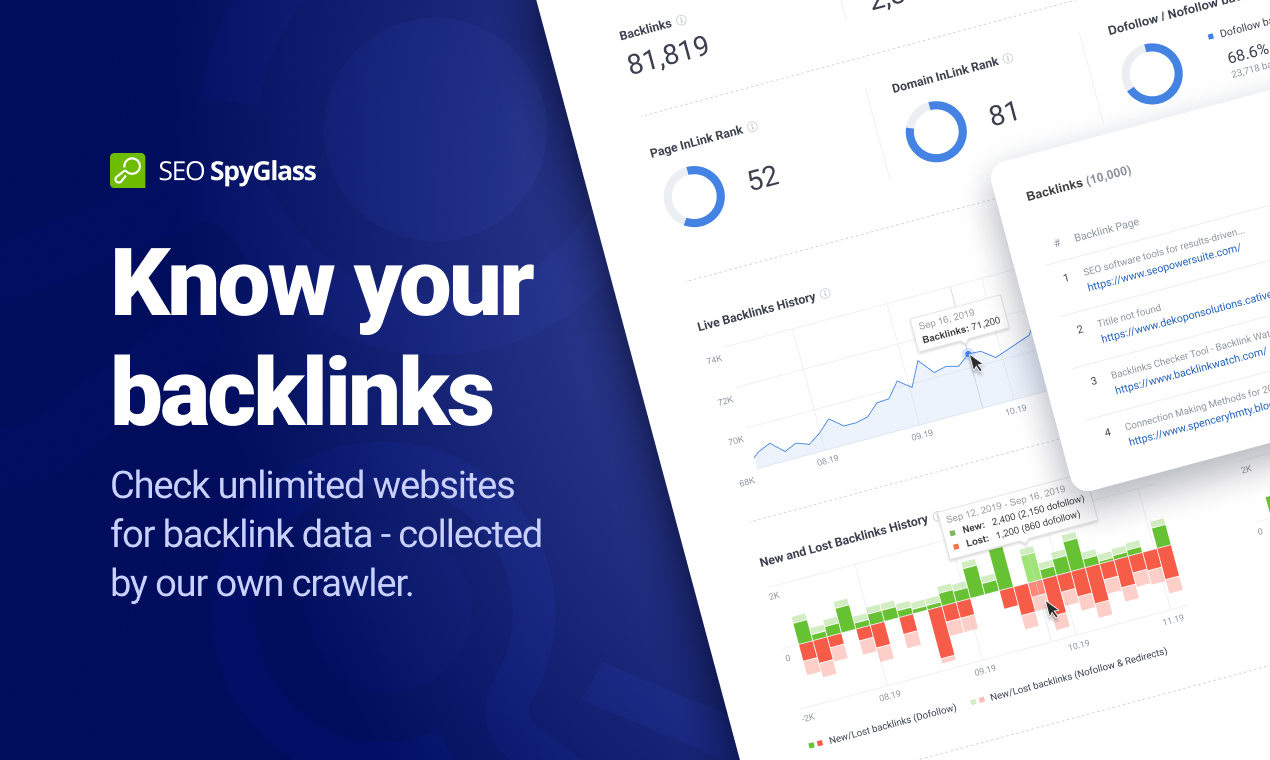
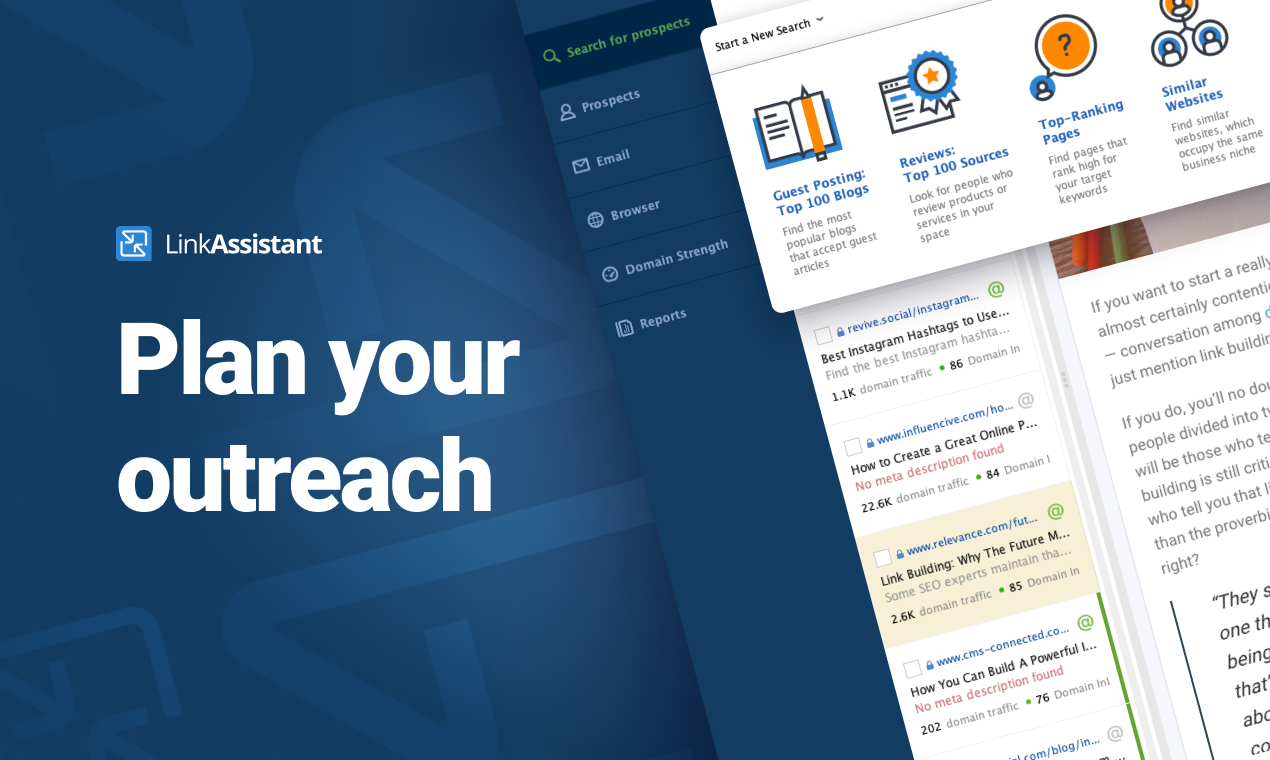
SEO PowerSuite is a SEO software tookit that includes 4 applications - Rank Tracker, WebSite Auditor, SEO SpyGlass, and LinkAssistant. Each application helps website owners and SEOs focus on a specific aspect of search engine optimization. With Rank Tracker, the user can set up rank monitoring, analyze competitors, look for new keyword ideas and organize them in relevant keyword groups. WebSite Auditor helps to run sitewide audits for technical issues, as well as get actionable recommendation…
$299
per year
Siteimprove
Score10 out of 10
N/A
The Siteimprove platform offers tools used to create digital experiences optimized for quality, accessibility, analytics, and SEO. Sitemprove offers content insights and recommendations in a prioritized list to improve the impact of changes. It is available through three solution packages (Inclusivity, Content Experience, and Marketing Performance).
After starting your online business, you have to use SEO PowerSuite to start up. You want to know where you have to go in terms of SEO journey, what keywords you need to use, who your competition is and which locations are the most important to you. Also, you need to know the power of your website, how well it performs now and how it can be improved. If you just want to start blogging for fun, about stuff that interests you and only you, you might find this program a bit over the top. It has way too many features to "just" see how many visitors you get on your website. A simple plugin will probably do the job.
Siteimprove works well for managing the health and performance of your customer-facing sites in terms of performance, digital experience, and accessibility. It also helps to define policies to proactively avoid experience breaks or issues for customers before they occur. It can improve by providing more options to configure policies for large sites with thousands of pages.
A de minimis incentive was given to thank the reviewer for their time. The incentive was not used to bias or drive a particular response, nor was the incentive contingent on a positive endorsement. More Info
A de minimis incentive was given to thank the reviewer for their time. The incentive was not used to bias or drive a particular response, nor was the incentive contingent on a positive endorsement. More Info
User-friendly customisable dashboards, easy to make a dashboard from a template, or create your own, and add in whichever 'widgets' are relevant for what you are looking at
Flagging words to review, allowing users to check and confirm if the word is 'accepted' or is a misspelling
A de minimis incentive was given to thank the reviewer for their time. The incentive was not used to bias or drive a particular response, nor was the incentive contingent on a positive endorsement. More Info
The software is not strong with processing large amounts of data. So, it is really good for small and medium size businesses, but can be cumbersome for large projects.
Due to large number of settings it takes time to learn it.
Need to purchase proxies or captcha solution. I think those can be provides as part of the package already.
I don't like that there are different navigation paths to go from point A to point B. When I want to navigate to a specific place, I have more than one way to get there, which means I have to make a decision about how I want to there and I'd rather the designer make that design based on what would be most efficient for me.
I gave SEO PowerSuite a two because our company did not renew our subscription. The pricing was too complicated and having multiple platforms made it more difficult to use. We dropped our subscription to SEO PowerSuite and implemented Moz. Moz gave us a full view of all of the metrics we were looking for on one web-based platform. Plus, the pricing model was simple so it was easier to get senior management to cosign on.
Tool has undergone numerous changes, both to function and UX/CX. Makes it less than user friendly at times. But on the other hand, that does indicate a willingness to improve the product in a continual manner - which they've done nearly year after year - but it's always a case of who moved my cheese with each new iteration.
I have had several interactions with support at SEO PowerSuite. Each time I have been quite pleased with the response. I have interacted with billing and tools support and have found them to both be on top of things. they follow up well and they get the issue resolved in a timely manner. I have no complaints here.
A de minimis incentive was given to thank the reviewer for their time. The incentive was not used to bias or drive a particular response, nor was the incentive contingent on a positive endorsement. More Info
I've used support often and it has been responsive, thorough and considerate of our needs. I can get a tech right away, they understand the issue, and work with us to resolve it. Often the problem is with the site we are trying to scan, sometimes it is with their product. I appreciate that they go beyond support into continually helping us implement SiteImprove in more places with 3rd party integration.
SEO Powersuite has a lot of training videos online, combined with some live streaming tutorials. Also, they have a guide that comes with their software to outline the basics of your SEO workflow. This will get you on the right track right from the start. Their guides and tutorials are easy to follow and detail every possible option you have when doing work with SEO Powersuite. Even if you want to switch to different software, the courses are easy to implement in all other tools too! Very recommended if you want to get started in the SEO world, or want to expand your knowledge.
It works in combination with all of them, the closest would be a combination of Ahrefs, Majestic, and Screaming Frog. However, where this tool steps up its game, is when you integrate it with Google Search Console and then tie them both into Google Data Studio. When you get this right, you can show your client how much money they would need to spend on PPC to get the same 'value' of traffic. This changes the way they look at optimization, now the cost of a term in PPC is also used as a reason to optimize the customer journey.
We have used or tested other tools that get installed on a computer or that are hosted online, but none of them offer the features that come with Siteimprove. TotalValidator Pro will check your site for accessibility issues, but it is a manual check and there is no historical reporting. I can;t remember the names of the other online solutions, but even if they offered similar features as Siteimprove, they were all very expensive .
A de minimis incentive was given to thank the reviewer for their time. The incentive was not used to bias or drive a particular response, nor was the incentive contingent on a positive endorsement. More Info
SEO PowerSuite is a one-time payment SEO software which shortens the time it takes for you to optimize websites in terms of SEO, content, visibility and conversions which can improve your ROI if used wisely.
Can be used on multiple platforms and scales nicely. An Enterprise license allows multiple people to run the software, and it's easy to set up. It's updated regularly which means zero maintenance.
BuzzBundle and LinkAssistant can increase your brands reach, potentially increasing the number of prospects and leads.
A de minimis incentive was given to thank the reviewer for their time. The incentive was not used to bias or drive a particular response, nor was the incentive contingent on a positive endorsement. More Info
A de minimis incentive was given to thank the reviewer for their time. The incentive was not used to bias or drive a particular response, nor was the incentive contingent on a positive endorsement. More Info