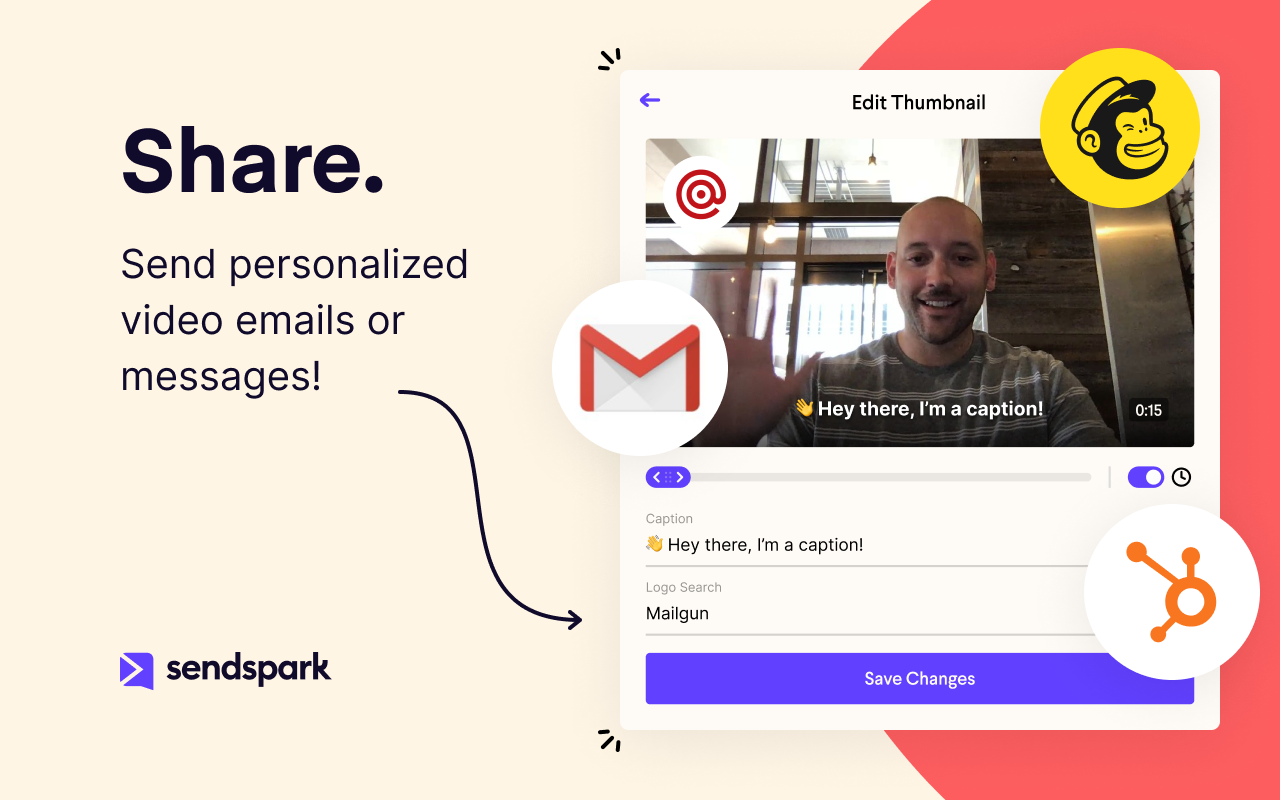
Sendspark helps businesses connect to customers with personalized video messages. Whether the user is an individual, manager, or enterprise, Sendspark can be used to create polished videos for demand generation, sales, or customer success. Videos can be shared in Gmail, LinkedIn, or email marketing platforms — wherever communication with customers is happening — to drive higher engagement.
$0
per month per user
Zoom Events & Webinars
Score8.5 out of 10
N/A
Zoom Events and Webinars are part of Zoom’s event solutions that uses existing Zoom products to produce interactive and engaging virtual experiences. It combines Zoom Meetings, Chat, and Video Webinars in one solution that enables event organizers to produce ticketed, live events for internal or external audiences of any size.
In my experience, Sendspark is particularly well-suited for sales and marketing professionals who need to create and send personalized videos at scale. The platform makes it easy to quickly record and share videos, which can be a great way to stand out in a crowded market and provide a more engaging and personal experience for clients. Additionally, the branding and marketing features of Sendspark are handy for maintaining a consistent and professional image. On the other hand, I think Sendspark may be less appropriate for organizations that require more robust collaboration and video editing features. The platform is designed for simplicity and speed, so it may not be the best choice for users who need more advanced editing tools or the ability to work on videos with multiple users simultaneously. Additionally, the limited customization options for video themes may not be suitable for users who need more flexibility in terms of design and layout. Other video recording and sharing platforms may be a better fit in these cases.
Zoom is well-suited for any service-based business that relies on face-to-face communications, whether for client meetings or external sales calls. Zoom also provides a good platform for internal team meetings to discuss creative ideas or for one-on-one sessions. Zoom is also excellent for larger webinars where you need to present to larger audiences.
A de minimis incentive was given to thank the reviewer for their time. The incentive was not used to bias or drive a particular response, nor was the incentive contingent on a positive endorsement. TR verified that a representative sample of customers was invited. More Info
A de minimis incentive was given to thank the reviewer for their time. The incentive was not used to bias or drive a particular response, nor was the incentive contingent on a positive endorsement. More Info
I wish there were more polling options available in Zoom in general, and this extends to both webinar polling and post-webinar surveys. Could certainly do with a more robust polling feature set.
Setting up Registration for Zoom webinars can be very tricky, and I usually advise against webinar registration. The fact that users have to manually download an .ics to add it to their O365 calendars after registering means lots of issues with users attempting to join after registering early.
I would have complained about lack of breakout rooms for webinars, or the fact that the practice room can't be turned back on after it was turned off, but Zoom recently implemented webinar breakout rooms plus the Backstage feature, so both of these common complaints are now fully addressed!
A de minimis incentive was given to thank the reviewer for their time. The incentive was not used to bias or drive a particular response, nor was the incentive contingent on a positive endorsement. More Info
Because with such a contribution it is possible to reach customers much better than with many other expensive tools. It is comparatively cheaper to do marketing with emails. So you should make your email campaigns as effective as possible. What really works with Sendspark. I think Sendspark will implement many more things. Which is why I am currently convinced to continue using Sendspark.
We will be renewing with Zoom as long as it continues to meet our needs for client and lead outreach needs in a robust manner. With little error and an easy to use interface, Zoom has met our needs and exceeded our expectations. The cost is right and with a short learning curve, Zoom has been an easy decision to make and maintain.
A de minimis incentive was given to thank the reviewer for their time. The incentive was not used to bias or drive a particular response, nor was the incentive contingent on a positive endorsement. More Info
Zoom Events is complex, but gets "almost easy" with experience and good guidance. I tell people, "Hosting a meeting is like driving a car; hosting a webinar is like driving an 18-wheeler; and hosting a Zoom Event is like flying a commercial airliner." You need experience, training, and ongoing guidance to be good at Zoom Events. Zoom has staff that knows everything there is to know about Zoom Events, but finding them and reaching them isn't easy. There aren't many consultants out there that are affordable and experienced.
A de minimis incentive was given to thank the reviewer for their time. The incentive was not used to bias or drive a particular response, nor was the incentive contingent on a positive endorsement. More Info
Acutally we didnt have had any problems so far. Everything works since we use it. The Servers are fast, and creating videos is a breeze. The Dashboard works properly and we can work very Smooth with Sendspark so far.
Support is very fast. I actually get Support between 8-24 Hours which is Important for us. The website tend to slow down sometimes, but will not affect the overall usage. I think they have a good Server Plan, which runs smooth. Until now we didnt had any serious problems with saving our Video Files or Uploading.
Zoom [Video Webinar] has online web portal where user can take control of the meetings and their settings. It provides details of all the meeting happened and also provides participants list. It has support for webinars and recording also. Zoom [Video Webinar] gave special cloud permissions for paid users also from web portal and that can help in saving disk space.
A de minimis incentive was given to thank the reviewer for their time. The incentive was not used to bias or drive a particular response, nor was the incentive contingent on a positive endorsement. TR verified that a representative sample of customers was invited. More Info
Loom provides all basic features of screen recording software but because they are established now, they sometimes fail to work on customer feedback while Sendspark is always innovative e.g one of the life-saving features is a link to share with customers to record their testimonials which other software are not doing.
We moved away from MS Teams due to several factors: 1)The ability to have a calendar reminder pop up for the upcoming webinar. 2)The ability to have Zoom automatically send a customized one hour reminder email to everyone who registered. 3)Webinar templates that speed up the setup of each of our webinars. 4)Integrated polling and collaboration tools.
A de minimis incentive was given to thank the reviewer for their time. The incentive was not used to bias or drive a particular response, nor was the incentive contingent on a positive endorsement. More Info
I think there is a lot of space for scaling. But for a Company like us there is plenty enough of capabilites to use Sendspark without any lack of performance issues. Maybe Sendspark could be limited for very Big Companys. But since they are a Startup, maybe they will grow and dive us to a better overall experience.
A member of my sales team went 10 for 10 on receiving replies from outreach prospects when leading with a Sendspark video message.
Received a PO for $109K on the last day of the quarter after messaging a customer with a polite and earnest Sendspark video to get the PO that day.
Supported a team member closing a sale by creating a Sendspark demo/explanation video of "this is how it would work" for the owner of a prospect company.
Prior to Zoom, the best way to train was to travel to their business. Or to do it remotely, it was to allow multiple hours and allocating time to help them set up the technology. It was a mess. We were able to shave travel costs/technology implementation costs.
We no longer have to waste time playing technology ping pong, bouncing between different platforms. Zoom Video webinar just works.
My tech team used to have to set up the webinar events, because of how complicated GoToWebinar can be. Zoom makes it easy that anyone can do it.
A de minimis incentive was given to thank the reviewer for their time. The incentive was not used to bias or drive a particular response, nor was the incentive contingent on a positive endorsement. More Info