
Sendspark vs. Vidcast by Webex Leap
| Product | Rating | Most Used By | Product Summary | Starting Price |
|---|---|---|---|---|
 Sendspark | Score10 out of 10 | N/A | Sendspark helps businesses connect to customers with personalized video messages. Whether the user is an individual, manager, or enterprise, Sendspark can be used to create polished videos for demand generation, sales, or customer success. Videos can be shared in Gmail, LinkedIn, or email marketing platforms — wherever communication with customers is happening — to drive higher engagement. | $0 per month per user |
 Vidcast by Webex Leap | Score7.6 out of 10 | N/A | Vidcast is an asynchronous video messaging solution that uses recorded, instantly-shareable video to keep teams connected at any time. With Vidcast, users can record, edit and share short video messages as a way to provide feedback and updates without being tripped up by meeting schedules and time zones. | N/A |
| Sendspark | Vidcast by Webex Leap | |||||||||||||||
|---|---|---|---|---|---|---|---|---|---|---|---|---|---|---|---|---|
| Editions & Modules | No answers on this topic | No answers on this topic | ||||||||||||||
| Offerings |
| |||||||||||||||
| Entry-level Setup Fee | No setup fee | No setup fee | ||||||||||||||
| Additional Details | — | — | ||||||||||||||
| More Pricing Information | ||||||||||||||||
| Sendspark | Vidcast by Webex Leap | |
|---|---|---|
| Considered Both Products | No answer on this topic | No answer on this topic |
| Key User Insights | ||
| Would buy again | ||
100% Would buy again 54 Answers | No answers on this topic | |
| Delivers good value for the price | ||
100% Delivers good value for the price 54 Answers | No answers on this topic | |
| Happy with the feature set | ||
98% Happy with the feature set 53 Answers | No answers on this topic | |
| Lived up to sales and marketing promises | ||
100% Lived up to sales and marketing promises 54 Answers | No answers on this topic | |
| Implementation went as expected | ||
100% Implementation went as expected 54 Answers | No answers on this topic | |
| Sendspark | Vidcast by Webex Leap | |
|---|---|---|
| Small Businesses |  Snagit Score9.3 out of 10 | Sendspark Score10 out of 10 |
| Medium-sized Companies | Snagit Score9.3 out of 10 | Snagit Score9.3 out of 10 |
| Enterprises | Snagit Score9.3 out of 10 | Snagit Score9.3 out of 10 |
| All Alternatives | View all alternatives | View all alternatives |
| Sendspark | Vidcast by Webex Leap | |
|---|---|---|
| Likelihood to Recommend | 10.0 | - |
| Likelihood to Renew | 9.1 | - |
| Availability | 9.1 | - |
| Performance | 8.2 | - |
| Product Scalability | 7.3 | - |
| Sendspark | Vidcast by Webex Leap | |
|---|---|---|
| Likelihood to Recommend |
|
|
| Pros |
| No answers on this topic |
| Cons |
| No answers on this topic |
| Likelihood to Renew |
| No answers on this topic |
| Reliability and Availability |
| No answers on this topic |
| Performance |
| No answers on this topic |
| Alternatives Considered |
|
|
| Scalability |
| No answers on this topic |
| Return on Investment |
| No answers on this topic |
| ScreenShots | Sendspark Screenshots  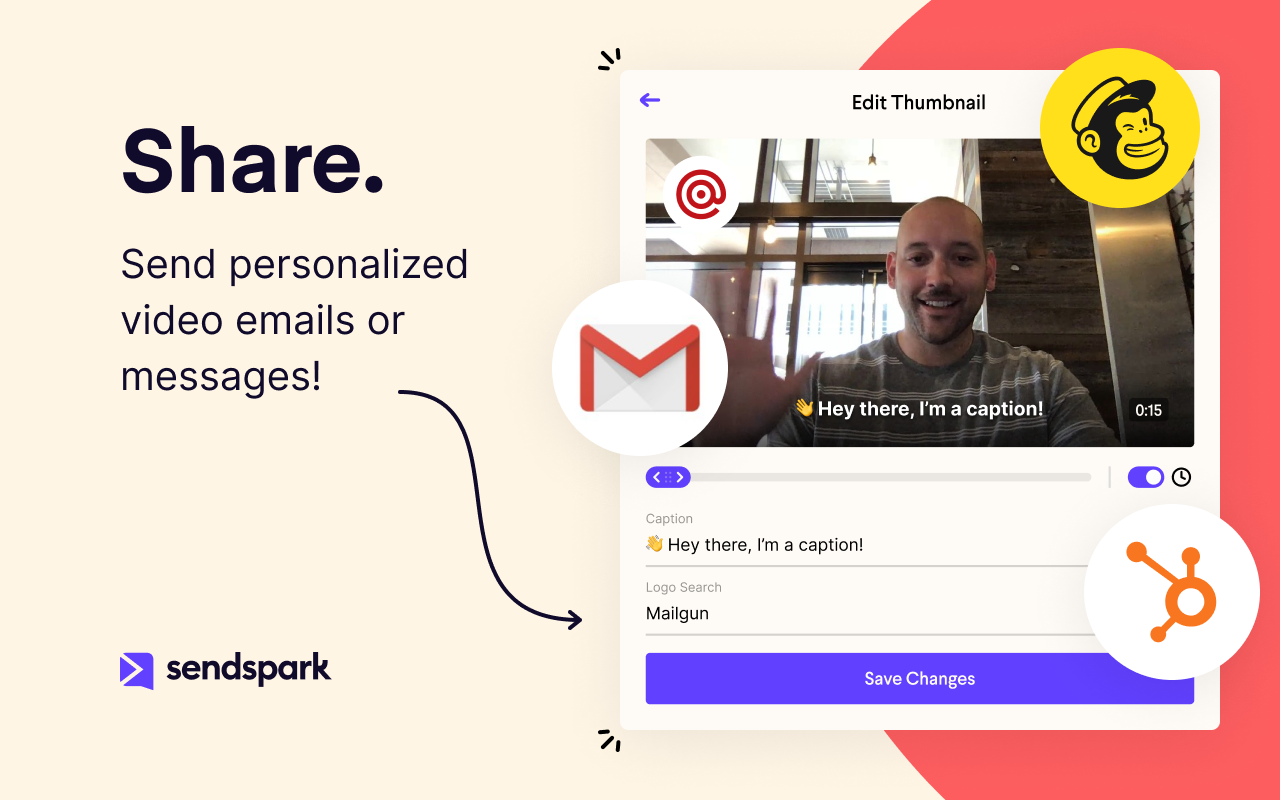  |


