ScreenApp vs. Sendspark

Overview
ProductRatingMost Used ByProduct SummaryStarting Price
ScreenApp
Score 0.0 out of 10
N/A
ScreenApp is a Screen Recording tool for hybrid workplaces. It is used to record meetings, webinars, presentations, or any other online session. It's web-based, lightweight online screen recorder that lets the user record the screen, voice and face without additional plugins and downloads. ScreenApp can be used to create instantly shareable recordings, and speed up workflows.
$1.99
per year per user
Sendspark
Score 10.0 out of 10
N/A
Sendspark helps businesses connect to customers with personalized video messages. Whether the user is an individual, manager, or enterprise, Sendspark can be used to create polished videos for demand generation, sales, or customer success. Videos can be shared in Gmail, LinkedIn, or email marketing platforms — wherever communication with customers is happening — to drive higher engagement.N/A
Pricing
ScreenAppSendspark
Editions & Modules
Standard
$1.99
per year per user
Standard
$2.99
per month per user
Premium
$4.99
per year per user
Premium
$5.99
per month per user
No answers on this topic
Offerings
Pricing Offerings
ScreenAppSendspark
Free Trial
YesYes
Free/Freemium Version
YesYes
Premium Consulting/Integration Services
NoNo
Entry-level Setup FeeOptionalNo setup fee
Additional Details
More Pricing Information
Community Pulse
ScreenAppSendspark
User Ratings
ScreenAppSendspark
Likelihood to Recommend
-
(0 ratings)
10.0
(0 ratings)
Likelihood to Renew
-
(0 ratings)
9.1
(0 ratings)
Availability
-
(0 ratings)
9.1
(0 ratings)
Performance
-
(0 ratings)
8.2
(0 ratings)
Product Scalability
-
(0 ratings)
7.3
(0 ratings)
User Testimonials
ScreenAppSendspark
Likelihood to Recommend
No answers on this topic
In my experience, Sendspark is particularly well-suited for sales and marketing professionals who need to create and send personalized videos at scale. The platform makes it easy to quickly record and share videos, which can be a great way to stand out in a crowded market and provide a more engaging and personal experience for clients. Additionally, the branding and marketing features of Sendspark are handy for maintaining a consistent and professional image. On the other hand, I think Sendspark may be less appropriate for organizations that require more robust collaboration and video editing features. The platform is designed for simplicity and speed, so it may not be the best choice for users who need more advanced editing tools or the ability to work on videos with multiple users simultaneously. Additionally, the limited customization options for video themes may not be suitable for users who need more flexibility in terms of design and layout. Other video recording and sharing platforms may be a better fit in these cases.
Read full review
Pros
No answers on this topic
  • In this post-pandemic world, Sendspark engages prospective clients in more fun, highly engaging, and natural way.
  • Easy to stay on brand and connect with my audience.
  • Seamless Integration with my autoresponder.
  • Video integration is the new norm - so Sendspark captivates the audience which helps to increase sales.
Read full review
Cons
No answers on this topic
  • I would love to have a "Pause" button and to be able to resume a recording.
  • There is no editing functionality, but on the other hand what I like is its simplicity. So it's all about compromises!
  • It would be nice to be able to switch from the camera only to screen. (note that we can record both using the Chrome extension).
Read full review
Likelihood to Renew
No answers on this topic
Because with such a contribution it is possible to reach customers much better than with many other expensive tools. It is comparatively cheaper to do marketing with emails. So you should make your email campaigns as effective as possible. What really works with Sendspark. I think Sendspark will implement many more things. Which is why I am currently convinced to continue using Sendspark.
Read full review
Reliability and Availability
No answers on this topic
Acutally we didnt have had any problems so far. Everything works since we use it. The Servers are fast, and creating videos is a breeze. The Dashboard works properly and we can work very Smooth with Sendspark so far.
Read full review
Performance
No answers on this topic
Support is very fast. I actually get Support between 8-24 Hours which is Important for us. The website tend to slow down sometimes, but will not affect the overall usage. I think they have a good Server Plan, which runs smooth. Until now we didnt had any serious problems with saving our Video Files or Uploading.
Read full review
Alternatives Considered
No answers on this topic
Virtually all other video platforms have more functions, more functionality, more integrations, and more ways to customize everything. The only exception is (possibly) Vidyard. Layers of complexity lead to inertia. That leads to plenty of excuses to not incorporate video into a workflow because it's always easier for (most) people to type an email than add the layers of vulnerability to a prospect that comes with a video. Sendspark is affordable, by far the easiest to use and, on the rare occasion, we've needed them, the support is very responsive. If you want to get your employees - or more especially yourself - to follow through on using video in your sales|marketing|customer support then I suggest you seriously consider Sendspark (unless you're one of our competitors :) )
Read full review
Scalability
No answers on this topic
I think there is a lot of space for scaling. But for a Company like us there is plenty enough of capabilites to use Sendspark without any lack of performance issues. Maybe Sendspark could be limited for very Big Companys. But since they are a Startup, maybe they will grow and dive us to a better overall experience.
Read full review
Return on Investment
No answers on this topic
  • A member of my sales team went 10 for 10 on receiving replies from outreach prospects when leading with a Sendspark video message.
  • Received a PO for $109K on the last day of the quarter after messaging a customer with a polite and earnest Sendspark video to get the PO that day.
  • Supported a team member closing a sale by creating a Sendspark demo/explanation video of "this is how it would work" for the owner of a prospect company.
Read full review
ScreenShots

Sendspark Screenshots

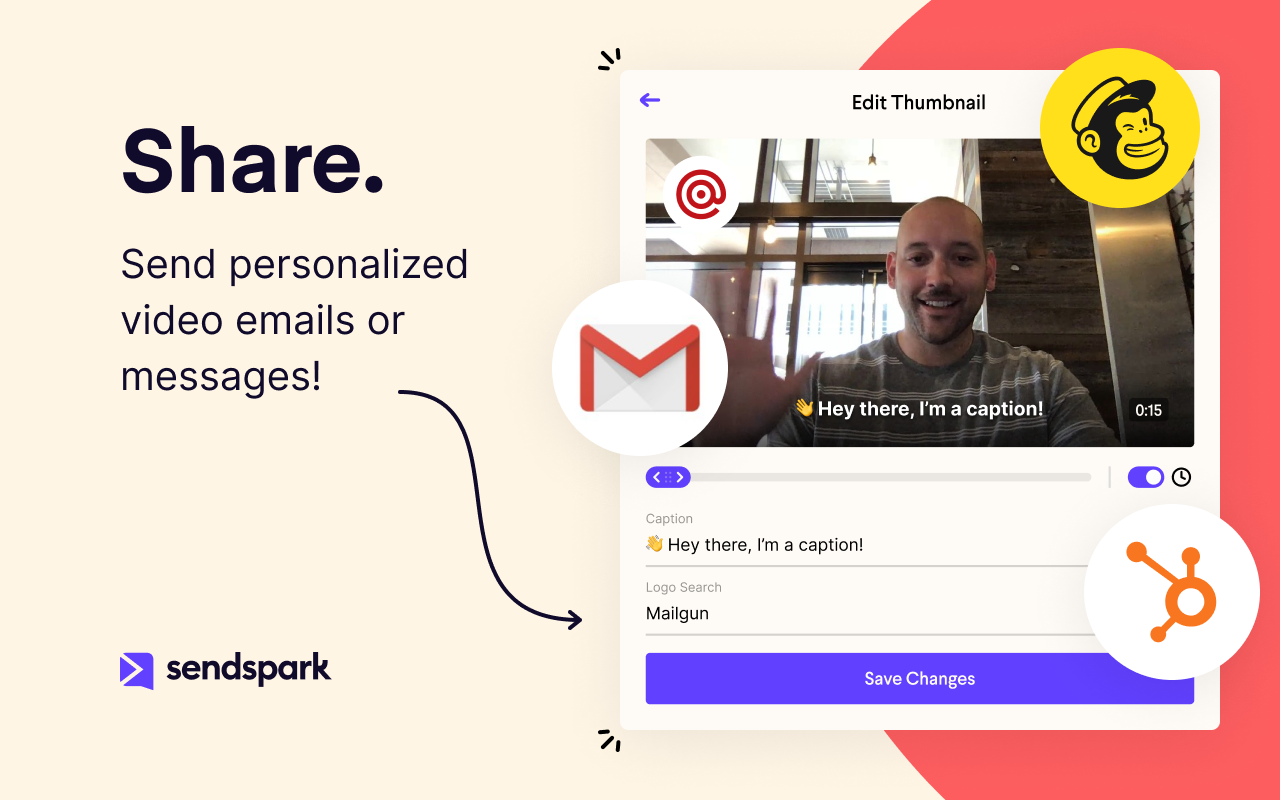
Screenshot of Record videos of yourself or your productScreenshot of Personalize videos for your prospects and customersScreenshot of Share videos in Gmail, LinkedIn, email marketing platforms, or anywhere.Screenshot of Drive more customer engagement and conversions