SatisMeter is a Net Promoter System (NPS) tool for web-based businesses. It is designed to help clients collect, analyse, and use feedback to improve customer experiences and build better products. SatisMeter automates NPS surveys to their clients' userbases with precision targeting and automation. SatisMeter promises that setup takes as little as 5 minutes, and their tool automates feedback collection for clients.
N/A
Sogolytics
Score9 out of 10
N/A
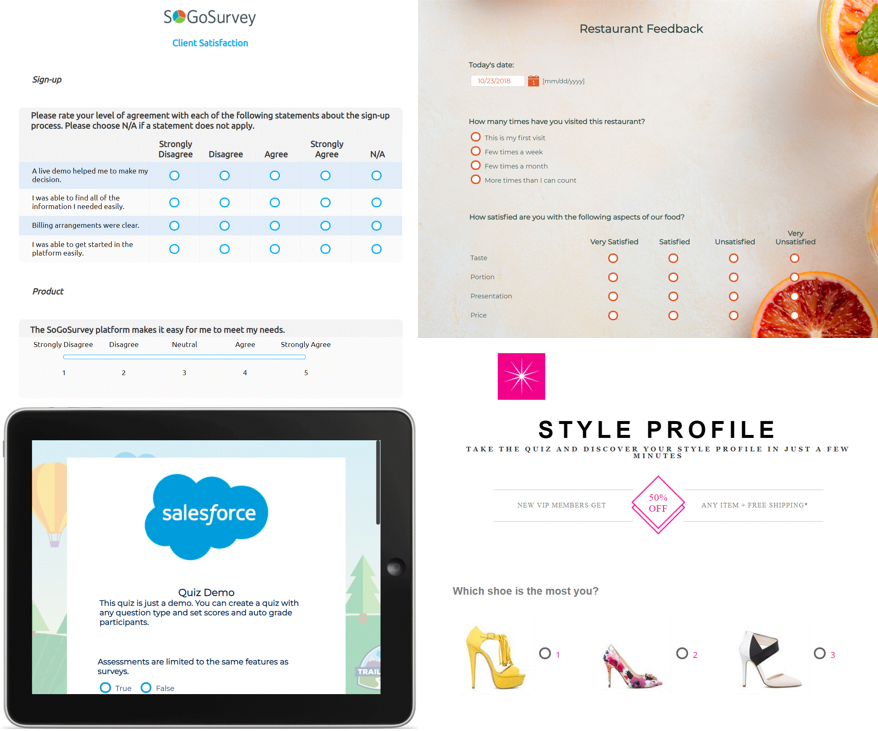
Sogolytics (formerly SoGoSurvey) is an online survey software solution that helps users create surveys quickly. The free package includes basic features for building surveys and the paid package includes advanced features.
Is really well suited for understanding the initial user experience and gauging user adoption, SatisMeter shines. By strategically placing surveys during onboarding processes, we can gather valuable feedback on how well users are grasping the platform and whether any adjustments are needed to enhance usability. Also placing surveys after customer support interactions is invaluable. It allows us to gauge satisfaction with the support received and pinpoint areas where our support team excels or needs improvement. The real-time nature of feedback is particularly beneficial in this scenario.
A de minimis incentive was given to thank the reviewer for their time. The incentive was not used to bias or drive a particular response, nor was the incentive contingent on a positive endorsement. More Info
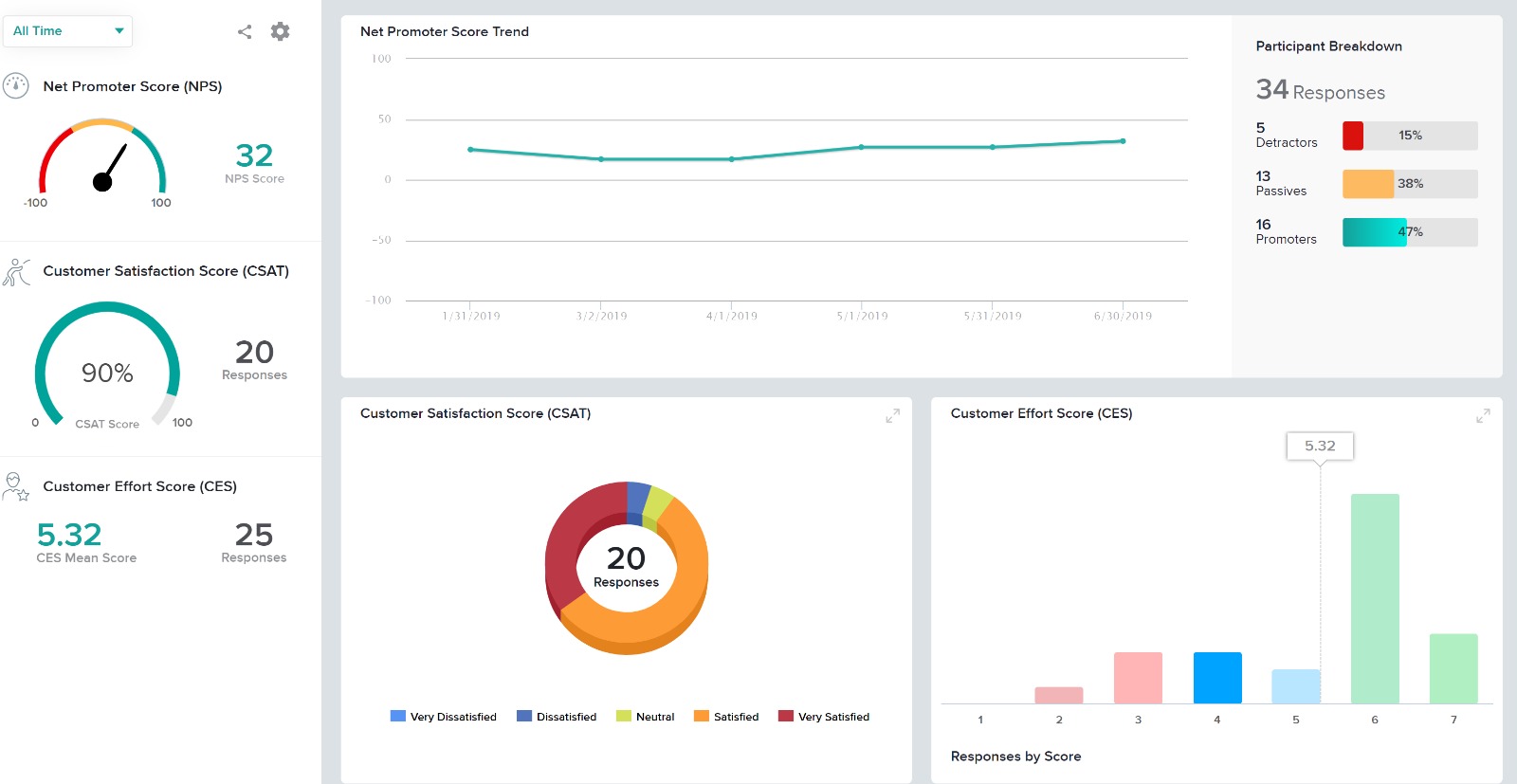
One of the most significant benefits of using Sogolytics is its robust reporting capabilities. The platform allows us to generate comprehensive reports with clear visualizations, making communicating our results to funders easy. This has greatly enhanced our transparency and accountability, demonstrating the effectiveness and impact of our programs.As a nonprofit organization, we are incredibly grateful for Sogolytics' support to organizations like ours. The platform's accessibility and user-friendly interface have made it an indispensable tool in our efforts to provide quality programs to schools and students in need.
A de minimis incentive was given to thank the reviewer for their time. The incentive was not used to bias or drive a particular response, nor was the incentive contingent on a positive endorsement. More Info
A de minimis incentive was given to thank the reviewer for their time. The incentive was not used to bias or drive a particular response, nor was the incentive contingent on a positive endorsement. More Info
Providing users the ability to follow along a specific question example (eg. placeholder text in questions that users can see what the answer might look like)
Better media management and implementation (eg. placing images/videos/gifs/etc. as standalone assets in the survey)
Making the images added into a survey responsive to the screen they are being viewed on (eg. any images added to a survey do not adjust to the size of the screen, consequently showing up very small on mobile/tablet view)
Exporting the survey to Word looks horrible - we'd love if the survey could be exported the way it looks when live into a similar-looking Word document or template
A de minimis incentive was given to thank the reviewer for their time. The incentive was not used to bias or drive a particular response, nor was the incentive contingent on a positive endorsement. More Info
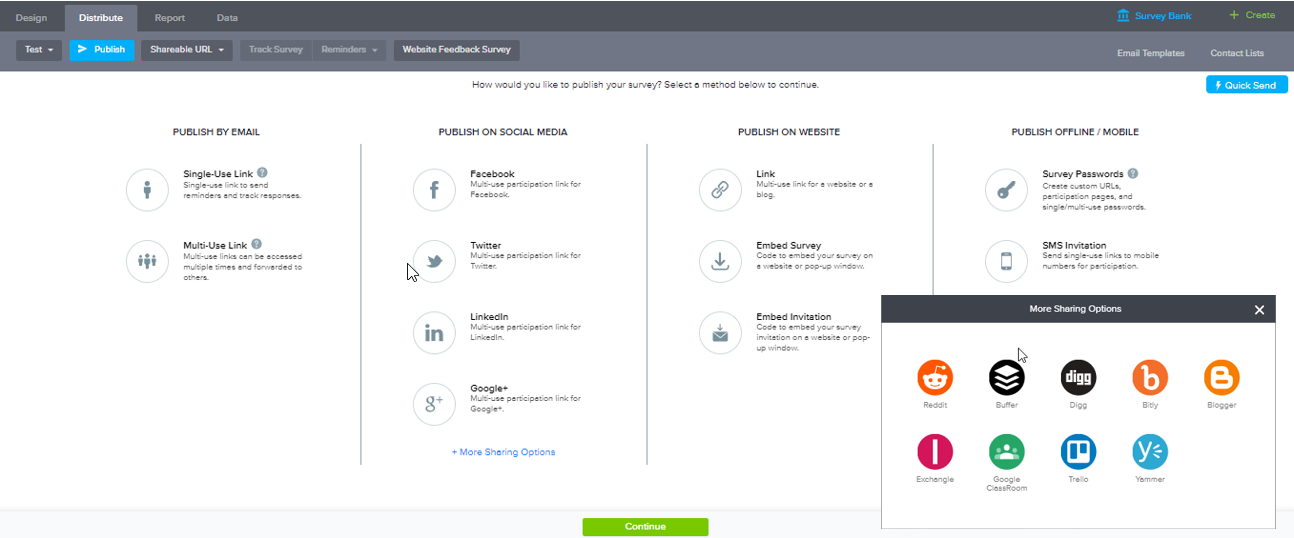
Everything on the platform is laid out logically and in a manner that even our less technical administrators can go onto the system and create/manage any surveys or feedback questionnaires. The options for distribution of these surveys are also simple and straight forward with all available choices showing. Our users don't need to know the ins and outs of the system to be able to use it.
I had an issue whereby I used a free trial that ended, locking me out of my account. I contacted their customer service to help with this issue, which they resolved in under half an hour. I was extremely impressed with their speed and quality of service, which led me to filling out this review!
I evaluated several different products, including SurveyMonkey. SoGoSurvey appeared to have the most features at the best value. Unfortunately, the "free" service didn't satisfy our needs and we had to upgrade during the first survey. I found SurveyMonkey and SoGoSurvey to be very comparable.
A de minimis incentive was given to thank the reviewer for their time. The incentive was not used to bias or drive a particular response, nor was the incentive contingent on a positive endorsement. More Info
A de minimis incentive was given to thank the reviewer for their time. The incentive was not used to bias or drive a particular response, nor was the incentive contingent on a positive endorsement. More Info
Cost. The software is very reasonably priced when judged against its functionality. The cost and risk of deploying paper surveys, coupled with the additional time it would take to input the data before analysis, means we have a lot less to worry about, have saved time and money.
Data and reputation. Security of data is important to us. Using this software has enhanced our credibility with clients. We're serious about data security and this software shows that we are.
Ethics and reputation. We are also serious about achieving the highest ethical standards in research, and nothing in this software impedes our ability to meet these standards.
Speed. The online training, all of which has been 1-2-1, helped me get to grips with the software and deploy it quickly. The quality of training is very high indeed.