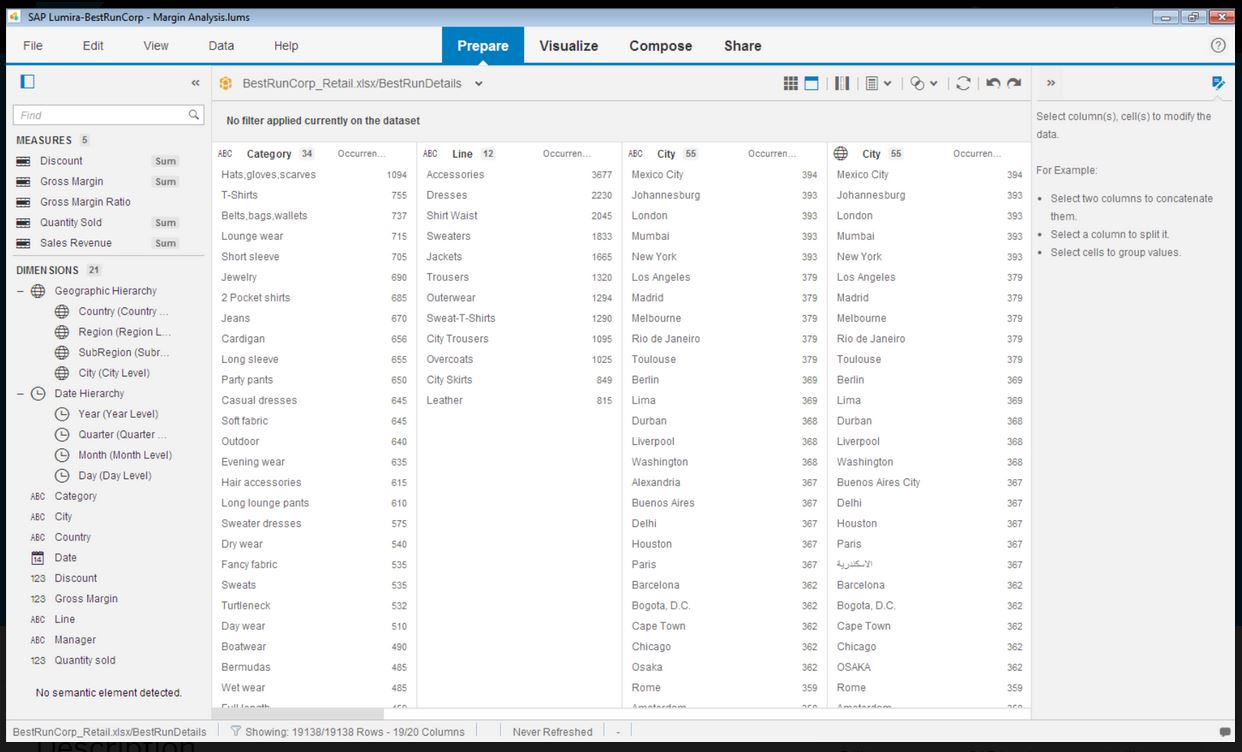
SAP Lumira Discovery is SAP’s data visualization and discovery application. It facilitates data discovery, visualization, and analysis by assisting users with creation of dashboards, infographics, presentations, data facets, tag clouds, and more.
$185
per user
SAP BPC (Business Planning and Consolidation)
Score 8.5 out of 10
N/A
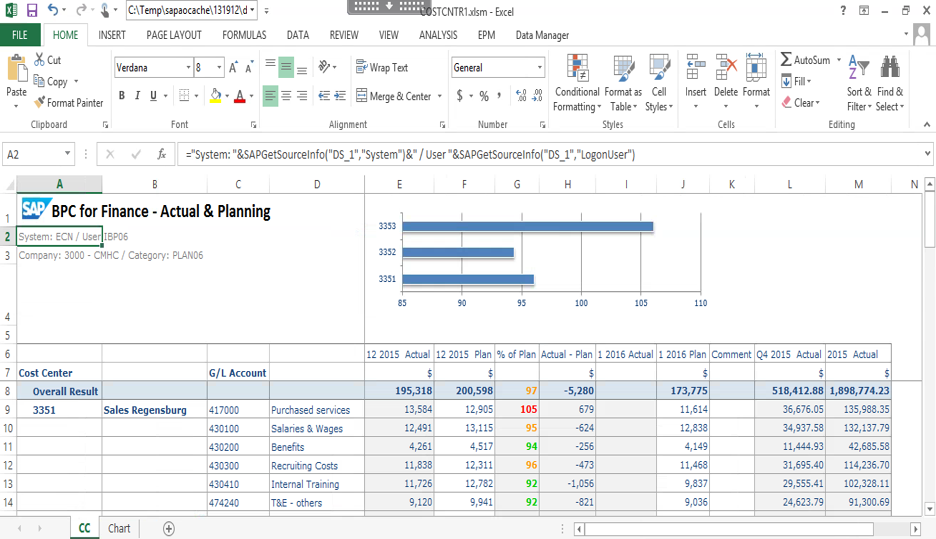
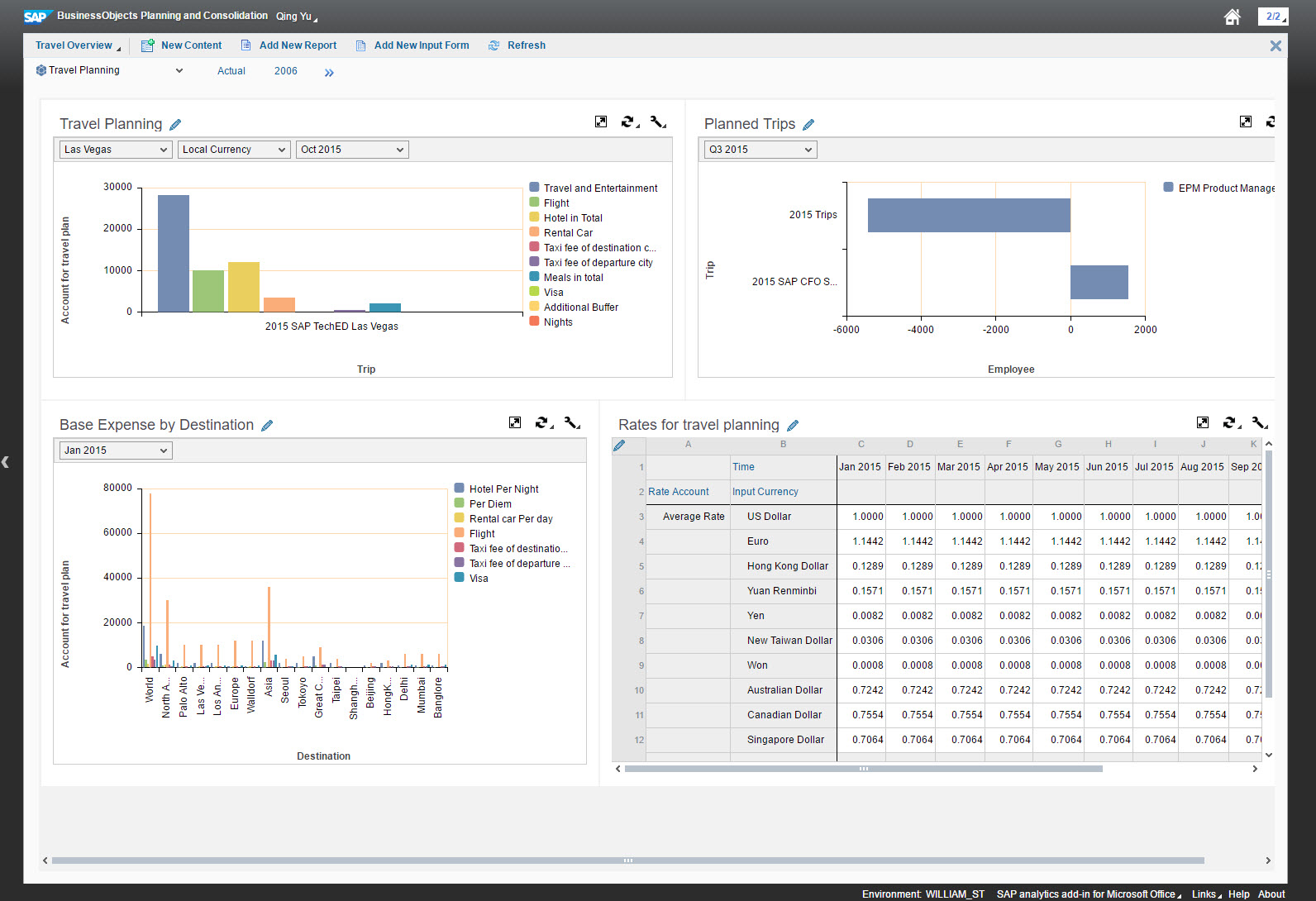
The SAP BPC software is designed to help users plan and achieve a faster, more accurate close. The SAP BPC software aims to help users spend more time growing their business and less time closing books. The vendor’s value proposition is that their software delivers planning, budgeting, forecasting, and financial consolidation capabilities in a single application. This, in turn, enables them to easily adjust plans and forecasts, speed up budget and closing cycles, and ensure compliance with…
N/A
Pricing
SAP Lumira Discovery
SAP BPC (Business Planning and Consolidation)
Editions & Modules
SAP Lumira, standard edition
$185
per user
No answers on this topic
Offerings
Pricing Offerings
SAP Lumira Discovery
SAP BPC (Business Planning and Consolidation)
Free Trial
Yes
No
Free/Freemium Version
No
No
Premium Consulting/Integration Services
No
No
Entry-level Setup Fee
No setup fee
No setup fee
Additional Details
—
—
More Pricing Information
Community Pulse
SAP Lumira Discovery
SAP BPC (Business Planning and Consolidation)
Features
SAP Lumira Discovery
SAP BPC (Business Planning and Consolidation)
BI Standard Reporting
Comparison of BI Standard Reporting features of Product A and Product B
SAP Lumira Discovery
8.0
Ratings
2% below category average
SAP BPC (Business Planning and Consolidation)
-
Ratings
Customizable dashboards
8.00 Ratings
00 Ratings
Ad-hoc Reporting
Comparison of Ad-hoc Reporting features of Product A and Product B
SAP Lumira Discovery
7.3
Ratings
10% below category average
SAP BPC (Business Planning and Consolidation)
-
Ratings
Drill-down analysis
10.00 Ratings
00 Ratings
Formatting capabilities
7.00 Ratings
00 Ratings
Report sharing and collaboration
5.00 Ratings
00 Ratings
Report Output and Scheduling
Comparison of Report Output and Scheduling features of Product A and Product B
SAP Lumira Discovery
6.1
Ratings
31% below category average
SAP BPC (Business Planning and Consolidation)
-
Ratings
Publish to Web
7.00 Ratings
00 Ratings
Publish to PDF
5.00 Ratings
00 Ratings
Report Delivery Scheduling
6.30 Ratings
00 Ratings
Data Discovery and Visualization
Comparison of Data Discovery and Visualization features of Product A and Product B
SAP Lumira helped to create intuitive and real-time dashboards in a story format to the organization. However with new capabilities of SAP, like SAP Analytics Cloud (SAC) providing more planning and analytical capabilities. Thus the identification of the use cases with the available products should be done. SAC is more integrated and the go to product in SAP roadmap.
For a large company trying to bring processes and functions together with one tool, SAP BPC is a great solution. It requires hours of effort to implement and configure, which would not be appropriate for smaller companies. SAP BPC also requires dedicated resources to maintain the system on a day to day basis, as well as an administrator type personnel who can troubleshoot slow performance or issues with the system. You also need users who are willing and exciting to use this system and actually trust that this is a solution.
Allows for full integration of data to be analyzed in real time. Although we still load actuals on a delayed basis (2 business days after month end), when developing the budget, we not longer have to do a full loading process from a different application into BPC prior to being able to report and analyze the current budget status to prior budget versions or actuals.
It is easy to learn basic report building. The hardest part is learning the available dimensions and the different possible combinations and their results, but that will also vary from company to company depending on the complexity of the industry.
Control over data import formatting - for example where amount and currency values are imported there is not enough control over the transformation and formatting and this has caused us data import difficulties where values read have been truncated due to punctuation in the amount fields.
The user interface is simplified, but the terminology and screen layout do not always make it obvious how to start the process for a new user - for example to add a new data source or create a new report.
It has good features, the data connectivity and merging is really good, and it has helped our IT team. Nevertheless, it can sometimes be hard to use and some of the features can be found outdated. As we don't have a lot of data, it is a decent tool for our data analytics, but I wouldn't recommend for bigger or more complex businesses with large amounts of data.
Lumira is a desktop application runs in its own JVM. It installs its own java runtime libraries to avoid any core java version conflicts. The availability of the application is completely relies on individual machine hardware configuration. On a decent desktop, it performs well and always launches in either 32 or 64 bit environment based on the hosts system's OS
The performance is linear with amount of data that is being explored. We have done some benchmarks acquiring 10million data cells without having any performance problems. We need to make proper adjustments to jvm run time properties to start with higher heap size and other parameters that optimizes the run time performance
It does not have many bugs or issues since not a lot of new features are being added. The customer support for SAP Lumira Discovery is good and anyone considering this as a self-service tool would be happy. It integrates well in the SAP BI suite of products and the overall experience is positive.
SAP BPC training content and trainers are very good. The training is structured and provides a very good understanding of the product features and functionalities. I attended 6 separate training sessions of week-long or more. I had very good experience in all the sessions. The training is organized very well.
Most of the user guides are pretty comprehensive and very easy to understand. The product itself is designed to be self-serve tool, did not need much of the end-user training. Most of the training we had is to how to read the data, how to explore the data, how to acquire the data etc.
Installing the desktop software on end-user machines is always challenging. The machine specifications are the biggest factor when running Lumira and be able to handle large datasets during data exploration. This often demands beefy machines at least for power-users. Although Lumira software licensing is not a big problem but managing partner's extensions and keeping track of their individual licenses may be an issue. If there is a way to bundle the more popular extensions such as vSQL or vOLAP should be bundled in core product and offer them as part of Lumira license instead of a separate license which causer operational burden.
I have evaluated products such a Tableau Desktop and Splunk and the biggest difference I realized was the ability to include interactive controls in the output. For instance if I wanted to include the ability to filter by a category or filter by a date range, the controls can easily be embedded in other products.
Sage BPC is very much ahead of Dimensions in multiple areas. The speed and ease of reporting with Sage is very good when compared (although the bank reconciliation task is one thing that i feel is much more effort on Sage and takes more time than previous). We selected SAP BPC (Business Planning and Consolidation) as we have multiple foreign entities and a team in India producing reports so needed one package that could reliably provide information in one currency and show it clearly.
Enterprise wide implementation is a challenge with data security and trustedness. No easy installation can be done across the enterprise. no upgrade paths also available from SAP. They have so much of experience with desktop implementation, there it could be a controlled environment with a capital budget. These may be resolved in the upcoming releases
When originally implemented (as the predecessor product Outlooksoft) BPC took ASU from trying to budget and forecast for a 2B enterprise out of spreadsheets and into a far more consolidated tool. It has saved us considerable time over the years and paid for itself several times over.
BPC also allows us to present our budget in multiple different views to support management, board and departmental reporting.