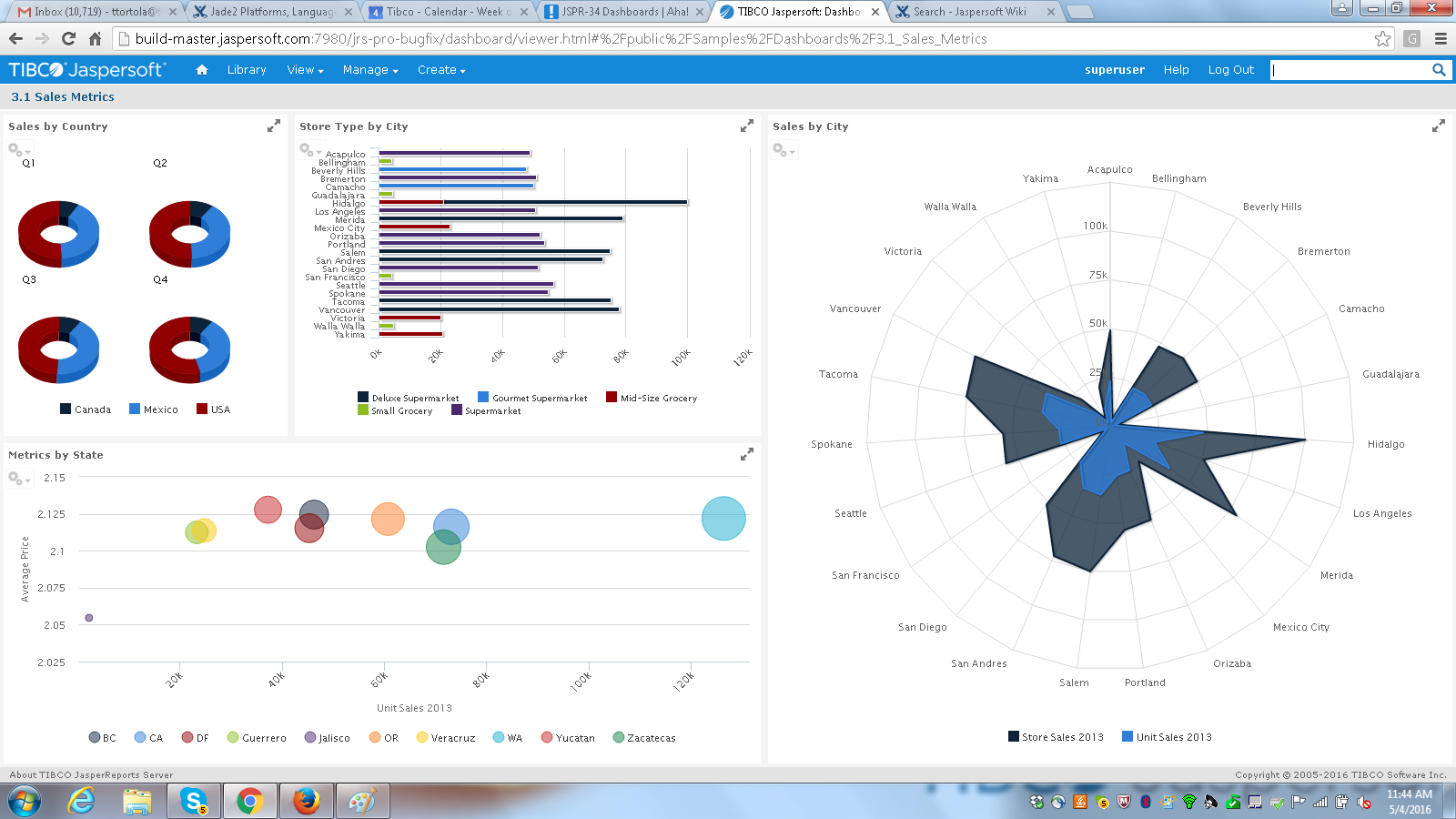
Jaspersoft commercial edition is an embedded business intelligence suite designed to be built-into SaaS products as an integrated reporting engine. It provides reports and dashboards for customer-facing applications without requiring app developers to build their own reporting engine.
N/A
SAP Crystal
Score7.5 out of 10
N/A
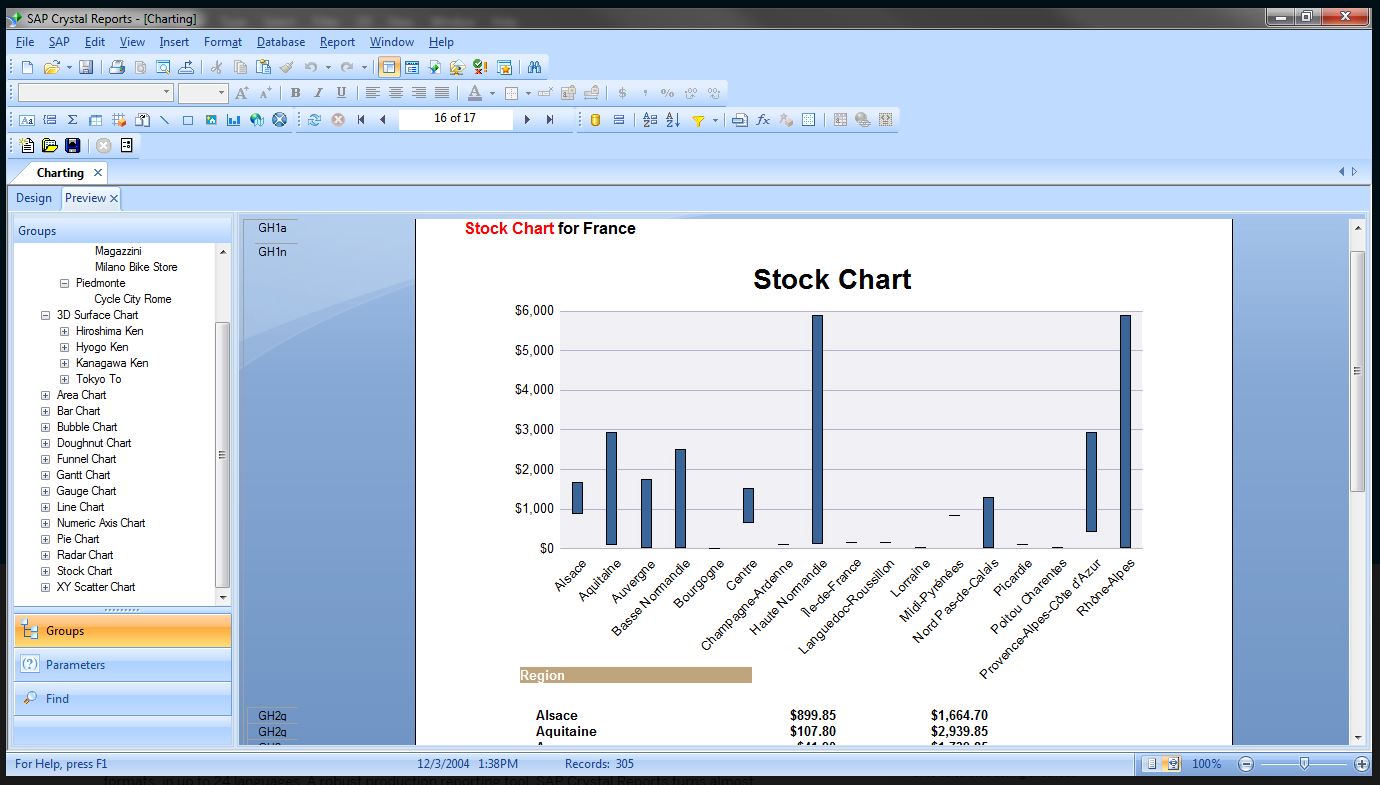
SAP Crystal is an analytics and reporting software solution for SMBs. SAP Crystal comprises Crystal Reports for pixel-perfect reporting, and SAP Crystal Server for automated distribution and self-service access to reports, dashboards and data exploration.
$295
per single user license
Pricing
Jaspersoft
SAP Crystal
Editions & Modules
No answers on this topic
Upgrade Version to SAP Crystal Reports 2020
$295
per single user license
SAP Crystal Reports 2020 64-Bit
$495
per single user license
SAP Crystal Reports 2016 32-Bit
$495
per single user license
SAP Crystal Server 2020 1 NUL
$869
per user license + first year maintenance to be added
SAP Crystal Server 2020 5 CAL
$8,744
5 concurrent users + first year maintenance to be added
Offerings
Pricing Offerings
Jaspersoft
SAP Crystal
Free Trial
Yes
Yes
Free/Freemium Version
Yes
Yes
Premium Consulting/Integration Services
Yes
Yes
Entry-level Setup Fee
No setup fee
Optional
Additional Details
Jaspersoft offers flexible pricing for ISVs and SaaS per customer or by CPU core.
* SAP Crystal Reports 2020 Viewer allows you to view static data within a SAP Crystal Reports file.
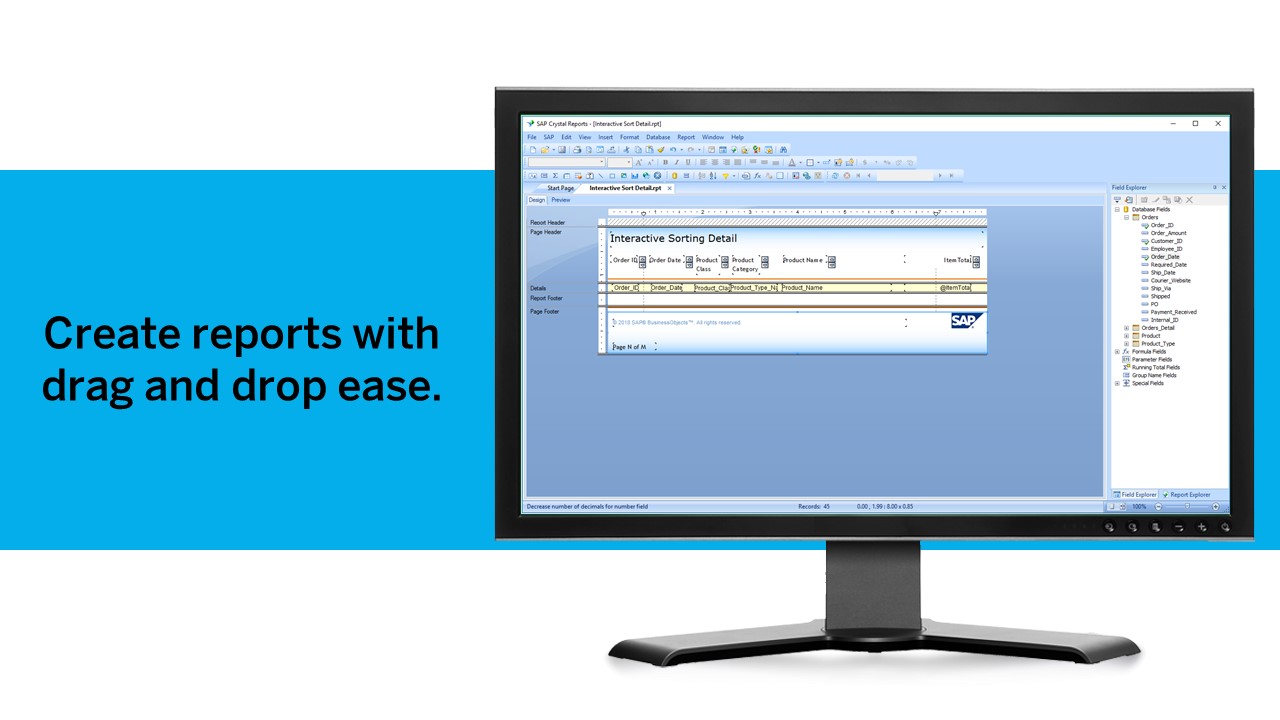
* SAP Crystal Reports 2020 - Full version allows you to create powerful, richly formatted, and dynamic reports from virtually any data source, delivered in dozens of formats, in up to 28 languages. If you already have an older version of Crystal Reports, buy a license for SAP Crystal Reports 2020 - Upgrade at a discounted, upgrade price.
* SAP Crystal Server 2020, 1 NUL includes 1 license of: SAP Crystal Reports 2020 - SAP Crystal Server 2020.
* As an add-on to SAP Crystal Server 2020 1 NUL, SAP Crystal Server 2020 5 CAL allows you to support a wider, intermittent audience of end users, up to five logged on at the same time.
More Pricing Information
Community Pulse
Jaspersoft
SAP Crystal
Considered Both Products
Jaspersoft
Verified User
Chose Jaspersoft
The community Edison allowed us to use the product enough without licensing restrictions until we moved to enterprise edition.
A de minimis incentive was given to thank the reviewer for their time. The incentive was not used to bias or drive a particular response, nor was the incentive contingent on a positive endorsement. More Info
Verified User
Chose Jaspersoft
It's been a long time since we have been using Jasper, so I can't really remember the details, but mainly it was about comparing how easy it was to integrate with our Java-based product, reporting capability, and datasources/platform supported.
A de minimis incentive was given to thank the reviewer for their time. The incentive was not used to bias or drive a particular response, nor was the incentive contingent on a positive endorsement. TR verified that a representative sample of customers was invited. More Info
Verified User
Chose Jaspersoft
I have used Crystal Reports, SQL Server Reporting Services (SSRS), and Business Objects prior to my experience with Jaspersoft. Unlike SSRS, Jaspersoft works easily with multiple database platforms. Crystal Reports is aimed more directly at the end-user, and Business Objects …
A de minimis incentive was given to thank the reviewer for their time. The incentive was not used to bias or drive a particular response, nor was the incentive contingent on a positive endorsement. TR verified that a representative sample of customers was invited. More Info
Verified User
Chose Jaspersoft
TIBCO Jaspersoft provides a powerful report designer and a high-scalability report server with a relatively low effort to implement and maintain. Interactive, custom reports and charts as well as the multi-tenancy are ideal for the customers of our SaaS solution.
A de minimis incentive was given to thank the reviewer for their time. The incentive was not used to bias or drive a particular response, nor was the incentive contingent on a positive endorsement. TR verified that a representative sample of customers was invited. More Info
IS Manager - Corporate Support in Information Technology at Bodynits Group - Nascence (Apparel & Fashion, 201-500 employees)
Chose Jaspersoft
We were using Seagate Crystal Reports previously. but Crystal Reports licensing is based on a user access basis, hence as the organisation expands and user count increases, licensing costs will escalate.
BI functionality as well as an ETL tool in Jaspersoft allow us to build …
A de minimis incentive was given to thank the reviewer for their time. The incentive was not used to bias or drive a particular response, nor was the incentive contingent on a positive endorsement. TR verified that a representative sample of customers was invited. More Info
Verified User
Chose Jaspersoft
We decided to go with Jaspersoft because of its price, community, performance and customers.
A de minimis incentive was given to thank the reviewer for their time. The incentive was not used to bias or drive a particular response, nor was the incentive contingent on a positive endorsement. TR verified that a representative sample of customers was invited. More Info
Director of Data Services in Engineering at Prologic (Computer Software, 51-200 employees)
Chose Jaspersoft
The closest product we've used to TIBCO Jaspersoft is SAP Crystal Reports.
The only advantage Crystal has over Jaspersoft is that more report developers are familiar with it. Otherwise Jaspersoft beats it hands down. We have found Jaspersoft to be faster, cheaper, reliable, …
A de minimis incentive was given to thank the reviewer for their time. The incentive was not used to bias or drive a particular response, nor was the incentive contingent on a positive endorsement. TR verified that a representative sample of customers was invited. More Info
Vice President, Chief Architect, Development Manager and Software Engineer in Information Technology at WySTAR Global Retirement Solutions, a Wells Fargo Company (Financial Services, 10,001+ employees)
Chose SAP Crystal
We found that Crystal was a little more intuitive to our team members than the other products. All of the products were excellent choices but we liked the ability to code stored procedures to gather our data. While each product has very similar features, we went with …
A de minimis incentive was given to thank the reviewer for their time. The incentive was not used to bias or drive a particular response, nor was the incentive contingent on a positive endorsement. TR verified that a representative sample of customers was invited. More Info
Clinical Informatics Consultant in Corporate at Symphony Post-Acute Network (Hospital & Health Care, 1001-5000 employees)
Chose SAP Crystal
Crystal Reports fits a niche for us in standard reporting. We don't use it for creating dashboards or interactive data analysis. That's where Tableau excels. For on-demand reports, we prefer Microsoft Reporting Service and Analysis Services. Crystal Report is very good when it …
A de minimis incentive was given to thank the reviewer for their time. The incentive was not used to bias or drive a particular response, nor was the incentive contingent on a positive endorsement. TR verified that a representative sample of customers was invited. More Info
It is well suited for the fact of scalability itself and the breadth of features this application has in order to make the migration from legacy systems to the newer different versions more seamless and effective. Data integrity and security are the main aspects of this tool which does not lose their value when doing day-to-day operations for data mapping.
A de minimis incentive was given to thank the reviewer for their time. The incentive was not used to bias or drive a particular response, nor was the incentive contingent on a positive endorsement. More Info
Generation of templated reports is the strong suit of SAP Crystal. Allows users to change formats in templates bases on requirement with minimal effort. Automated report delivery requires the user to be aware of sql which cannot be expected from all users. Should support more document export formats and improve the UI for SAP B1 Users
A de minimis incentive was given to thank the reviewer for their time. The incentive was not used to bias or drive a particular response, nor was the incentive contingent on a positive endorsement. More Info
TIBCO Jaspersoft allows you to embed reports into your own application, which gives users the feeling they are using a single product.
TIBCO Jaspersoft Studio allows for more advanced report development, such as adding subreports, drilldown to detail reports, images, page headers, page footers, maps, and more.
TIBCO's Jaspersoft Domain Designer is very easy to use and navigate.
A de minimis incentive was given to thank the reviewer for their time. The incentive was not used to bias or drive a particular response, nor was the incentive contingent on a positive endorsement. TR verified that a representative sample of customers was invited. More Info
Crystal Reports allows us to create a consistent template for all of our reports.
Crystal Reports and Server allows us to house a repository for all of our reports to make them easy to find and update when necessary.
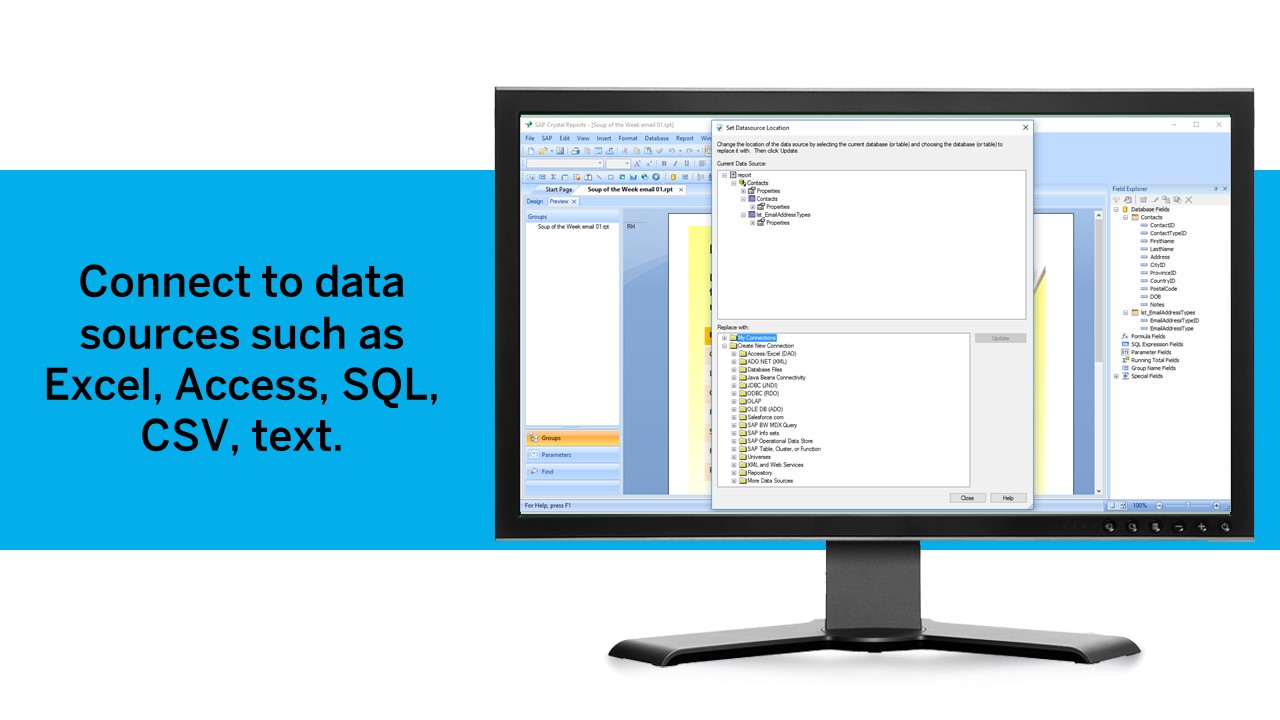
Crystal Reports can connect to a wide variety of data sources.
Crystal Reports can be a little daunting when first implementing. There are a lot of nuances in learning how to truly master this software and it can be frustrating at times.
A de minimis incentive was given to thank the reviewer for their time. The incentive was not used to bias or drive a particular response, nor was the incentive contingent on a positive endorsement. TR verified that a representative sample of customers was invited. More Info
One of the issues we found during our implementation was that the reporting software would work faster for certain data sources and not the others. Extracting CSVs and XML was slower in comparison to JSON in our experience.
Jaspersoft Studio was the main IDE we used for development. Built atop the Eclipse IDE, we found that the tool was really resource intensive and generally take long time to initialize.
A de minimis incentive was given to thank the reviewer for their time. The incentive was not used to bias or drive a particular response, nor was the incentive contingent on a positive endorsement. TR verified that a representative sample of customers was invited. More Info
A de minimis incentive was given to thank the reviewer for their time. The incentive was not used to bias or drive a particular response, nor was the incentive contingent on a positive endorsement. TR verified that a representative sample of customers was invited. More Info
JasperSoft has been amazing. It is well documented, fast, and transparent in how it functions. We have been very confident in JasperSoft in every aspect of our business and offerings where we've used it. On top of that, their improvements to the product have been fantastic. I am really looking forward to seeing where they take their product and how we can leverage that to please our clients
A de minimis incentive was given to thank the reviewer for their time. The incentive was not used to bias or drive a particular response, nor was the incentive contingent on a positive endorsement. TR verified that a representative sample of customers was invited. More Info
We have been using this product for so many years and it has truly become a cornerstone to our business processes when it comes to developing and distributing information via reports. We currently have over 500 reports developed to date over about 30 systems and that will continue to grow as user needs change.
I think it's a tool well suited for a software developer. Others with less coding skills could struggle somewhat with the tool. I find java a little unforgiving as a language for expressions and not very user friendly for the technically dis-inclined. Sometimes the numeric conversions cause issues (who knew that 0 and 0.0 would cause different things to happen). Previous experience with a reporting tool that used visual basic for its' expressions that I found much simpler to use. On the other hand, java is so widespread, you can easily google the syntax to accomplish what you need to do.
A de minimis incentive was given to thank the reviewer for their time. The incentive was not used to bias or drive a particular response, nor was the incentive contingent on a positive endorsement. TR verified that a representative sample of customers was invited. More Info
Crystal is very robust, but not always easy to use. It create wonderful looking reports, and so deserves a high rating. However, I have to take a couple of points off for the simple fact that I cannot hand it to a user and expect them to be able to do development with it.
A de minimis incentive was given to thank the reviewer for their time. The incentive was not used to bias or drive a particular response, nor was the incentive contingent on a positive endorsement. TR verified that a representative sample of customers was invited. More Info
A de minimis incentive was given to thank the reviewer for their time. The incentive was not used to bias or drive a particular response, nor was the incentive contingent on a positive endorsement. More Info
A de minimis incentive was given to thank the reviewer for their time. The incentive was not used to bias or drive a particular response, nor was the incentive contingent on a positive endorsement. TR verified that a representative sample of customers was invited. More Info
They have a great customer support ticketing system in which they always respond same-day. They offer conference calls with srcreensharing as well in order to better understand your issues.
I wish that the lower level support access came with more than just 12 cases per year though as this makes us less likely to reach out for questions on things that we then instead try to solve ourselves which results in loss of time in trying to acquire new features and or solve a problem.
A de minimis incentive was given to thank the reviewer for their time. The incentive was not used to bias or drive a particular response, nor was the incentive contingent on a positive endorsement. TR verified that a representative sample of customers was invited. More Info
The support community can be difficult to navigate. I've also run into issues with my login. The SAP system has a bizarre mechanism for validating users that requires users to have what is called an S-ID. A basic ID may not give you access to all the features in the portal. The limitation may include not being able to perform a simple task like downloading patches and updates. This isn't a big deal for single user license but for teams it can be a pain.
A de minimis incentive was given to thank the reviewer for their time. The incentive was not used to bias or drive a particular response, nor was the incentive contingent on a positive endorsement. TR verified that a representative sample of customers was invited. More Info
It did the job of getting us to our deadline we set for ourselves for initial launch. The customer we launched the product for was also there to learn about it at the same in order to better understand the capabilities. This helped greatly so that the customer was on the same page on what was possible when using jaspersoft. I think most people would not want their customers aware the product they are using is third-party but in this case it was a new experience for us both and so as we learned more about jaspersoft, we both had better communication on what the future road map was for their business needs in BI.
A de minimis incentive was given to thank the reviewer for their time. The incentive was not used to bias or drive a particular response, nor was the incentive contingent on a positive endorsement. TR verified that a representative sample of customers was invited. More Info
A de minimis incentive was given to thank the reviewer for their time. The incentive was not used to bias or drive a particular response, nor was the incentive contingent on a positive endorsement. TR verified that a representative sample of customers was invited. More Info
Resources available in the TIBCO Knowledge Base are covering almost everything. They are well organized, and covering almost every possibility. There is always the change to get back to the TIBCO support or to the dedicated Customer Success Manager whenever something very specific or bound to a customization is not covered.
A de minimis incentive was given to thank the reviewer for their time. The incentive was not used to bias or drive a particular response, nor was the incentive contingent on a positive endorsement. TR verified that a representative sample of customers was invited. More Info
Having just completed an upgrade to the latest version of Jaspersoft, I am happy to say their support was very good. There were a couple of small challenges which were not easily resolved, but they were primarily related to the fact that we had skipped updates for a couple of versions. The current update procedures assumed we were upgrading from the prior latest version (6.4) to to the new version (7.1).
A de minimis incentive was given to thank the reviewer for their time. The incentive was not used to bias or drive a particular response, nor was the incentive contingent on a positive endorsement. TR verified that a representative sample of customers was invited. More Info
Just like any other implementation: When designing the differing reports, get end users' input, make sure to design the reports so that they display the information that the company requires, in the best and clearest way possible.
Test, test, test, revise when needed, and, particularly, do sufficient training so users are comfortable using Crystal Reports!
A de minimis incentive was given to thank the reviewer for their time. The incentive was not used to bias or drive a particular response, nor was the incentive contingent on a positive endorsement. TR verified that a representative sample of customers was invited. More Info
When looking at the different features of these reporting engines, and what we were going to be using it for, the answer seemed clear. Jasper offered exactly what we were looking for, and did so for a price that we were happy with. For a scalable, feature-rich reporting engine that doesn't break the bank, Jaspersoft is the way to go.
A de minimis incentive was given to thank the reviewer for their time. The incentive was not used to bias or drive a particular response, nor was the incentive contingent on a positive endorsement. TR verified that a representative sample of customers was invited. More Info
Crystal reports is useful in case we want to import data from data base . We can write queries in it but Google Charts require to be implemented in our application using code so crystal reports is better than Google Charts.
A de minimis incentive was given to thank the reviewer for their time. The incentive was not used to bias or drive a particular response, nor was the incentive contingent on a positive endorsement. TR verified that a representative sample of customers was invited. More Info
A de minimis incentive was given to thank the reviewer for their time. The incentive was not used to bias or drive a particular response, nor was the incentive contingent on a positive endorsement. TR verified that a representative sample of customers was invited. More Info
When we demo our Jaspersoft environment to potential clients, their eyes light up and they sit up in their chairs a bit more. A lot of our meetings have ended with with the client very interested in our product due to Jaspersoft.
Our existing clients have been very satisfied with the adhoc features of Jaspersoft. We've been able to provide them better access to their data on their terms instead of ours. Of course this turns into a huge win for us.
We've always used SQL Server Reporting Services to deliver our reports to our clients. Converting to Jaspersoft has allowed us to generate the reporting layer that our clients demand. They no longer feel like they are settling for what we offer.
It is a decent buy for specific departments in terms of reporting capabilities but updates and cost (frequent) demands are higher with the benefits offered.
So long as the requirements are not ever changing, with scheduling functionality, it's a handsome tool.
A de minimis incentive was given to thank the reviewer for their time. The incentive was not used to bias or drive a particular response, nor was the incentive contingent on a positive endorsement. TR verified that a representative sample of customers was invited. More Info