
S-Docs vs. templatesGo
S-Docs vs. templatesGo
| Product | Rating | Most Used By | Product Summary | Starting Price |
|---|---|---|---|---|
 S-Docs | Small Businesses (1-50 employees) | S-Docs headquartered in New York offers what they present as a secure document generator and E-signature solution built on the Salesforce Platform. It aims to help users to create and e-sign sophisticated documents that improve efficiency, reduce errors and eliminate tedious work. | $25 per month (billed annually) per user | |
 templatesGo | N/A | A tool that converts documents into user-friendly fillable forms, simplifying the process for quicker completion and deal closure. The traditional method of manually creating or editing documents can be time-consuming and often frustrating for all parties involved. Even when documents are converted into fillable PDF forms, clients may still encounter difficulties when attempting to fill them out. TemplatesGo aims to provide a solution that empowers users to create… | N/A |
| S-Docs | templatesGo | |||||||||||||||
|---|---|---|---|---|---|---|---|---|---|---|---|---|---|---|---|---|
| Editions & Modules |
| No answers on this topic | ||||||||||||||
| Offerings |
| |||||||||||||||
| Entry-level Setup Fee | Optional | No setup fee | ||||||||||||||
| Additional Details | S-Docs for Salesforce is priced by seat. Organizations that are interested in the enterprise edition - including per-document pricing and Experience Cloud plans, can reach out to sales. S-Docs for HubSpot is priced by usage. S-Docs for HubSpot Team Edition comes with 500 documents and 250 e-Signature requests per year. S-Docs for HubSpot Professional Edition comes with 2,500 documents and 800 e-Signature requests per year. Nonprofit discounts are available. | — | ||||||||||||||
| More Pricing Information | ||||||||||||||||
| S-Docs | templatesGo |
|---|
| S-Docs | templatesGo | |
|---|---|---|
| Likelihood to Recommend | 9.0 (0 ratings) | - (0 ratings) |
| S-Docs | templatesGo | |
|---|---|---|
| Likelihood to Recommend | 
|  No answers on this topic |
| Pros |
| No answers on this topic |
| Alternatives Considered |
| No answers on this topic |
| Return on Investment |
| No answers on this topic |
| ScreenShots | S-Docs Screenshots  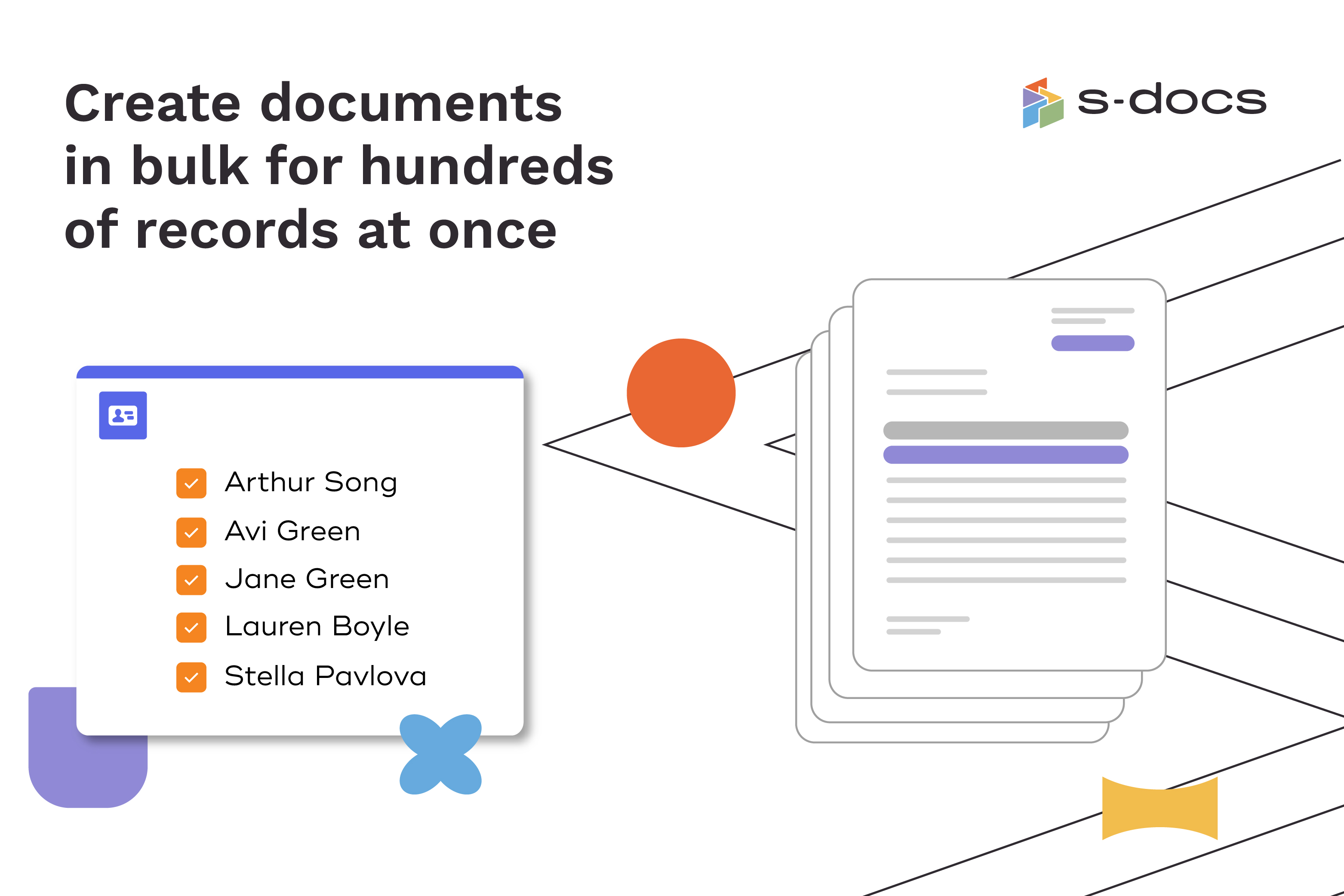  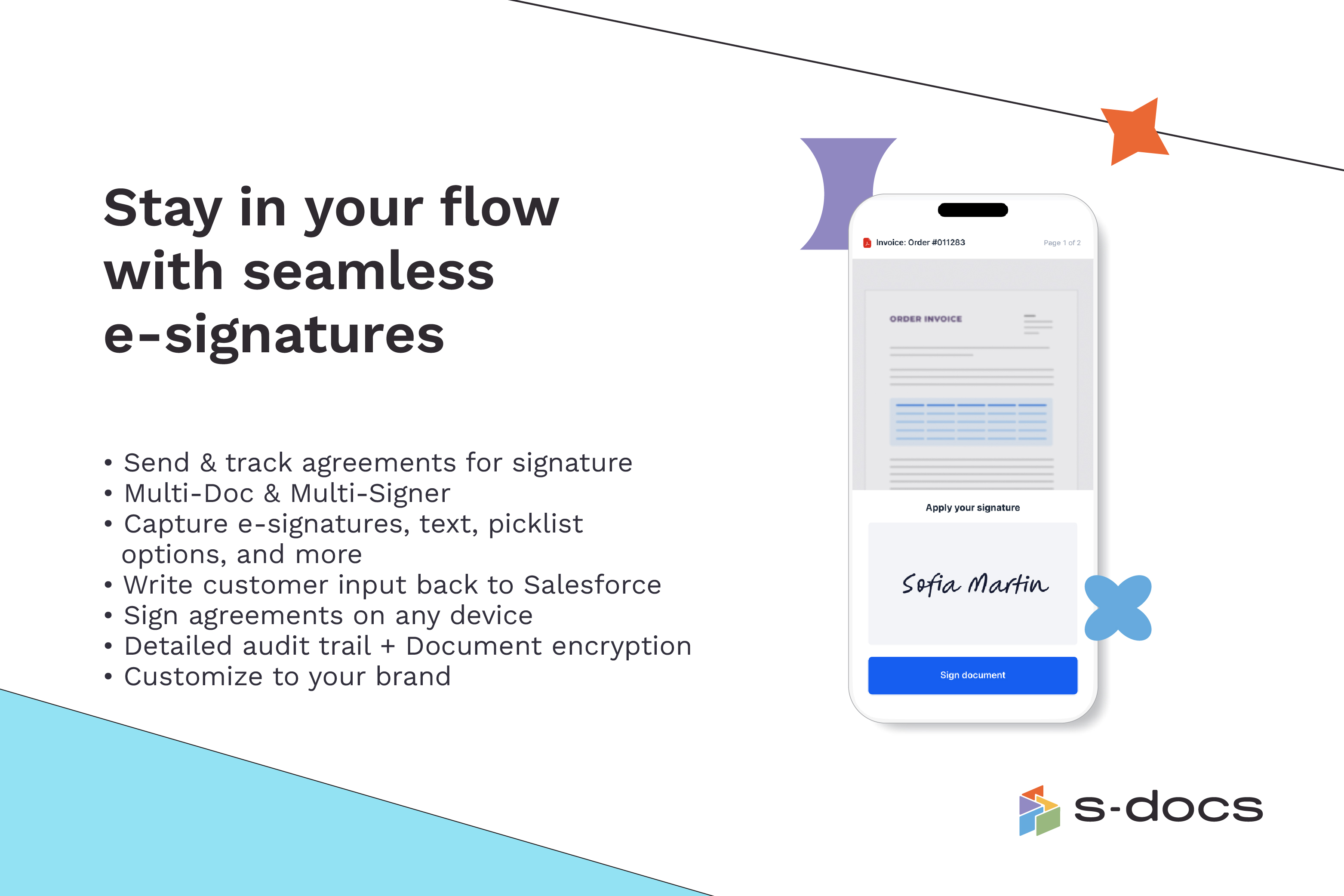  | templatesGo Screenshots    |