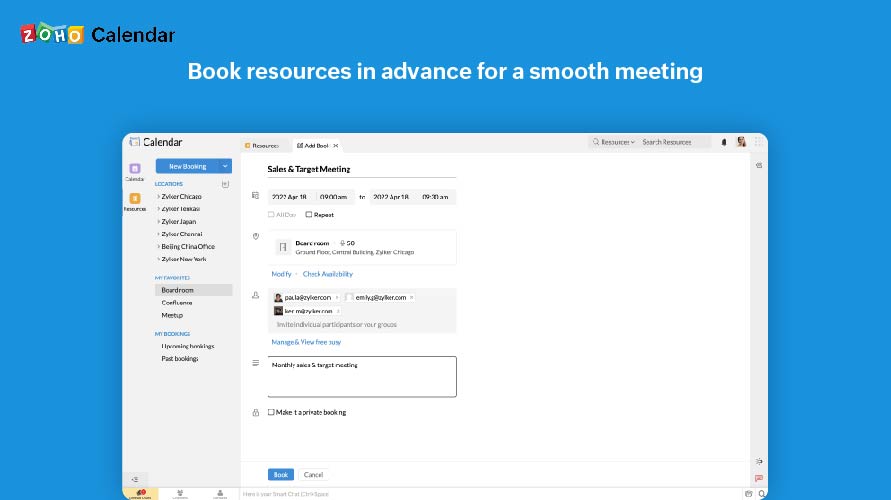
A workplace management a room booking system supporting rooms of all sorts (meeting, class, gyms, etc.) and hot desks. It features a timeline interface that displays the availability of rooms at a glance, to make it simple to find the perfect space for a meeting or event.
$12
per month per resource
Zoho Calendar
Score 9.8 out of 10
N/A
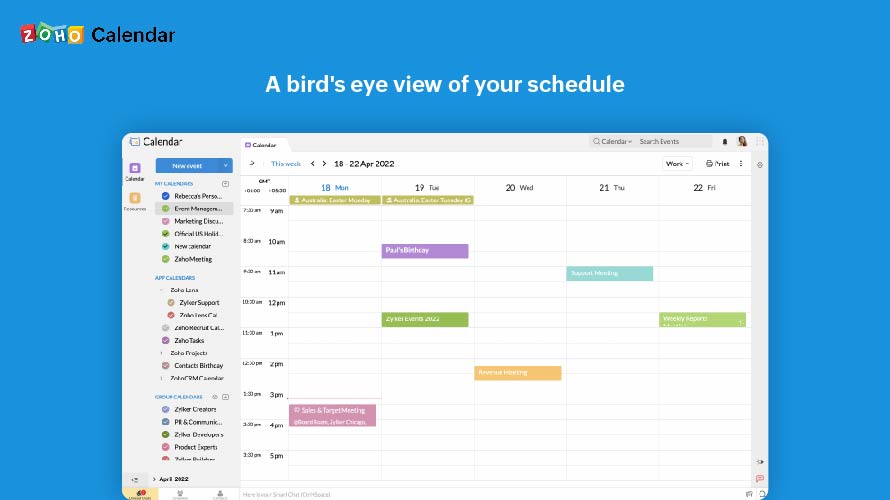
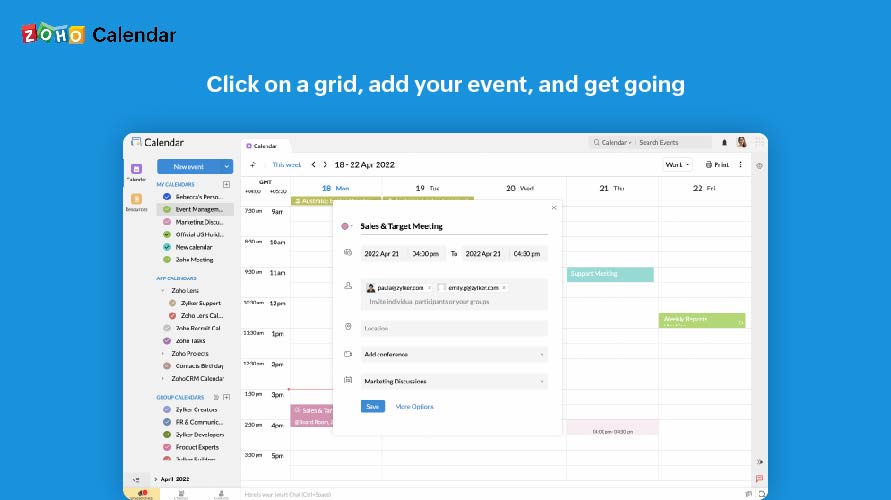
Zoho Calendar is an online business calendar designed to make scheduling easy. It can be used to stay on top of a schedule, or to share scheduled events with peers.
N/A
Pricing
Roomzilla
Zoho Calendar
Editions & Modules
Standard
$12
per month per resource
Business
$20
per month per room (+$12 per desk / equipment)
No answers on this topic
Offerings
Pricing Offerings
Roomzilla
Zoho Calendar
Free Trial
Yes
No
Free/Freemium Version
Yes
Yes
Premium Consulting/Integration Services
No
No
Entry-level Setup Fee
No setup fee
No setup fee
Additional Details
The monthly base fee is lower with an annual subscription. Additionally, further discounts are available for accounts with 30+ resources and for non-profit organizations.
great for recurring meetings on a weekly basis when we don't have to schedule it every week - automatic feature is great. ALso like how it describves the different features each room has with photo. Filters for choosing words is great too as we can see what tech is available in each room
Zoho Calendar is appropriate for every scenario because it reminds you of your upcoming meetings. I am using the product to manage my team meetings in my current project and also in the past projects as well. It integrates well with other applications well and cross functional tool to manage your schedule.
When someone cancels a recurring or one-time meeting on Outlook, the reservation isn't removed on Roomzilla. It creates a two-step process for users when they reschedule meetings via Outlook.
I subscribe to Zoho One so I use many of the modules that come with that single subscription. I've had intermittent issues with scheduled Zoho Meetings through Zoho CRM not appearing in my Zoho Calendar. Zoho has been working on the issue but it will be fixed for a while and then I'll miss a meeting because it wasn't appearing.
I gave it a 9 because Roomzilla is super easy to use—even as a first-time user, I found the interface really clear. I love that we can book rooms across different sites. For someone new to CIC, it’s really helpful that the rooms show the floor number and even have a map to find them easily. Just super practical overall!
Since there are lots of preference options, it can be a little confusing when setting up. It does integrate with other calendars where you can choose one or two way syncing which is helpful if you keep separate personal and work calendars. You can set your start day of the week which for me I have it set to Monday. There are also time zone options which are great but still a bit confusing to me.
Support has been excellent. As always, they are quickly responsive, and I feel they genuinely wish to address and fix any issues. It's unfortunate that my issues with meetings created in Zoho CRM don't always appear in my Zoho Calendar. While they mostly appear, my confidence level on any given week that I can see what is on my schedule is decidedly lacking.
It's easier to preview the room availability and co-coordinate between users from different organizations. It synchronises with tablets in each room allowing to confirm, schedule or cancel the meeting directly from the meeting room. Also allows to add multiple users and manage them from organisation level of different companies. Totally recommend.
It as easy access, it provides platform for every member to collaborate, and it makes event management easier It sends invitations easily. It helps to schedule meetings easily with SMART ADD. We can set the reminder for events each and every member of team has access to Zoho Calendar It is easy to understand and use it is not that complicated .