
Rhino 3D vs. Vectorworks Spotlight
| Product | Rating | Most Used By | Product Summary | Starting Price |
|---|---|---|---|---|
 Rhino | Score9.1 out of 10 | N/A | Robert McNeel and Associates headquartered in Seattle offers Rhinoceros 3D (or Rhino 3D), a 3D modeling and design application. Rhino can create, edit, analyze, document, render, animate, and translate NURBS curves, surfaces and solids, subdivision geometry (SubD), point clouds, and polygon meshes. | $995 one-time fee |
 Vectorworks Spotlight | Score10 out of 10 | N/A | Vectorworks Spotlight is a solution used to design, document, previsualize, and produce shows and events. With an extensive suite of drawing, modeling, database, documentation, and collaboration tools, Spotlight helps users go from concept to fully created model within a single workflow. Evolved to meet the needs of entertainment industry professionals, Vectorworks Spotlight 2025 opens a new world of visual understanding and communication, delivering features implemented to address the most-used… | $153 per month per user |
| Rhino | Vectorworks Spotlight | |||||||||||||||
|---|---|---|---|---|---|---|---|---|---|---|---|---|---|---|---|---|
| Editions & Modules |
|
| ||||||||||||||
| Offerings |
| |||||||||||||||
| Entry-level Setup Fee | No setup fee | Optional | ||||||||||||||
| Additional Details | Discount available for students and faculty. | $153/M: Monthly, 2 GB of cloud storage, Basic tech support, Immediate access to new versions $128/M: $1530 billed annually | Saves $306 over monthly billing, 2 GB of cloud storage, Basic tech support, Immediate access to new versions | ||||||||||||||
| More Pricing Information | ||||||||||||||||
| Rhino | Vectorworks Spotlight | |
|---|---|---|
| Considered Both Products | No answer on this topic | No answer on this topic |
| Key User Insights | ||
| Would buy again | ||
100% Would buy again 8 Answers | No answers on this topic | |
| Delivers good value for the price | ||
100% Delivers good value for the price 7 Answers | No answers on this topic | |
| Happy with the feature set | ||
100% Happy with the feature set 8 Answers | No answers on this topic | |
| Lived up to sales and marketing promises | ||
100% Lived up to sales and marketing promises 6 Answers | No answers on this topic | |
| Implementation went as expected | ||
100% Implementation went as expected 8 Answers | No answers on this topic | |
| Rhino | Vectorworks Spotlight | ||||||||||||||||||||||||||||||||||
|---|---|---|---|---|---|---|---|---|---|---|---|---|---|---|---|---|---|---|---|---|---|---|---|---|---|---|---|---|---|---|---|---|---|---|---|
| Computer-Aided Design Software |
| ||||||||||||||||||||||||||||||||||
| Rhino | Vectorworks Spotlight | |
|---|---|---|
| Small Businesses |  Onshape Score9.9 out of 10 | Onshape Score9.9 out of 10 |
| Medium-sized Companies | Onshape Score9.9 out of 10 | Onshape Score9.9 out of 10 |
| Enterprises |  PTC Creo Score5.5 out of 10 | PTC Creo Score5.5 out of 10 |
| All Alternatives | View all alternatives | View all alternatives |
| Rhino | Vectorworks Spotlight | |
|---|---|---|
| Likelihood to Recommend | 8.0 | - |
| Support Rating | 7.5 | - |
| Rhino | Vectorworks Spotlight | |
|---|---|---|
| Likelihood to Recommend |
| No answers on this topic |
| Pros |
| No answers on this topic |
| Cons |
| No answers on this topic |
| Support Rating |
| No answers on this topic |
| Alternatives Considered |
| No answers on this topic |
| Return on Investment |
| No answers on this topic |
| ScreenShots | Vectorworks Spotlight Screenshots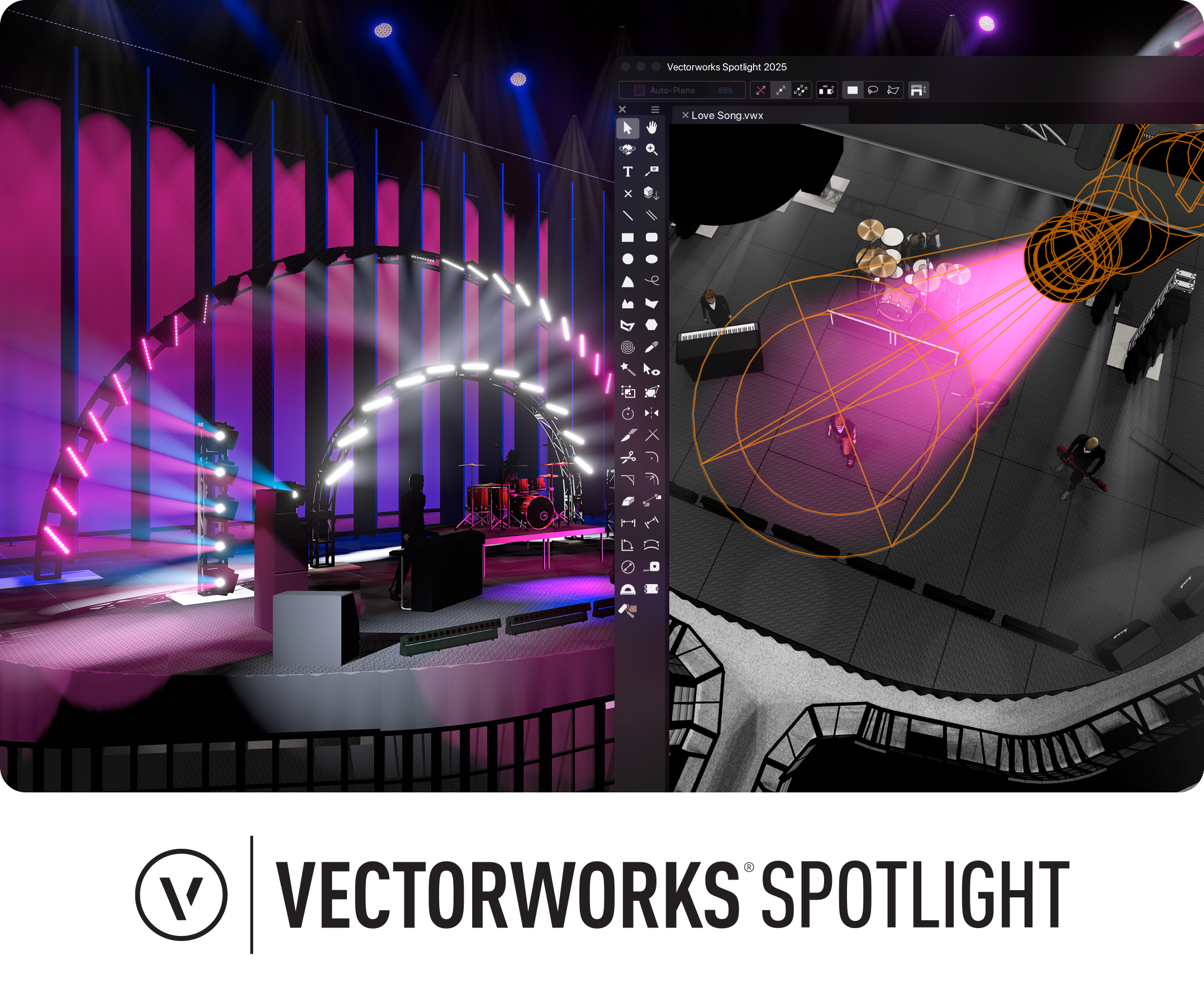 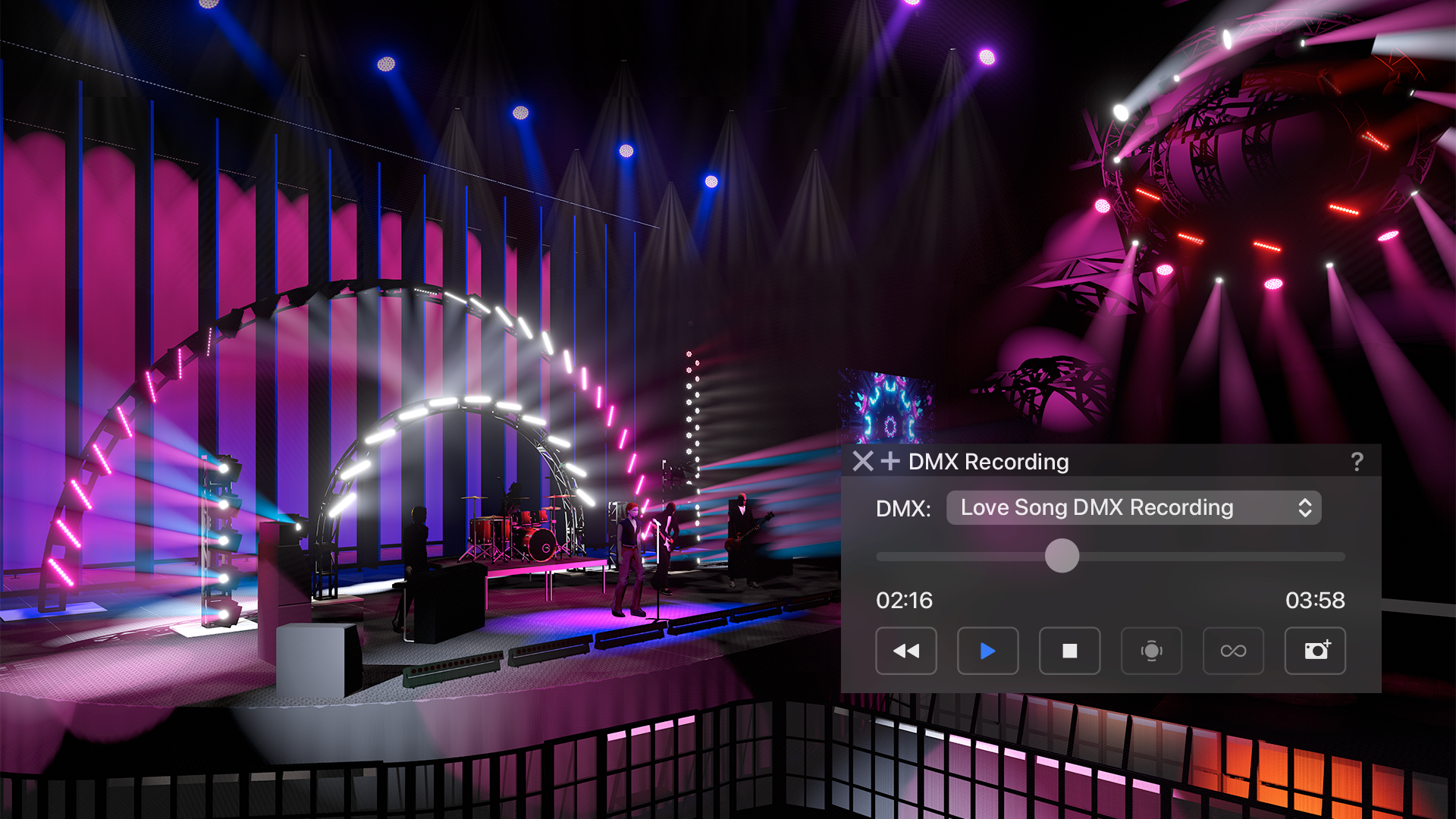 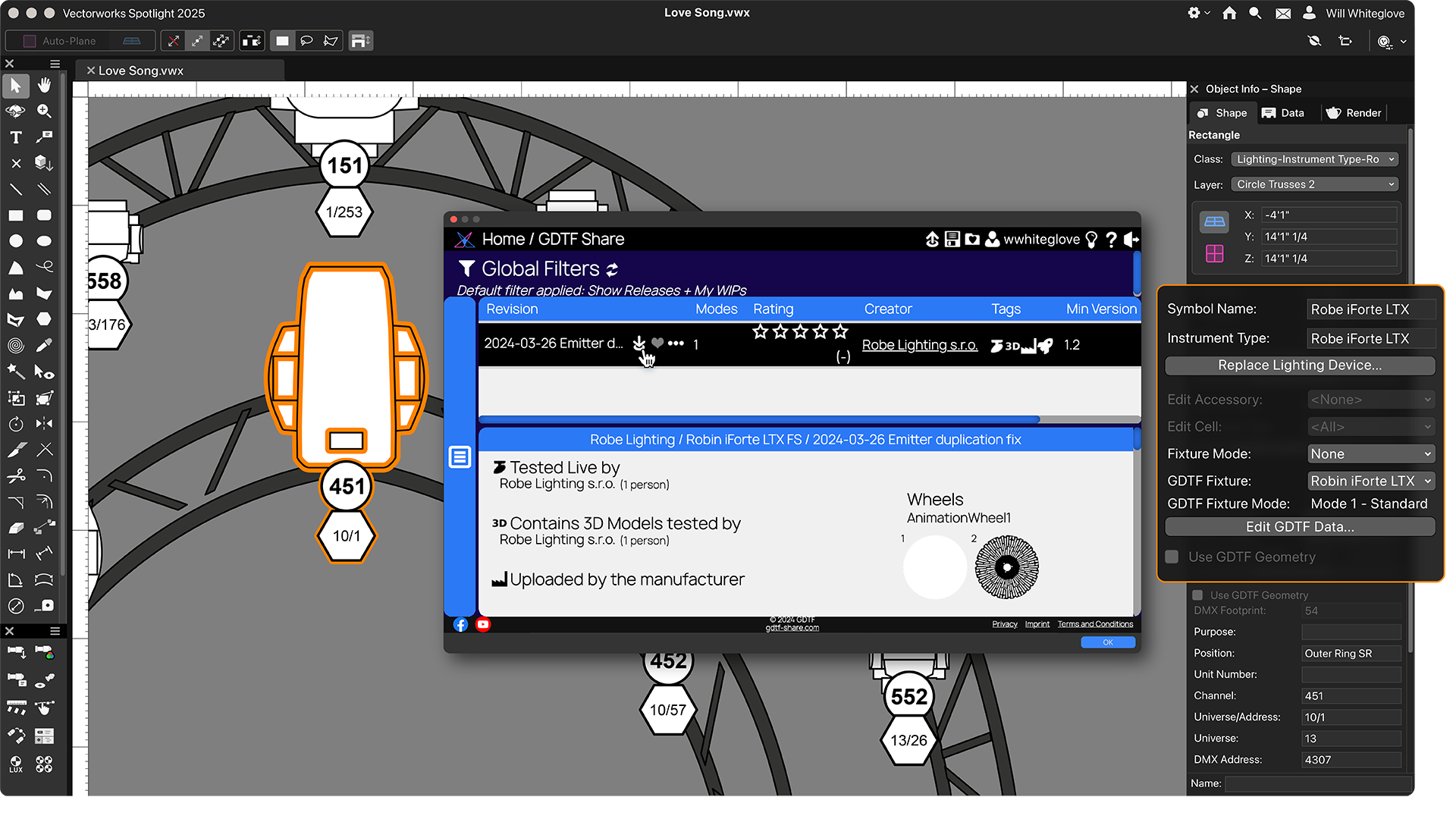 |



