
Renderforest Video vs. VEED.IO
| Product | Rating | Most Used By | Product Summary | Starting Price |
|---|---|---|---|---|
 Renderforest Video | Score8.4 out of 10 | N/A | Renderforest Video is an online video production platform that promises to allow individuals and businesses to create “broadcast quality” videos for private or business use. It is free to use and anyone can register as a user in a few simple steps. Renderforest features paid upgrades or subscription plans. Main features of Renderforest include: - HQ videos - Large Gallery of Video Production and Animation Templates and stories - 195,000+… | $14 month/billed annually |
 VEED.IO | Score7.9 out of 10 | Mid-Size Companies (51-1,000 employees) | VEED.IO aims to make professional video production simple. Its online video workflow tools allow teams to record, edit, review and share video. VEED.IO has single-click features such as auto-subtitling, translations, transitions, custom branding, social media formatting, animated templates and video compression. VEED.IO's cloud-based software enables teams to collaborate. Avoid slow file transfers, lost footage and… | $10 per user |
| Renderforest Video | VEED.IO | |||||||||||||||
|---|---|---|---|---|---|---|---|---|---|---|---|---|---|---|---|---|
| Editions & Modules |
|
| ||||||||||||||
| Offerings |
| |||||||||||||||
| Entry-level Setup Fee | $49 Per 10 HD 720 exports | No setup fee | ||||||||||||||
| Additional Details | — | It is possible to buy extra subtitling/transcription hours if required | ||||||||||||||
| More Pricing Information | ||||||||||||||||
| Renderforest Video | VEED.IO | |
|---|---|---|
| Small Businesses |  Vyond Score8.7 out of 10 |  iMovie Score10 out of 10 |
| Medium-sized Companies |  Wistia Score9.8 out of 10 | iMovie Score10 out of 10 |
| Enterprises | Vyond Score8.7 out of 10 |  Adobe Premiere Pro Score8.9 out of 10 |
| All Alternatives | View all alternatives | View all alternatives |
| Renderforest Video | VEED.IO | |
|---|---|---|
| Likelihood to Recommend | 7.1 | 1.1 |
| Usability | 9.5 | - |
| Performance | 8.3 | - |
| Ease of integration | 9.5 | - |
| Renderforest Video | VEED.IO | |
|---|---|---|
| Likelihood to Recommend |
|
|
| Pros |
|
|
| Cons |
|
|
| Usability |
| No answers on this topic |
| Performance |
| No answers on this topic |
| Alternatives Considered |
| |
| Return on Investment |
|
|
| ScreenShots | Renderforest Video Screenshots     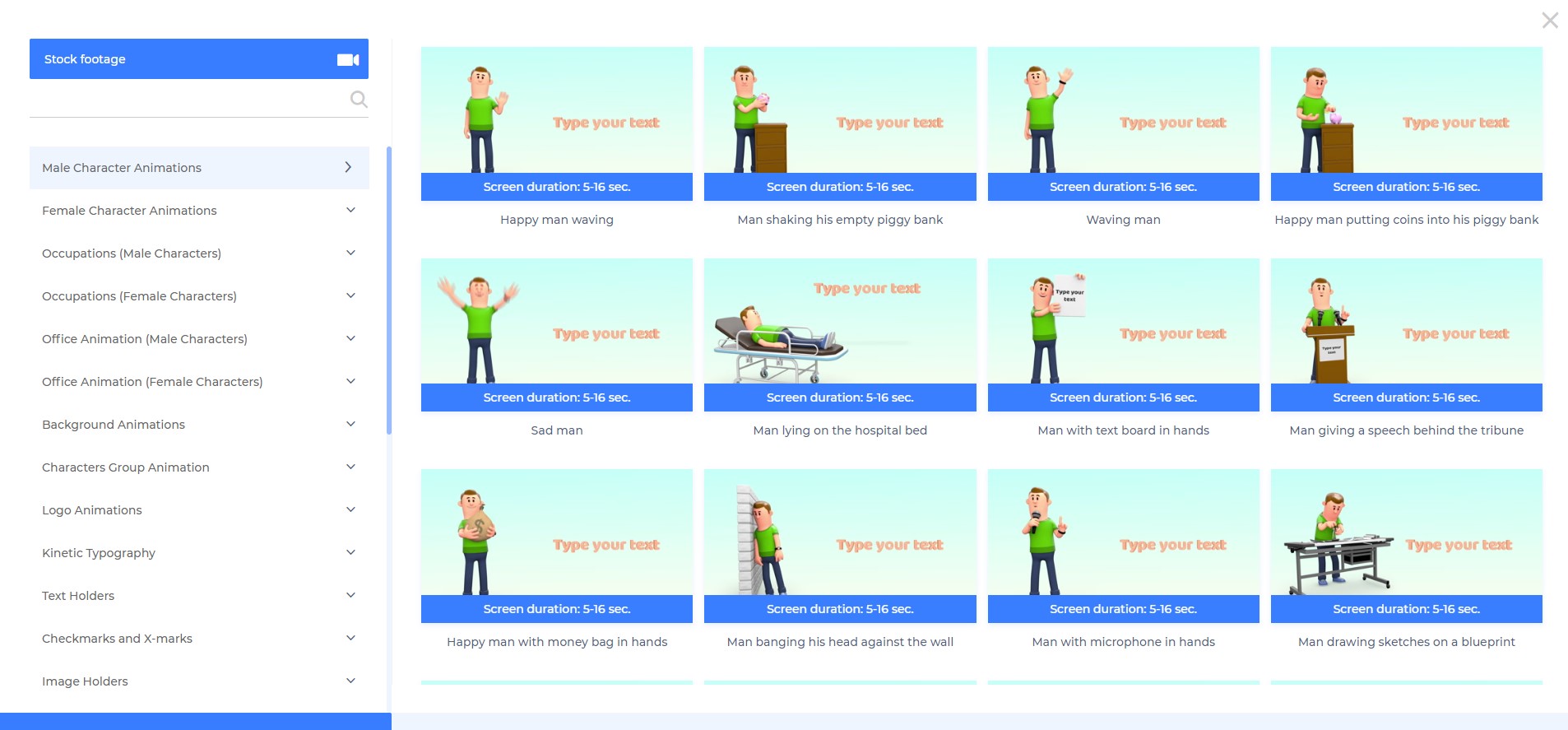 | VEED.IO Screenshots     |


