New York-based Animoto offers their video editing platform supporting individual video creators and businesses with different tiers of service up to their business plan for marketing teams wishing to create high quality to distribute across social media sites.
$0
per month
Renderforest Video
Score8.4 out of 10
N/A
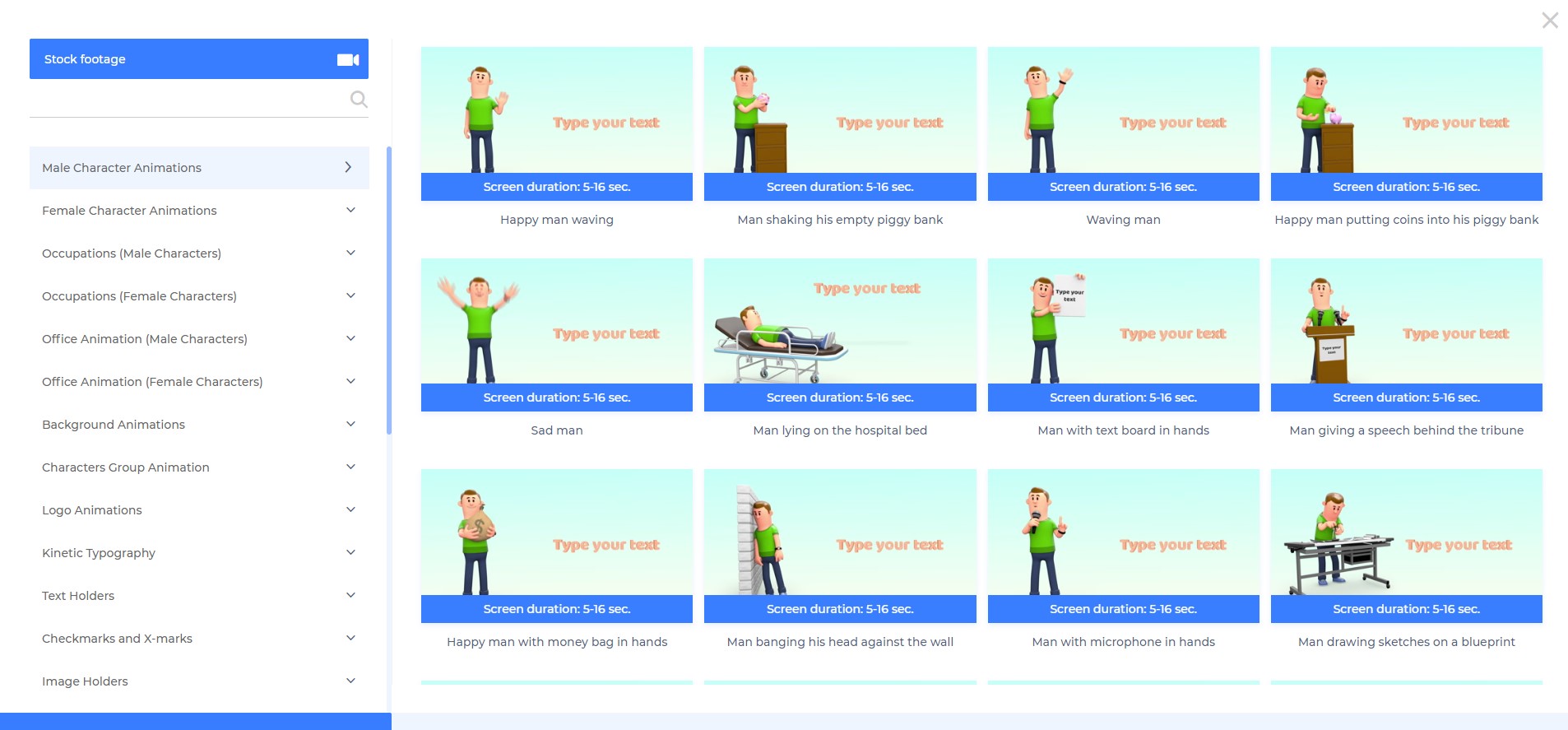
Renderforest Video is an online video production platform that promises to allow individuals and businesses to create “broadcast quality” videos for private or business use. It is free to use and anyone can register as a user in a few simple steps. Renderforest features paid upgrades or subscription plans. Main features of Renderforest include: - HQ videos - Large Gallery of Video Production and Animation Templates and stories - 195,000+…
Animoto is great for small to mid-sized business looking for control over their own video marketing. Allows someone with initiative and "scrapbooking mentality" to create professional-looking videos with ease. If you have even the smallest of marketing budgets, Animoto is perhaps the most worthwhile investment--that is, if you're able to get decent photographs or video clips to build from.
A de minimis incentive was given to thank the reviewer for their time. The incentive was not used to bias or drive a particular response, nor was the incentive contingent on a positive endorsement. More Info
A de minimis incentive was given to thank the reviewer for their time. The incentive was not used to bias or drive a particular response, nor was the incentive contingent on a positive endorsement. More Info
A de minimis incentive was given to thank the reviewer for their time. The incentive was not used to bias or drive a particular response, nor was the incentive contingent on a positive endorsement. More Info
A de minimis incentive was given to thank the reviewer for their time. The incentive was not used to bias or drive a particular response, nor was the incentive contingent on a positive endorsement. More Info
Great visual tool that lets you intelligently communicate what you are seeking to explain to your audience. More features I might suggest would be anything that makes it more interactive with the viewer in real-time.
A de minimis incentive was given to thank the reviewer for their time. The incentive was not used to bias or drive a particular response, nor was the incentive contingent on a positive endorsement. More Info
A de minimis incentive was given to thank the reviewer for their time. The incentive was not used to bias or drive a particular response, nor was the incentive contingent on a positive endorsement. More Info
It was very easy. They have a nice help video to guide you along the way that you can turn off if you chose. But It was a quick process and everything tied together very well. I am very pleased with the final product. I will definitely use them again.
Renderforest Video has great performance. In all the time I have used it, I haven't ever really had to wait for anything to be done, except for the rendering time. The reason for not giving the product a full 10 out of 10 is that the page load times in the wizard have left me frustrated at times. This, though, is most likely the result of internet service in a 3rd world country, as opposed to a slow server.
A de minimis incentive was given to thank the reviewer for their time. The incentive was not used to bias or drive a particular response, nor was the incentive contingent on a positive endorsement. More Info
We haven't actually needed much support so that in itself says a lot about the software. It was easy to use and had great tool tips that guide you through the tool so you don't even need to reach out to support. There are help files that are there when needed, and some of these are helpful to us as well because again, we didn't have to reach out and wait for support.
A de minimis incentive was given to thank the reviewer for their time. The incentive was not used to bias or drive a particular response, nor was the incentive contingent on a positive endorsement. More Info
We had invested in making our own videos using YouTube, and even Camtasia. But they were still us interpreting on behalf of our audience which took forever. Once we found Animoto, it was so much easier to upload the pics our audience would send us. From there we had a 100% positive response, that we had indeed captured what they were trying to say.
A de minimis incentive was given to thank the reviewer for their time. The incentive was not used to bias or drive a particular response, nor was the incentive contingent on a positive endorsement. More Info
Renderforest is far superior. More intuitive and has a bunch of helpful templates. I've found that iMovie lacked in any direction and though there is a lot of freedom, for people who need to make quick and effective media, Renderforest is the better choice. I have really enjoyed my use of it.
A de minimis incentive was given to thank the reviewer for their time. The incentive was not used to bias or drive a particular response, nor was the incentive contingent on a positive endorsement. More Info
A de minimis incentive was given to thank the reviewer for their time. The incentive was not used to bias or drive a particular response, nor was the incentive contingent on a positive endorsement. More Info