Rencore Code (SPCAF) vs. Veracode

Overview
ProductRatingMost Used ByProduct SummaryStarting Price
Rencore Code (SPCAF)
Score 8.8 out of 10
Enterprise companies (1,001+ employees)
Many organizations that use Office 365 are exposed to security risks that they are unaware of. As they extend SharePoint to meet their business needs, they build applications using technologies that range from end-user Microsoft Flow to developer-focused SharePoint Framework. Unfortunately, all of these custom applications are capable of circumventing the security measures organizations have in place exposing the organization and its data to security…N/A
Veracode
Score 8.7 out of 10
Mid-Size Companies (51-1,000 employees)
Veracode provides advanced application security solutions, trusted by enterprises to develop and maintain secure software. Its platform identifies exploitable risks, speeds up vulnerability remediation, and reduces security debt at scale using a proprietary AI-assisted remediation engine.N/A
Pricing
Rencore Code (SPCAF)Veracode
Editions & Modules
No answers on this topic
Offerings
Pricing Offerings
Rencore Code (SPCAF)Veracode
Free Trial
YesYes
Free/Freemium Version
NoYes
Premium Consulting/Integration Services
NoNo
Entry-level Setup FeeOptionalNo setup fee
Additional DetailsDeveloper pricing options available
More Pricing Information
Community Pulse
Rencore Code (SPCAF)Veracode
Best Alternatives
Rencore Code (SPCAF)Veracode
Small Businesses
GitLab
GitLab
Score 8.7 out of 10
GitLab
GitLab
Score 8.7 out of 10
Medium-sized Companies
Veracode
Veracode
Score 8.7 out of 10
GitLab
GitLab
Score 8.7 out of 10
Enterprises
Veracode
Veracode
Score 8.7 out of 10
GitLab
GitLab
Score 8.7 out of 10
All AlternativesView all alternativesView all alternatives
User Ratings
Rencore Code (SPCAF)Veracode
Likelihood to Recommend
8.8
(0 ratings)
8.7
(0 ratings)
Likelihood to Renew
-
(0 ratings)
8.9
(0 ratings)
Usability
-
(0 ratings)
7.3
(0 ratings)
Availability
-
(0 ratings)
9.1
(0 ratings)
Performance
-
(0 ratings)
6.4
(0 ratings)
Support Rating
9.1
(0 ratings)
9.0
(0 ratings)
Implementation Rating
-
(0 ratings)
9.1
(0 ratings)
Configurability
-
(0 ratings)
6.4
(0 ratings)
Ease of integration
-
(0 ratings)
5.5
(0 ratings)
Product Scalability
-
(0 ratings)
7.3
(0 ratings)
Vendor post-sale
-
(0 ratings)
8.9
(0 ratings)
Vendor pre-sale
-
(0 ratings)
8.2
(0 ratings)
User Testimonials
Rencore Code (SPCAF)Veracode
Likelihood to Recommend
For Microsoft shops that are doing custom development on the Microsoft cloud platform in Office 365 and Azure, the Rencore toolset is an absolute must, especially if you are involved in converting farm solutions to cloud, or just moving into cloud development for the first time.
Read full review
* (+) Report generation for our clients: reports are very comprehensive and look professional. * (-) Veracode pipeline scan: takes too much time, need to split our application so that it can fit within the timeout (2h). Currently we're not able to use it, we still use "upload & scan" functionality in our CI pipelines. This is a showstopper to be able to break the build in case of new vuln, and also to use Fix AI based tool.
Read full review
Pros
  • Support - It is very quick relative to other vendors in this space and also very thorough.
  • Product Features - It appears to be the only product in the market that has ALL the pieces for a baseline SPFx project versus no tools or manual activities.
Read full review
  • I like the support given by Veracode, they are very responsive and they help you get things done.
  • Veracode has well documented steps for administrating the platform and managing integrations for code scanning.
  • Veracode is easy to use and the integration of to code repositories is seemless.
Read full review
Cons
  • Rencore's product line is of course still a bit of a niche: SharePoint code quality is not something every organization on the planet is concerned with - although Rencore does much more than that.
  • We feel Rencore's marketing efforts are mainly targeted at technologists. There's a lot of other potential, especially for their platform governance product.
Read full review
  • We would like to see Veracode continue to improve the integrations available, particularly with respect to .NET IDEs. Part of our development team uses JetBrains' Rider which is, as of this time, unsupported for static integration.
  • We would also like to see Veracode continue to improve their dynamic scan offerings; with the recent addition of DAST Essentials we feel this improvement may come sooner than later.
Read full review
Likelihood to Renew
No answers on this topic
At this time, and we just renewed a month ago, I dont see any products out there overall that can offer what Veracode does. Yes, its not cheap by any means, but for the money its the best application security scanning tool out there.
Read full review
Usability
No answers on this topic
- Almost no setup required and easy to configure - Very easy to use, intuitive UI with integrated analytics and learning portals. - Seamless to review the results, triage them, generate reports. - Security progression of the product/application is tracked via successive scans. - Privileges/Roles nicely fine grained and tightly controlled to let teams "view" only their products.
Read full review
Reliability and Availability
No answers on this topic
Veracode has always been up and available to us.
Read full review
Performance
No answers on this topic
At this point, it runs well and mostly in a timely fashion. Dynamic scans take days but this may be a config issue still to be resolved.
Read full review
Support Rating
Happy with the fast and meaningful responses.
Read full review
Overall, Veracode support is helpful, community support is great, and documentation is available for self-service. Our Customer Success Manager is very helpful and reaches out regularly to see if we need assistance. We have not utilized many of the other resources offered by Veracode, however, in the future we would like to leverage secure coding training for our Development teams.
Read full review
Implementation Rating
No answers on this topic
We use it as a SAS service, so really just getting our teams to mold the use of Veracode into their SDLC has been a process of years in the making. It comes down to what your teams are ready and willing to accept and change. Management is key in getting their groups on board with using it regularly. If it doesnt have management backing, your security teams have little to no influence in getting this process off the ground fully.
Read full review
Alternatives Considered
I don't know of any products that compete in the space and if there were any, they would not stand a chance against Rencore. Behind any good product is a team of highly skilled individuals, who all have the same goal, who are passionate what they do and lastly, are in it for the betterment of where they started; As Developers themselves. You can't buy that
Read full review
Sonatype only identifies and scans third-party dependency and not custom-developed code—at least that's what it was doing back in 2018 when I used to utilize its services. Interface-wise, too, Veracode looks much cleaner and easier to navigate than Sonatype. Support and consultation with how-to guides and documents make Veracode easier to use.
Read full review
Scalability
No answers on this topic
It meets our needs.
Read full review
Return on Investment
  • Valuable insights into large existing SharePoint customizations that would otherwise would have taken weeks to analyze and assess on quality.
  • Without Rencore's tooling, it would be impossible to track changes to client-side code. For example, we can tell exactly who changed which JavaScript in which webpart in the environment.
  • Transformation tools helped developers migrate their existing code bases to the cloud, while already providing an automatically translated code base to start from.
Read full review
  • Positive: Scanning all our applications on Veracode provides us an overview of our cyber security posture for the organization as a whole.
  • Positive: Performing the SAST, SCA and DAST scanning for all the applications at the early stages of the SDLC helps us identify and mitigate security vulnerabilities early, reducing the risk of data breaches and cyber-attacks.
  • Negative: Sometimes Veracode SAST scanner closed and reopens some findings, leading to reliability issues on the scanner itself.

Read full review
ScreenShots

Rencore Code (SPCAF) Screenshots

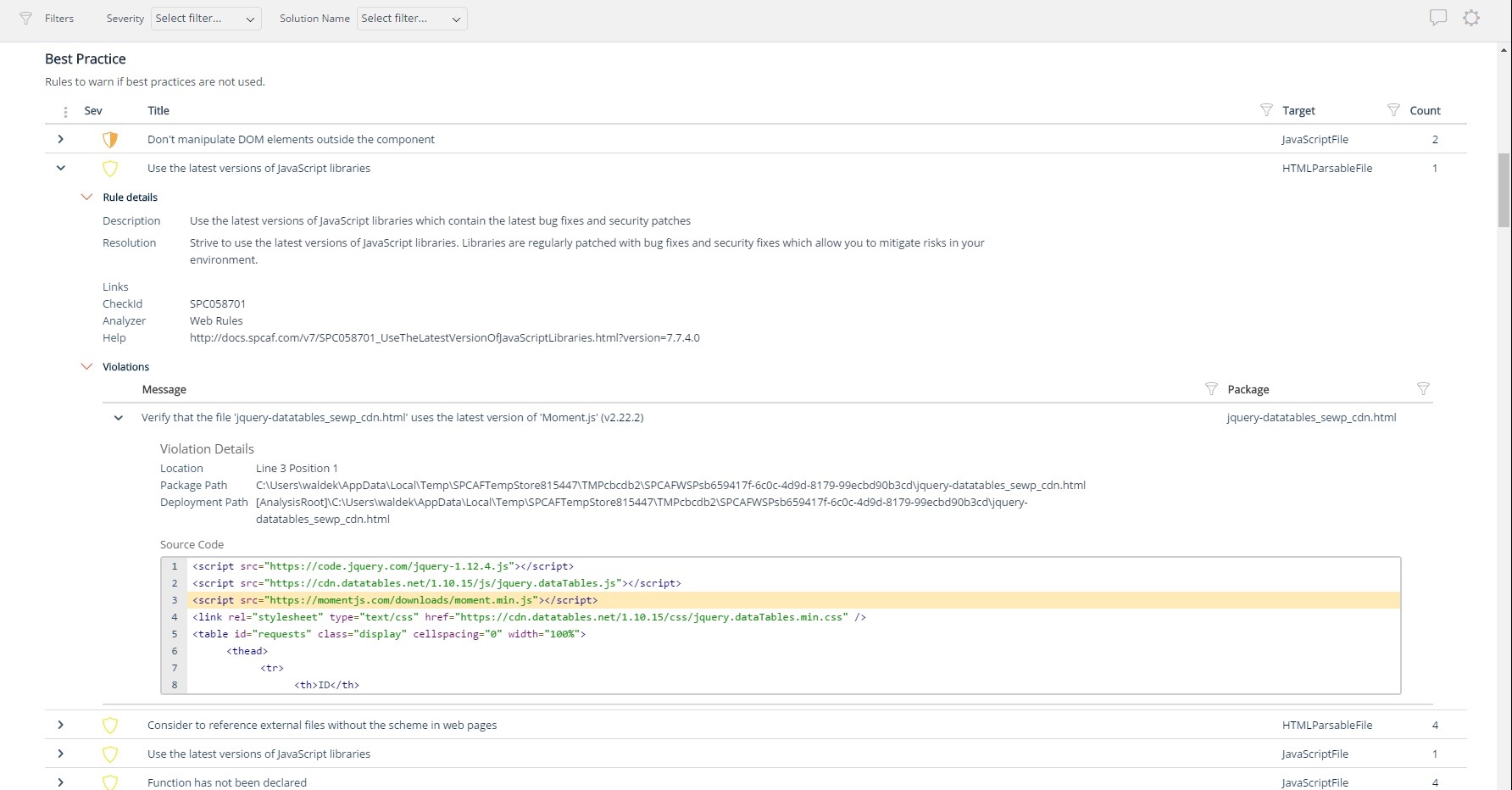
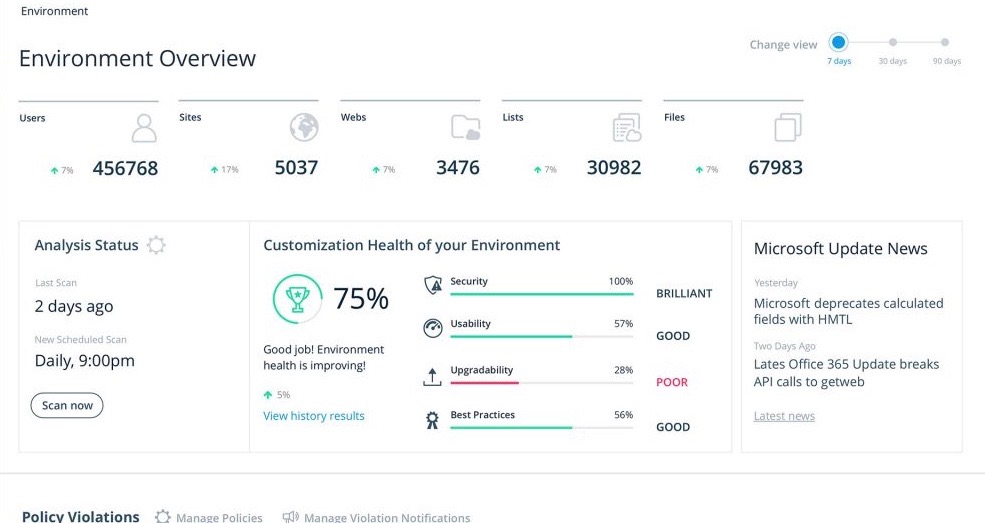
Screenshot of Using third party libraries allows you to build your SharePoint and Office 365 applications faster and focus on functionality specific for your organization. But regularly, security vulnerabilities are discovered in these external dependencies. If left unpatched, they become a security risk for your organization and its data. Rencore automatically warns you when any of the third-party libraries used in your applications has known vulnerabilities that could be exploited to hack your environment.Screenshot of Third-party libraries are regularly updated to improve performance and stability. Many organizations however don’t know when a new version of the library they use in their SharePoint and Office 365 applications is released and they keep using the old versions which exposes them not only to bugs but also to security risks. Rencore automatically warns you when a new version of a library that you use is available allowing you to verify the contents and the impact of the upgrade.Screenshot of Without proper tooling, it’s impossible to successfully enforce an application governance plan in SharePoint and Office 365. The number of ways in which users could possibly extend SharePoint combined with the thousands of pages and hundreds of settings that can be configured, make it impossible to continuously monitor for alignment with the organizational policies. 

Rencore helps you understand the configuration of your tenant as well as discover the different SharePoint and Office 365 applications used in your organization. With Rencore you will easily understand how these applications are built, which dependencies they have and which possible risks they expose your organization to.Screenshot of Your organization tailors SharePoint and Office 365 to its specific needs to get more value of its investment in the platform. But each organization has different needs and is subject to different laws and regulations. 

Rencore allows you to configure what policies you want to enforce in your tenant. Each violation gets reported so that you can take corrective action and successfully enforce your organization’s application governance plan.Screenshot of As you start discovering issues in your SharePoint and Office 365 environment, you will be taking corrective actions to mitigate the risks. Rencore helps you track these issues and the related tasks so that you can easily follow up on the status of each issue and control that your organization is improving over time.Screenshot of It’s not enough to have your SharePoint and Office 365 applications verified for compliancy with your organization’s policies before using them in production. As your applications evolve, they will require changes and each change exposes you to a number of risks. Rencore helps you track how your applications change over time, even if these applications don’t follow centralized deployment and are managed by power-users. Each change is assessed for potential risks that it could expose your organization to.

Veracode Screenshots

Screenshot of a fixScreenshot of the Veracode PlatformScreenshot of SCAScreenshot of SCA Github