Releem vs. SQL Server Business Intelligence Manager

Overview
ProductRatingMost Used ByProduct SummaryStarting Price
Releem
Score 0.0 out of 10
N/A
Database performance management was a major pain point for developers: sifting through endless metrics and alerts, calculating variables, dealing with tons of documentation, query optimization, and index management. Releem is an AI-powered MySQL performance monitoring tool that helps keep database servers fast, secure and reliable. According to the vendor, its features beyond database performance monitoring and management include: 📊 Quick and simple to use with all the…
$0
per month 1 DB instance
SQL Server BI Manager
Score 7.0 out of 10
N/A
Houston-based Idera's SQL Server Business Intelligence Manager is an IT infrastructure monitoring option.N/A
Pricing
ReleemSQL Server Business Intelligence Manager
Editions & Modules
Free
$0
per month 1 DB instance
Premium
$79
per database/month Upgrade up to 9 DB instances
BUSINESS
Contact Sales
> 4 DB instances
BUSINESS
Contact us
> 4 DB instances
No answers on this topic
Offerings
Pricing Offerings
ReleemSQL Server BI Manager
Free Trial
YesNo
Free/Freemium Version
YesNo
Premium Consulting/Integration Services
YesNo
Entry-level Setup FeeOptionalNo setup fee
Additional Details25% discount for annual plan.
More Pricing Information
Community Pulse
ReleemSQL Server Business Intelligence Manager
Features
ReleemSQL Server Business Intelligence Manager
SQL Performance Monitoring
Comparison of SQL Performance Monitoring features of Product A and Product B
Releem
-
Ratings
SQL Server Business Intelligence Manager
7.8
4 Ratings
7% below category average
Performance dashboard00 Ratings8.04 Ratings
Intelligent alerting00 Ratings8.54 Ratings
Top SQL00 Ratings8.54 Ratings
Historical trend data00 Ratings8.03 Ratings
Virtualization support00 Ratings6.03 Ratings
Best Alternatives
ReleemSQL Server Business Intelligence Manager
Small Businesses

No answers on this topic

No answers on this topic

Medium-sized Companies
LogicMonitor
LogicMonitor
Score 8.6 out of 10
LogicMonitor
LogicMonitor
Score 8.6 out of 10
Enterprises
LogicMonitor
LogicMonitor
Score 8.6 out of 10
LogicMonitor
LogicMonitor
Score 8.6 out of 10
All AlternativesView all alternativesView all alternatives
User Ratings
ReleemSQL Server Business Intelligence Manager
Likelihood to Recommend
-
(0 ratings)
7.0
(5 ratings)
User Testimonials
ReleemSQL Server Business Intelligence Manager
Likelihood to Recommend
Releem
No answers on this topic
Idera Software
SQL Server [Business Intelligence] Manager is useful for tracking performance across SSIS, SSRS and SSA and have the data represented in dashboards. It helps improve performance and helps end users. However, several features are redundant for smaller organization that can use the tools that comes with existing Microsoft products. These features also takes time to learn and use.
Read full review
Pros
Releem
No answers on this topic
Idera Software
  • Types of alerts
  • Dashboard view
  • Configurable Alerts
Read full review
Cons
Releem
No answers on this topic
Idera Software
  • Lacks versioning control.
  • Lacks support/native driver for alternative database.
  • Only plays well with other Microsoft products.
Read full review
Alternatives Considered
Releem
No answers on this topic
Idera Software
SQL Server Business Intelligence Manager does what SQL Server Management Studio should already do natively. So it actually fills up important gaps Microsoft left in its product.
Read full review
Return on Investment
Releem
No answers on this topic
Idera Software
  • More efficiencies throughout the BI stack
  • Less employees needed for monitoring all the BI processing
  • Proactive error handling
Read full review
ScreenShots

Releem Screenshots

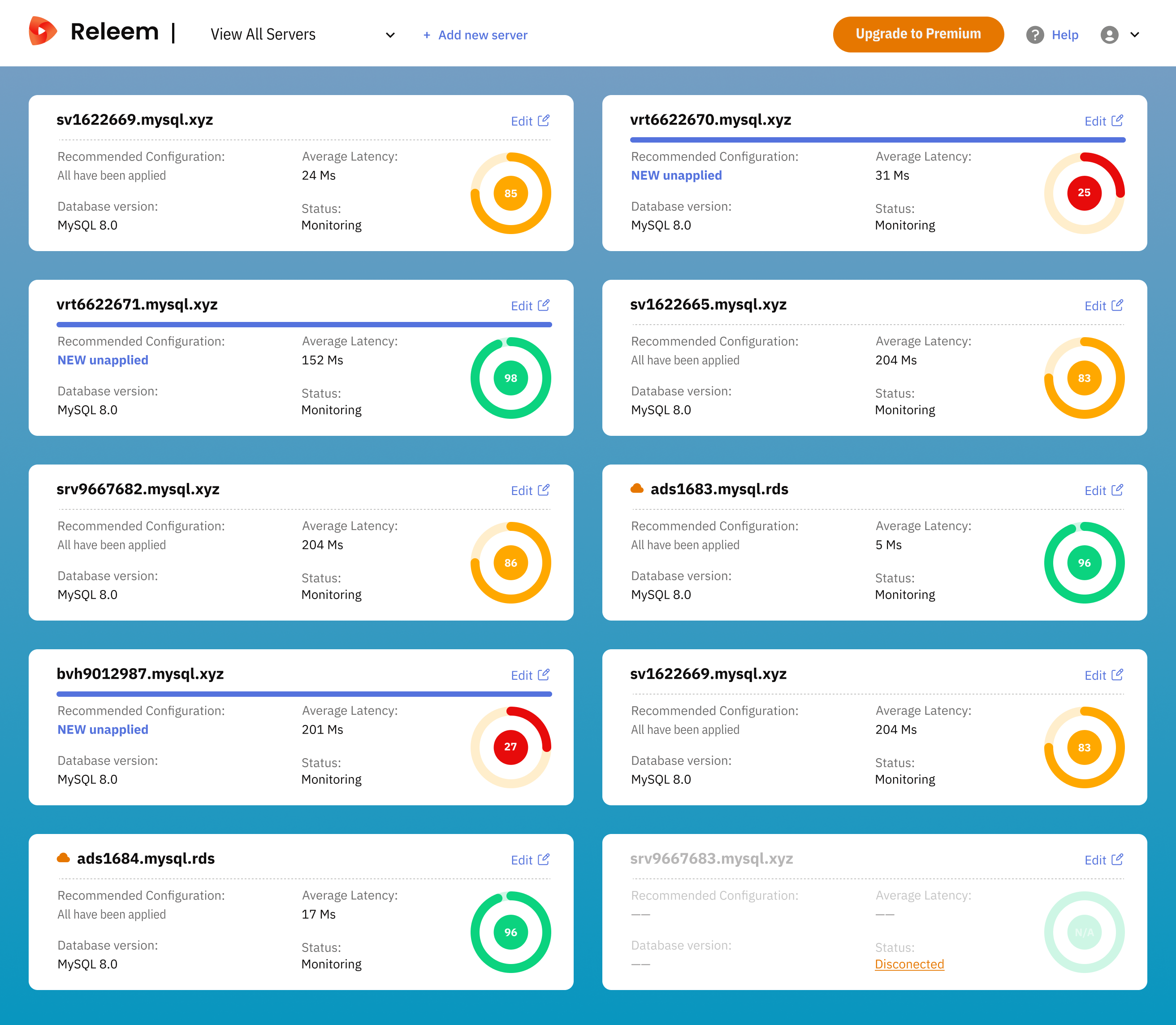
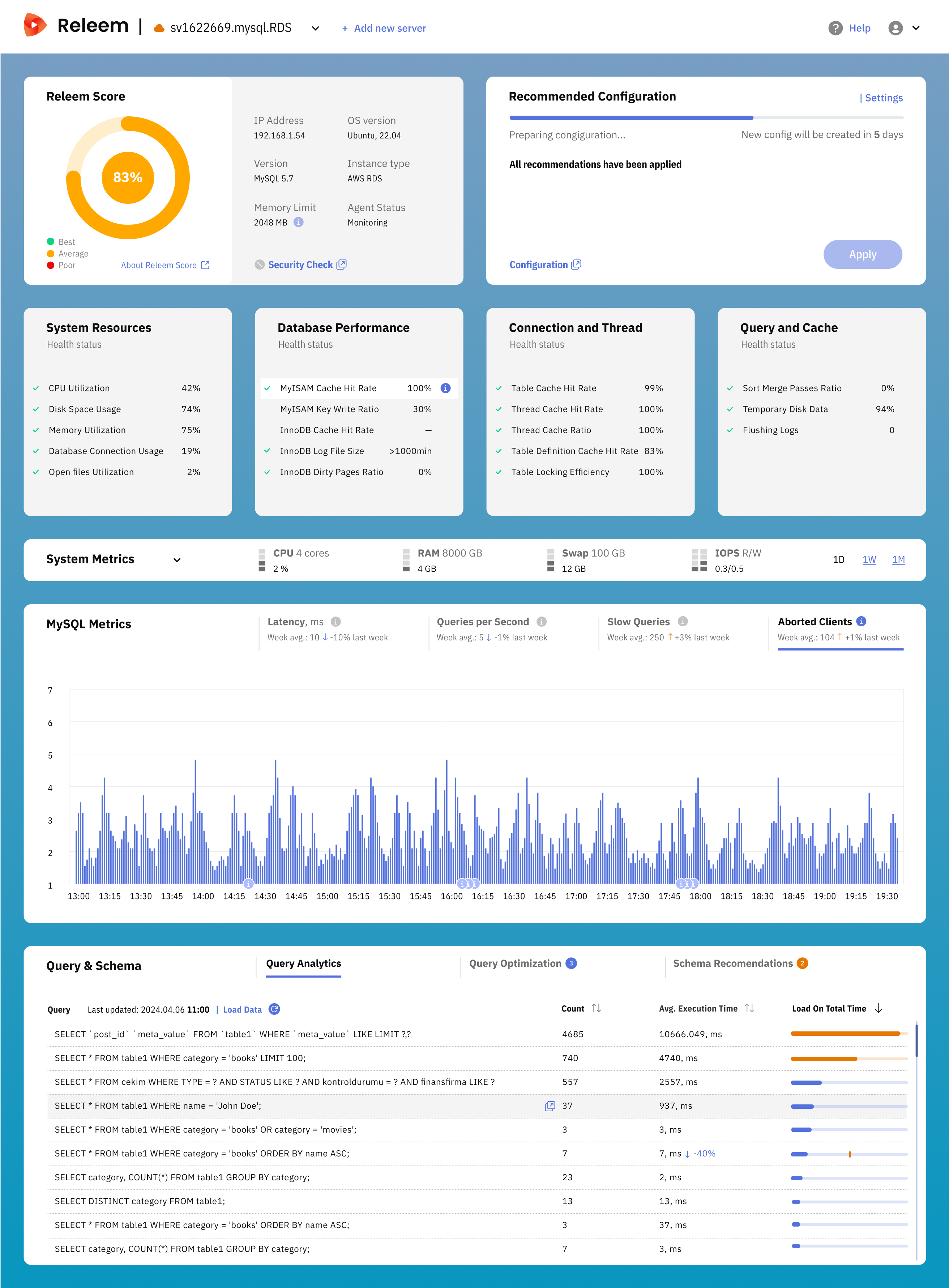
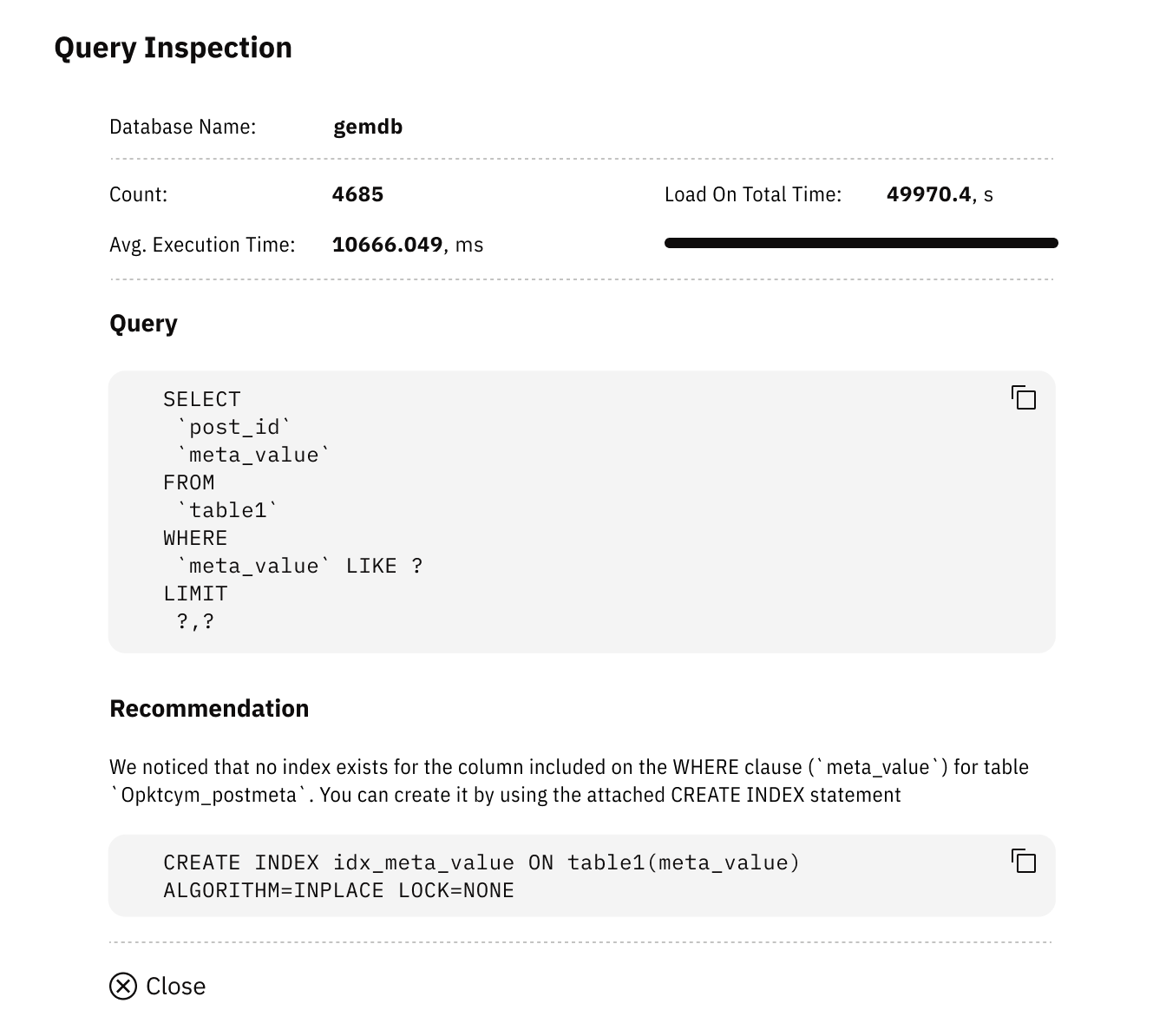
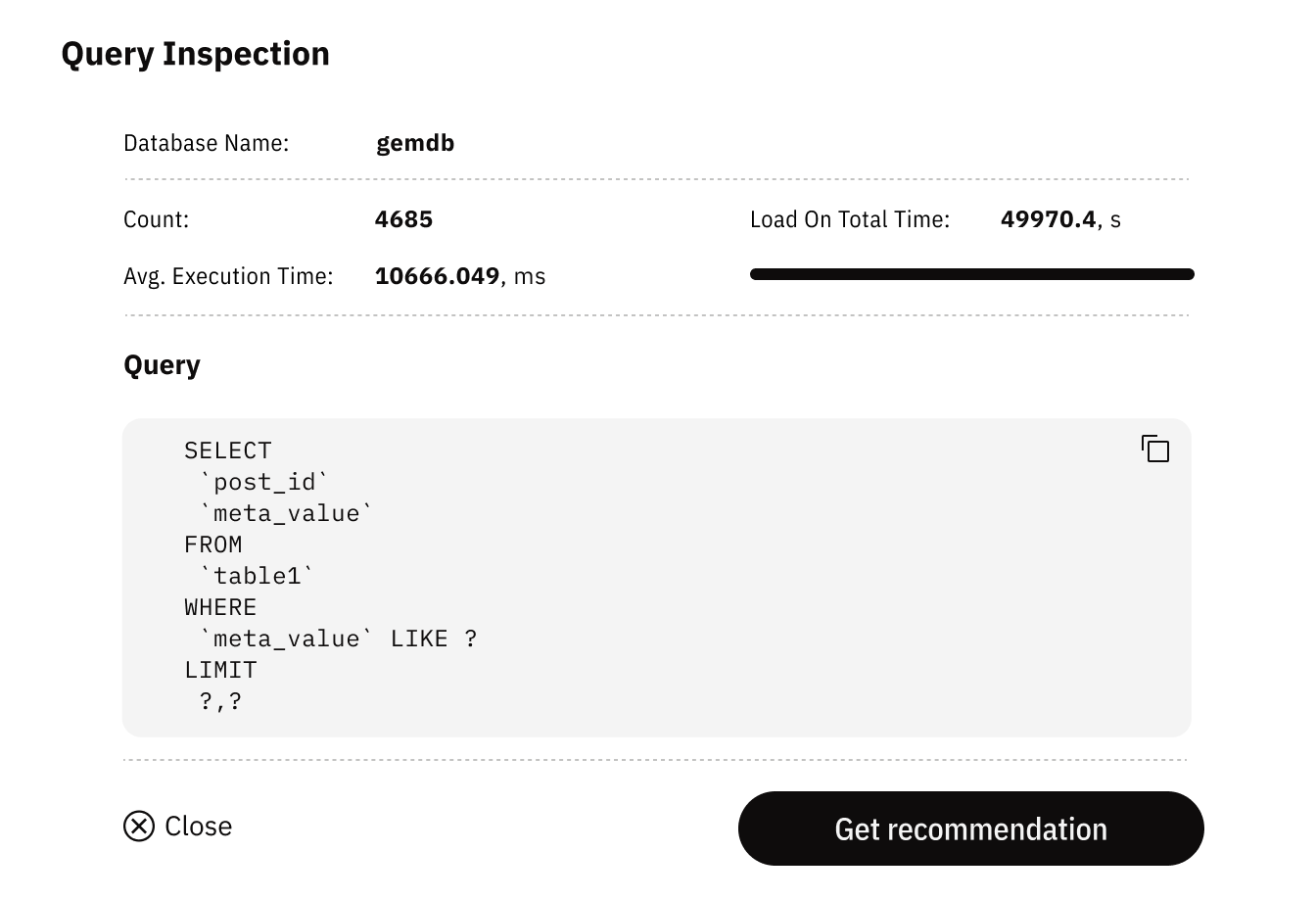
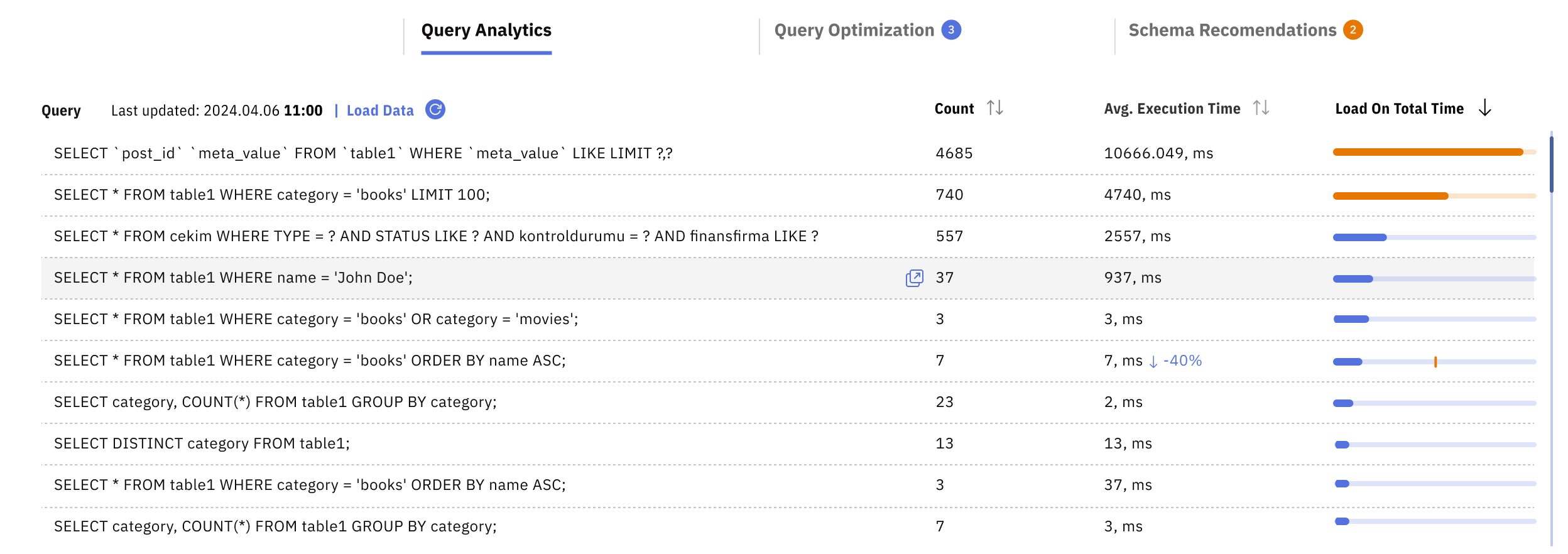
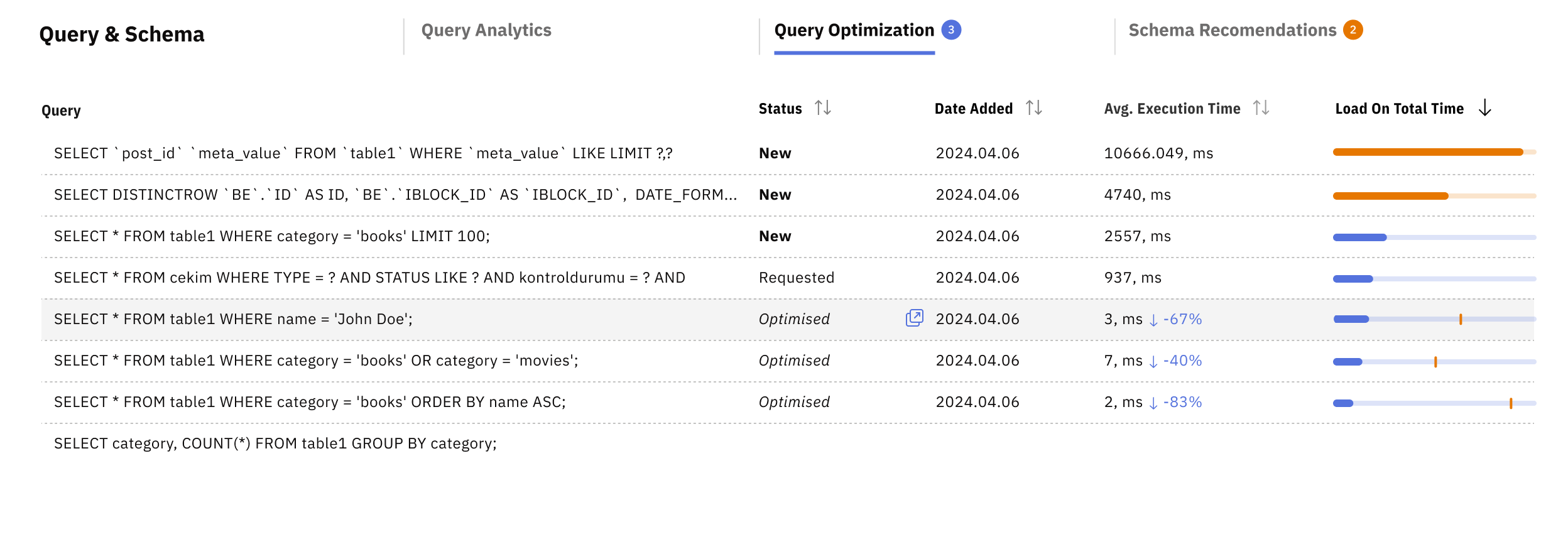
Screenshot of the dashboard, which displays an overview of multiple MySQL servers. Each server card shows the server name, database version, performance status (e.g., "Monitoring"), recommended configuration status (e.g., "All have been applied" or "NEW unapplied"), average latency, and a performance health score visualized through a color-coded progress circle.Screenshot of Screenshot of a screen providing detailed insights into a specific database query. It includes:

The database name ("gemdb").
Query execution stats (e.g., count, average execution time, total load time).
The problematic query text.
An automated recommendation for improvement, such as creating an index, along with the suggested SQL statement to apply.Screenshot of Screenshot of Screenshot of