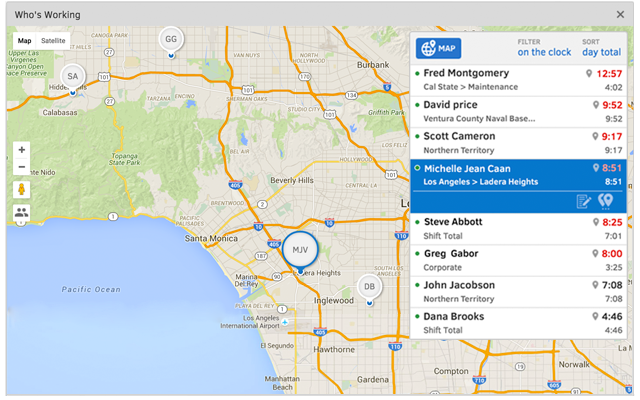
QuickBooks Time (formerly TSheets) is a cloud-based time tracking and scheduling app that allows employees to clock in and out from the job site with the devices they’ve already got in their pockets. The vendor aims to help companies replace paper timesheets with accurate, electronic time data as well as make payroll and invoicing faster and less costly. QuickBooks Time also accurately tracks time and GPS points (even without cell or internet service) then automatically syncs when back…
$0
1 user, unlimited projects
UKG Ready
Score 9.0 out of 10
N/A
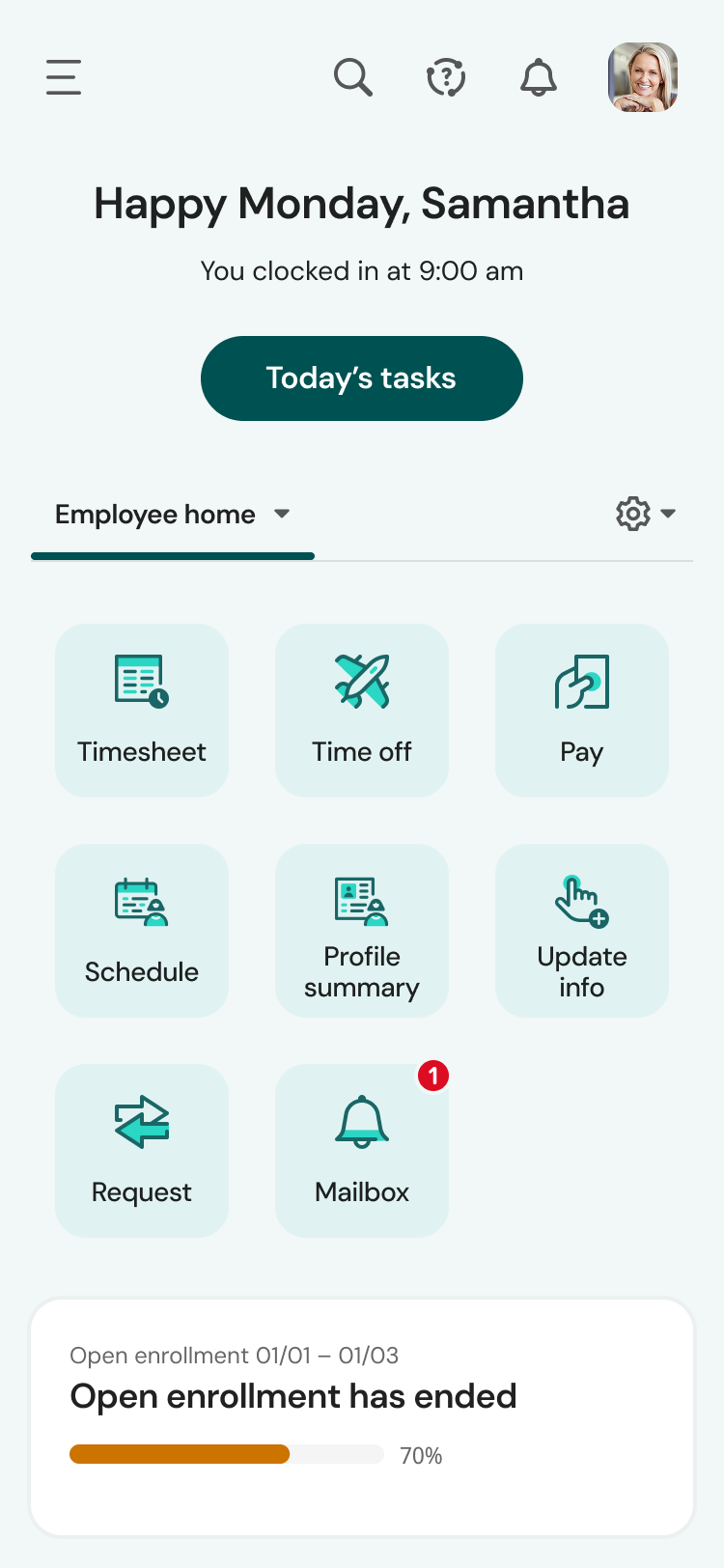
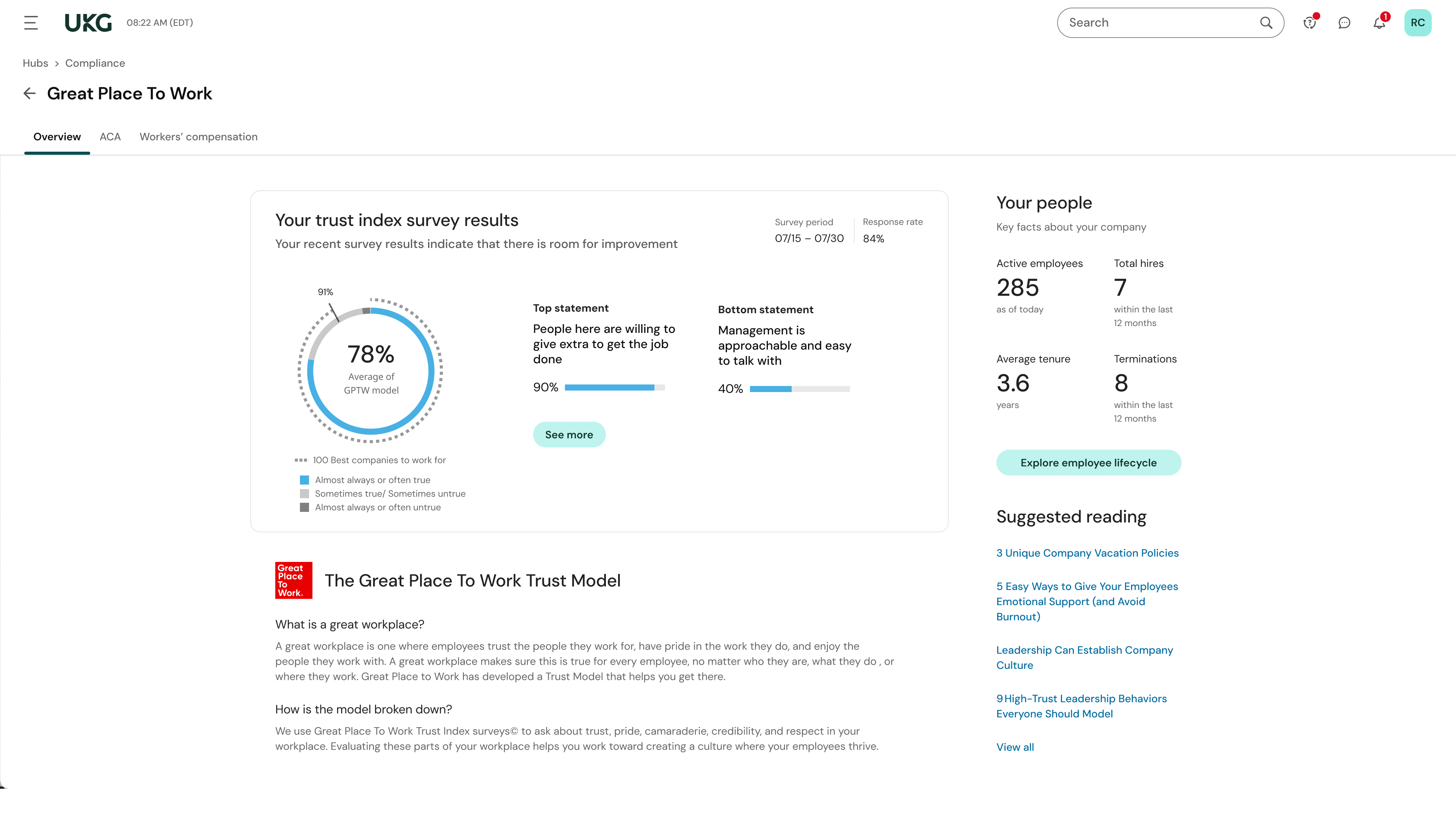
The UKG Ready® software suite is a centralized HCM solution designed for small to mid-sized businesses. It automates and streamlines HR, payroll, benefits, time, talent, and scheduling processes. UKG Ready's suite of tools offer actionable insights while helping to ensure compliance. Using AI, it draws on work, people, and culture data to boost efficiency and productivity. For example, UKG Ready streamlines core HR…
N/A
Pricing
QuickBooks Time
UKG Ready
Editions & Modules
Free
$0
1 user, unlimited projects
Premium
$8
per user/month + $20 base fee/month (paid annually)
Elite
$10
per user/month + $40 base fee/month (paid annually)
It would be very useful for certain remote jobs that require a high level of presence, as in the case of web development, or remote maintenance sessions, so that when reviewing the work data it is possible to ensure that there will be no failures. By being able to include files in the management, from the equipment tab, it is possible to fully control the hours in which each change in these files were made.
The recruiting module has helped us to streamline the recruiting process from the candidate submitting an application to the candidate becoming and employee with the company. We have really enjoyed the recruiting module. The reporting option has presented some challenges when we export them. We spend extra time having to format the reports for company use
When you open a ticket, they research and test the answer before they contact you so they know it will work for you. There's no troubleshooting on the phone. All the work was done beforehand.
They are super knowledgeable and supportive. They are a pleasure to work with.
They are way ahead of the game when it comes to technology and innovation.
TSheets tech support people, like Shawn Sommer, from Tsheets. She has been instrumental, after terminating the person in charge of TSheets I was left with a learning curve too high to climb but after 10 mins of her instructions I was able to make payroll in no time. She cleared all errors that nobody had fixed before. TSheets is not a vendor for me, TSheets is my partner in business. Thank you TSheets.
We have begun looking for other vendors to supply this products need as Kronos WFR cannot deliver the suite of applications which it should with this product. *6/5/17 Edit - We started the new year with a new application. WFR proved to be unable to correct the errors within the application. We are much happier with the new application as we can use it effectively.
Overall good product. I think some integration issues that are probably on the way would give it a higher score. Easy to use, easy to see how well it connects to current book keeping software we use, and would be easy to adopt by someone who is a QuickBook user that has billable clients or just wants that metric to see how their time is allocated.
I like the payroll and HR functions for employee data and benefits management. However, we still have not implemented the ATS and performance management modules, and we need to get this rolling as soon as possible. I can't provide accurate feedback on all areas.
The system seems very stable. Being hosted in the cloud, we are vulnerable to internet speeds and busy times. The system has been down a couple times over the 3 months we have been live, but Kronos resolved the issues very quickly. To have access from a desktop, tablet, time clock, or phone app is one of the best features....users have almost NO REASON they can't clock in.
We were always told that Kronos was the best, but there are reports that we got out of ADP and other payroll providers that we cannot get out of Kronos. One example is a report of Productive/Non-productive hours by department. We also need the dollar amount associated with the hours. This is information that is required on our cost report and we were told that that report is unavailable. It is very frustrating when I can't get what I need.
I have never failed to have an issue resolved within minutes of contacting Support. Jen D recently assisted my with an export issue and I was back on track in less the 10 minutes. She was knowledgable and thought about the current and future contexts of the issue and assured there would be no recurrence next payroll.
If I was only rating support itself that would be a 10. Every support case I have entered has been addressed efficiently and with the desired result. On the implementation and transition to support there were multiple issues that those doing the implementation or transition could not answer or workflows and various settings left undone only to be discovered later. We implemented 3 different modules and the expertise we got for each one varied widely.
Our in-person training was a hybrid. Live online training with an instructor. They were very knowledgeable of the product & the area they were training on. I asked several specific questions and if they didn't know the answer immediately they followed up after class.
Pretty good online training, you have many how to options and can watch them several times. It can be hard at times to dig through the amount of data online but can usually find what you are looking for. Also you can download documentation for setting up the profiles and policies.
Make sure the people who are doing the build have extensive knowledge on employment law and asking the right questions. I would bet that the people who helped with our builds did not read any of our employment contracts or ordinances; and when I asked questions about how other companies handled certain basic dictates from federal employment laws, they didn't have any idea what FMLA, FLSA, etc were.
We used to do all of our scheduling manually or in archaic software that wasn't user-friendly. We researched other software and found that this was going to meet our needs most comprehensively. Staff used to track their hours on a notepad on their phone or on an excel spreadsheet. There was really nothing else available to us that did what TSheets could do and the price fit in our budget. We have been very happy with our decision!
UKG is much easier to use and customize for our business needs. I enjoy that the time piece is directly connected with the payroll function. This is something that we didn't see when working with Paylocity. There was a manual time data upload that we needed to process into the Payroll function to process payroll. UKG has this setup and it's just a click of a button, so simple!
Helps to ensure that employees are being held accountable for their clocked in time and allows us to clock them out if we see they're not where they say they are, saving us money.
Decreases time our staffing coordinator has to spend on inputting times after events - when managers can clock staff in and out during the event, it allows our staffing coordinator to use their office time more effectively.