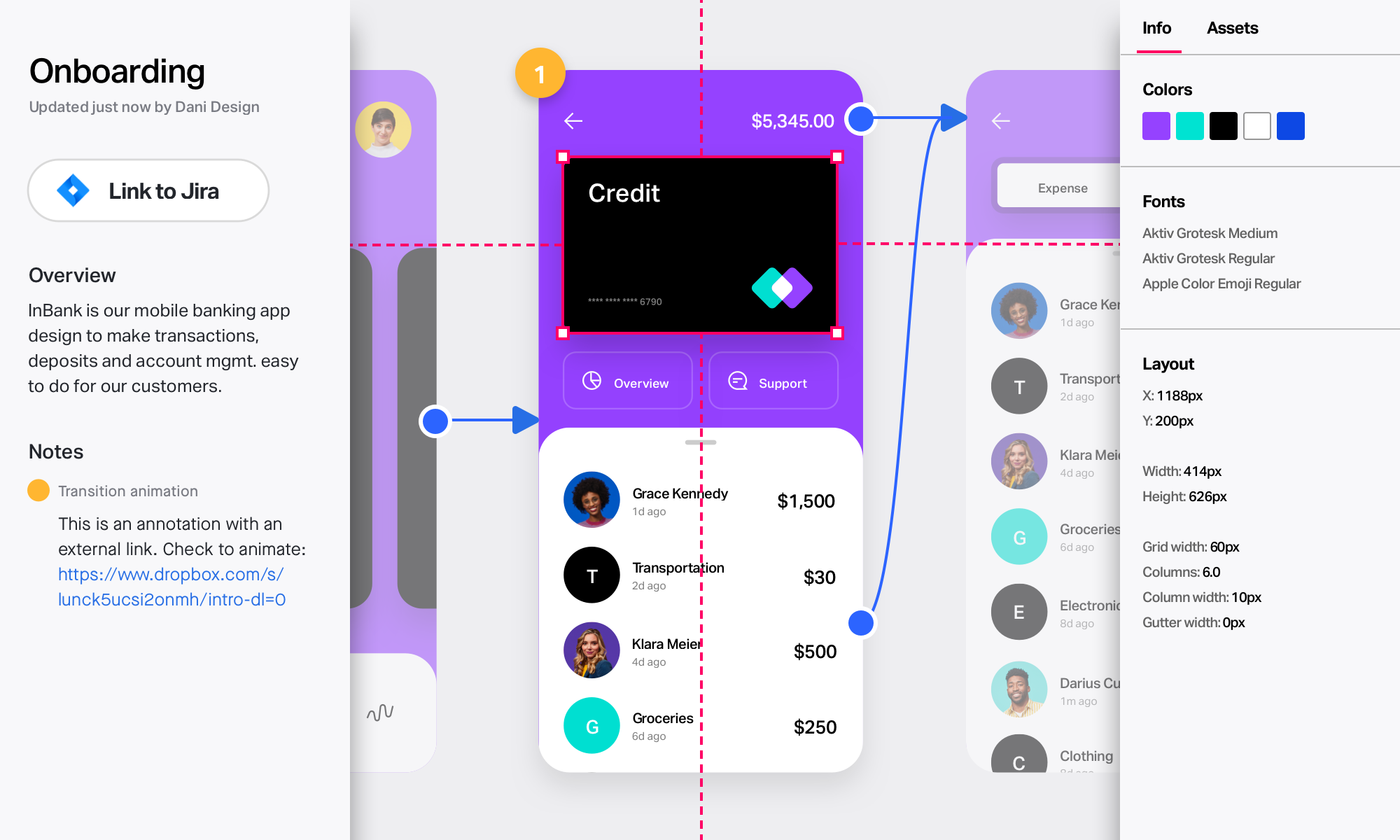
InVision is a collaborative design and prototyping platform with features such as freehand drafting mode and interactive mockups, collaboration, idea management, user testing, and integration with Slack and other collaboration tools. According to the vendor, 1 million designers are using the free version.
$0
Prysm Software
Score 7.8 out of 10
N/A
Prysm Software offers a software solutions for a pro-active & centralized security & building management.
InVision is well suited for design reviews and immersing yourself in the experience of an app-to-be. As a Product Manager, it's difficult to take abstract concepts, user pain points, and business needs, and produce a vision for an app without a visual aid to communicate a vision. InVIsion offers PMs, designers, and developers the opportunity to sketch a vision, communicate about it with inline commenting, and shareable with other stakeholders.
I use Prysm software for online business meetings. I'm happy to use it. We can hear clearly and send messages to everyone at a time. When I start using this software I have not needed any other software for our company. Like other users of my company, I am enjoying this software.
Designs can be very slow to load on mobile devices, particularly when they include many screens.
There isn’t an offline version of the full app, which feels less-than-ideal for many of our teammates who live in areas with more spotty internet.
There are limited functionalities to portray animations and transitions. This hasn’t been a huge issue, but it makes the app feel a little out of date, considering the range of such functionalities in other apps.
I didn't need to contact InVision support, as I've never needed it. They have an intuitive UI, and most of the questions are answered in their help portal or in tutorials online. Since many people use it, there a great resources available on for example YouTube. No problems so far with InVision.
[InVision] provides the ability to iterate really quickly, in fact, it is so intuitive that can be applied on live wireframe designing, while the ideas are being scratched and stormed from the team in a single discovery session, as well as allowing and giving access to the whole organization to the final outcome
Our partner is headquartered in France and among the European market, it seemed to be a well established tool very reputatble and very integrated with other European based app and products. We evaluated several software but Prysm Soft. stood out and just fit our business. As real estate investors and developers, sometimes we have to start with whatever is already in place before thinking of changing and that solution existed already in several locations. We keep upgrading our solutions to always use the latest on the market but this solution continues to be excellent and the technology is always the latest and the fasted so we have no need to change for something else