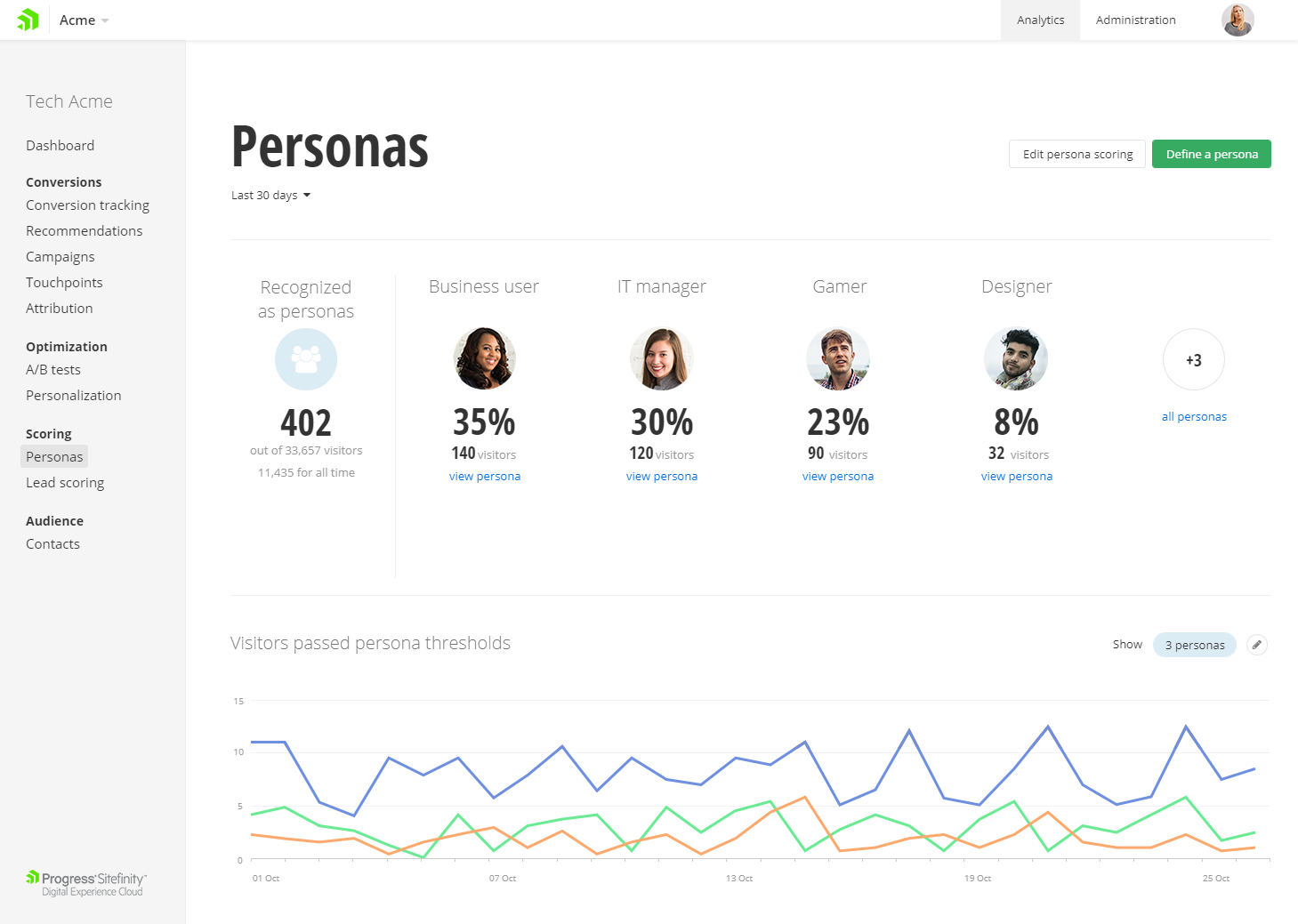
Progress Sitefinity is a content management and customer analytics platform. It supports content management, tailored marketing, multi-channel management, and ecommerce sites.
N/A
Squarespace
Score 8.6 out of 10
N/A
Squarespace is a CMS platform that allows users to create a DIY blog, eCommerce store, and/or portfolio (visual art or music). Some Squarespace website and shop templates are industry or use case-specific, such as menu builders for restaurant sites.
$25
per month
Pricing
Progress Sitefinity
Squarespace
Editions & Modules
No answers on this topic
Basic
$25
per month
Core
$36
per month
Plus
$56
per month
Advanced
$139
per month
Offerings
Pricing Offerings
Progress Sitefinity
Squarespace
Free Trial
Yes
Yes
Free/Freemium Version
No
No
Premium Consulting/Integration Services
No
No
Entry-level Setup Fee
No setup fee
No setup fee
Additional Details
—
28% to 36% discount available for annual pricing.
More Pricing Information
Community Pulse
Progress Sitefinity
Squarespace
Features
Progress Sitefinity
Squarespace
Security
Comparison of Security features of Product A and Product B
Progress Sitefinity
8.1
Ratings
1% below category average
Squarespace
8.5
Ratings
5% above category average
Role-based user permissions
8.10 Ratings
8.50 Ratings
Platform & Infrastructure
Comparison of Platform & Infrastructure features of Product A and Product B
Progress Sitefinity
8.1
Ratings
3% below category average
Squarespace
4.2
Ratings
57% below category average
API
8.10 Ratings
5.00 Ratings
Internationalization / multi-language
8.10 Ratings
3.50 Ratings
Web Content Creation
Comparison of Web Content Creation features of Product A and Product B
Progress Sitefinity
8.0
Ratings
5% above category average
Squarespace
7.1
Ratings
8% below category average
WYSIWYG editor
8.10 Ratings
8.10 Ratings
Code quality / cleanliness
8.00 Ratings
8.00 Ratings
Admin section
8.00 Ratings
6.00 Ratings
Page templates
8.10 Ratings
7.00 Ratings
Library of website themes
8.00 Ratings
7.00 Ratings
Mobile optimization / responsive design
8.00 Ratings
7.30 Ratings
Publishing workflow
8.10 Ratings
6.20 Ratings
Form generator
8.00 Ratings
7.10 Ratings
Web Content Management
Comparison of Web Content Management features of Product A and Product B
Progress Sitefinity
8.0
Ratings
10% above category average
Squarespace
7.0
Ratings
5% below category average
Content taxonomy
8.10 Ratings
6.70 Ratings
SEO support
8.10 Ratings
7.90 Ratings
Bulk management
8.00 Ratings
8.00 Ratings
Availability / breadth of extensions
8.00 Ratings
5.70 Ratings
Community / comment management
8.00 Ratings
6.70 Ratings
Best Alternatives
Progress Sitefinity
Squarespace
Small Businesses
Bloomreach - The Agentic Platform for Personalization
It's one of the easiest to use, easiest to customize CMS system available on the Microsoft technology stack. Whenever there's an application need for user management, role-based permissions, workflows and page-content, it is simply not done to start custom development from scratch. For complex 'factory-approaches' its architectural implementation shines brightest and allows for hybrid deployments, full Azure DevOps integration and ensures security and governance are not sacrificed
We've found Squarespace perfect for quick, well-designed websites that you can literally design and launch in a day. However, if you want to get more complex with your website, including custom backend integrations or code, Squarespace presents a bit more of a challenge when it comes to what they will allow you to modify on their platform (especially using third-party integration apps).
Once templates and custom data has been defined, it is very easy for CMS authors/editors to manage content on the site without knowledge of HTML programming.
Programming templates and custom module and extending the CMS is fairly straightforward for our development team.
Security is in the forefront, with regular updates and enhancements to the product.
Working with support is great, they have extensive knowledge on the product are able to assist if called upon.
Product utilizes .net standards, and also integrates well will standard front end tools such as jquery/bootstrap.
Squarespace is very easy to use, this is a super helpful thing as small business owners we have to wear many hats and being a full blown website developer doesn't need to be one of them.
Squarespace has quick and simple plugins.
Squarespace allows you to easily expand as you need to.
Diagram or illustrate more use cases for server setups, and managing of upgrades.
I'd like to see the ability to synchronize from one server to multiple others at once.
Implementation assistance as part of the purchase rather than farming out to 3rd party, although they did answer every question we asked in order to determine our best architecture setup.
Very big fan of this CMS, as it allows scalability, performance, and everything else. The support is great whenever we need it. As a marketer, the digital/marketing side of things is very easy to use and we've seen strong results from an SEO and marketing perspective. I can't speak to the developer/creative side too much, but in talking with these teams, they do recommend the tool as well.
It's dead simple to use. There are no over complicated controls or tons of menus to screw things up. People with bad taste couldn't make an ugly website. While it may be frustrating for the pro designer to get exactly what they want, it prevents the uninitiated from making something ugly
Support can be pretty good, even though, depending on the level of licensing, it can take longer to hear back from their team. They do have a phone option, which works well. Overall, they are knowledgeable, and helpful when needed. At times, support is able to access the system directly and troubleshoot critical items when needed.
Help is available directly from the back end and uses full sentence searching to find answers to questions others may have asked before. With a ton of articles and support questions documents, it is very likely that your question has been answered. If not each page has the ability to open a direct email to support. Each case has a number and can be followed. Responses are often quick and have links and directions clearly stated
N/A - I was not part of the implementation team. We have had this internally for over 5 years. Based on my experience, ensure that you have documentation on the initial implementation and subsequent upgrades. I would also recommend to have all the documentation on how and why the system was implemented the way it was
We evaluated a range of other platforms before selecting Progress Sitefinity. While many other platforms had a powerful range of features, Progress Sitefinity provided to be a comparable product at a price far more suited to our budget. Above all else, its ease of use gained the highest scores in our testing, and the interface has continued to develop and improve over the past three years.
Squarespace if much less work than WordPress, plus hosting and security are not an issue. GoDaddy and Wix are okay, but nowhere near the flexibility or advanced feature set that you can get with Squarespace. Compared to the other products that I have used, Squarespace definitely offers more options, customization, advanced features and design options than others, for a great price.
I can see how squarespace can improve efficiency since it's so quick to build a site on there.
For those who don't want to hook up a bunch of different stuff to their website and make it work...they most likely have whatever plug in you need and you can add it. Worst case scenario, they have developers you can hire who can make what you need.
As your business grows you can add an online storefront to your site and make more money that way! Easy peasy!
They have an easy system for adding special SEO words/phrases so you don't have to learn SEO at all!