PowerSchool
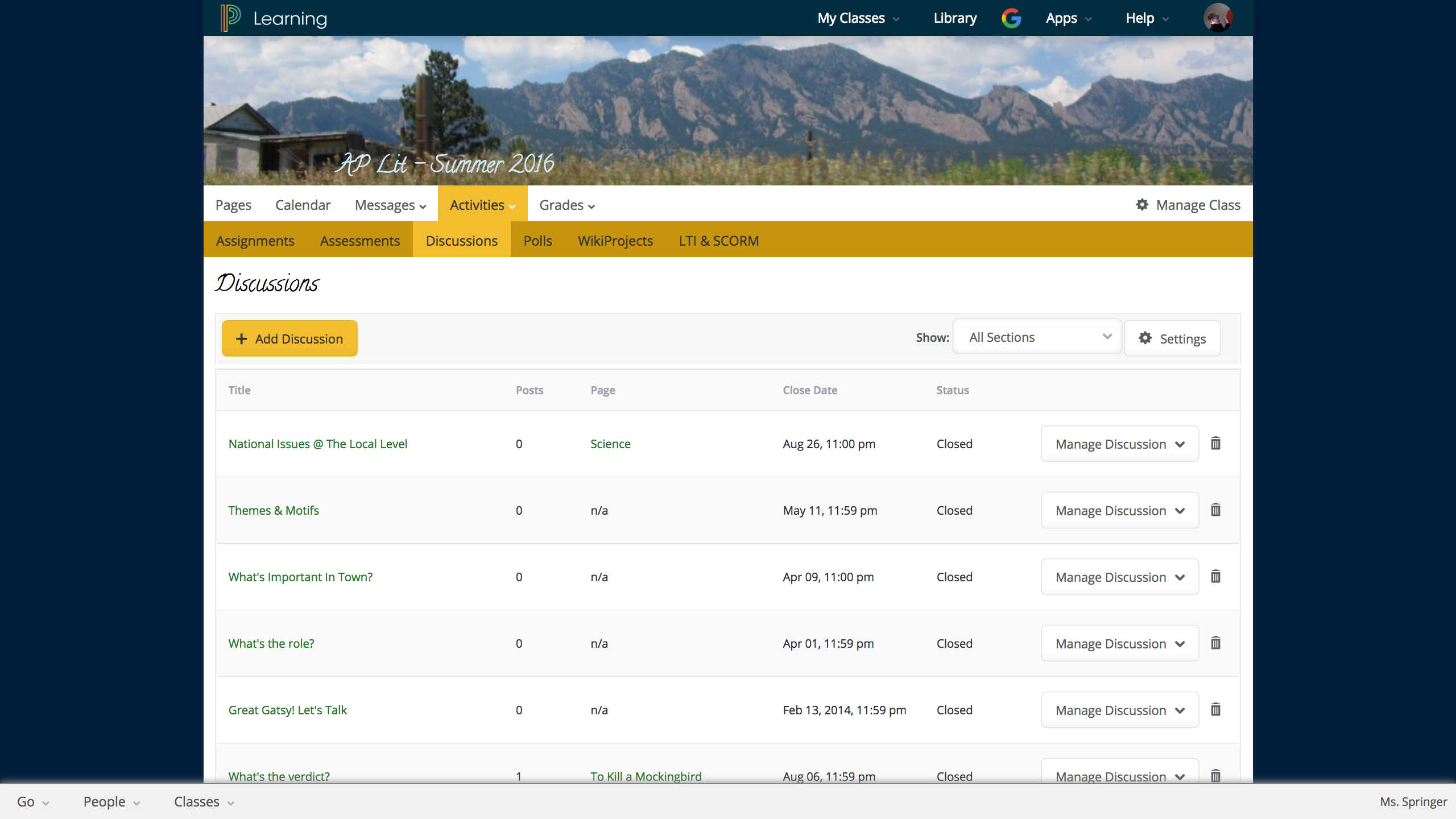
Unified Classroom is a learning management and classroom collaboration solution suite. It aims to empower teachers with real-time student interaction inside and outside the
classroom, bringing in more social and collaborative learning. Teachers can
quickly create and deliver rich engaging lessons, electronically collect,
annotate, and grade work, and easily collaborate and share with other
educators. Unified Classroom includes PowerSchool solutions Assessment, Gradebook, Learning,…
N/A
Renaissance Accelerated Reader
Score9.9 out of 10
N/A
Renaissance Accelerated Reader® is designed to save educators time by empowering them with Learnalytics® to make differentiating independent and close reading practice effortless – all while maintaining the flexibility necessary to fit within existing classroom routines. Students are engaged in reading self-selected authentic books and articles.
Short comprehension quizzes and built-in close reading practice activities, combined with automatic and educator feedback, keep students…
In the classroom it is very well suited. For classroom teachers, and for school systems in general. It is appropriate in this capacity because it creates a streamlined sense of communication for all stakeholders: teachers, parents, students, and administration. It makes parent meetings very easy, it makes interventions for students easy, and it helps administration keep tabs on overall progress
A de minimis incentive was given to thank the reviewer for their time. The incentive was not used to bias or drive a particular response, nor was the incentive contingent on a positive endorsement. More Info
I have found Renaissance Accelerated Reader to be well-suited for elementary readers. I don't have experience using it with high school students; however, I know that for our elementary readers, there are no shortages of tests available. Our students can read trade books, articles within the program, or even stories from our textbooks and take tests on them
A de minimis incentive was given to thank the reviewer for their time. The incentive was not used to bias or drive a particular response, nor was the incentive contingent on a positive endorsement. More Info
Automatically calculating ZPD ranges. Student level ranges are automatically calculated within the system to ensure that students are correctly choosing the most appropriate books for them.
Easy goal setting. Whether you want to set a blanket goal based on 20 minutes per day of reading time for the class, or you want to individually set goals up to an hour a day, AR makes it very easy to manage and set goals for your entire classroom. Goals can be adjusted as needed easily as well.
Comprehension monitoring through testing. I can easily see which students are struggling on comprehension through AR book quizzes. From student scores, I can either motivate students who are rushing through books to slow down and take time to thoroughly read, or I can help students who are possibly struggling to read harder books with specific strategies that will benefit them the most. Without the testing feature of AR, I would have a lot more work to check how students are doing on their independent reading.
Data that is easy to understand and share with students. From either running a report on the entire class or school to just a specific student, AR makes data tracking easy. I can share reports with students and have detailed discussions about their progress towards meeting their goals or steps to take to overcome reading challenges they are currently having.
A de minimis incentive was given to thank the reviewer for their time. The incentive was not used to bias or drive a particular response, nor was the incentive contingent on a positive endorsement. More Info
A de minimis incentive was given to thank the reviewer for their time. The incentive was not used to bias or drive a particular response, nor was the incentive contingent on a positive endorsement. More Info
Lately, Accelerated Reader has been adding "New Reports" which would help single class users such as a teacher with one class. But for a person with administrative rights, it creates a bit of a hassle to get the information needed at times.
Cost - Accelerated Reader is expensive. For the price paid, I feel Renaissance should include some features instead of having additional fees paid.
A de minimis incentive was given to thank the reviewer for their time. The incentive was not used to bias or drive a particular response, nor was the incentive contingent on a positive endorsement. More Info
[Renaissance] Accelerated Reader is a great way to track student progress, motivate students to read, and measure their comprehension. Accelerated reader gives both teachers and students immediate feedback. There are countless options of books for students and can help increase student interest in books and improve students' reading ability.
A de minimis incentive was given to thank the reviewer for their time. The incentive was not used to bias or drive a particular response, nor was the incentive contingent on a positive endorsement. More Info
I give Renaissance Accelerated Reader a great 10 in usability rating. I give this rating because overall the program is very easy to use and for the most part easy to understand. I am currently in my first year working in the library and with the teachers using the Renaissance Accelerated Reader program so there is still much to learn, but it has been an overall great experience so far. All of the data is easy to read and there is so much information to look over in case anything is missed or not understood. I have so far been very happy with the Renaissance Accelerated Reader program and what it has done for the students.
A de minimis incentive was given to thank the reviewer for their time. The incentive was not used to bias or drive a particular response, nor was the incentive contingent on a positive endorsement. More Info
They are very responsive to the issues that we have and follow through with their assistance. Having a live assist that is available when our teachers need it is essential too. They also seem to listen to suggestions on making improvements and have been transparent with us when renovations are done.
A de minimis incentive was given to thank the reviewer for their time. The incentive was not used to bias or drive a particular response, nor was the incentive contingent on a positive endorsement. More Info
Renaissance Reader has a great support team, and generally, they are quick to respond when needed. The live chat tool is a life-saver when trying to get your problems solved in real-time. They also have a lot of online support articles that ensure that you can get your questions answered without necessarily having to use the live chat during the school day.
Extensive training on Ren Place is necessary. There are a myriad of reports that we need help understanding. I have joined Ren Royals and have learned a lot from that support piece.
A de minimis incentive was given to thank the reviewer for their time. The incentive was not used to bias or drive a particular response, nor was the incentive contingent on a positive endorsement. More Info
I have used markbook and gradebook. Each system had good features that were slightly different but the fact that this one is web based and accessible makes it the best of the 3 I have used. The learning curve to using the program is similar to the other 2 and overall has allowed me to save time reporting to students and parents.
A de minimis incentive was given to thank the reviewer for their time. The incentive was not used to bias or drive a particular response, nor was the incentive contingent on a positive endorsement. More Info
I have not used any of the products listed. However, AR has been my choice of product. My school system choice this product because it interfaces well with all other reading and testing programs that have been purchased. It is an excellent product, but that is a given since it was developed by a teacher to address a problem that all educators deal with (How do you help a struggling reader best?). AR is the answer for me.
A de minimis incentive was given to thank the reviewer for their time. The incentive was not used to bias or drive a particular response, nor was the incentive contingent on a positive endorsement. More Info
The goal of AR is for kids to enjoy books, spread their wings, and experience a variety of literature & genres. Children need copious amounts of reading to become good readers. Incorporating Renaissance Accelerated Reader 360 into our day sets a purpose for reading and holds children accountable.
Renaissance Accelerated Reader 360 is research based. The single biggest predictor of academic success is time spent reading. This program allows for that.
Renaissance Accelerated Reader 360 allows for scaffolding of reading material to get the kids into more challenging material. This program allows children to be successful and build on their strengths.
Renaissance Accelerated Reader 360 empowers students to take ownership in the learning process. It gives them a voice.
Renaissance Accelerated Reader 360 is a program that lets students practice and apply skills and strategies learned during mini lessons and strategy-group instruction.
A de minimis incentive was given to thank the reviewer for their time. The incentive was not used to bias or drive a particular response, nor was the incentive contingent on a positive endorsement. More Info