PowerApps is a low code / rapid application development product from Microsoft that allows users to quickly build apps.
$20
per month per user
WEBCON BPS
Score9.1 out of 10
Mid-Size Companies (51-1,000 employees)
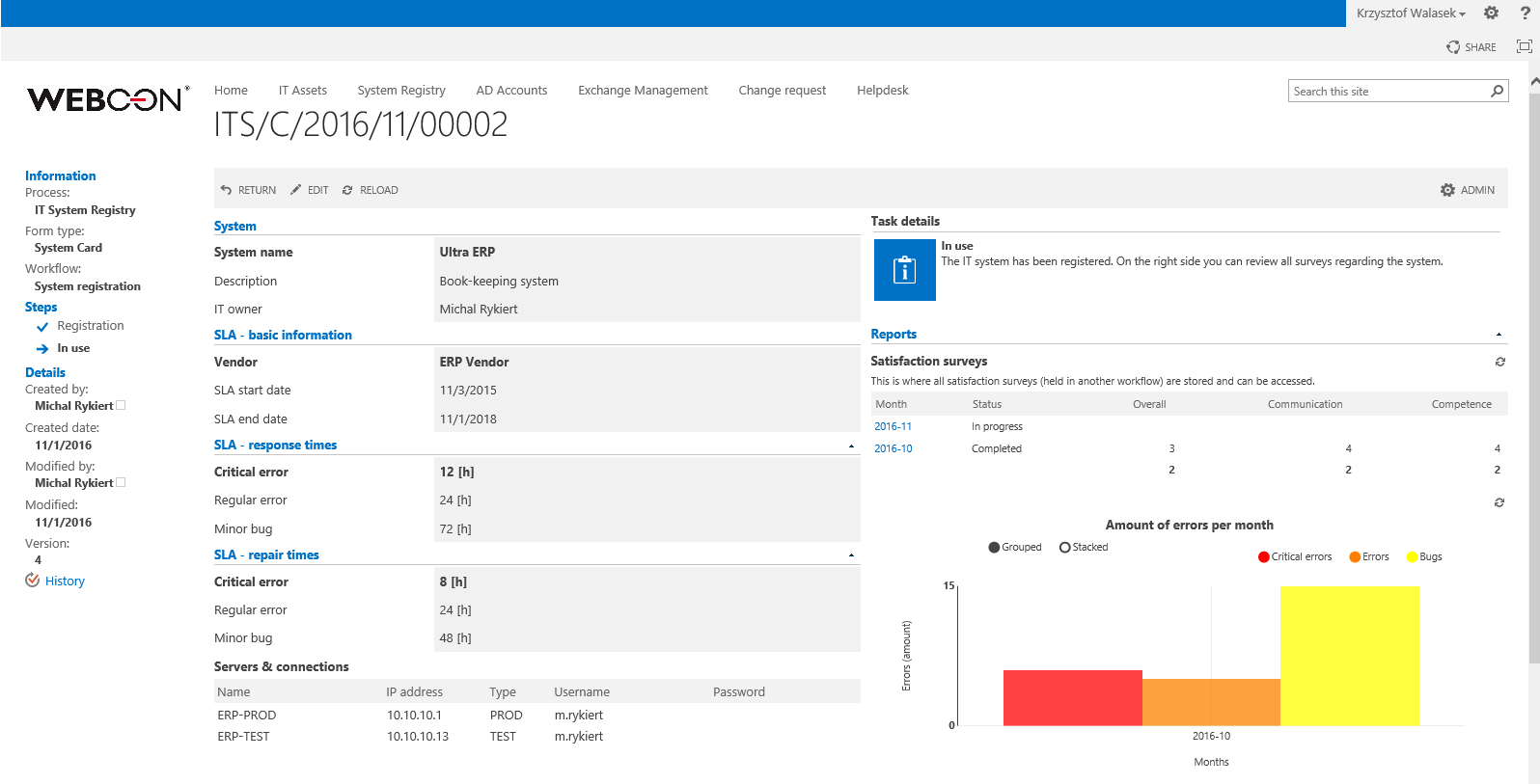
WEBCON Business Process Suite is a comprehensive solution for Microsoft SharePoint.
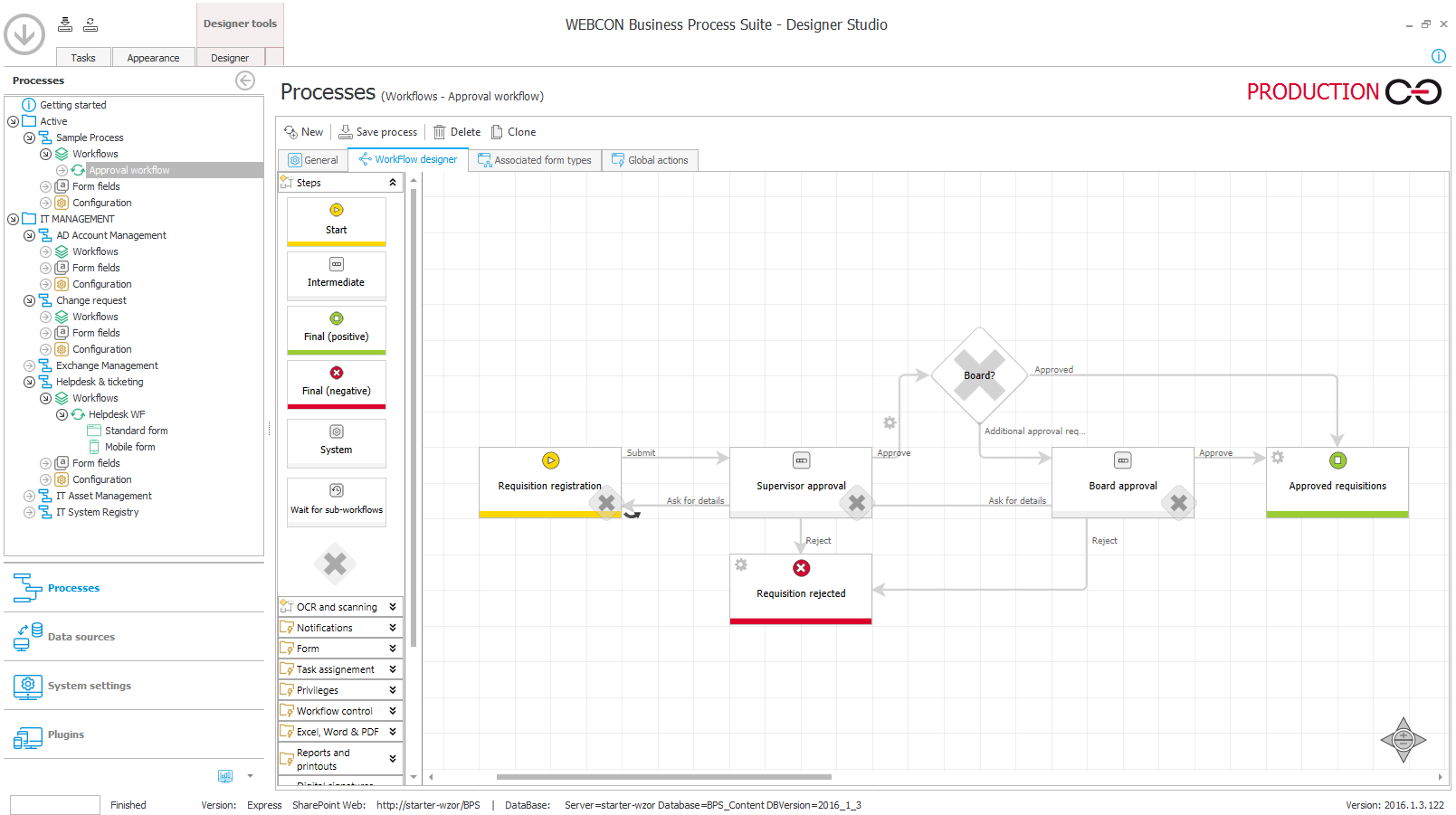
The solution offers a multilingual SharePoint based interface with dedicated mobile access to tasks and documents. Its graphic process designer helps the user configure and draw business process scenarios and supports simple creation of forms and workflow steps and paths.
$0
installation
Pricing
Power Apps
WEBCON BPS
Editions & Modules
Power Apps Premium
$20
per month per user
WEBCON BPS Express
$0
installation
Offerings
Pricing Offerings
Power Apps
WEBCON BPS
Free Trial
Yes
Yes
Free/Freemium Version
No
Yes
Premium Consulting/Integration Services
No
Yes
Entry-level Setup Fee
No setup fee
Optional
Additional Details
—
WEBCON BPS Express is a free edition for test and productive use up to 10 GB of database size (see starter.webcon.com)
WEBCON BPS Standard and Enterprise versions are available as perpetual, per user licenses. Pay per month model is also available.
PowerApps is well suited for "quick-wins" and fast prototypes of business solutions. It also is beneficial for situations where business partners and developers work together - it allows the business folks to provide a "quick-and-dirty" prototype which is then fleshed-out by developers that are trained experts on the platform. The interactive and easy to understand representation of the solution allows business partners to "see" the solution and add, remove, or correct aspects of it themselves. It provides a common view and understanding of the actual solution across business units and tech teams. PowerApps, being a low-code\no-code platform is not well suited for business processes that require many complex computations or large amounts of custom code - such as solutions that are better architected as Web Site or "full-blown" desktop solutions. There are solutions that are just not easy or quick to accomplish in a low-code\no-code platform. Enterprise Architects should know the difference, however business partners often try to create a solution and only when stuck because it becomes too complex do they engage a tech team for assistance - at which point there are sunk-costs involved and hinderences to re-platforming the solution
Really well suited for processes which work with documents, seems less (but it is possible) appropriate for single/no data actions (e.g. just provide a quick update in SQL database without any process).
Power Apps has formats that are pre-built that don't require any coding which makes it easier to achieve your vision. This does become a challenge if your App needs don't fit into that format.
We deal with a ton of data so the fact that you can connect to any data source in addition to their pre-stablished data connections makes the process a breeze.
The online learning resources and tutorials are helpful as well for those who are tech savvy.
A de minimis incentive was given to thank the reviewer for their time. The incentive was not used to bias or drive a particular response, nor was the incentive contingent on a positive endorsement. More Info
A de minimis incentive was given to thank the reviewer for their time. The incentive was not used to bias or drive a particular response, nor was the incentive contingent on a positive endorsement. More Info
PowerApps is a great solution and I have spent the last year familiarizing myself with the platform and building custom applications to complete a whole range of tasks such as asset management, custom invoice generation, and item restriction tracking. We as a company have barely begun to scratch the surface of what can be achieved with PowerApps.
A de minimis incentive was given to thank the reviewer for their time. The incentive was not used to bias or drive a particular response, nor was the incentive contingent on a positive endorsement. More Info
The community forums are extremely responsive to questions asked, there is a good body of online documentation and many community posts to draw from. Although the platform has changed, which means some of the posts are out of date and the solutions provided aren't relevant. Of relevance, I read over 400 articles plus documentation to get this first app built in SharePoint, move it to SQL and make it work exactly the way it should.
Much cheaper, much more customizable, and easier to use. There is not much of a learning curve and the licensing cost is much cheaper. PowerApps does one thing very well, whereas other platforms are mediocre. There is much more customization possible for your in-house workflows that you can build yourself vs using NetSuite engineers to build it for you.
A de minimis incentive was given to thank the reviewer for their time. The incentive was not used to bias or drive a particular response, nor was the incentive contingent on a positive endorsement. More Info
It has given us a focal point for development. We now have the possibility of connecting to mobile and the default SharePoint online interface isn't always easy to manipulate. PowerApps has given us an opportunity to improve our user experience.
An improved user experience has given us a better shot at compliance. When users don't fight the environment, they don't gravitate towards workarounds or non-compliance.
As lists and libraries change, the platform scales pretty well.
Having users with the capability to create their own forms and tools has dialed back the app dev need (there is a balance though) and distributed power to the process architects and people who actually need the solutions in the first place—much more efficient model of service delivery: self-service.
A de minimis incentive was given to thank the reviewer for their time. The incentive was not used to bias or drive a particular response, nor was the incentive contingent on a positive endorsement. More Info