Bynder helps brands to distribute their marketing materials, manage creations and facilitate brand consistency.
Bynder is a solution for marketing that comes with best in class digital asset management, creative project management, brand identity guidelines, product information management and web-to-publish modules.
N/A
Pics.io
Score 8.0 out of 10
N/A
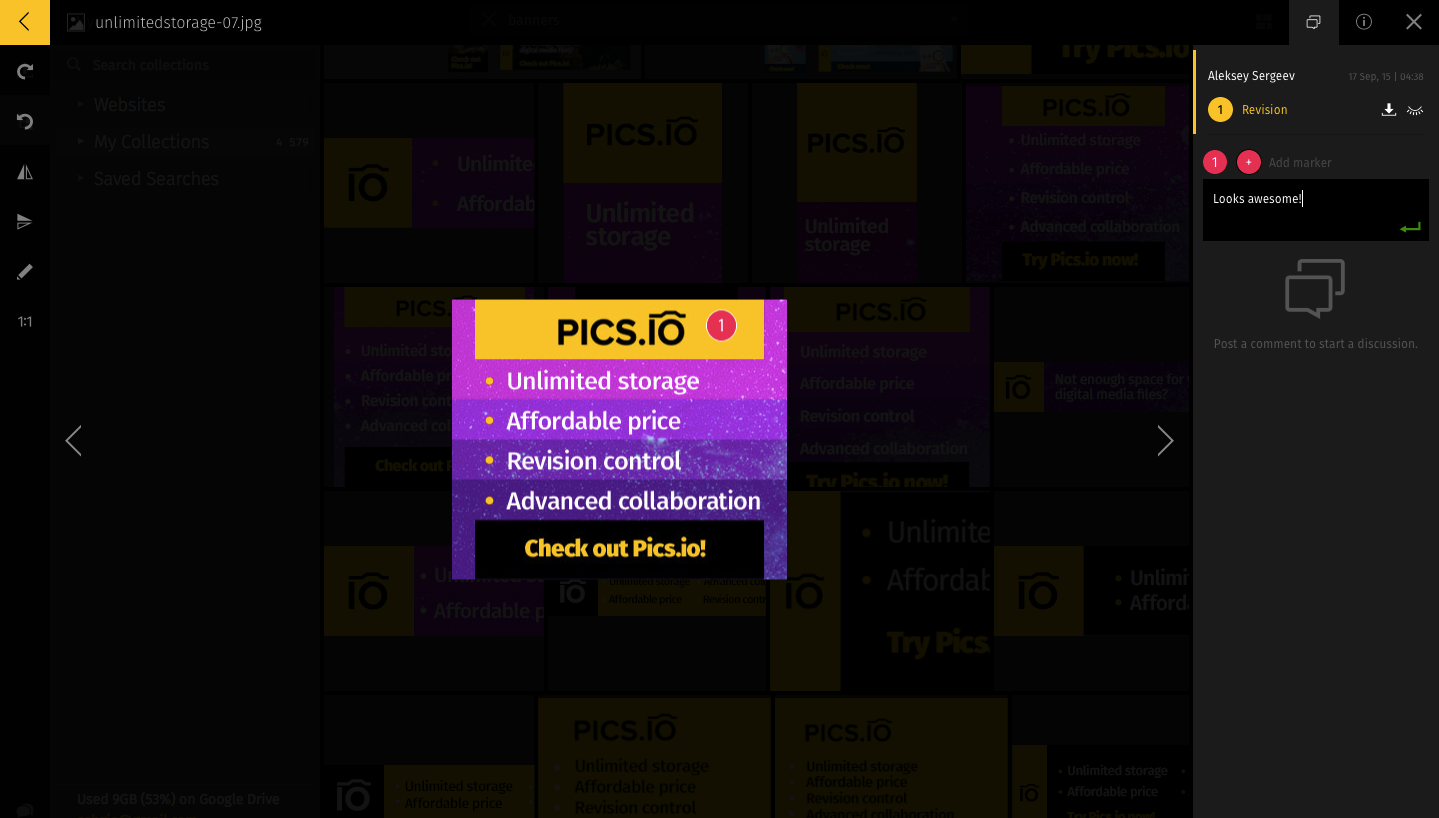
Pics.io is a solution for organizing and managing all digital assets. With this digital asset management software, users can quickly search and retrieve their creative files, collaborate with colleagues on new projects, and share their work with clients and partners.
N/A
Pricing
Bynder
Pics.io
Editions & Modules
Enterprise Brand Portal
$0
User/Storage/Modules/Add-Ons
No answers on this topic
Offerings
Pricing Offerings
Bynder
Pics.io
Free Trial
Yes
Yes
Free/Freemium Version
No
No
Premium Consulting/Integration Services
No
No
Entry-level Setup Fee
Optional
No setup fee
Additional Details
The cost of Bynder depends on the number of users, amount of storage, and the modules needed.
—
More Pricing Information
Community Pulse
Bynder
Pics.io
Features
Bynder
Pics.io
DAM Features
Comparison of DAM Features features of Product A and Product B
We have numerous renderings for some of our properties that are constantly being updated. It was hard to keep track of the most current rendering since it lived in multiple locations with various employees. Creating a central location where we can regularly update the renderings without having to add a new file and re-upload solved the issue of questioning whether the rendering you were looking at was correct.
If you are looking for an affordable solution for logos, photos or videos this is one of the best solutions we have found. It handles several file types and provides a more affordable option than other DAM services. If you are looking for an enterprise DAM solution this is probably not what you are looking for but it doesn't pretend to be that.
Many reminders about cookies - more than normal in the US at this time (due to EU compliance) - can be frustrating and confusing for our end users as not all US platforms have this
It is incredibly user-friendly and easy to navigate. Once you poke around, you intuitively learn how to use the platform. Our company provided training sessions for all employees during our official roll-out, and everyone seemed to have a good grasp on how to navigate this platform. We have yet to hear about an employee having difficulty using Bynder, which is a big win
When we were getting ready to switch vendors, WebDAM wasn't very responsive to my questions or my needs. They also sent me all the files on an external drive that was formatted for Mac and didn't even think to verify whether I had a PC (which I did) so the external drive was useless and I had to wait another week to get the updated external drive that was formatted for a PC that I could then use.
Helpful onboarding support and also a very relaxed introductory demo and trial period. The support team walked me through all stages of linking our Drive account and adding assets. The online support site has a ton of resources and helpful explanations. Email support was also a big help to get us started.
Once the issue was identified we looked at a damn lot of DAMs. Bynder, Media Valet, Webdam, Canto, Cumulus... I can't even remember them all. But that was the problem. There were too many. When one of our team evaluated Bynder he reported back vis a vis the legacy tools of Box/DropBox/Evernote... all of which had their adherents within our team and NONE of which came close to matching Bynder. So, the decision really became "do we switch now to Bynder, which everyone accepts, or do we spend a year thoroughly testing every other tool until we've broken up again into rival camps?" It was easy. If and when Bynder fails we may look again. But everything's going great now, so why open this can of worms?
Pics.io has a more approachable setup and pricing structure for our needs. It also uses a familiar online storage setup for an easier learning curve. We also didn't have to pay for a higher storage tier that we wouldn't end up needing. The other services were definitely in the running but the ability to use our existing Google account was a big plus.
Bynder has saved our creative and Marketing departments hours of time overall by minimizing the amount of time we are searching for asset requests and empowering employees to find what they need themselves.
Bynder has given us a platform to share lifestyle and product imagery that costs several thousand dollars overall; whereas before it was hard to share those assets in a way that they were utilized to their full potential. Now we don't have to wonder if we're wasting money on styled imagery or whether people are using it.
Overall the peace of mind Bynder gives us in terms of employees only using approved assets is pretty priceless.