
Paperturn vs. PDF Studio
| Product | Rating | Most Used By | Product Summary | Starting Price |
|---|---|---|---|---|
 Paperturn | N/A | N/A | Paperturn is an online flipbook software that helps users convert PDFs into interactive digital publications; whether that be a digital magazine, a restaurant menu, a sales catalog, a brochure, an employee manual etc. | N/A |
 PDF Studio | Score9.1 out of 10 | N/A | PDF Studio is a PDF editor that aims to provides all PDF features needed at a low cost. PDF Studio maintains full compatibility with the PDF Standard. Users can: Create PDFs from Scan, MS Word, Text and Images Annotate PDFs with Comments & Text Markups Create, Fill In & Save PDF Forms Secure Documents with Passwords and Permissions Merge, Split & Assemble Documents Apply Watermarks, Headers and Footers Create Bookmarks / Table… | $99 one-time fee |
| Paperturn | PDF Studio | |||||||||||||||
|---|---|---|---|---|---|---|---|---|---|---|---|---|---|---|---|---|
| Editions & Modules | No answers on this topic | No answers on this topic | ||||||||||||||
| Offerings |
| |||||||||||||||
| Entry-level Setup Fee | No setup fee | No setup fee | ||||||||||||||
| Additional Details | — | Each user license key can be used on 2 computers (for the same user) on any of the supported operating system (Windows, Mac, Linux). Each user license is perpetual and allows to continue using this major version of our software (version 2018) as long as it works on your operating system. Payment is a one-time fee, with no monthly or yearly subscription or commitment. Any upgrade to future major versions is optional. | ||||||||||||||
| More Pricing Information | ||||||||||||||||
| Paperturn | PDF Studio | |
|---|---|---|
| Small Businesses |  Foxit PDF Editor Score8.7 out of 10 | Foxit PDF Editor Score8.7 out of 10 |
| Medium-sized Companies |  Adobe Acrobat Reader Score8.8 out of 10 | Adobe Acrobat Reader Score8.8 out of 10 |
| Enterprises | Adobe Acrobat Reader Score8.8 out of 10 | Adobe Acrobat Reader Score8.8 out of 10 |
| All Alternatives | View all alternatives | View all alternatives |
| Paperturn | PDF Studio | |
|---|---|---|
| Likelihood to Recommend | - | 9.1 |
| Usability | - | 8.2 |
| Support Rating | - | 8.5 |
| Paperturn | PDF Studio | |
|---|---|---|
| Likelihood to Recommend | No answers on this topic |
|
| Pros | No answers on this topic |
|
| Cons | No answers on this topic |
|
| Usability | No answers on this topic |
|
| Support Rating | No answers on this topic |
|
| Alternatives Considered | No answers on this topic |
|
| Return on Investment | No answers on this topic |
|
| ScreenShots | PDF Studio Screenshots 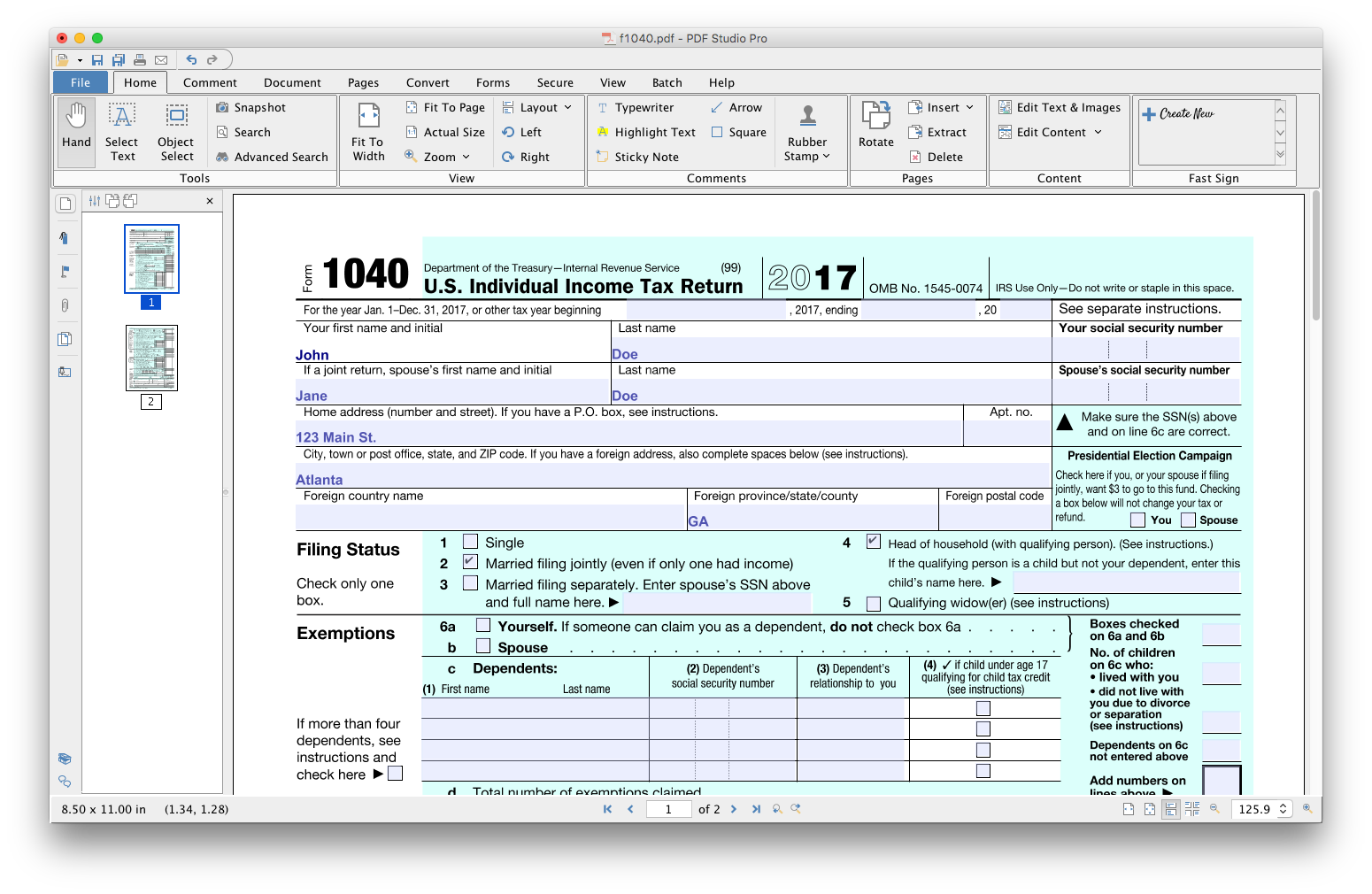 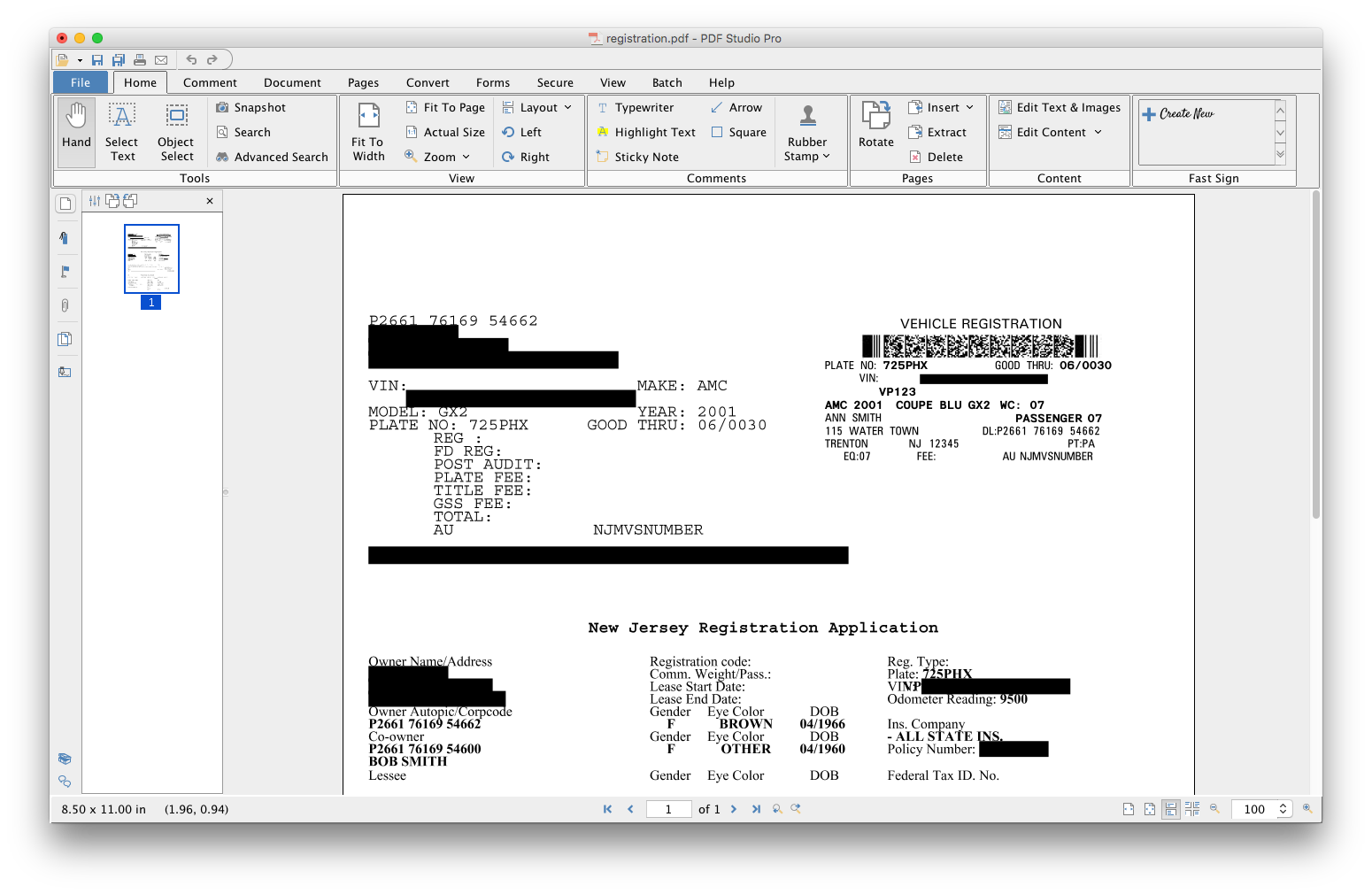    |
