TrustRadius: an HG Insights company

Save this comparison

Save this comparison

Add Product

Recommended Comparisons

    Overview
    ProductRatingMost Used ByProduct SummaryStarting Price

    Panviva

    Score8 out of 10
    N/ASupercharge agent productivity with contextual guidance designed for compliance.N/A

    Slite

    Score2.9 out of 10
    N/ASlite is a knowledge base designed to provide teams with needed answers even without searching. From onboarding guides to all hands notes, Slite keeps all types of company information centralised.

    $10

    per month per member

    Pricing
    PanvivaSlite
    Editions & Modules
    No answers on this topic
    Standard
    $10
    per month per member
    Premium
    $15
    per month per member
    Enterprise
    Contact Sales
    Offerings
    Pricing Offerings
    PanvivaSlite
    Free Trial
    NoYes
    Free/Freemium Version
    NoNo
    Premium Consulting/Integration Services
    YesNo
    Entry-level Setup FeeNo setup feeNo setup fee
    Additional DetailsDiscount available for annual pricing.
    More Pricing Information
    Best Alternatives
    PanvivaSlite
    Small Businesses
    Slite
    Score2.9 out of 10
    No answers on this topic
    Medium-sized Companies
    Guru
    Score9.5 out of 10
    Guru
    Score9.5 out of 10
    Enterprises
    Bloomfire
    Score8.4 out of 10
    Bloomfire
    Score8.4 out of 10
    All AlternativesView all alternativesView all alternatives
    User Ratings
    PanvivaSlite
    Likelihood to Recommend
    -
    (0 ratings)
    2.0
    (3 ratings)
    Usability
    -
    (0 ratings)
    7.0
    (1 ratings)
    Support Rating
    -
    (0 ratings)
    5.0
    (1 ratings)
    User Testimonials
    PanvivaSlite
    Likelihood to Recommend
    Upland Software
    No answers on this topic
    Slite
    It is well suited for entire companies to use not just small teams because you can create so many workspaces and folders which allow better organization for a centralized space. For example, if you want to create for one team a folder thats a Social Media Marketing Hub you can have that with supportive resources, documents, meet the team section, and so much more. You can have another folder for other teams like HR and HR Resources where everyone has visibility into the documents and anything added under that section. It's super helpful.
    Incentivized
    Read full review
    Pros
    Upland Software
    No answers on this topic
    Slite
    • Templates for meeting notes
    • Cross-functional collaboration
    • Search and retrieval of content
    • Summarizing recent activity
    Incentivized
    Read full review
    Cons
    Upland Software
    No answers on this topic
    Slite
    • I don't love that it doesn't integrate easily with the other tools we use, at least it doesn't as far as I know.
    • Since there is not an Excel sort of capability there is no way it could ever replace Google, so it is sometimes easier to just use Word docs instead of Slite since everything is in one place.
    • I think if Slite extended their product line up, it would be more attractive to use exclusively, instead of just using it for documentation.
    Incentivized
    Read full review
    Usability
    Upland Software
    No answers on this topic
    Slite
    Very clean interface however editing can be a challenge which is a big part of using it so I can't give a 10 until the editing and customization for editing is improved. I love how minimal the look and feel is though and how easy it is to organize different pages and folders.
    Incentivized
    Read full review
    Alternatives Considered
    Upland Software
    No answers on this topic
    Slite
    [In my opinion,] Slite is cheaper but less mature and feature full. Notion is a much more mature solution, so I'd recommend it for teams who want to be at the front and don't care about cost.
    Read full review
    Return on Investment
    Upland Software
    No answers on this topic
    Slite
    • Positive ... Eng. Started using this and the rest of product adopted
    Incentivized
    Read full review
    ScreenShots

    Panviva Screenshots

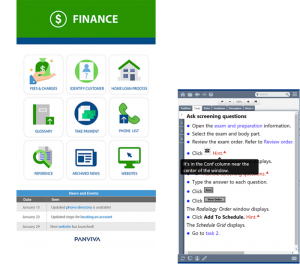
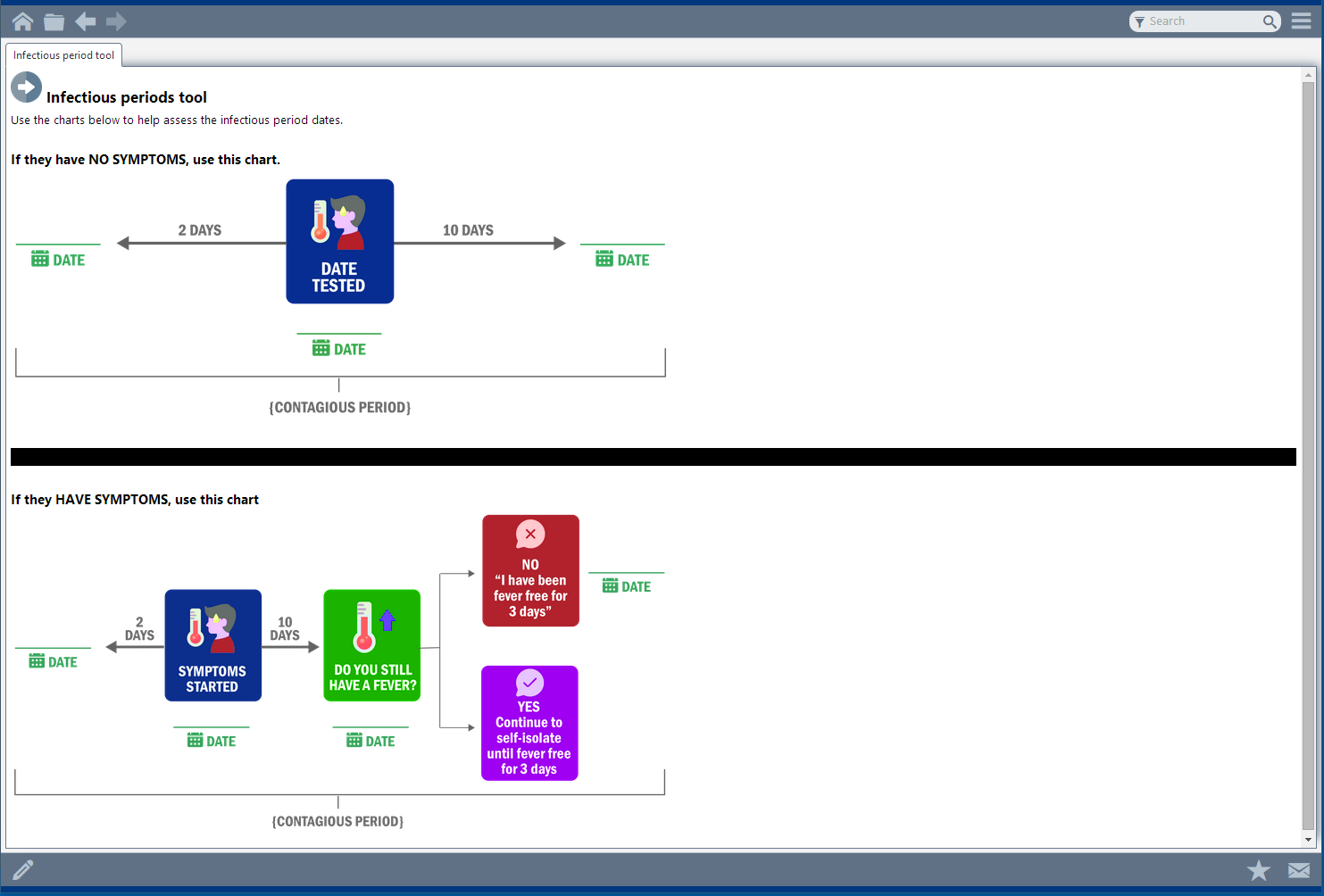
    Screenshot of an example of the Panviva Homepage for Healthcare. Fully customizable with permissioning.Screenshot of an example of Panviva's Homepage for Contact Centers.Screenshot of Layered Content: The software allows the user to layer content, arming teams with the information they need in an uninterrupted navigation.Screenshot of WYSIWYG Editor: With templates and reusable content, users can structure, style and organize content without the need for code or help from an IT team.Screenshot of Panviva's processes for collaboration and feedbackScreenshot of an interactive process map that can be created in Panviva to help guide the user visually.