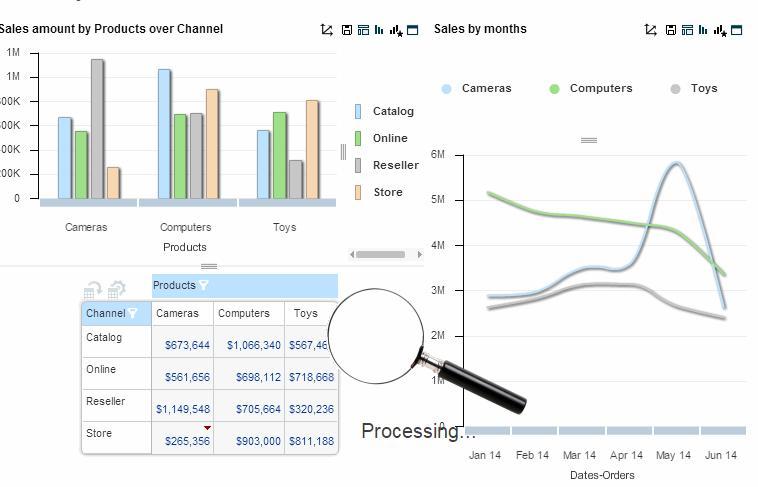
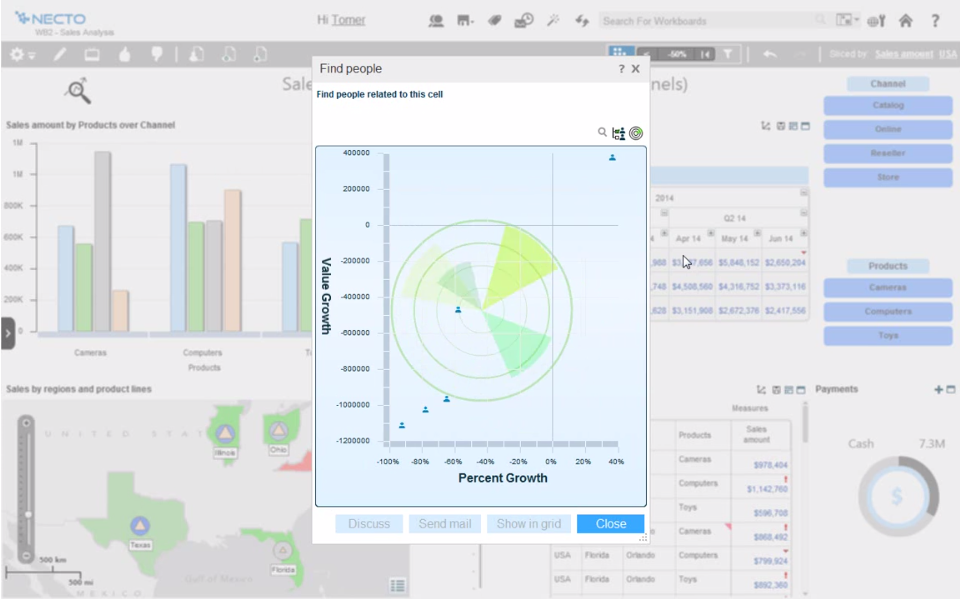
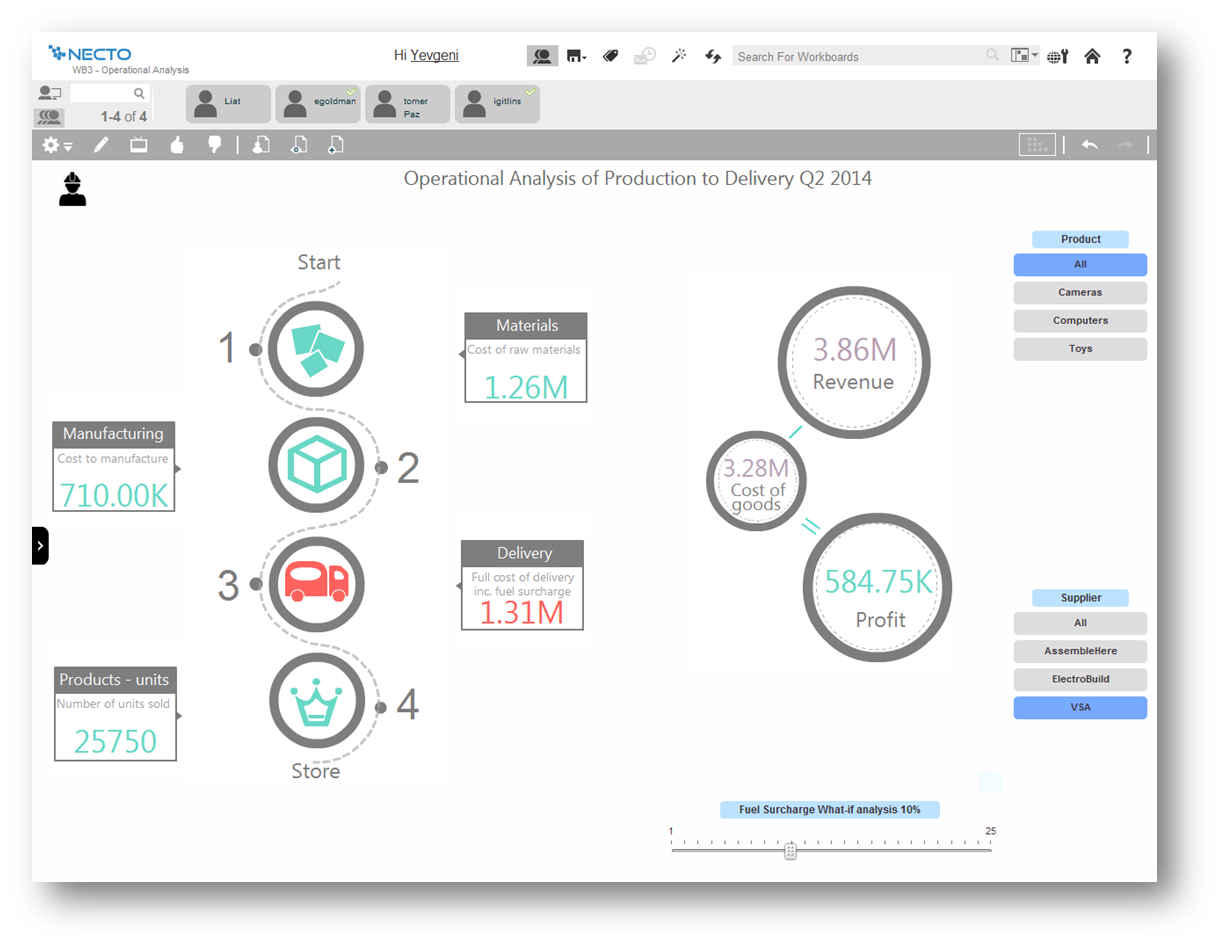
Panorama Necto is a business intelligence solution that provides enterprises with new ways to collaborate and create unique contextual connections. Some key features include: Workboards/Dashboards, Advanced Analytics, and Contextual Discovery.
N/A
Spotfire
Score 8.1 out of 10
N/A
Spotfire, formerly known as TIBCO Spotfire, is a visual data science platform that combines visual analytics, data science, and data wrangling, so users can analyze data at-rest and at-scale to solve complex industry-specific problems.
N/A
Pricing
Panorama Necto
Spotfire
Editions & Modules
No answers on this topic
No answers on this topic
Offerings
Pricing Offerings
Panorama Necto
Spotfire
Free Trial
Yes
Yes
Free/Freemium Version
No
No
Premium Consulting/Integration Services
No
No
Entry-level Setup Fee
No setup fee
No setup fee
Additional Details
—
For Enterprise engagements, contact Spotfire directly for a custom price quote.
More Pricing Information
Community Pulse
Panorama Necto
Spotfire
Features
Panorama Necto
Spotfire
BI Standard Reporting
Comparison of BI Standard Reporting features of Product A and Product B
Panorama Necto
7.3
Ratings
11% below category average
Spotfire
-
Ratings
Pixel Perfect reports
6.00 Ratings
00 Ratings
Customizable dashboards
8.00 Ratings
00 Ratings
Report Formatting Templates
8.00 Ratings
00 Ratings
Ad-hoc Reporting
Comparison of Ad-hoc Reporting features of Product A and Product B
Panorama Necto
8.0
Ratings
1% below category average
Spotfire
-
Ratings
Drill-down analysis
9.00 Ratings
00 Ratings
Formatting capabilities
7.00 Ratings
00 Ratings
Integration with R or other statistical packages
8.00 Ratings
00 Ratings
Report sharing and collaboration
8.00 Ratings
00 Ratings
Report Output and Scheduling
Comparison of Report Output and Scheduling features of Product A and Product B
Panorama Necto
7.2
Ratings
14% below category average
Spotfire
-
Ratings
Publish to Web
7.80 Ratings
00 Ratings
Publish to PDF
6.70 Ratings
00 Ratings
Report Versioning
7.10 Ratings
00 Ratings
Report Delivery Scheduling
7.00 Ratings
00 Ratings
Data Discovery and Visualization
Comparison of Data Discovery and Visualization features of Product A and Product B
How efficient is the tool for error handling capabilities? - In this case Panorama Necto has a unique feature of exceptional error handling capability and conditional error alerts that can be sent to stakeholders via email. An important question to ask while selecting any BI tool is, how good is the support? Panorama Necto has a group of highly knowledgeable and responsible support team members. The online video tutorials are very helpful and it's easy to learn this tool. This tool is very cost effective.
Spotfire was used to look at a large data set of an in process manufacturing step. The data visualization was set up to look at yield as a function of several inputs (chemical / equipment / operator). After only a short analysis it was immediately obvious that there was a 5% yield discrepancy based on the operator using the equipment. The operators were retrained and the yield gap was eliminated.
Comes with lot of option to modify and build the smart infographic. Uses innovative pictures and charts to create the dashboards
Helps you identify why you are succeeding and where you should shift your focus to.
The maps are amazing and they just don’t act as control points rather you can populate various measures on them making it really efficient to understand the business in geographical info graph
They should have a lower price point for users to access the analyst version who don't require advanced capabilities. For example, a lower price if users just need to do some basic slicing and dicing with their data and not have to the data science functionality (ie. K-means clustering, regression modeling, classification modeling, etc.).
Currently, you can't change the font type/color on the axis, which I'm sure will eventually be available in the future as they have a Spotfire Ideas portal that they're fairly responsive to and act on. I guess at the end of the day, it's about the data and what insights you get from it.
Some features are very basic and sometimes you can't add your own SQL query for custom reports. For Macs and Blackberry users this application is not helpful. Non-languages are not supported in info-graphics. They need to improve their forecast analysis. Report sharing is limited among the portal users only
It's a very powerful tool that allows for a myriad of customizations within the analysis files themselves, particularly with the custom expression functionality. There have been some great strides with the quality of the visualization options (which were not great to begin with) and I hope to see more improvements made as the product gets updated.
It provides all the features that are required and some that are not the basic requirements, but they represent a great additional capabilities, not available within the similar products
Basic tasks like generating meaningful information from large sets of raw data are very easy. The next step of linking to multiple live data sources and linking those tables and performing on the fly analysis of the imported data is understandably more difficult.
Even though, it's a rather stable and predictable tool that's also fast, it does have some bugs and inconsistencies that shut down the system. Depending on the details, it could happen as often as 2-3 times a week, especially during the development period.
Generally, the Spotfire client runs with very good performance. There are factors that could affect performance, but normally has to do with loading large analysis files from the library if the database is located some distance away and your global network is not optimal. Once you have your data table(s) loaded in the client application, usually the application is quite good performance-wise.
Support has been helpful with issues. Support seems to know their product and its capabilities. It would also seem that they have a good sense of the context of the problem; where we are going with this issue and what we want the end outcome to be.
The instructor was very in depth and provided relevant training to business users on how to create visualizations. They showed us how to alter settings and filter views, and provided resources for future questions. However, the instructor failed to cover data sources, connecting to data, etc. While it was helpful to see how users can use the data to create reports, they failed to properly instruct us on how to get the dataset in to begin with. We are still trying to figure out connections to certain databases (we have multiple different types).
The online training is good, provides a good base of knowledge. The video demonstrations were well-done and easy to follow along. Provided exercises are good as well, but I think there could be more challenging exercises. The training has also gone up in price significantly in the last 3 years (in USD, which hurts us even more in Canada), and I'm not sure it is worth the money it now costs (it is worth how much it cost 3 years ago, but not double that.)
The original architecture I created for our implementation had only a particular set of internal business units in mind. Over the years, Spotfire gained in popularity in our company and was being utilized across many more business units. Soon, its usage went beyond what the original architectural implementation could provide. We've since learned about how the product is used by the different teams and are currently in the middle of rolling out a new architecture. I suggest:
Have clearly defined service level agreements with all the teams that will use Spotfire. Your business intelligence group might only need availability during normal working hours, but your production support group might need 24/7 availability. If these groups share one Spotfire server, maintenance of that server might be a problem.
Know the different types of data you will be working with. One group might be working with "public" data while another group might work with sensitive data. Design your Library accordingly and with the proper permissions.
Know the roles of the users of Spotfire. Will there only be a small set of report writers or does everyone have write access to the Library?
ALWAYS add a timestamp prompt to your reports. You don't want multiple users opening a report that will try and pull down millions of rows of data to their local workstations. Another option, of course, is to just hard code a time range in the backing database view (i.e. where activity_date >= sysdate - 90, etc.), but I'd rather educate/train the user base if possible.
This probably goes without saying, but if possible, point to a separate reporting database or a logical standby database. You don't want the company pounding on your primaries and take down your order system.
In comparison with Pentaho Business Analytics, Panorama Necto 14 is providing similar features where it is distinguished through its provision of a suggestive analytics feature. This is fairly unique to the Panorama Necto 14 software where it analyzes information from various data sources and recommends solutions based on historical review
Spotfire is appropriate for every organization of any size because it can be a recipient of data for better decision-making. Being a robust development platform for creating reports and dashboards, creating a new Spotfire dashboard is relatively simple. Developers can create highly customized dashboards using the tools it provides. I will recommend this software to others
In an enterprise architecture, if Spotfire Advanced Data services(Composite Studio),data marts can be managed optimally and scalability in a data perspective is great. As the web player/consumer is directly proportional to RAM, if the enterprise can handle RAM requirement accomodating fail over mechanisms appropraitely, it is definitely scalable,
Spotfire really helped a lot of people in terms of analysis. It eliminates data analysis in excel. Because even underlying data you can explore it in Spotfire.
Spotfire helps data analysts to investigate data and also help analysts solve inconsistency of data.
Spotfire helps data analysts in building great dashboard that provide insights to users to make decisions to drive revenue and manage the churn.