TrustRadius: an HG Insights company

Save this comparison

Save this comparison

Add Product

Recommended Comparisons

    Overview
    ProductRatingMost Used ByProduct SummaryStarting Price

    Pandora FMS

    Score9.1 out of 10
    Enterprise companies (1,001+ employees)
    Pandora FMS is a flexible monitoring solution. It is presented as ideal for medium and big-sized environments with at least 100 devices. Users can monitor any device, infrastructure, application, IT as well as business processes and services. It allows business users to obtain information from their concerns in real time, visualizing the data in a direct way. The solution boasts users among companies and organizations in more than 40 countries around the world, who according to the…

    $2,990

    100 nodes

    PingPlotter

    Score9.3 out of 10
    N/APingPlotter is a graphical traceroute and ping tool that visualizes network performance in a way that makes identifying the source of problems quicker and easier for everyone from online gamers and video streamers to VoIP admins and IT pros. Features for remote deployment, network monitoring, scripting, and a web interface are included along with several additional capabilities.

    $0

    per user

    Pricing
    Pandora FMSPingPlotter
    Editions & Modules
    NMS Edition
    $2,990
    100 nodes
    Enterprise Edition
    $4,250
    100 nodes
    PingPlotter Free
    $0.00
    per user
    PingPlotter Free
    $0.00
    per user
    PingPlotter Standard
    $6.99
    per user per month
    PingPlotter Professional
    $29.00
    per user per month
    PingPlotter Standard
    $39.99
    per user
    PingPlotter Professional
    $349.00
    per user
    Offerings
    Pricing Offerings
    Pandora FMSPingPlotter
    Free Trial
    YesYes
    Free/Freemium Version
    YesYes
    Premium Consulting/Integration Services
    YesNo
    Entry-level Setup FeeRequiredNo setup fee
    Additional DetailsLicensed for individual nodes (agents), starting from 100 nodes.—
    More Pricing Information
    Community Pulse
    Pandora FMSPingPlotter
    Considered Both Products
    Pandora FMS LLC
    No answer on this topic
    Pingman Tools
    No answer on this topic
    Key User Insights
    Would buy again
    No answers on this topic
    100%
    Would buy again
    26 Answers
    Delivers good value for the price
    No answers on this topic
    95%
    Delivers good value for the price
    20 Answers
    Happy with the feature set
    No answers on this topic
    100%
    Happy with the feature set
    26 Answers
    Lived up to sales and marketing promises
    No answers on this topic
    100%
    Lived up to sales and marketing promises
    18 Answers
    Implementation went as expected
    No answers on this topic
    100%
    Implementation went as expected
    26 Answers
    Features
    Pandora FMSPingPlotter
    Network Performance Monitoring
    Comparison of Network Performance Monitoring features of Pandora FMS and PingPlotter
    Feature
    Pandora FMS
    8.4
    2 Ratings
    3% above category average
    PingPlotter
    8.2
    22 Ratings
    0% above category average
    Automated network device discovery8.02 Ratings9.314 Ratings
    Network monitoring9.02 Ratings8.822 Ratings
    Baseline threshold calculation8.02 Ratings6.817 Ratings
    Alerts10.02 Ratings9.214 Ratings
    Network capacity planning8.02 Ratings00 Ratings
    Packet capture analysis8.02 Ratings00 Ratings
    Network mapping8.02 Ratings00 Ratings
    Customizable reports8.02 Ratings6.713 Ratings
    Wireless infrastructure monitoring8.02 Ratings00 Ratings
    Hardware health monitoring9.02 Ratings00 Ratings
    Best Alternatives
    Pandora FMSPingPlotter
    Small Businesses
    Auvik
    Score9.9 out of 10
    Auvik
    Score9.9 out of 10
    Medium-sized Companies
    PingPlotter
    Score9.3 out of 10
    Intermapper
    Score8.4 out of 10
    Enterprises
    Nmap
    Score10 out of 10
    Nmap
    Score10 out of 10
    All AlternativesView all alternativesView all alternatives
    User Ratings
    Pandora FMSPingPlotter
    Likelihood to Recommend
    9.0
    (2 ratings)
    9.6
    (22 ratings)
    Likelihood to Renew
    9.0
    (1 ratings)
    -
    (0 ratings)
    Usability
    9.0
    (1 ratings)
    8.4
    (2 ratings)
    Support Rating
    9.0
    (2 ratings)
    9.0
    (1 ratings)
    Implementation Rating
    8.0
    (1 ratings)
    -
    (0 ratings)
    User Testimonials
    Pandora FMSPingPlotter
    Likelihood to Recommend
    Pandora FMS LLC
    I believe Pandora FMS is a solution that adapts to any type of scenario; it's useful for small businesses as well as large organizations. It more than meets the need to have a comprehensive monitoring system capable of sending alerts instantly and consulting historical data, logs, and trends. Additionally, for small businesses, the free version will be more than sufficient in most cases. And for those who do not want to deploy the service on-premise, there is an option for MaaS (Monitoring as a Service).
    Incentivized
    Read full review
    Pingman Tools
    It is well suited for performing monitoring and testing from a single device. It is less appropriate if you have to monitor from multiple different endpoints. That type of deployment would be more of an enterprise application. If you are looking for an end user monitoring solution then PingPlotter is the one for you.
    Incentivized
    Read full review
    Pros
    Pandora FMS LLC
    • All-in-one software
    • Flexible and easy configuration
    • Multi-platform
    • Design in PERL, CCS and HTML5
    Read full review
    Pingman Tools
    • Monitor traffic in network
    • Measure stops when contacting network locations such as websites
    • Measures the lag and latency it takes to contact network locations
    • Gives you both induvidual measurements as well as good oversight
    • identifies when network lag or disconnect occurs
    Read full review
    Cons
    Pandora FMS LLC
    • The interface is not intuitive due to the number of options it has and its organization.
    • It has a free version with limitations, and another paid version. The commercial one has a quite high cost.
    • It has a certain learning curve.
    Incentivized
    Read full review
    Pingman Tools
    • Its a little confusing to see which targets are currently running pings and which ones are displayed in the plots.
    • Starting and stopping pings requires a right click and that would be better with a play/pause button I think.
    • Ability to drag and drop the graphs to reorder them.
    • more columns to show which targets are running and which are displayed. Currently this is done with symbols so you cant sort by just the running targets for example I've found.
    Incentivized
    Read full review
    Usability
    Pandora FMS LLC
    The solution is very complete, and even includes extras such as IPAM.
    Deployment can be a bit unintuitive at first, but once you become familiar with the solution and thanks to its automatic deployment options it ends up being easier than it seemed. The power and options of the solution are its greatest virtue.
    Incentivized
    Read full review
    Pingman Tools
    I installed it and it just started working. I realized I could then tweak it to show what I needed but didn't have to spend a long time configuring it before use, editing YAML files etc. Maybe that's fine for a network professional, but I only need this software if something goes wrong, and then need it to work quickly out of the box.
    Incentivized
    Read full review
    Support Rating
    Pandora FMS LLC
    The support team answers very quickly. They are always willing to find a solution to any need that is required by us or one of our clients.
    Read full review
    Pingman Tools
    I have not had much contact with the PingPlotter support, only one time have I went to them and it was a positive experience. The questions I had were answered quickly and professionally. I have no issue with the experience I had with the Support team. This was from before and after the purchase of the product.
    Incentivized
    Read full review
    Alternatives Considered
    Pandora FMS LLC
    Before using Pandora FMS, tests were carried out with all these tools:
    • Nagios
    • Zabbix
    • System Center Operations Manager (SCOM)
    • IBM Tivoli
    • PRTG
    • SolarWinds
    Pandora FMS allows simple customization by making adjustments to text files, developing agent add-ons without the need to be a programmer, there is no scenario where we could not take data and save it in PandoraFMS, IoT, industrial products, and everything that any client needs to monitor.
    Read full review
    Pingman Tools
    A balance of a generic tool vs a network equipment product is necessary when investigating network incidents or disruptions. Need to train the engineer to use both tools to perform their analysis and to dive down to the issues as fast as they can. Experience with the tools will continue to play a part if we were to adopt PingPlotter
    Incentivized
    Read full review
    Return on Investment
    Pandora FMS LLC
    • Substantial improvement in monitoring service. Detecting alerts on time always results in economic savings.
    • Improvement in the periodic report associated with the capacity plan. The tool is indispensable in decision-making.
    • Centralization and tool savings. Pandora FMS's versatility allows centralizing several functions into a single tool.
    Incentivized
    Read full review
    Pingman Tools
    • Great ROI, troubleshooting time has been reduced by 90%
    • Network Discoveries used to take 2 to 3 hours and were inconsistent - now it is a matter of minutes
    • lacks integration into our MSP toolkit, and we now use it as a stand alone product
    Incentivized
    Read full review
    ScreenShots

    Pandora FMS Screenshots

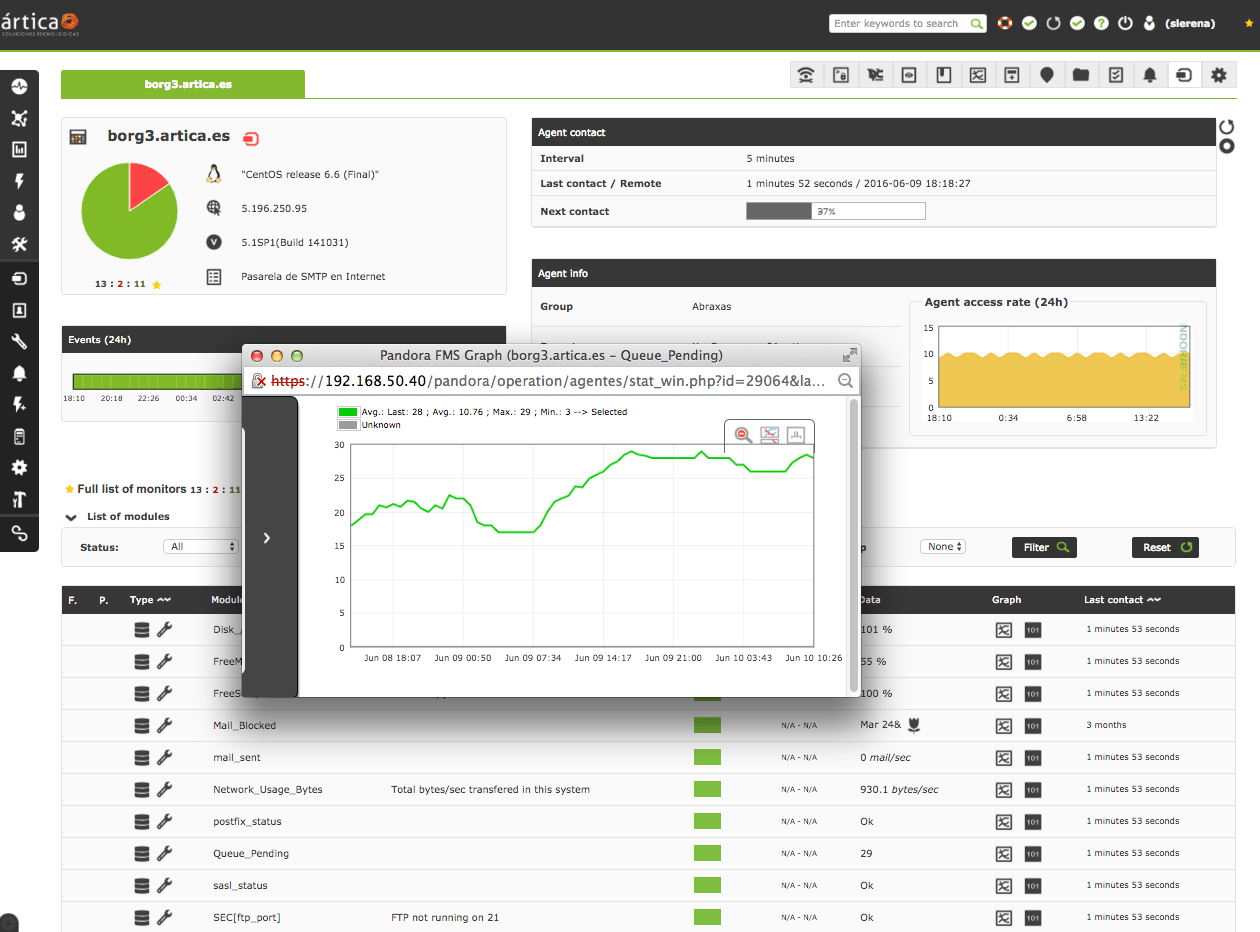
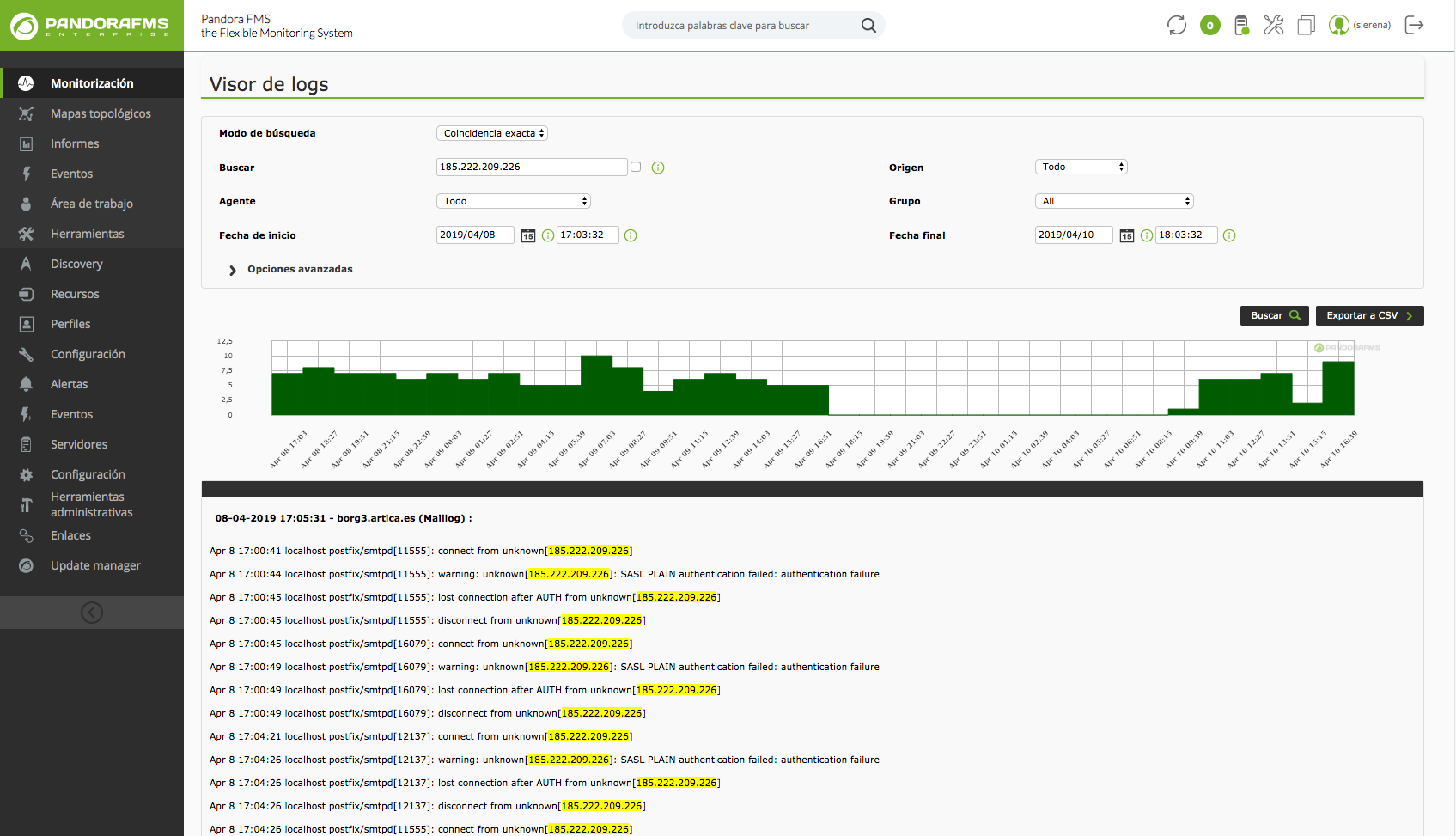
    Screenshot of Operation viewScreenshot of DashboardScreenshot of SLA Report SampleScreenshot of Log visualizationScreenshot of SLA report viewScreenshot of Netflow usage

    PingPlotter Screenshots

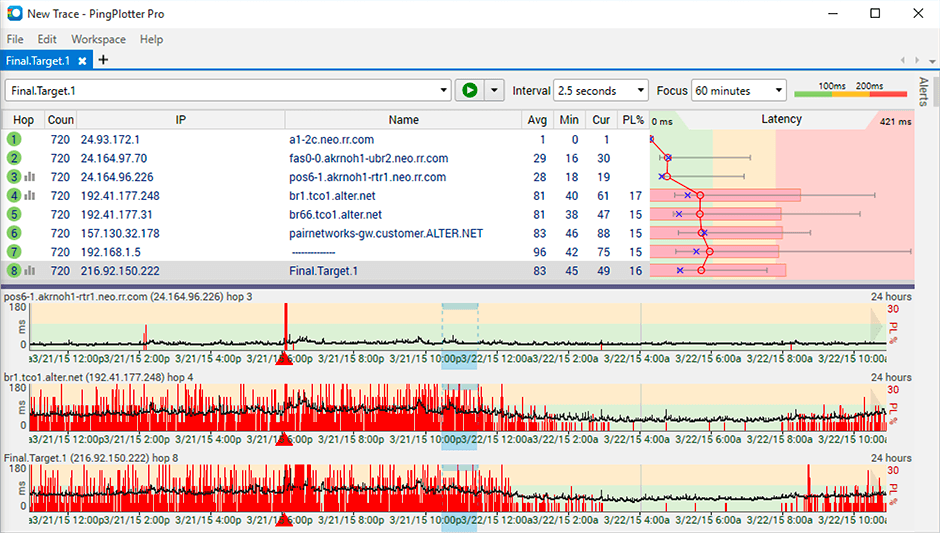
    Product screenshotProduct screenshotProduct screenshot