TrustRadius: an HG Insights company

Palo Alto Networks Prisma Access vs. Twingate

Save this comparison

Save this comparison

Add Product

Recommended Comparisons

    Overview
    ProductRatingMost Used ByProduct SummaryStarting Price

    Palo Alto Networks Prisma Access

    Score8.9 out of 10
    N/AGlobalProtect™ delivers the protection of next-generation security platform to the mobile workforce in order to stop targeted cyberattacks, evasive application traffic, phishing, malicious websites, command-and-control traffic, and known and unknown threats.N/A

    Twingate

    Score9.2 out of 10
    N/ATwingate allows businesses to secure remote access to their private applications, data, and environments, whether they are on-premise or in the cloud. Built to make the lives of DevOps teams, IT teams, and end users easier, it replaces outdated corporate VPNs which were not built to handle a world in which "work from anywhere" and cloud-based assets are increasingly the norm. Twingate’s modern zero trust-based approach to securing remote access focuses on improving security,…

    $0

    Pricing
    Palo Alto Networks Prisma AccessTwingate
    Editions & Modules
    No answers on this topic
    Starter Plan
    $0
    Teams Plan
    $5
    per user per month
    Business Plan
    $10
    per user per month
    Offerings
    Pricing Offerings
    Palo Alto Networks Prisma AccessTwingate
    Free Trial
    NoYes
    Free/Freemium Version
    NoYes
    Premium Consulting/Integration Services
    NoNo
    Entry-level Setup FeeNo setup feeNo setup fee
    Additional DetailsAn Enterprise Plan with customized pricing is also available.
    More Pricing Information
    Best Alternatives
    Palo Alto Networks Prisma AccessTwingate
    Small Businesses
    No answers on this topic
    No answers on this topic
    Medium-sized Companies
    No answers on this topic
    No answers on this topic
    Enterprises
    No answers on this topic
    Zscaler Internet Access
    Score8.8 out of 10
    All AlternativesView all alternativesView all alternatives
    User Ratings
    Palo Alto Networks Prisma AccessTwingate
    Likelihood to Recommend
    10.0
    (6 ratings)
    9.5
    (3 ratings)
    Usability
    10.0
    (1 ratings)
    10.0
    (1 ratings)
    Support Rating
    -
    (0 ratings)
    9.5
    (3 ratings)
    User Testimonials
    Palo Alto Networks Prisma AccessTwingate
    Likelihood to Recommend
    Palo Alto Networks
    I still think Palo Alto Networks Prisma Access is the best SASE/SSE product out there. It just has such good granular controls and up to date security definitions that you can feel absolutely secure in your purchase. GlobalProtect was a lifesaver for me when COVID hit so yes I had to work my butt off to get it up and running quickly and as secure as I possibly could but it worked amazing and had excellent performance after we got it running and tied to MFA, certificates and security policies.
    Incentivized
    Read full review
    Twingate
    The product as well as the admin panel is getting richer. Would love port-level access control as well as some more analytics in the admin panel. From what I hear, the team is actively working on it
    Read full review
    Pros
    Palo Alto Networks
    • A secure end-to-end network with virtualization to be able to choose the port of our interest and an opening of the same.
    • Monthly updates that are sufficient, automatic updates that allow us not to have to do the manual implementation.
    • Prisma allows automatically opens an IPsec/SSL VPN connection to Prisma Access.
    • Is flexible and scalable
    Incentivized
    Read full review
    Twingate
    • Easy access management for cloud resources, better security than VPN or IP allow lists
    • 2FA via Google Login or OKTA
    • Easy to onboard external team members (contractors, partners, clients, etc)
    • Was easily approved by my partner security teams to use alongside their VPN client with no conflicts.
    • Zero-trust security is a must-have feature these days!
    • You pay for User, not Client or Resources--easy to roll out to all devices used by your users.
    • No more hassle of maintaining IP allow lists for WFH/remote teams
    Read full review
    Cons
    Palo Alto Networks
    • With all of it's unique features it does take some time to get folks up to speed in regards to supporting/managing the software.
    • Doesn't always play nice with non Palo Alto software.
    Incentivized
    Read full review
    Twingate
    • Windows installation had a small glitch, customer support helped quickly resolve the issue
    Read full review
    Usability
    Palo Alto Networks
    I still say that Palo Alto Networks Prisma Access is the best. I love their GUI, their policies are easy to manage, the sales team is VERY helpful (especially when support is not). I still recommend them to everyone I talk to.
    Incentivized
    Read full review
    Twingate
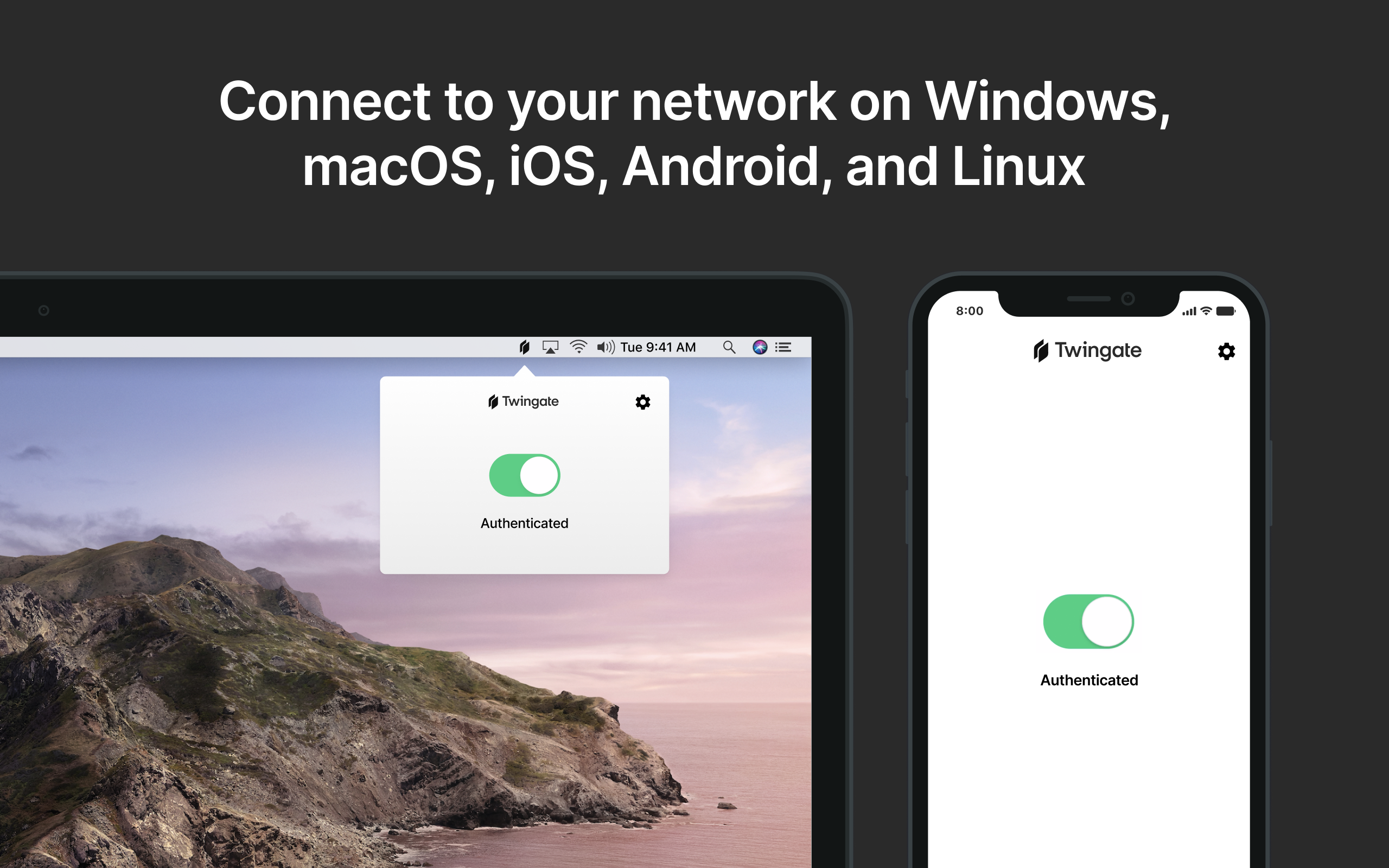
    For the end-user, it is essentially an on-off switch integrated with our Identify Protection Solution
    Read full review
    Support Rating
    Palo Alto Networks
    No answers on this topic
    Twingate
    Support team understood my challenge and was able to influence product direction to expedite support for my features - A+!
    Read full review
    Alternatives Considered
    Palo Alto Networks
    The McAfee product really isn’t a great option. The configuration is a nightmare and requires a lot of time. The policy management has a high learning curve.
    Incentivized
    Read full review
    Twingate
    No answers on this topic
    Return on Investment
    Palo Alto Networks
    • It is extremely easy to manage who has remote access in our organization now.
    • It has allowed us to more fluidly get remote workers up and running.
    • Another tool to mange is never a good thing and the Panorama UI could use a little work.
    Incentivized
    Read full review
    Twingate
    • The ROI has been immediate especially since we are all working remotely during the COVID-19 situation.
    Read full review
    ScreenShots

    Twingate Screenshots

    Product screenshotProduct screenshot