OutSystems vs. Webix UI

Overview
ProductRatingMost Used ByProduct SummaryStarting Price
OutSystems
Score 7.3 out of 10
N/A
The OutSystems Platform is a Platform-as-a-Service solution for rapid delivery of responsive web and mobile applications. It includes functionalities required to develop, deploy, manage and change web and mobile applications. It is targeted at the delivery of enterprise applications that require integration with backend systems, complex business rules and logic, usable interfaces and flexibility to change. It can be deployed in the cloud, on-premises or in hybrid environments.
$4,000
per month
Webix UI
Score 8.7 out of 10
N/A
Webix is a multi-widget JavaScript UI library for developing HTML5 and CSS3 compatible mobile and desktop web apps. It provides over 90 feature rich UI widgets for data management, visualization, uploading, building layouts and editing. The components enable users to build web apps that will run properly not only on personal computers but also on iOS, Android and Windows touch devices. Webix offers simple JQuery, Angular and Vue.js integration and can work with any server-side platform,…
$848
Pricing
OutSystemsWebix UI
Editions & Modules
Basic
$4,000.00
per month
Pro
$10,000.00
per month
Custom License
$848
Company Pack
$2499.00
one project, unlimited developers
DevTeam Pack
$3999.00
unlimited projects, 5+ developers
Unlim Pack
$9499.00
unlimited projects unlimited developers
Offerings
Pricing Offerings
OutSystemsWebix UI
Free Trial
YesYes
Free/Freemium Version
YesYes
Premium Consulting/Integration Services
NoNo
Entry-level Setup FeeNo setup feeNo setup fee
Additional Details
More Pricing Information
Community Pulse
OutSystemsWebix UI
Features
OutSystemsWebix UI
Low-Code Development
Comparison of Low-Code Development features of Product A and Product B
OutSystems
7.9
Ratings
6% below category average
Webix UI
-
Ratings
Visual Modeling5.20 Ratings00 Ratings
Drag-and-drop Interfaces8.00 Ratings00 Ratings
Platform Security6.20 Ratings00 Ratings
Platform User Management8.10 Ratings00 Ratings
Reusability9.90 Ratings00 Ratings
Platform Scalability10.00 Ratings00 Ratings
Best Alternatives
OutSystemsWebix UI
Small Businesses
Creatio
Creatio
Score 9.7 out of 10
Syncfusion® Essential Studio®
Score 6.1 out of 10
Medium-sized Companies
Quixy
Quixy
Score 9.9 out of 10
React
React
Score 9.3 out of 10
Enterprises
Creatio
Creatio
Score 9.7 out of 10
React
React
Score 9.3 out of 10
All AlternativesView all alternativesView all alternatives
User Ratings
OutSystemsWebix UI
Likelihood to Recommend
7.1
(0 ratings)
9.0
(0 ratings)
Likelihood to Renew
8.2
(0 ratings)
-
(0 ratings)
Usability
8.0
(0 ratings)
-
(0 ratings)
Support Rating
7.5
(0 ratings)
8.0
(0 ratings)
In-Person Training
9.1
(0 ratings)
-
(0 ratings)
Online Training
8.2
(0 ratings)
-
(0 ratings)
Implementation Rating
7.3
(0 ratings)
-
(0 ratings)
User Testimonials
OutSystemsWebix UI
Likelihood to Recommend
OutSystems excels with building web interfaces fast and lends itself to custom integrations written in .Net. Most anything can be brought in given this ability to be extended. One of the drawbacks to the speed of development is that most quality control teams become quickly overwhelmed and may be unable to keep up.
Read full review
Webix makes it easy to build a complex Web UI. Combining technologies (like React and Webix) is tricky. Most features work as expected but some are tricky. In way React Components "communicate" and the way a complete Webix Form works is not exactly compatible. Some of these problems are not obvious. However with a good design it is easy to fix. React has to orchestrate the page and each Webix Component / Form is independent from the others and relies only on Rect to integrate. Using Webix alone (iE with the JEt Framework) is trivial but was not enough for our whole application.
Read full review
Pros
  • Deployment management – OutSystems has a built in robust, multi-environment deployment system that helps ensures the clean and error free deployment of applications through the development, testing and production product lifecycle
  • Rapid application development – Through the low code, graphical development environment you can develop applications far quicker than with more traditional development environments
  • Cross platform mobile development – OutSystems handle the development and building of mobile application for both iOS and Android in a simple streamlined way that removes 90% of the problems normally associated with multi platform development
Read full review
  • Customizable widgets and controls help you to present different types of data nicely and work with it.
  • Most of the popular data formats are supported. Large component library and rich UI.
Read full review
Cons
  • The platform controls all the parts. While great for development and overall maintenance, it could lead to discussions with your DBA (who has to trust the platform). As a developer I love the platform, as a DBA I would like more control.
  • By making software development model driven using flows, you are forced to rethink the way of programming. It makes it easier, but sometimes the way of working leads to code which could be optimized (standard problem in model based software development).
  • Most of the code is generated, so the technical knowledge of the inner working of coding are not Essentials. This could lead to degration of this knowlegde. As part of this, most technologies will only be used when OutSystems supports it. They do a good job on implementing these things. But things like Node.js would be nice.
Read full review
  • Since we are using react as foundation it was difficult to use some features in our environment. In the beginning we tried to have a drag and drop customizable Webix UI combined with React and failed miserably doing so. Current Version has a much better React integration.
Read full review
Likelihood to Renew
We are very happy with OutSystems and our developers deliver good work. OutSystems lets us build new software on a regulare (2 weekly) basis, which is highly flexible and adjustable. Even without very much experience, our developers manage to build usefull software, which is working a lot better than our previous (legacy) software.
Read full review
No answers on this topic
Usability
OutSystems has a feature in which we can develop a functionality in a application and can use that functionality in another application without developing it again. That is main plus point for the development team so they can work with different functionalities rather focusing on the same thing again and again. if we want to make any change on the user side then we can make it live with just the deployment using the service center.
Read full review
No answers on this topic
Support Rating
The tech support is very reachable. Usually by [email] from but also by phone if needed. We had some difficulties at the start with understanding "what our machine was doing" under high performance load. After some good sessions understanding our needs they delivered good solutions for our problems we had in the beginning.
Read full review
Webix UI is a cross-browser, cross-device JavaScript framework which makes it easy to build a complex Web UI. Most features work as expected. While working with large datasets, you can load data dynamically to reduce complexity and improve performance. It provides a set of integration extensions that allow you to add third-party tools into an application.
Read full review
In-Person Training
Excellent material full of hands on that improve the understanding of the platform.
Read full review
No answers on this topic
Online Training
The online training material is well designed and explanations are step by step, helping trainees to understand and follow each exercise and new concept.
Read full review
No answers on this topic
Implementation Rating
In a large company, patiently and consistently work the behind the scenes politics with business and IT partners across the firm.
This is transformational - you will need a solid set of key business partners to lock arms together to move forward.
Read full review
No answers on this topic
Alternatives Considered
Totally different products of cource. Sitecore is best suited for full fledged websites with extensive support for analytics. OutSystems for modular business processes with a UI. Hence, there is no overlap. But even for small websites, or even landingpages, I would recommend OutSystems, with a custom made analytics part or a plugin.
Read full review
It seems very convenient to us. It has a large component library and rich UI. The navigation is great. The documentation is very good as well. The Kanban board is fantastic and flexible.
Read full review
Return on Investment
  • The ease of use of the OutSystems development process has been the biggest ROI for us. We have developed our Framework product and maintained/enhanced it with only 4 workers.
  • OutSystems has enhanced their product very significantly over the last 4 years. They have gone from a simple to use tool to a very simple to use sophisticated tool that covers the standard mainframe-based computing apps and the apps used on handheld mobile devices all using the same basic set of development tools.
Read full review
  • Fast development time has allowed us to move quickly
Read full review
ScreenShots

Webix UI Screenshots

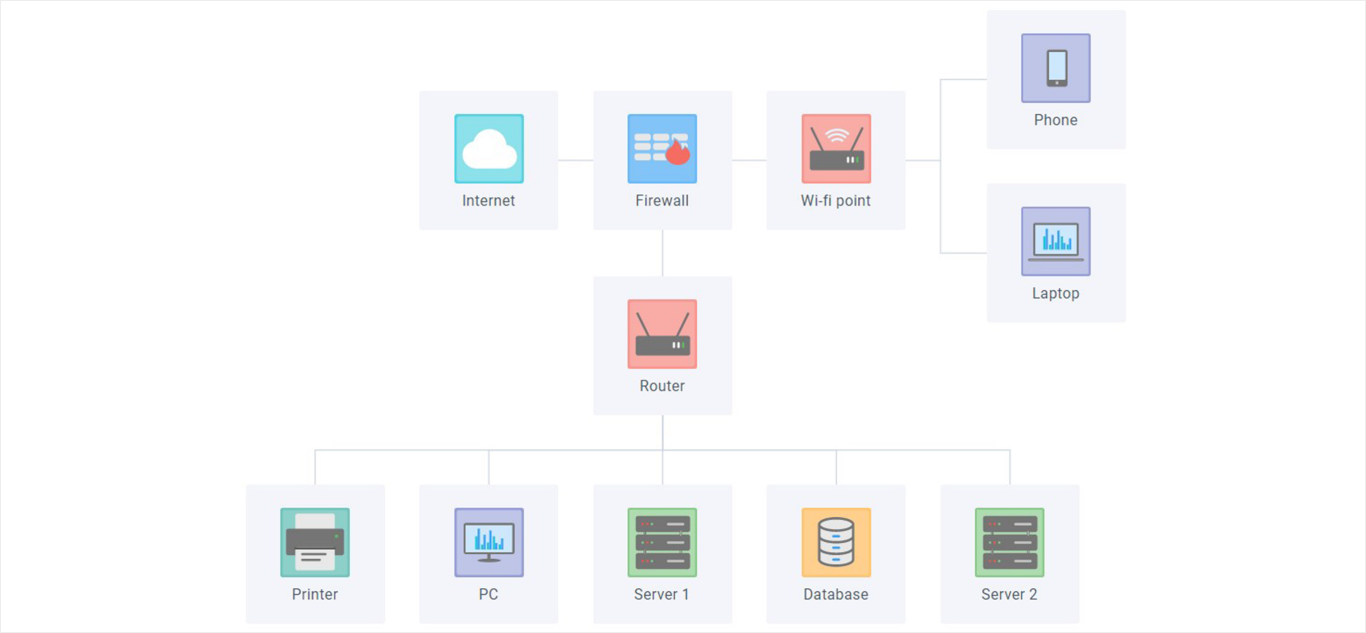
Screenshot of Chat / Messenger - JavaScript widget for web communicationScreenshot of Javascript Diagram LibraryScreenshot of JavaScript Document Manager widget for web developmentScreenshot of JavaScript File Manager, HTML5 UI web widgetScreenshot of Gantt Chart: JavaScript online project management applicationScreenshot of Kanban JavaScript UI widget or Tasks Management Board