
Orangescrum vs. Zoho Projects
| Product | Rating | Most Used By | Product Summary | Starting Price |
|---|---|---|---|---|
 Orangescrum | Score7 out of 10 | Mid-Size Companies (51-1,000 employees) | Orangescrum has cloud, cloud self-hosted & Open Source Enterprise editions with multiple features like Agile Scrum Project Management, Gantt chart, Time log, Kanban View, Daily Catch-Up, Recurring Tasks, Project & Task templates, Invoicing, task labels and reminders. Orangescrum Cloud also offers Scrum Project Management capabilities such as Epics & Stories, Sprints (tasks & subtasks), Scrum Boards, Sprint reports & Velocity chart. The Cloud and Cloud Self-Hosted editions… | $4.99 per month per user |
 Zoho Projects | Score8.8 out of 10 | N/A | Zoho Project is online project management and planning software that provides project teams with a web-based collaborative environment. Zoho Projects can also include a bug tracking module specifically design to support software development project. It is integrated with other Zoho products including Zoho CRM. | $5 per month per user |
| Orangescrum | Zoho Projects | |||||||||||||||
|---|---|---|---|---|---|---|---|---|---|---|---|---|---|---|---|---|
| Editions & Modules |
|
| ||||||||||||||
| Offerings |
| |||||||||||||||
| Entry-level Setup Fee | Optional | Optional | ||||||||||||||
| Additional Details | — | Discount offered for annual billing. | ||||||||||||||
| More Pricing Information | ||||||||||||||||
| Orangescrum | Zoho Projects | |
|---|---|---|
| Considered Both Products | No answer on this topic | No answer on this topic |
| Key User Insights | ||
| Would buy again | ||
No answers on this topic | 75% Would buy again 6 Answers | |
| Delivers good value for the price | ||
No answers on this topic | 100% Delivers good value for the price 7 Answers | |
| Happy with the feature set | ||
No answers on this topic | 88% Happy with the feature set 7 Answers | |
| Lived up to sales and marketing promises | ||
No answers on this topic | 71% Lived up to sales and marketing promises 5 Answers | |
| Implementation went as expected | ||
No answers on this topic | 57% Implementation went as expected 4 Answers | |
| Orangescrum | Zoho Projects | ||||||||||||||||||||||||||||||||||||||||||||||
|---|---|---|---|---|---|---|---|---|---|---|---|---|---|---|---|---|---|---|---|---|---|---|---|---|---|---|---|---|---|---|---|---|---|---|---|---|---|---|---|---|---|---|---|---|---|---|---|
| Project Management |
| ||||||||||||||||||||||||||||||||||||||||||||||
| Professional Services Automation |
| ||||||||||||||||||||||||||||||||||||||||||||||
| Orangescrum | Zoho Projects | |
|---|---|---|
| Small Businesses |  Any.do Score8 out of 10 | Any.do Score8 out of 10 |
| Medium-sized Companies |  KanbanFlow Score7.3 out of 10 | KanbanFlow Score7.3 out of 10 |
| Enterprises |  Microsoft To Do Score9.6 out of 10 | Microsoft To Do Score9.6 out of 10 |
| All Alternatives | View all alternatives | View all alternatives |
| Orangescrum | Zoho Projects | |
|---|---|---|
| Likelihood to Recommend | 5.0 | 6.5 |
| Likelihood to Renew | - | 9.9 |
| Usability | - | 5.6 |
| Availability | - | 9.0 |
| Performance | - | 9.0 |
| Support Rating | - | 7.4 |
| Online Training | - | 9.0 |
| Implementation Rating | - | 8.0 |
| Orangescrum | Zoho Projects | |
|---|---|---|
| Likelihood to Recommend |
|
|
| Pros |
|
|
| Cons |
|
|
| Likelihood to Renew | No answers on this topic |
|
| Usability | No answers on this topic |
|
| Reliability and Availability | No answers on this topic |
|
| Performance | No answers on this topic |
|
| Support Rating | No answers on this topic |
|
| Alternatives Considered |
|
|
| Return on Investment |
|
|
| ScreenShots | Orangescrum Screenshots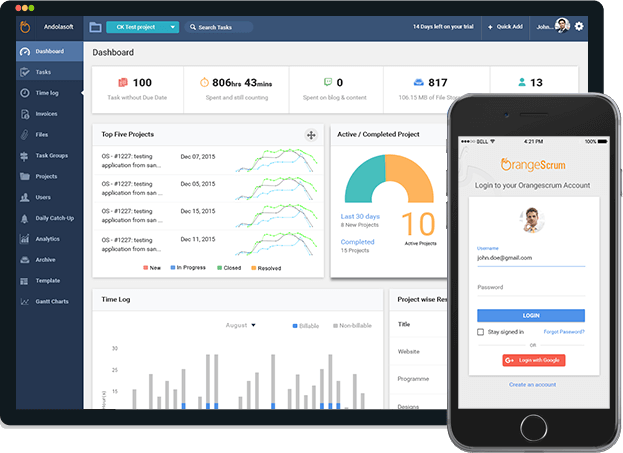   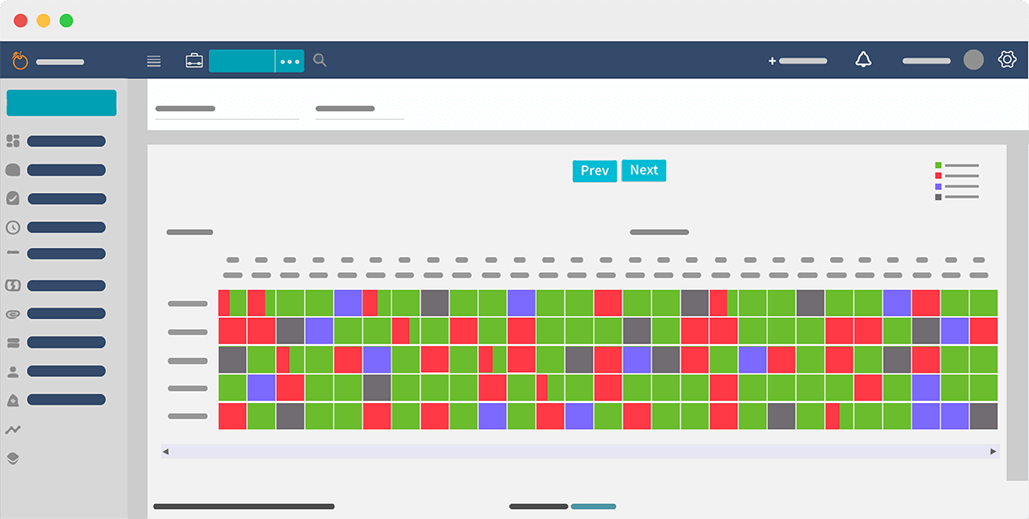  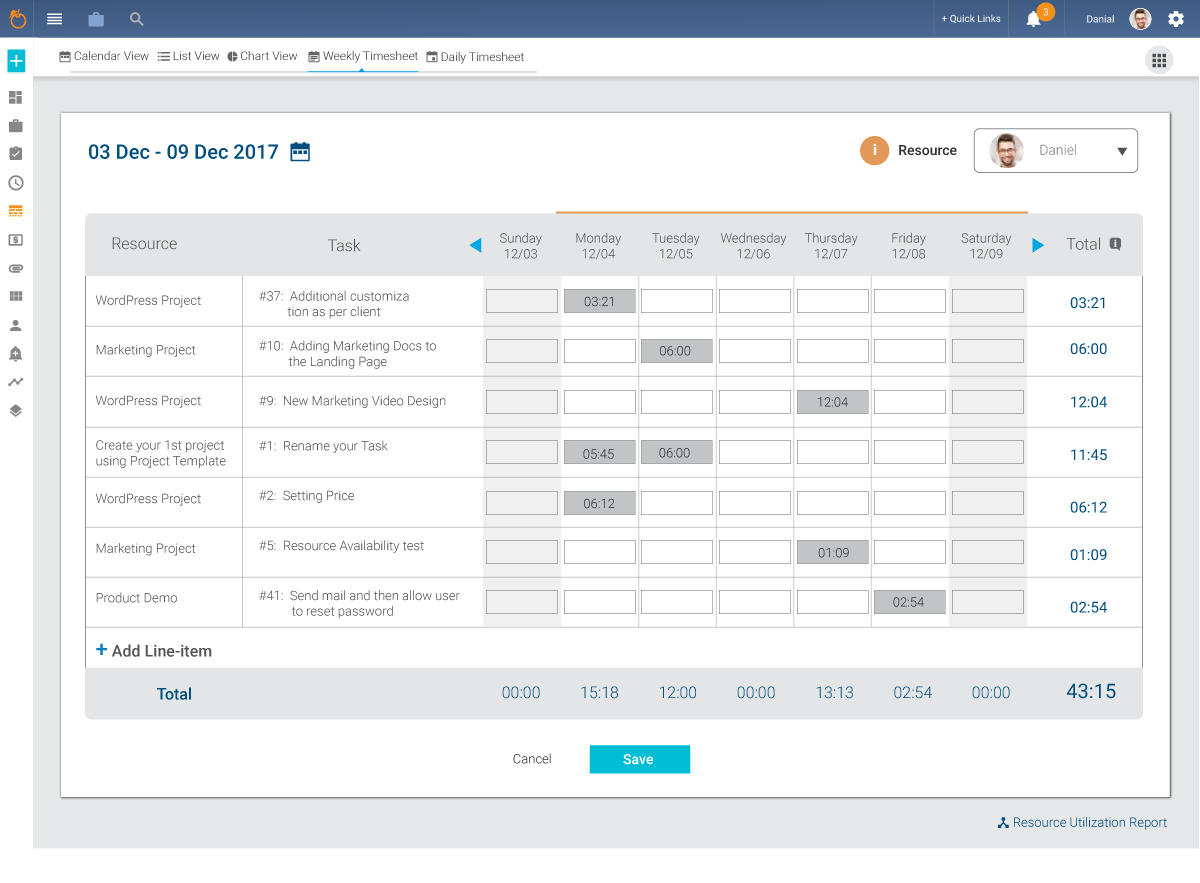 | Zoho Projects Screenshots      |


