
OnPay vs. Zoho Payroll
| Product | Rating | Most Used By | Product Summary | Starting Price |
|---|---|---|---|---|
 OnPay | Score9.9 out of 10 | N/A | OnPay's payroll and HR is designed for people who want to spend more time running their business, and less on back-office tasks. The application aims to enable users to: • Run payroll • Automate taxes • Let employees do more themselves • Simplify HR processes • Offer benefits in any state OnPay is $49 plus $6 per person each month. The monthly fee includes integrations with QuickBooks, Xero, and time-tracking software, as well as all quarterly and year-end… | $49 per month +$6 per month, per person |
 Zoho Payroll | Score9 out of 10 | N/A | Zoho Payroll is online payroll software that's designed for federal and state tax compliance. It automates payroll calculation and taxes, generates online pay stubs, and can be used to pay employees. | $39 per month + $6 per employee |
| OnPay | Zoho Payroll | |||||||||||||||
|---|---|---|---|---|---|---|---|---|---|---|---|---|---|---|---|---|
| Editions & Modules | No answers on this topic |
| ||||||||||||||
| Offerings |
| |||||||||||||||
| Entry-level Setup Fee | No setup fee | No setup fee | ||||||||||||||
| Additional Details | First month free, then $49 + $6 per employee each month. | Up to 25% discount for annual pricing. | ||||||||||||||
| More Pricing Information | ||||||||||||||||
| OnPay | Zoho Payroll | |
|---|---|---|
| Considered Both Products | No answer on this topic | No answer on this topic |
| Key User Insights | ||
| Would buy again | ||
98% Would buy again 54 Answers | No answers on this topic | |
| Delivers good value for the price | ||
98% Delivers good value for the price 54 Answers | No answers on this topic | |
| Happy with the feature set | ||
98% Happy with the feature set 54 Answers | No answers on this topic | |
| Lived up to sales and marketing promises | ||
98% Lived up to sales and marketing promises 53 Answers | No answers on this topic | |
| Implementation went as expected | ||
100% Implementation went as expected 54 Answers | No answers on this topic | |
| OnPay | Zoho Payroll | |||||||||||||||||||
|---|---|---|---|---|---|---|---|---|---|---|---|---|---|---|---|---|---|---|---|---|
| Payroll Management |
| |||||||||||||||||||
| OnPay | Zoho Payroll | |
|---|---|---|
| Small Businesses |  Patriot Payroll Score9.7 out of 10 | OnPay Score9.9 out of 10 |
| Medium-sized Companies |  APS Score1.4 out of 10 | APS Score1.4 out of 10 |
| Enterprises |  ADP Streamline Payroll Score6.4 out of 10 | ADP Streamline Payroll Score6.4 out of 10 |
| All Alternatives | View all alternatives | View all alternatives |
| OnPay | Zoho Payroll | |
|---|---|---|
| Likelihood to Recommend | 9.9 | - |
| Likelihood to Renew | 9.1 | - |
| Usability | 9.2 | - |
| Availability | 9.1 | - |
| Performance | 9.1 | - |
| Support Rating | 8.8 | - |
| Implementation Rating | 9.1 | - |
| Configurability | 9.1 | - |
| Contract Terms and Pricing Model | 9.1 | - |
| Ease of integration | 9.1 | - |
| Product Scalability | 9.1 | - |
| Vendor post-sale | 9.1 | - |
| Vendor pre-sale | 9.1 | - |
| OnPay | Zoho Payroll | |
|---|---|---|
| Likelihood to Recommend |
| No answers on this topic |
| Pros |
| No answers on this topic |
| Cons |
| No answers on this topic |
| Likelihood to Renew |
| No answers on this topic |
| Usability |
| No answers on this topic |
| Reliability and Availability |
| No answers on this topic |
| Performance |
| No answers on this topic |
| Support Rating |
| No answers on this topic |
| Implementation Rating |
| No answers on this topic |
| Alternatives Considered |
| No answers on this topic |
| Scalability |
| No answers on this topic |
| Return on Investment |
| No answers on this topic |
| ScreenShots | OnPay Screenshots      | Zoho Payroll Screenshots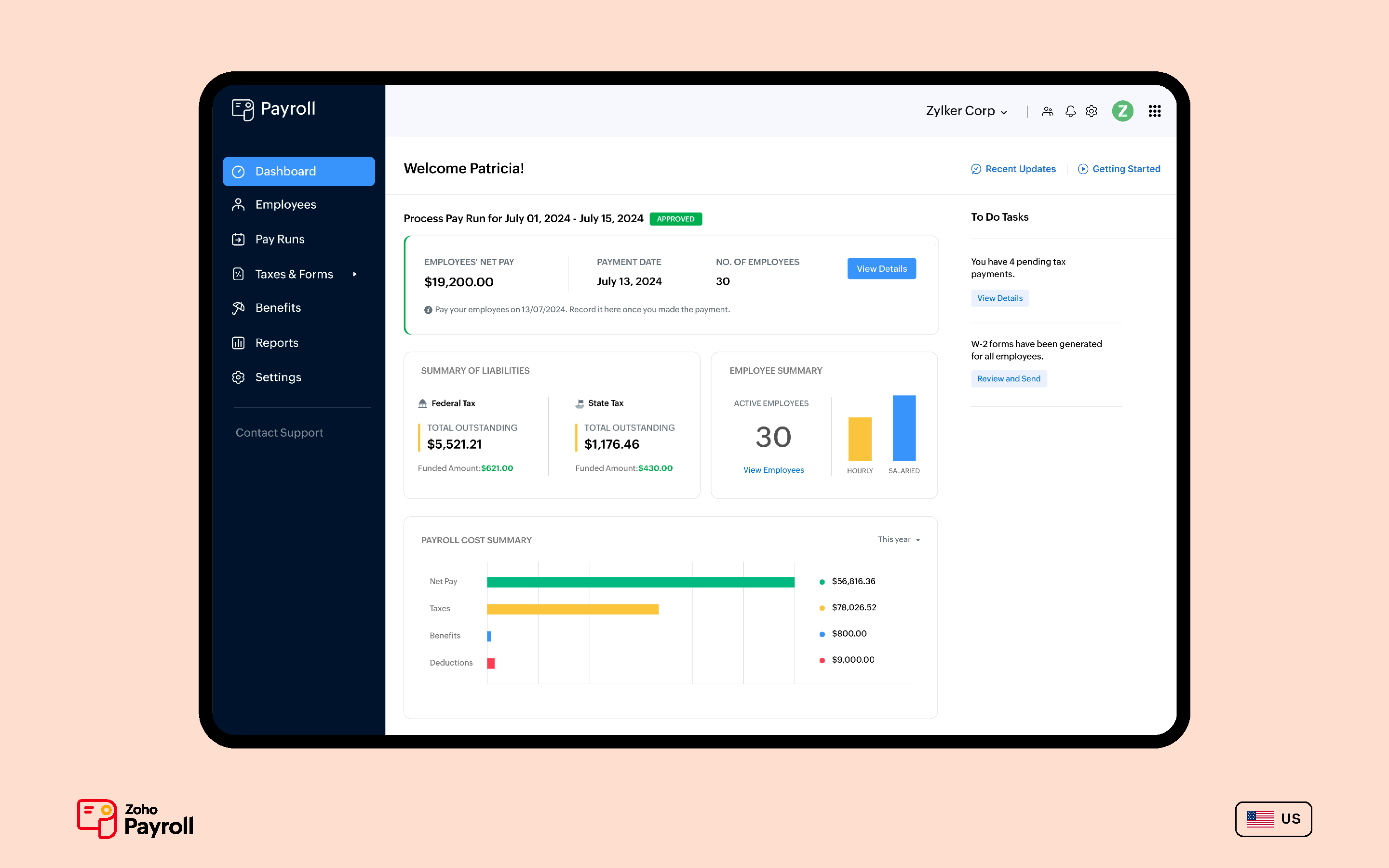 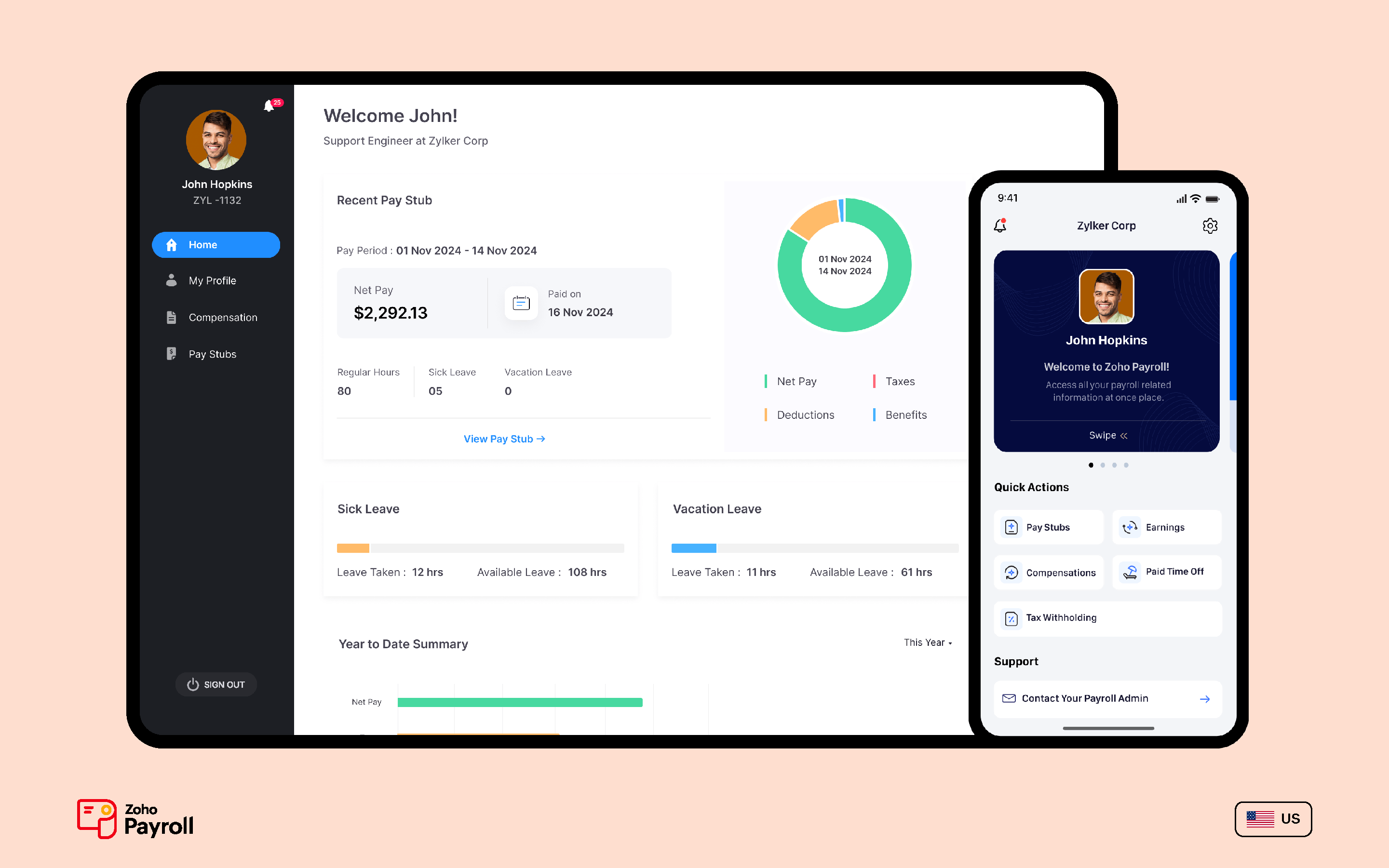   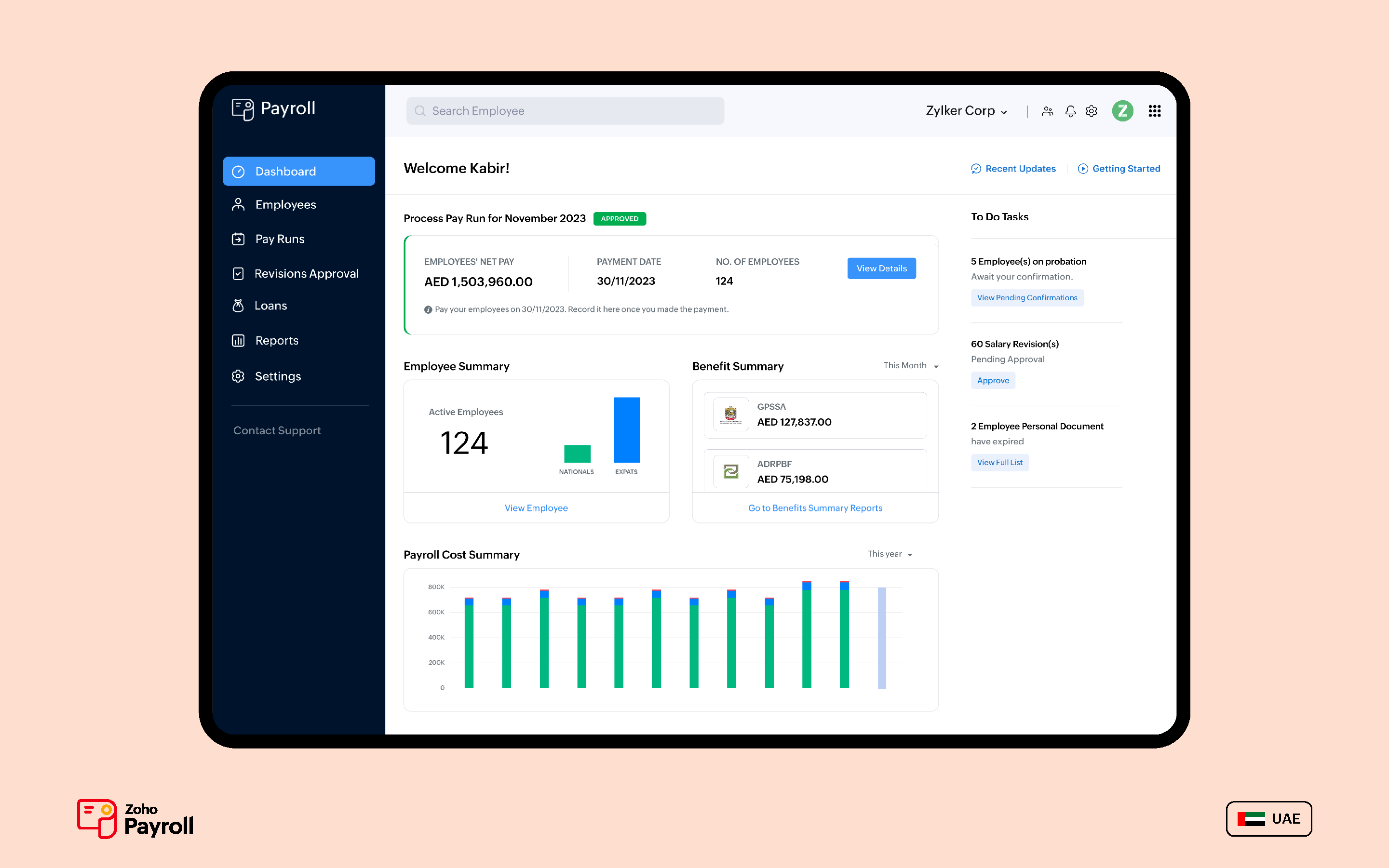  |


