
OnPay vs. PayNorthwest (ONEMINT)
| Product | Rating | Most Used By | Product Summary | Starting Price |
|---|---|---|---|---|
 OnPay | Score9.9 out of 10 | N/A | OnPay's payroll and HR is designed for people who want to spend more time running their business, and less on back-office tasks. The application aims to enable users to: • Run payroll • Automate taxes • Let employees do more themselves • Simplify HR processes • Offer benefits in any state OnPay is $49 plus $6 per person each month. The monthly fee includes integrations with QuickBooks, Xero, and time-tracking software, as well as all quarterly and year-end… | $49 per month +$6 per month, per person |
 PayNorthwest (ONEMINT) | N/A | Mid-Size Companies (51-1,000 employees) | PayNorthwest (formerly ONEMINT) is a payroll and HCM solution that promises the following benefits/differentiators: One system: a true single database Flexible: a cloud-based delivery model Automated: workflows, rules provisioning and process decision automate costly manual workloads Mobile Data first: The right data, to the right person, at the right time | $200 Min Per Month |
| OnPay | PayNorthwest (ONEMINT) | |||||||||||||||
|---|---|---|---|---|---|---|---|---|---|---|---|---|---|---|---|---|
| Editions & Modules | No answers on this topic |
| ||||||||||||||
| Offerings |
| |||||||||||||||
| Entry-level Setup Fee | No setup fee | $20 per User, per Module | ||||||||||||||
| Additional Details | First month free, then $49 + $6 per employee each month. | The vendor charges on a PEPM (Per Employee Per Month). Pricing is structured on modules that are used and how many payrolls your company runs in a month. | ||||||||||||||
| More Pricing Information | ||||||||||||||||
| OnPay | PayNorthwest (ONEMINT) | |
|---|---|---|
| Considered Both Products | No answer on this topic | No answer on this topic |
| Key User Insights | ||
| Would buy again | ||
98% Would buy again 54 Answers | No answers on this topic | |
| Delivers good value for the price | ||
98% Delivers good value for the price 54 Answers | No answers on this topic | |
| Happy with the feature set | ||
98% Happy with the feature set 54 Answers | No answers on this topic | |
| Lived up to sales and marketing promises | ||
98% Lived up to sales and marketing promises 53 Answers | No answers on this topic | |
| Implementation went as expected | ||
100% Implementation went as expected 54 Answers | No answers on this topic | |
| OnPay | PayNorthwest (ONEMINT) | |||||||||||||||||||
|---|---|---|---|---|---|---|---|---|---|---|---|---|---|---|---|---|---|---|---|---|
| Payroll Management |
| |||||||||||||||||||
| OnPay | PayNorthwest (ONEMINT) | |
|---|---|---|
| Small Businesses |  Patriot Payroll Score9.7 out of 10 | OnPay Score9.9 out of 10 |
| Medium-sized Companies |  APS Score1.4 out of 10 | APS Score1.4 out of 10 |
| Enterprises |  ADP Streamline Payroll Score6.4 out of 10 | ADP Streamline Payroll Score6.4 out of 10 |
| All Alternatives | View all alternatives | View all alternatives |
| OnPay | PayNorthwest (ONEMINT) | |
|---|---|---|
| Likelihood to Recommend | 9.9 | - |
| Likelihood to Renew | 9.1 | - |
| Usability | 9.2 | - |
| Availability | 9.1 | - |
| Performance | 9.1 | - |
| Support Rating | 8.8 | - |
| Implementation Rating | 9.1 | - |
| Configurability | 9.1 | - |
| Contract Terms and Pricing Model | 9.1 | - |
| Ease of integration | 9.1 | - |
| Product Scalability | 9.1 | - |
| Vendor post-sale | 9.1 | - |
| Vendor pre-sale | 9.1 | - |
| OnPay | PayNorthwest (ONEMINT) | |
|---|---|---|
| Likelihood to Recommend |
| No answers on this topic |
| Pros |
| No answers on this topic |
| Cons |
| No answers on this topic |
| Likelihood to Renew |
| No answers on this topic |
| Usability |
| No answers on this topic |
| Reliability and Availability |
| No answers on this topic |
| Performance |
| No answers on this topic |
| Support Rating |
| No answers on this topic |
| Implementation Rating |
| No answers on this topic |
| Alternatives Considered |
| No answers on this topic |
| Scalability |
| No answers on this topic |
| Return on Investment |
| No answers on this topic |
| ScreenShots | OnPay Screenshots      | PayNorthwest (ONEMINT) Screenshots 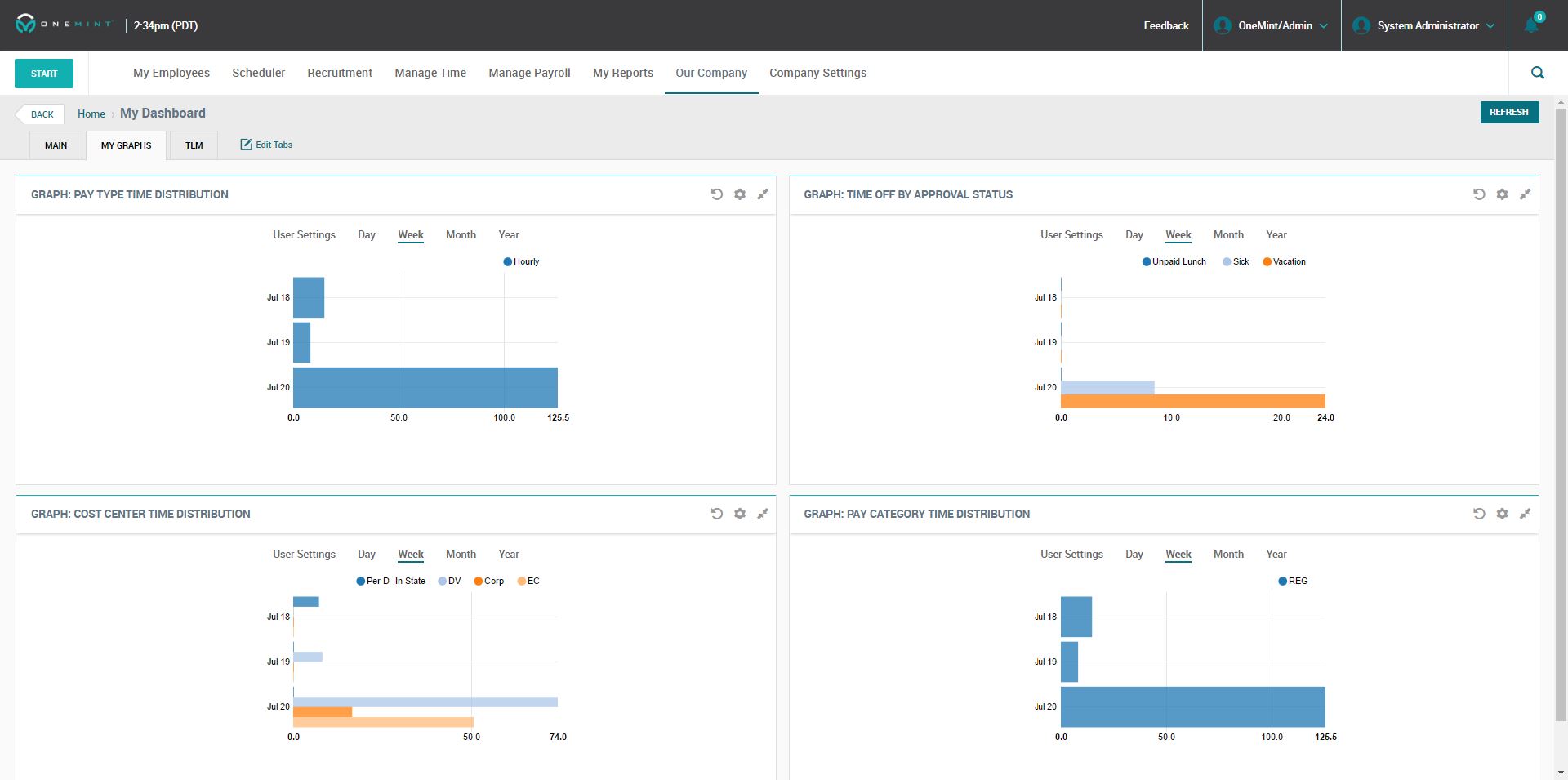 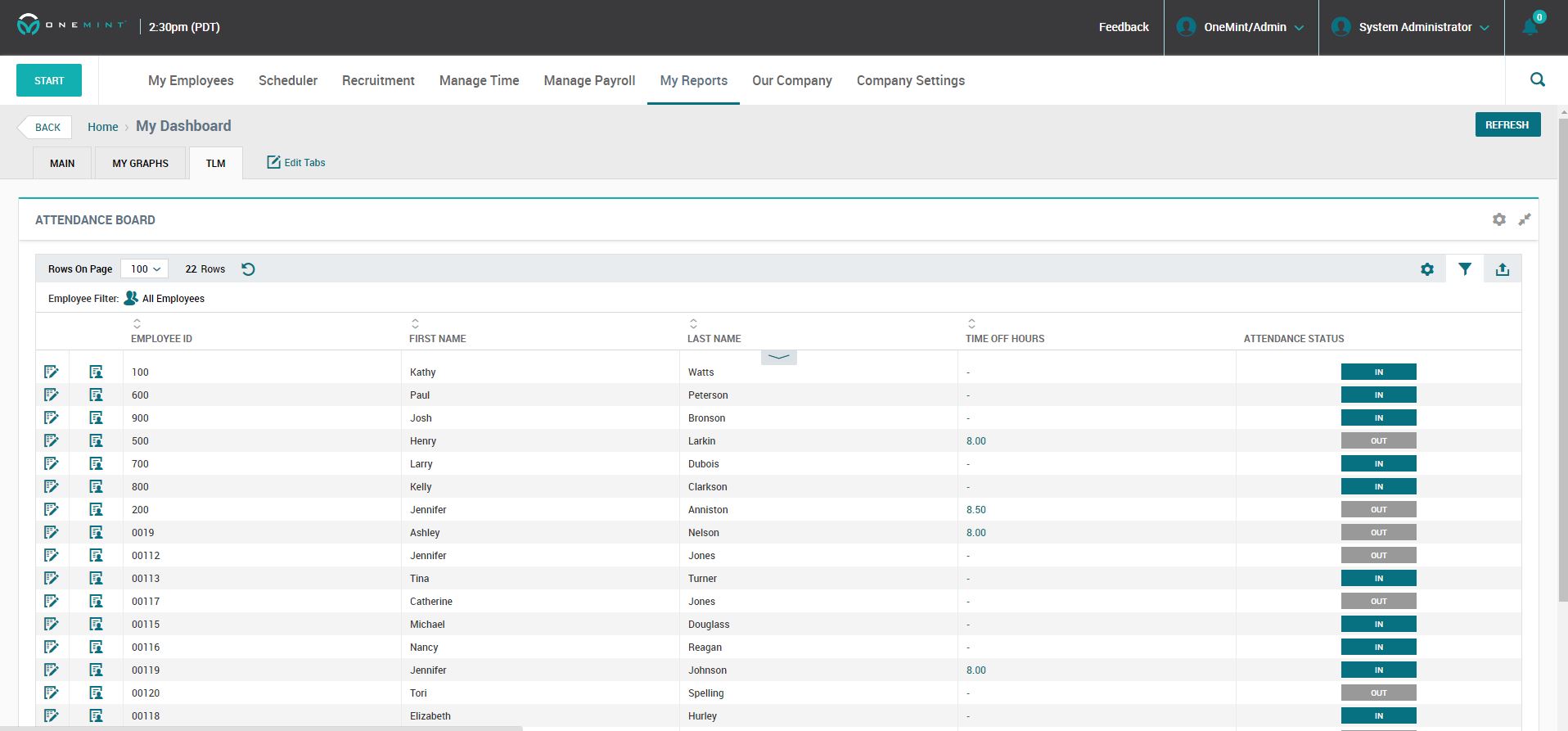  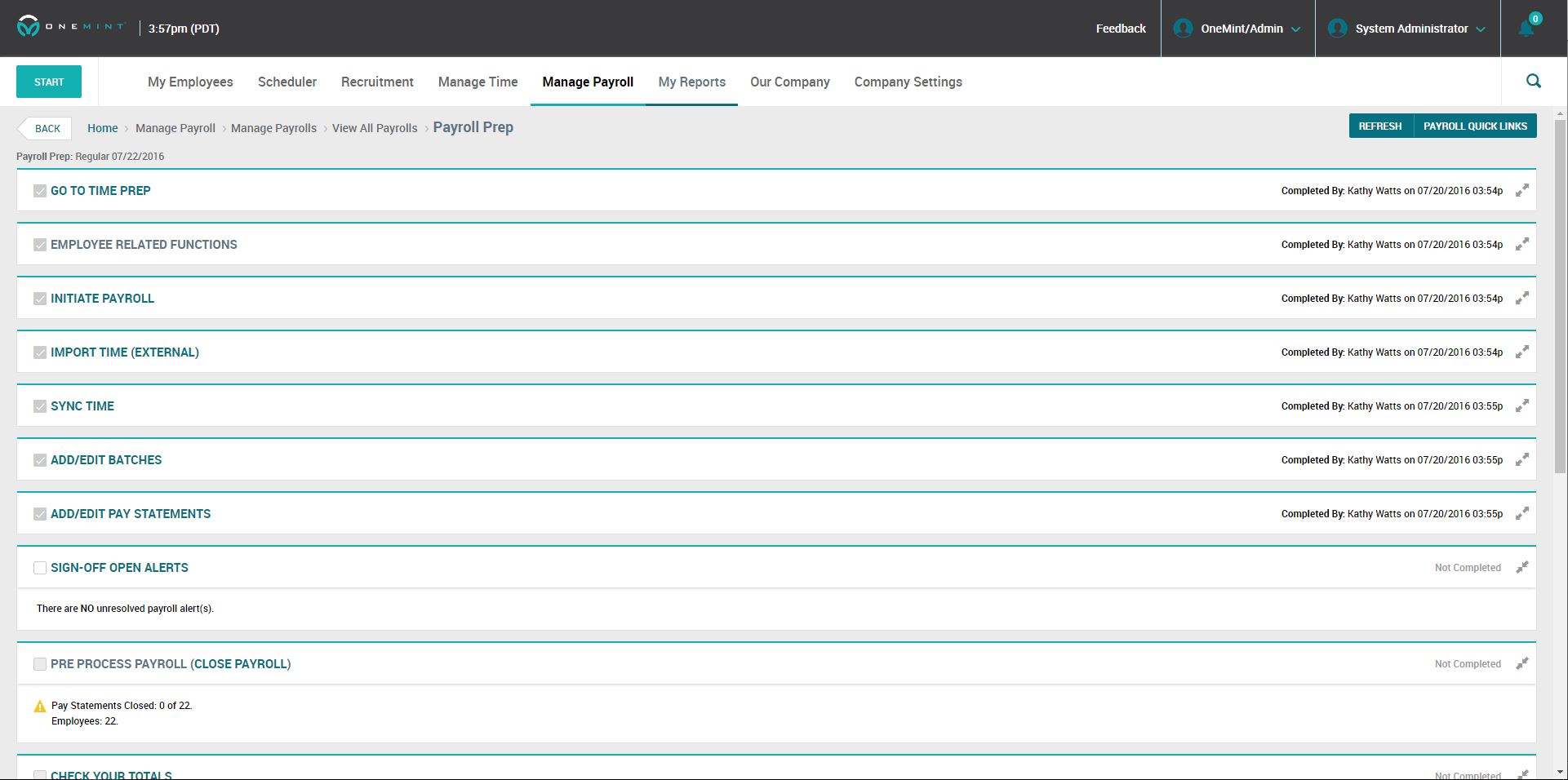  |


